
DSLR photo recovery starts with a question that has nothing to do with software: how many copies did your camera write, and where are they? A Canon EOS R5, a Nikon Z8, a Sony a7 IV, and a Fujifilm X-T5 all store images in ways that look identical from the outside and behave very differently when something goes wrong. The body counts, the slot modes, the RAW+JPEG setting, and the UHS-II fallback behavior determine whether a lost frame exists on one card, on two cards, or nowhere.
This page covers the storage architecture shared across the main mirrorless and DSLR families, so that the failure you are looking at can be traced to a specific writing decision. Brand-specific error patterns and menus are handled in the individual brand pages linked below.
Why the slot layout sets your recovery window
The number of card slots is the single largest determinant of whether a data loss event matters. It is not a marker of camera quality; it is a marker of how many independent copies exist when the write happens.
A single-slot body writes each frame to one place. If that card is corrupted, pulled mid-write, or accidentally formatted, there is exactly one recoverable copy and the situation is urgent but not hopeless — the frame is typically still on the card until new shots overwrite it. A dual-slot body has a second chance built into the hardware, provided the second slot is configured to receive data at all.
The gap between these two situations is why the first question in any triage is “how many cards were in the camera.” Photographers who own dual-slot bodies are frequently surprised by the answer, because default configurations vary and a slot that is installed but not enabled is functionally absent.
Single slot: all your eggs, one controller
On single-slot bodies, the failure modes are the familiar ones. A card pulled while the access lamp was lit leaves an incomplete transaction. An in-camera format removes the index. A card dropped in a bag with a bent contact stops being detected. None of these destroy the image data immediately.
What makes single-slot work risky is not the slot count itself but behavior that follows from it. When every frame lives on one card, the card tends to be larger, used longer, and cleaned up in the field rather than at a workstation — three habits that increase both the probability of an interruption and the amount of work at risk when one occurs. If the card is still detected after an incident, recovering photos after an in-camera format is usually a routine operation, because an in-camera format is a metadata rewrite rather than an erase.
Dual slots: the four modes and what each leaves on the second card
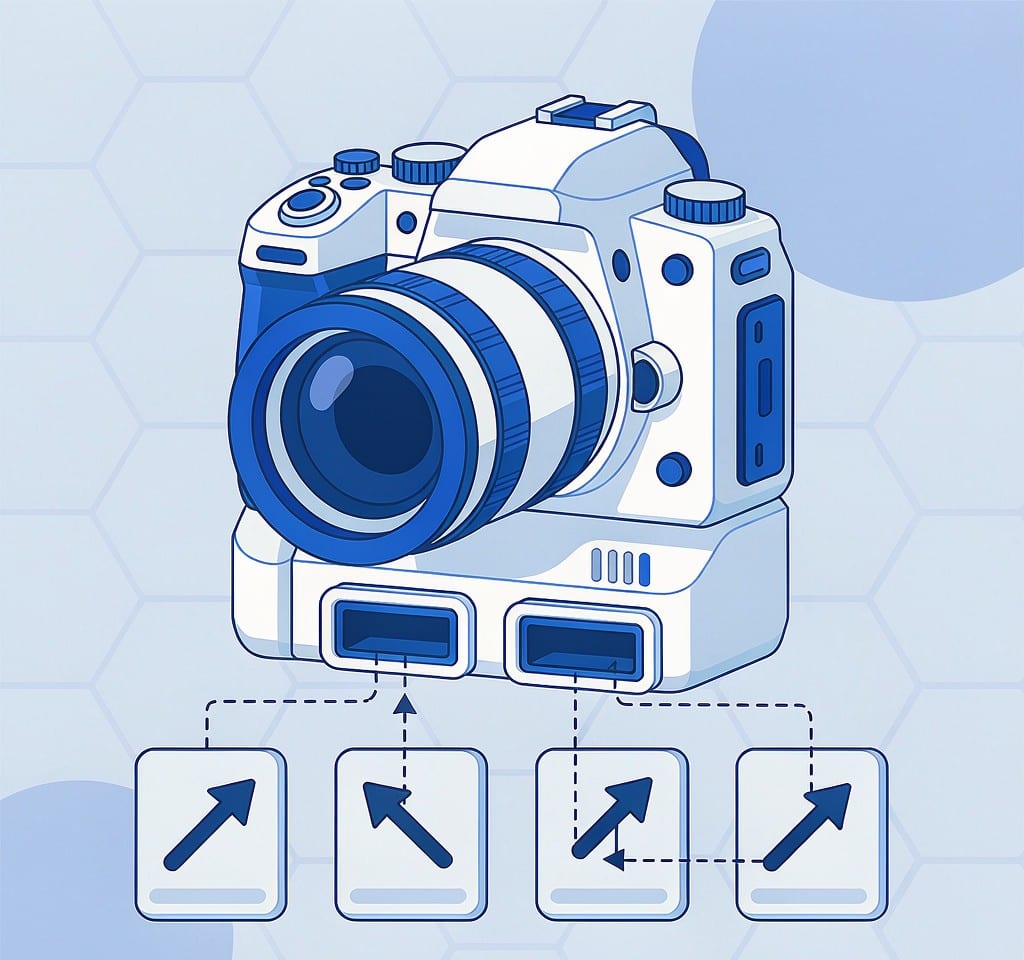
Dual-slot cameras offer several recording modes, and they are not interchangeable. The mode determines what is on the second card at the moment something goes wrong, which is the only thing that matters afterward.
| Slot mode | What lands on card 1 | What lands on card 2 | Recovery implication |
|---|---|---|---|
| Standard / single | Everything | Nothing | Only one copy exists; the second card is irrelevant |
| Backup (mirror) | Everything | An identical copy of everything | Two independent copies; loss requires both to be damaged |
| Overflow | Everything until full | New files once card 1 fills | Card 2 holds only the earliest or latest part of the shoot, depending on order |
| RAW + JPEG split | RAW files | JPEG files | High-quality and preview versions of the same frame land on different cards |
| Separate (photos / video, or stills to both) | Photos | Video | A loss on one card leaves the other media type intact |
Two of those rows cause most of the confusion in the field.
Overflow is not backup. In overflow mode the second card stays untouched until the first is full, so a shoot that never filled card 1 leaves card 2 empty. After an incident, photographers reach for the second card expecting a duplicate and find nothing. If a body is set to overflow for capacity reasons, the second card is a spare rather than a copy.
A slow card in slot 2 caps the whole camera. In backup mode the buffer cannot be released until both writes complete, so the sustained rate is limited by the slower of the two cards. Pairing a fast UHS-II card with an older UHS-I card is a common configuration that quietly reduces burst depth and delays the moment the camera is ready again. The mechanics behind those ratings are covered in the explanation of memory card speed classes, and the mode configuration itself is walked through in the guide to dual card slot camera settings.
RAW+JPEG dual write: two files, two different fates
Setting a body to record RAW and JPEG simultaneously is usually described as a convenience feature, but from a storage perspective it means every shutter press produces two files, written to one card or split across two, depending on the mode.
Three consequences follow, and each matters after a loss.
The two files are independent on the medium. The RAW and its JPEG are separate directory entries occupying separate cluster chains. A partial overwrite, a fragmented write, or a corrupted directory record can destroy one and leave the other intact, so a card that appears to have lost a frame may still hold the partner file. When triaging a card, always list file counts by extension rather than by name — a mismatch between raw and JPEG counts tells you which of the two was hit.
The JPEG is smaller and therefore survives more often. Because a JPEG occupies less space and tends to be written as a contiguous block, it is more likely to be fully recoverable after a fragmentation-inducing failure. That is often enough for evaluation purposes even when the grading work needs the RAW.
Every RAW file contains a full-size JPEG preview inside it. This is the detail that rescues work when a RAW file will not open in an editor. The embedded preview is a complete, viewable rendering of the frame, and it can be extracted without a compatible RAW decoder. The difference between the two file types is covered more broadly in RAW versus JPEG versus HEIF, and the extraction procedure is documented in the guide to pulling the JPEG out of a RAW file.
UHS-II cards and the fallback problem nobody tests
UHS-II cards carry a second row of contacts, and their advertised read and write rates apply only when both rows are used. Put a UHS-II card in a UHS-I slot and it works perfectly — at UHS-I speeds. Nothing warns you; the camera simply reports the lower negotiated rate.
That fallback is not a fault, but it produces a real failure pattern. Photographers buy a V90 card for burst depth, mount it in an older body or a second slot, and then experience buffer stalls on long bursts. The card is not defective and the camera is not defective; the combination cannot deliver the rated rate. Where this turns into data loss is at the end of a burst, when the camera is still flushing the buffer and the card is removed because the write indicator was not noticed.
There is a second compatibility wrinkle on newer bodies. Some cameras require UHS-II cards above a certain speed grade to be formatted in-camera before first use, and a card formatted elsewhere may mount but fail partway through the first long write. If a brand-new card behaves inconsistently in exactly one body, format it in that body and retest before concluding the card is bad.
For body-specific behaviors — including the low-level format option some pro bodies offer, which is genuinely destructive unlike a standard quick format — the relevant pages are the ones on Canon camera recovery and Sony camera recovery.
RAW variants differ, and that changes what a scan finds

The four major systems do not store RAW data in the same container, and this affects both recovery and repair.
| System | Typical RAW container | Structural note for recovery |
|---|---|---|
| Canon (CR3) | ISO base media file format container | Behaves like a video-style box structure; the embedded preview is easy to locate |
| Nikon (NEF) | TIFF-based container | Clear offset tables; partially damaged files often retain their preview |
| Sony (ARW) | TIFF-based container with proprietary compression | Compression makes partial recovery less predictable than uncompressed formats |
| Fujifilm (RAF) | Custom structure with an embedded JPEG | The embedded JPEG is stored early and survives damage to the RAW header |
The practical rule: a damaged RAW whose container header is intact but whose compressed payload is incomplete usually still yields a viewable preview, while a RAW whose header is destroyed may be recoverable only by scanning for its embedded preview signature. The per-brand differences are laid out in the reference on RAW file formats by brand, and the recovery workflow for these formats is described in the guide to RAW photo recovery.
One setting is worth checking before any of this matters. Cameras that offer compressed, lossless-compressed, and uncompressed RAW produce files with the same extension and different internal structures. Knowing which one your body was set to tells you how much of a partially damaged file is likely to be reconstructable.
What recovery looks like on a card from one of these bodies
The workflow does not differ by brand. Remove the card, stop using it, and copy it as a disk image before any attempt. If the image scans cleanly, work from the image; if it does not, the card itself is failing and further reads carry a real risk of losing access entirely.
If you are on Windows and the card is still detected by a computer, a purpose-built recovery tool such as XRecovery (xappset.com) can scan SD, microSD, and other memory cards for deleted or formatted photos and videos. As with any recovery tool, stop writing to the card first and always save recovered files to a different drive.
On dual-slot bodies, remember to scan both cards. A frame that cannot be recovered from slot 1 is frequently intact on slot 2, and the reverse is also true: the card you assumed was empty because it was in overflow mode may hold the entire first half of the shoot.
Frequently Asked Questions
Does dual card slot backup make data loss impossible?
No, but it makes it much less likely. Backup mode writes two independent copies, so a failure has to affect both cards. The mode is only protective when it is actually enabled and both cards are healthy; a failed card in slot 2 can leave you with one copy and no warning.
My camera has two slots but the second card was empty after a shoot. Why?
The body was set to overflow rather than backup. In overflow mode the second card is written only after the first fills, so a shoot that fit on card 1 never touches card 2. Check the recording mode in the menu before relying on a second card.
Can I recover a RAW file that will not open?
Often yes, at least partially. If the container header survived, the embedded full-size JPEG preview can usually be extracted and is fully viewable. If the header is destroyed, the file may still be found by scanning for the preview’s signature, which recovers a viewable image without the RAW editing latitude.
Why did my UHS-II card slow down in a dual-slot camera?
In backup mode the camera waits for both writes, so throughput is limited by the slower card. If slot 2 holds a UHS-I card, that card sets the ceiling regardless of how fast the card in slot 1 is.