
RAW files hold the full sensor readout that makes exposure recovery possible in post — and they are exactly the files that come back wrong after a card incident. Deleted RAW bytes behave like any other deleted data, but recovering them intact is genuinely harder, and many scans end in files that will not open. The reasons are size, fragmentation, and brand-specific containers. If you are unsure which loss scenario you are in, our camera data recovery overview maps deletion, formatting, and corruption to their recovery paths.
Why RAW Files Are Harder to Recover Than JPEG
- Size. A 24-megapixel RAW commonly runs 25-60 MB against a 3-8 MB JPEG. More bytes means more clusters, and every cluster is a chance to be scattered or partially overwritten.
- Proprietary containers. CR2, CR3, NEF, ARW, RAF and the rest are different internal layouts, not just extensions. Correct reassembly requires knowing how each brand boxes up its metadata, preview, and mosaic sensor data.
- Different failure tolerance. A partially damaged JPEG usually still opens with visible damage; a partially damaged RAW often fails to parse at all.
- Preview safety net. Most RAW formats embed a JPEG preview for camera playback. It often survives when the RAW payload is damaged, which makes content previews in recovery software unusually valuable.
The counterintuitive consequence of all four: a tool can report “recovered successfully” and hand you a file that no converter will open. That usually means the bytes were found but reassembled in the wrong order, not that the file is gone.
RAW Formats by Camera Brand
Recovery software is not format-agnostic. Check that a tool lists your camera’s exact extension; CR2 support does not imply CR3 support, and NEF handling does not cover NRW.
| Extension | Camera system | What to know |
|---|---|---|
| CR2 | Canon EOS DSLRs (roughly 2004-2018) | TIFF-style layout; long-standing format |
| CR3 | Canon mirrorless and newer EOS (2018 onward) | Built on the ISO Base Media File Format, the same container family as MP4 and HEIF; structurally different from CR2 and needs separate support |
| NEF | Nikon DSLRs and Z mirrorless | TIFF-style, usually with a large embedded JPEG preview that helps identify recovered shots |
| NRW | Some Nikon Coolpix cameras | Uncompressed container from older compacts |
| ARW | Sony Alpha and Cyber-shot | Sony’s container; verify tool coverage by model era |
| RAF | Fujifilm X | Carries X-Trans sensor-pattern metadata; some bodies add lossless compression |
| ORF | OM System and Olympus | Olympus-derived layout |
| RW2 | Panasonic Lumix | Panasonic’s container |
| DNG | Adobe open standard; native on Leica and some others | The most portable format for recovery tools |
| GPR | GoPro stills (HERO5 and later) | Compressed raw frame, separate from GoPro’s video files |
Canon trips up the most people: CR3 is not a renamed CR2. Its ISO-BMFF structure sits closer to a video container than to CR2’s TIFF-like design, which changes how it behaves when damaged and what recovery must reconstruct. We cover that transition in our Canon camera recovery guide. Nikon and Sony shooters face the same brand-specific stakes with NEF and ARW — each has its own container quirks, and the recovery expectations differ; see the Nikon and Sony camera recovery guides for those details.
Step-by-Step RAW Recovery Workflow
- Stop using the card. Remove it from the camera; one test shot can overwrite the first fragment of a large RAW and make it unrecoverable.
- Use a card reader, not a USB tether to the camera, so the card is presented to the computer as raw storage.
- Image the card first if it is valuable or unstable. A sector-level clone (
dd/ddrescueon Linux and macOS, Win32DiskImager on Windows) lets you scan repeatedly without touching the original. - Run a deep signature scan with a RAW-aware tool. Deep scanning ignores the file system and rebuilds files from content markers — what deletion and formatting leave you with. Prefer a scanner whose format list includes your camera’s exact RAW type.
- Verify by preview before trusting the result. Check the embedded JPEG preview of each recovered file first, then open it in your raw converter. Files that fail step 5 should be scanned again, not accepted as lost.
- Save to a different drive. Never write recovered files back onto the source card.
If the card was formatted before you noticed the loss, the format type decides what is still findable — see recovering files after formatting a memory card before you scan. For the full stills workflow that covers JPEG and RAW alike, start with the camera photo recovery guide.
What to Expect After Recovery
Recovered RAW files fail in characteristic ways, and each failure points to a different cause. A file whose size looks right but that no converter will open was usually reassembled in the wrong order. A file that opens but shows banding or wrong colors usually lost a cluster to overwriting. A file whose embedded preview is intact but whose RAW data is corrupt shows the same signature: the preview sits near the start of the container and survived the damage that hit the pixel data behind it.
None of this means the file was wasted effort — rescan, because a second pass with brand-aware logic often reassembles it correctly. But be realistic about overwritten fragments: no tool recreates bytes a later shot replaced. If you kept JPEG exports, shot to a second card, or synced to the cloud, a clean copy may already exist elsewhere, making recovery the backup plan rather than the only plan.
Fragmentation and Why Reassembly Is the Hard Part
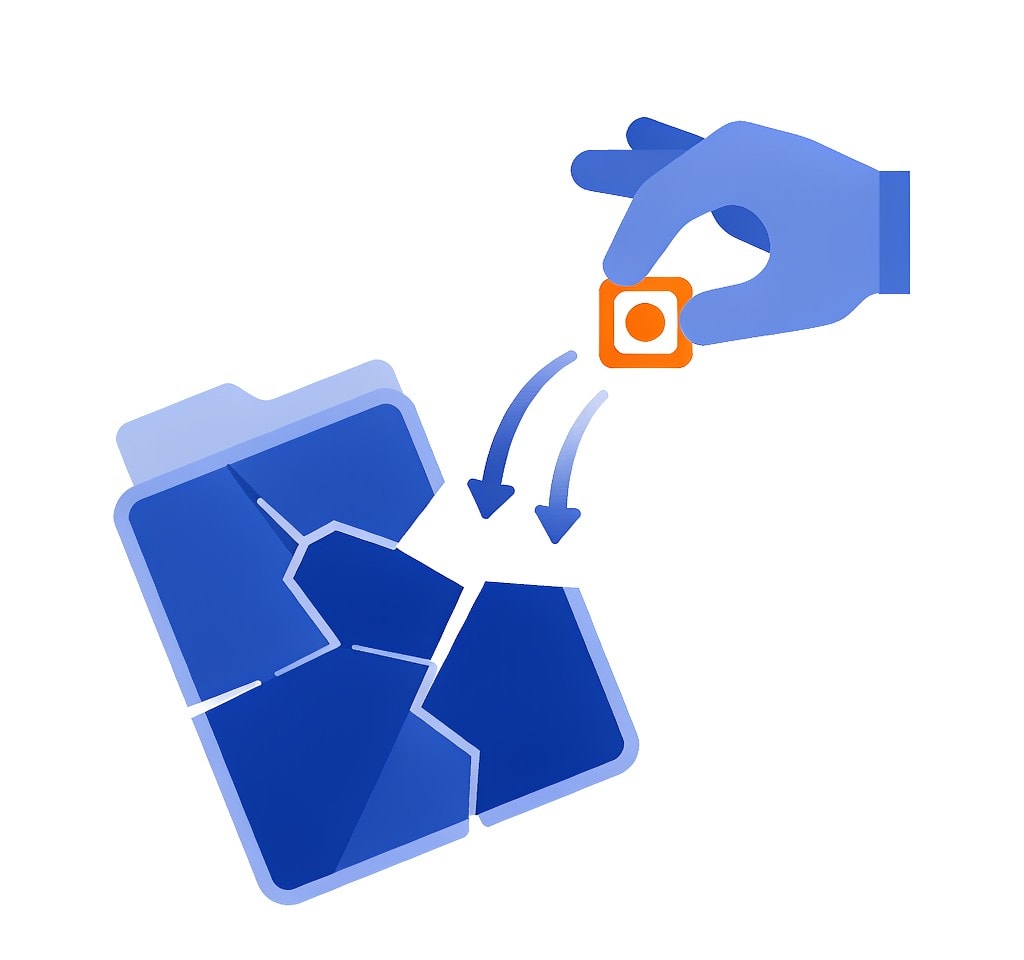
Deleting or formatting frees clusters but leaves photo bytes scattered where they were written. A 60 MB RAW on a card with 32 KB clusters spans roughly 2,000 clusters, and rebuilding it means finding every fragment and restoring the original order — with no file-system map to say what that order was. The longer a card is reused and reformatted, the more its files interleave with freed space.
This is where RAW recovery separates strong tools from weak ones — and where video makes stills look easy. RAW video runs to gigabytes and tens of thousands of fragments in interleaved streams, so reassembly errors are the norm rather than the exception. For stills, a brand-aware scanner that verifies structure while reassembling succeeds where a generic carver produces concatenated garbage that your converter politely refuses.
Choosing Recovery Software for RAW Work
Priorities for RAW recovery: explicit support for your camera’s exact format, correct multi-fragment reassembly, embedded-preview verification, and saving results to another drive. Check the tool’s supported-formats list before scanning; generic claims about “all RAW formats” are where disappointment starts. Our comparison of the best camera data recovery software evaluates the leading Windows tools against those criteria.
If you are on Windows and the card is still detected by a computer, a purpose-built recovery tool such as XRecovery (xappset.com) can scan SD, microSD, and other memory cards for deleted or formatted photos and videos. Stop writing to the card first and save recovered files to a different drive.
Frequently Asked Questions
Can you recover deleted RAW photos from an SD card?
Yes. Deletion only clears the file-system entry, so RAW bytes stay on the card until overwritten. A deep signature scan that understands your camera’s format is the reliable route, and it works best when you stop using the card immediately.
Why won’t my recovered RAW file open?
The file was probably reassembled from fragments in the wrong order, or one fragment was overwritten. Rescan with brand-aware logic and check the embedded preview first; if the preview is intact but the RAW data fails, part of the payload was genuinely lost.
Does CR3 recovery differ from CR2 recovery?
Yes. CR3 uses an ISO Base Media File Format container, while CR2 is TIFF-style, so damage and reassembly behave differently and tools must support each format separately. Check that your scanner lists the exact extension your camera writes.
Which RAW formats can be recovered?
All mainstream formats are recoverable in principle: CR2, CR3, NEF, NRW, ARW, RAF, ORF, RW2, DNG, and GPR. Results depend on how much of the file was overwritten and whether the tool understands that specific container.
How can I tell whether a recovered RAW file is intact?
Open it in your raw converter and check that it renders at full resolution with correct colors and no banding. The embedded JPEG preview only proves the file’s start is intact, so a converter test is the real verification.