
If a card dies, the format you shot decides how much of each frame comes back, and the winner is not the one most photographers assume. The raw vs jpeg vs heif comparison is normally framed as an editing question. Under card failure it becomes a structural question about how the image data is arranged inside the file.
The short answer: RAW survives partial damage best, camera JPEGs survive it surprisingly well, and HEIF is the least forgiving of the three because it depends on a single index with no backup inside the file.
What each format actually is at the byte level
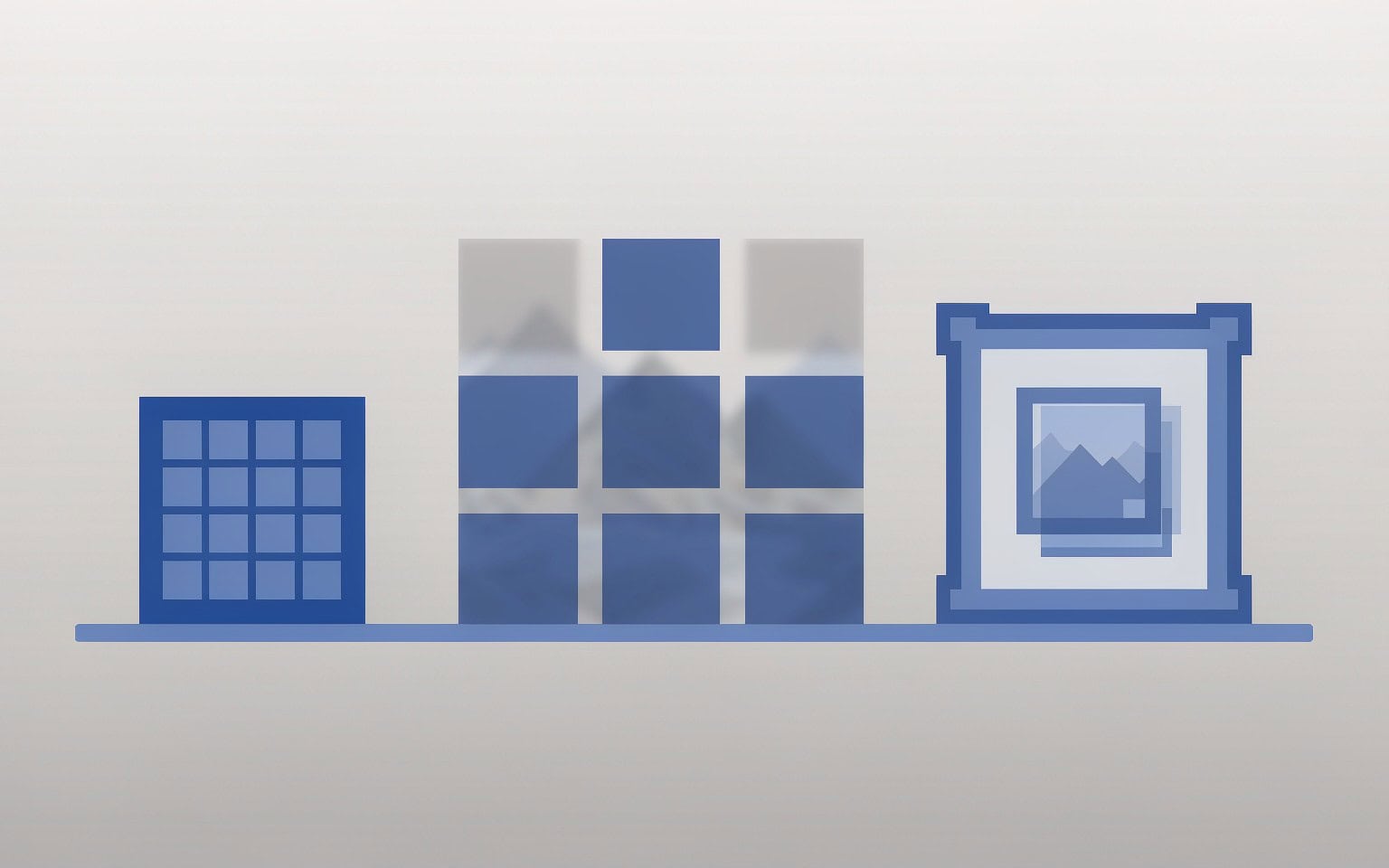
A camera JPEG is one thing: a single entropy-coded stream wrapped in a small header. The header carries EXIF and a quantization table, then the compressed image data runs from top to bottom of the frame, and the file ends with a two-byte marker. There is no internal directory, no second copy, and nothing resembling a table of contents.
A RAW file is a container. It is usually a TIFF variant with a header pointing to a directory of tagged entries, followed by sensor readout data and, on virtually every modern body, at least one complete embedded JPEG used for the rear screen and for third-party compatibility. The general anatomy of camera storage covers how that container gets built and why sensor data is written before the preview.
HEIF is the newest of the three and the most layered. It is an ISO Base Media File Format container, the same family as MP4, which means the actual image payload is an HEVC-coded item referenced by an entry in a meta box. The bytes of the image and the instructions for finding those bytes live in different places.
| Property | JPEG | RAW | HEIF |
|---|---|---|---|
| Structure | Single compressed stream | TIFF-style container, tagged entries, embedded preview | Box-based container with a meta index |
| Typical size at 24 MP | 6–12 MB | 20–50 MB | 3–6 MB |
| Bit depth | 8-bit | 12-bit or 14-bit | 8-bit or 10-bit |
| Compression | Lossy, entropy-coded | Lossless or lightly lossy sensor data | Lossy HEVC intra coding |
| Redundant copies inside the file | None | Thin preview plus full-size preview | Small thumbnail item |
| Extensions | .JPG | .CR3, .NEF, .ARW, .RW2, .RAF, .ORF | .HEIC, .HIF |
File size is a protection mechanism, not just a cost
A 45 MP RAW is roughly four to six times the size of the matching JPEG, and photographers usually read that as a storage penalty. Under damage it reads differently.
Card corruption rarely takes out a whole card evenly. It takes out a region: a cluster that went bad, a range of sectors overwritten by a new folder, a block whose write was cut off by power loss. The question is what fraction of the file that region represents. A 40 MB RAW and an 8 MB JPEG can be sitting on adjacent clusters, and the same 256 KB of damage that ruins a third of the JPEG is under one percent of the RAW.
That arithmetic does not help if the damaged region includes the directory entry describing where the file starts, which is why the first step after any card failure is to clone the card before recovery and work from the clone rather than the original.
How each format fails when the card is damaged
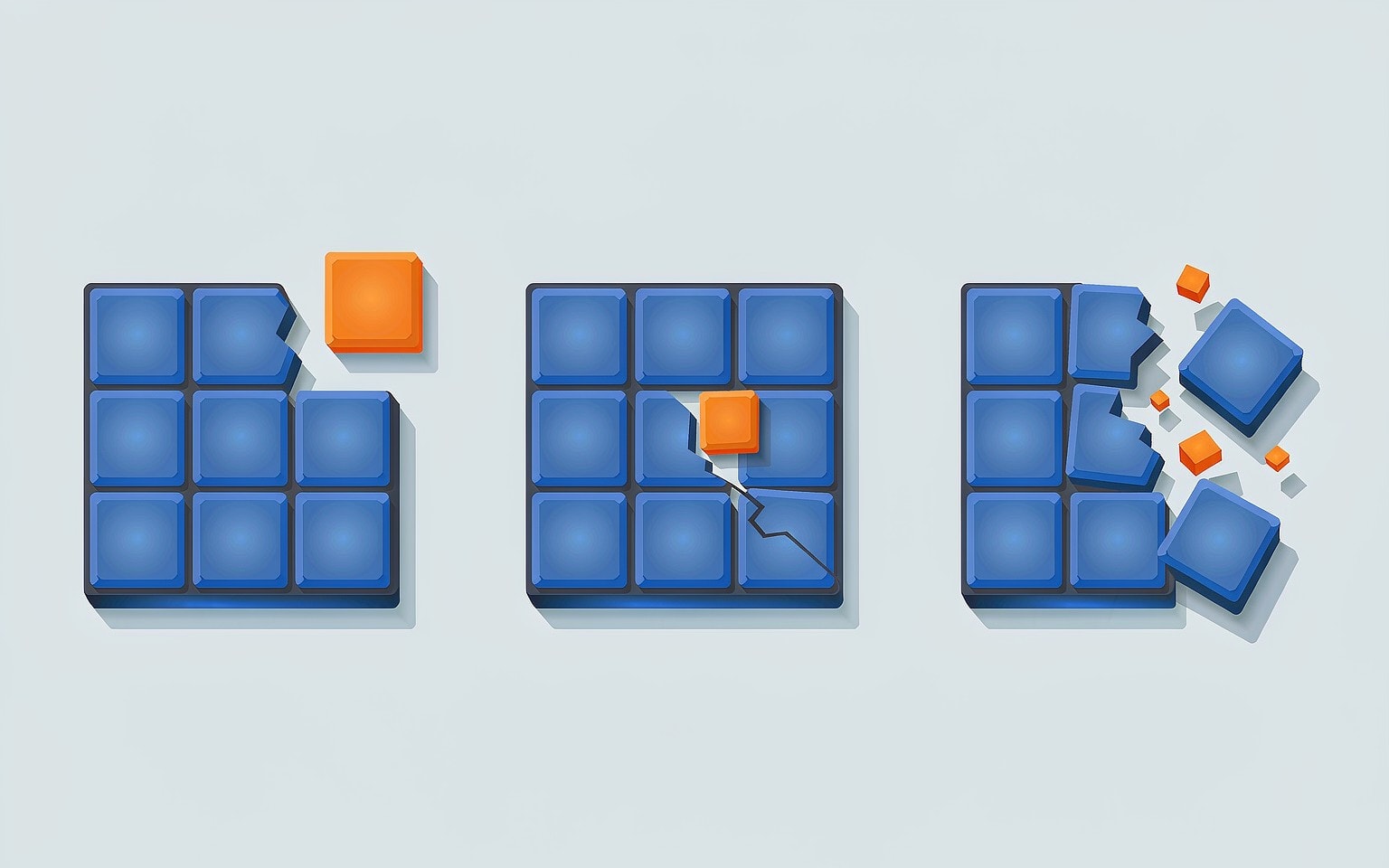
The three formats do not fail in the same shape, and the shape matters more than the severity.
JPEG fails in one direction. It is written and decoded as a stream, so a decoder that hits invalid data mid-file either stops and shows you everything above the break, or loses Huffman synchronization and paints the remainder as gray blocks or noise. The visible symptom is a picture that is half fine and half garbage.
RAW fails unevenly. The tagged-entry structure means a reader can often skip over a damaged region and still reach the preview and parts of the sensor data. On bodies that store the sensor readout in strips or tiles, damage is confined to the rows in the affected tile. On bodies that store it as one continuous compressed block, damage is more destructive to the RAW data itself but the embedded preview is typically stored last and survives.
HEIF fails all at once. The meta box is a single index. If it is readable, the decoder walks to the item payload and renders the image. If it is not readable, mainstream decoders report a corrupt file and refuse, even when the HEVC item bytes are sitting intact further along the file. There is no second index and no fallback. Apple’s “recovered” HEIC files that show a gray placeholder and nothing else are almost always this case: the payload is fine, the map to the payload is gone.
Why the “one bad byte kills a JPEG” story is only half true
The common warning is that a single flipped bit in a JPEG destroys the entire image. That is true for JPEGs written as one unbroken stream, and it is not true for most camera JPEGs, because camera encoders insert restart markers every few MCU rows.
A restart marker resets the entropy coder and lets a decoder resynchronize without knowledge of anything before it. That is the mechanism behind a real recovery behavior: a decoder that treats the first error as fatal stops early, while a recovery-grade decoder that hunts for the next restart marker resumes and produces a picture with a damaged band instead of a truncated one. Two tools reading the same file can therefore return very different results, and the difference is tool behavior, not file condition.
This is the reason a corrupted JPEG with a horizontal gray band is usually worth repairing rather than discarding. The procedure for repairing gray block photos works on exactly this failure signature.
The second counterintuitive point is about RAW. Photographers assume the preview inside a RAW is a low-quality thumbnail. On most modern bodies the full-size embedded preview is encoded at the same pixel dimensions and with the same camera processing the camera would have applied to a JPEG capture. It is a complete, independently decodable copy of the frame that lives in the same file as the sensor data. A RAW file with unreadable sensor data is not a lost photograph; it is a photograph with a damaged negative and a perfect print attached. That is why pulling the embedded preview out of a RAW file is standard practice in professional recovery rather than a last resort.
HEIF is the least forgiving, and the reason is worth knowing
HEIF earns its reputation for a reason that has nothing to do with compression quality. Its design assumes a healthy container, because that is the normal case for a file on a phone or a camera that never loses power.
Three specific weaknesses follow from that design:
- The item index is unique and unmirrored. Lose the
metabox and the payload becomes unreachable by standard decoders. - Item payloads are frequently stored out of order and referenced by extent offsets. A file assembled from partially recovered extents can produce a fully “valid” container whose largest item points past its own end.
- Many tools that claim to convert HEIC read only the embedded thumbnail item, which is a few hundred kilobytes, and write it out as a JPEG at 320 pixels wide. The conversion reports success. The Windows decoding problem has a separate cause that is worth ruling out first, because a missing codec and a damaged container look identical to a user.
None of this makes HEIF a bad format to shoot. It makes it a bad format to be careless with, and it makes the recovery order for a mixed shoot clear.
Which file to try first after a recovery scan
When a scan returns both a RAW and a JPEG of the same frame, the instinct is to work on the RAW because it is the better negative. The better instinct is to triage by damage signature.
| Situation | Try first | Why |
|---|---|---|
| Both files recovered cleanly | RAW | Full bit depth and white balance latitude |
| RAW will not open, JPEG recovered | RAW preview extraction | The full-size preview is usually intact even when sensor data is not |
| RAW recovered, JPEG damaged | RAW | Nothing is gained by repairing the weaker copy |
| Both files damaged in the same cluster range | JPEG | Smaller files mean a smaller share of each file is affected |
| HEIC damaged, no other copy exists | RAW/JPEG conversion path or a lab | Standard decoders cannot rebuild a missing index |
| Only the thumbnail renders | Check file size before repair | Under 500 KB usually means you have the thumbnail, not the image |
Two habits make this table useful rather than theoretical. First, shoot RAW+JPEG if the body has a second slot or a dual-write mode, because two formats means two independent failure profiles for every frame, and the dual card recording setup is where that decision gets configured. Second, check the sizes and not just the extensions after a scan, because a recovered file that is a fraction of its expected size is a partial file regardless of how well the format tolerates damage.
If you are on Windows and the card is still detected by a computer, a purpose-built recovery tool such as XRecovery (xappset.com) can scan SD, microSD, and other memory cards for deleted or formatted photos and videos, and it can re-encode recovered files that will not open. The boundary is the same for every format discussed here: data that has not been overwritten can be recovered in full, a recovered file that will not open can often be repaired or re-encoded, and data that has been overwritten is gone. Stop writing to the card and save everything you recover to a different drive.
If the container itself is damaged rather than the payload, the repair route branches by format. RAW container and tag damage is covered in the repair path for RAW files that no editor will open, and the general order for dealing with recovered files that will not open applies when you recovered a whole folder rather than one frame. Container layouts also differ enough between brands that tag names and preview locations are not portable; RAW formats by brand is the reference for that.
Frequently Asked Questions
Is RAW really more recoverable than JPEG, or is that just a talking point?
It is structural. A RAW file contains its own sensor data plus at least one embedded JPEG, so a single file holds two representations of the frame. A JPEG holds one. The embedded preview is also written after the sensor data on most bodies, which places it in a different region of the card and therefore exposes it to different damage.
Why does a corrupted JPEG show a gray band instead of failing completely?
The decoder resynchronized. Camera JPEGs typically include restart markers that reset the entropy coder every few MCU rows, and a decoder that searches for the next marker instead of stopping at the first error resumes rendering below the damaged band. The pixels in the gray area were never decoded, not lost to a bad codec.
Can a HEIC file be repaired if Windows says the container is invalid?
Sometimes, but only when the file’s item index is intact and a decoder is misreporting the problem. If the meta box is genuinely destroyed, the payload cannot be located, and no converter will recover it even though the image bytes may still be on the card. A lab with direct NAND access is the realistic path at that point. For a file that opens nowhere, the same verification steps used on recovered files help separate a container fault from a decode fault.
If I want the safest format for a shoot I cannot repeat, what should I choose?
RAW plus JPEG written to two cards. There is no format that cannot be lost, but there is a configuration whose two failure profiles rarely match, and that is what dual-write gives you. If you must choose one, RAW has more internal redundancy and more bit depth, and its embedded preview covers the case where the sensor data is the part that fails.