
An external SSD combines the storage device with a cable, power path and often a USB bridge. First establish a stable, correctly sized readable source. Then decide whether to copy existing files or recover missing ones. USB connection alone does not prove that deleted data remains or that TRIM cannot reach the SSD.
Preserve the original setup information
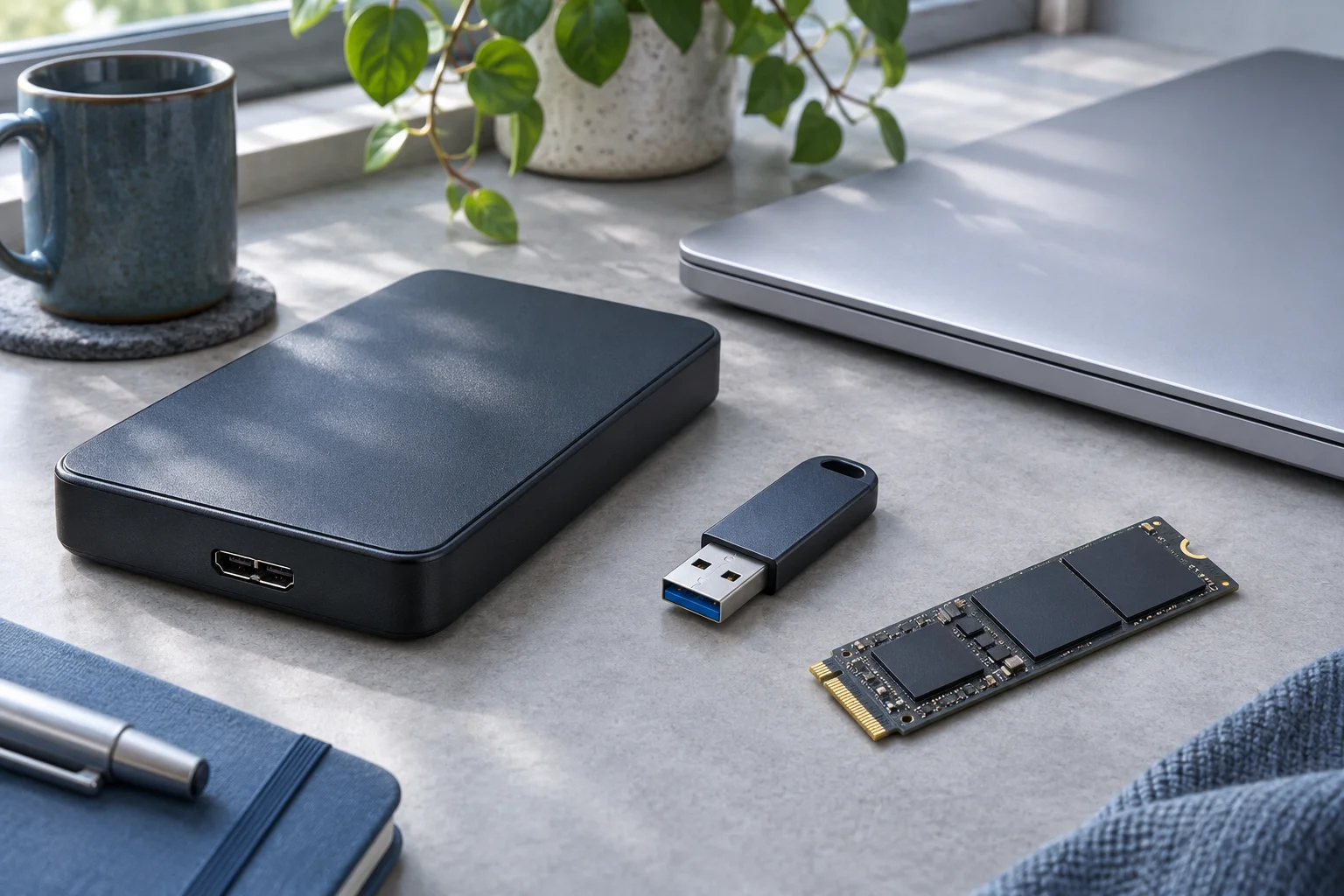
Record the external SSD model, cable, port and any enclosure or adapter model. Note whether the problem began after changing one of them. For a user-assembled enclosure, record the SSD’s actual interface as well as the enclosure’s advertised compatibility.
M.2 SATA and M.2 NVMe are different access routes; Kingston’s M.2 interface explanation illustrates why an enclosure needs explicit compatibility. Connector shape and a power light are not enough.
For a sealed proprietary external SSD, keep the original assembly intact. Do not dismantle it just to try an internal connection without understanding the device. If it is becoming inaccessible and unique files matter, assessment may be safer than trying several new bridges.
Identify what Windows can see
Use a compatible known-good data cable and direct port when there are no signs of damage or electrical failure. Change one part at a time and record what changes. Open Disk Management to look for the SSD’s credible capacity and its volume state.
An enclosure visible in Device Manager is not proof that the storage is readable. If the source is absent, zero-sized or repeatedly disconnects, stop the recovery scan path until access is resolved. If Windows requests initialization or formatting on a used disk, cancel it.
If a recognized healthy volume merely lacks a letter, assess the mount issue separately. If it opens and the files are present, copy them normally to another device and verify them. Do not create a new volume just to obtain a letter.
Do not make a USB-based TRIM assumption
The behavior depends on the operating system, protocol, bridge, firmware and device. Microsoft’s delete-notification documentation describes the host policy; it is not a test of every USB access path.
A USB connection alone cannot tell you whether deleted files remain or whether TRIM caused their loss. Changing bridges after the loss cannot restore bytes already made unavailable. Preserve the actual conditions rather than generalizing from another enclosure’s result.
Recover from a stable readable source
XRecovery supports SSD file recovery when the device is recognized and its underlying storage can be read. Select the affected volume or disk, search for the needed content and inspect supported previews. Keep the program and exported files off the source SSD.
Recover a representative priority set to a different physical device. Confirm that documents contain the wanted work, photos are full images and media plays beyond its beginning. Then export the remaining important folders, keeping candidate versions apart until validation resolves them.
If the operation fails while saving, check the destination’s free space, writable state and connection separately. If the source starts disconnecting or returning read errors, stop repeated scans and consider acquisition or professional assessment. A stable cable can restore access, but it cannot reverse deletion or erasure. Check the exported files to see what remains.