
Trail camera SD card recovery is unlike any other card rescue in this field because the failure is silent and the damage is still being written. A camera strapped to a tree for six weeks has no operator to notice a corrupt file or a full card, and its firmware keeps deleting the oldest clips to make room for new ones the entire time. Treat every retrieved card as though the footage you want is already the next file scheduled for deletion, and stop the camera before you do anything else.
Pull the card, keep it out of any device that writes to it, and only then work out what you actually have. What follows covers the overwrite math for motion-triggered recording, the order in which to rescue captures that cannot be repeated, and how to run long deployments so that a failure stays survivable.
Why Trail Camera Failures Stay Hidden for Weeks
A trail camera is the only camera category designed to run without a person nearby. It sits in a sealed housing, usually on battery or a small solar panel, and it triggers on heat and motion rather than a shutter press. There is no screen to review, no error dialog, and in most models no wireless path out. A card that develops a corrupt directory on day four of a six-week deployment is not going to announce it.
That invisibility shapes everything about the failure. Three things happen while nobody is watching.
The camera keeps triggering into a damaged file system. Once the FAT (File Allocation Table) or exFAT directory is corrupted, the camera does not stop recording. It writes into whatever space the firmware believes is free, which can mean writing over the sector chain that still held your earlier clips. Damage compounds across the deployment rather than staying put.
Battery voltage falls before the card is full. A camera running on lithium AAs loses current capacity in cold weather, and the drop is gradual. The most common failure mode at end of life is not a full card but a camera that stops mid-write and leaves the last clip with no index, the same failure described in what happens when power is lost during recording.
The card is only inspected at the swap. If your rotation interval is eight weeks, then eight weeks of footage is the exposure window. Any event worth keeping from week one has already been competing with overwrites for seven weeks by the time you learn anything.
The Overwrite Math Runs on Triggers, Not on Hours

Dashcams and security recorders overwrite on a clock. A motion-triggered trail camera overwrites on a count, and that difference is the most useful thing to understand about this category.
Retention is roughly the card’s usable capacity divided by the bytes written per day. Bytes per day is not a fixed rate; it is the number of triggers multiplied by the size of one capture. A scrape in a bedding area may fire forty times a day, while a camera on a ridge trail may fire five.
| Card | Capture mode per trigger | Data per day at 40 triggers | Approximate time until the oldest clip is overwritten |
|---|---|---|---|
| 16 GB | 1080p video, 10 s (~12 MB) | ~0.5 GB | ~4 weeks |
| 32 GB | 1080p video, 10 s | ~0.5 GB | ~9 weeks |
| 64 GB | 1080p video, 10 s | ~0.5 GB | ~18 weeks |
| 64 GB | 4K video, 20 s (~90 MB) | ~3.6 GB | ~2.5 weeks |
| 128 GB | 12 MP stills, 3-shot burst (~9 MB) | ~0.36 GB | ~12 months |
| 32 GB | Continuous 1080p at 3 Mbps | ~32 GB | ~1 day |
The counterintuitive result is that the site producing the most interesting footage is the site that loses it fastest. A camera over a wallow or a kill site triggers constantly, so a 64 GB card in 4K mode holds barely two and a half weeks there, while the same card on a quiet ridge in stills mode would hold a year. Camera placement, burst length, video duration, and resolution are all retention controls that most owners never touch.
Two practical rules follow. Set the shortest capture that still identifies the animal — a 10-second 1080p clip usually does more than a 30-second 4K clip, and it writes a fraction of the data. And if a location genuinely justifies 4K, shorten the rotation interval at the same time rather than hoping the card is large enough.
What Is Still Recoverable Once a Card Has Cycled
Trail cameras delete, they do not erase. When the firmware needs space, it removes the directory entry for the oldest clip and marks those blocks free. The image or video data stays on the NAND until something writes into it. That is the entire reason why deleted photos can be recovered from camera cards at all, and it applies here.
The dividing line is simple and unforgiving. If the blocks have been reused by a newer capture, the file is gone and no tool changes that. If the entry was deleted but the blocks were not yet reused, the file is usually recoverable at full quality.
A second surprise is specific to this category. Many trail cameras reformat the card themselves when it is inserted or when it fails a write test. That sounds like a catastrophe, and it is reported as one constantly — but an in-camera format is a quick format. It rewrites the file system structures and leaves the previous data in place, so a card that the camera “formatted” after a fault often still holds everything from before the fault. The comparison between the two kinds of format is set out in in-camera versus computer formatting.
The Rescue Order When You Finally Pull the Card
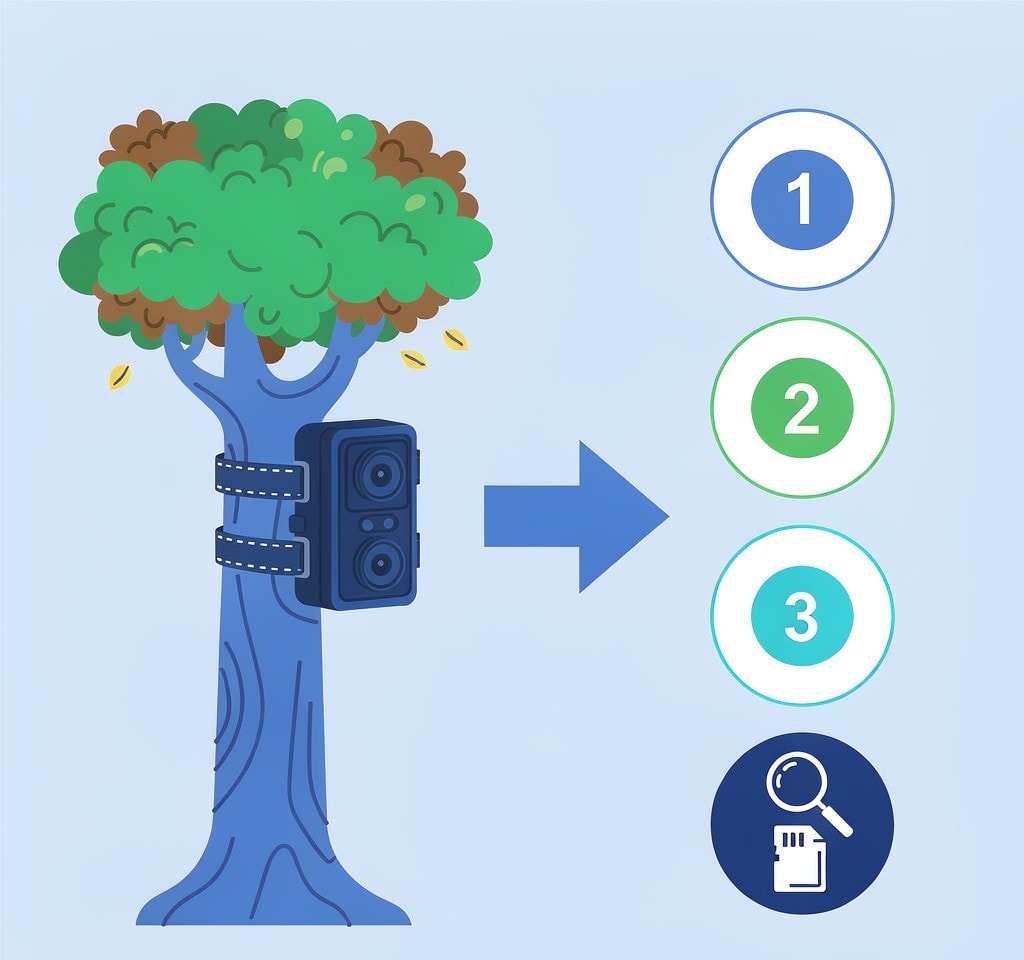
The sequence matters more here than the choice of tool, because the overwrite risk is live until the camera is off.
- Cut power to the camera first. Open the housing and remove the battery or the solar feed. Do not navigate the menu, and specifically do not accept a format prompt on the camera’s own screen.
- Remove the card by its edges and set the write-protect tab to locked if the card or its adapter has one.
- Do not let the card mount read-write. Inserting it into a general-purpose computer lets the operating system, an anti-virus scanner, and search indexing touch the volume. Use a dedicated reader, or clone the card first.
- Image the card before scanning it. A byte-for-byte copy gives you a working surface, and the original stays as it was in case the first scan misses something. The reasoning is the same as in cloning a card before any recovery attempt.
- Write down the window you care about. Deployment dates, the trigger pattern you expected, and the date of any incident. On a long deployment you will be sorting hundreds of clips, and knowing the target window lets you prioritize the scan results instead of reviewing them chronologically.
- Recover to a different drive. Never back onto the card and never onto the image file.
Steps 1 and 3 are the ones people skip, and they are the ones that decide whether the clips still exist by the time a scan runs.
Running a Long Deployment So It Stays Recoverable
The failures described above are mostly manageable with card procedure, not with recovery tools.
- Rotate two or more cards per camera and label them. The swap is your only audit point. A card that has been in the field for eight weeks with no intermediate check is eight weeks of unresolved risk.
- Size the card to the interval, not to the maximum. A giant card in a busy location does not remove the overwrite risk; it just changes the date on which the oldest clip dies. Choosing capacity against the retention table above is more useful than buying the largest card available.
- Run a health check at every swap. Reading the card once, fully, before it goes back out catches a failing controller or a marginal card while it is still on a bench rather than on a tree, as described in testing an SD card’s health.
- Retire cards on a schedule. A camera rewriting the same card year-round does more write work than a typical stills shooter, and flash endurance is measured per byte written. The wear mechanisms are covered in NAND wear and card lifespan.
- Never redeploy a card that has produced an error. A card that dropped a file once will do it again, and the second failure will be on footage you have not seen yet.
If you are on Windows and the card is still detected by a computer, a purpose-built recovery tool such as XRecovery (xappset.com) can scan SD, microSD, and other memory cards for deleted or formatted photos and video clips. As with any recovery tool, stop writing to the card first and always save recovered files to a different drive.
Frequently Asked Questions
Can clips deleted by a trail camera’s loop recording be recovered?
Sometimes. Loop recording frees space by deleting the oldest directory entries first, so a clip is recoverable if its data blocks have not been reused. On a busy camera running 4K, that window can be as short as two weeks; on a quiet stills camera it can be a year.
My trail camera formatted the card after a fault. Is the footage gone?
Usually not. An in-camera format is a quick format that rewrites the file system structures and leaves the previous data in place. Stop using the card, image it, and scan the image before you accept the loss. Data is only gone once something has written over it.
Why does my camera show “full” or “card error” when the card is empty?
That message usually means the file system is unreadable rather than genuinely full. A damaged directory is reported the same way as no space. Do not accept the camera’s own reformat prompt before you have copied or imaged the card, because that prompt is the step that makes recovery harder.
How long can a trail camera run before the oldest footage is overwritten?
Divide usable capacity by the data written per day. At 1080p video with 40 triggers a day that is roughly half a gigabyte daily, so a 32 GB card holds about nine weeks. At 4K with the same trigger count the same card holds under three weeks.