
Cards almost never die the way people describe them. SD card lifespan is not a countdown to one failure event; it is a curve, and the card that “suddenly stopped working” last week was already unreliable for months. The first symptoms are quiet: one clip that refuses to play, one photo that opens with a gray band, a folder that takes a second longer than it used to.
The rule to carry: once a card has produced its second unexplained unreadable file, it is already past the point where it should hold anything irreplaceable. No test result changes that, because the tests available to consumers are not sensitive enough to catch a card that is one bad week from failing.
Why Cards Fail Gradually, Not Suddenly
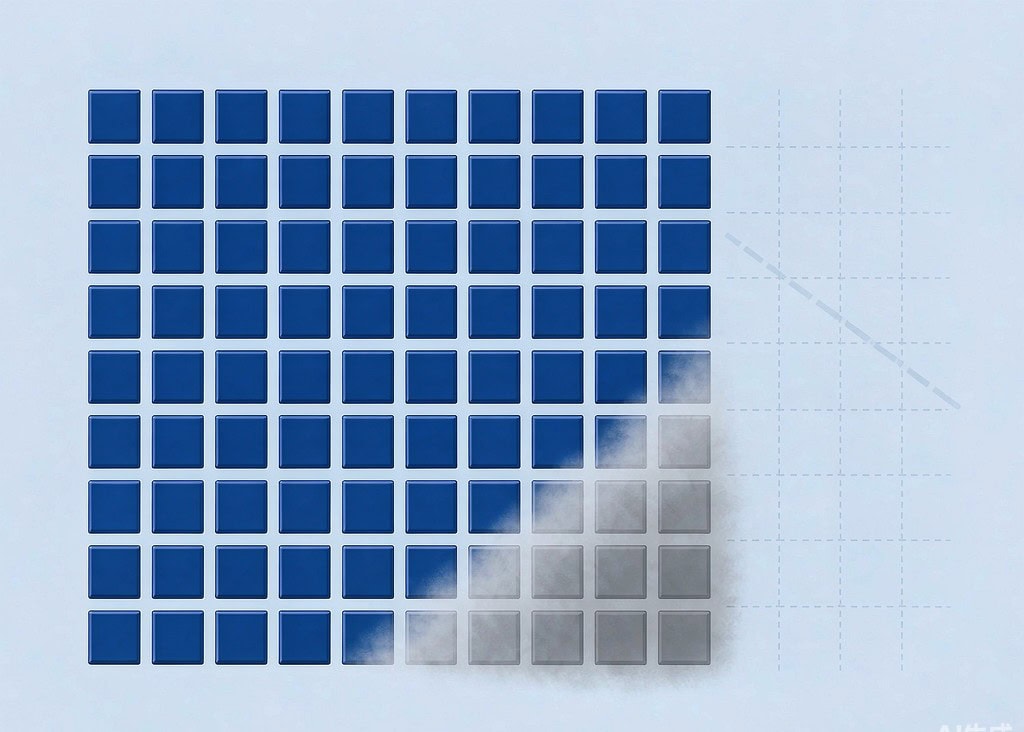
Every NAND cell tolerates a finite number of program and erase (P/E) cycles. Writes stress the oxide layer that holds charge in place, and at some point the layer no longer holds a charge reliably. The controller manages this with three strategies: wear leveling, a pool of spare blocks, and error-correcting code (ECC).
Each strategy hides the problem rather than preventing it. Wear leveling spreads writes so no single block is exhausted early. The spare pool absorbs blocks that fail along the way. ECC corrects the small number of bit errors that a worn block produces on every read. While there is spare capacity and ECC headroom, the card behaves normally and reports nothing.
The failure therefore arrives from one direction only: as spare blocks run out and ECC is asked to correct more bits than it can, errors stop being correctable. The first thing that happens is not a dead card. It is a single file that will not open. That is the counterintuitive point worth internalizing — the earliest reliable warning of a worn card is one bad file among thousands of good ones, and it is almost always dismissed as a fluke.
Write Endurance: What MLC, TLC and QLC Tolerate
The headline number for any NAND flash is its rated P/E cycles, and it is set by how many bits the design stores per cell. More bits per cell means more voltage levels to distinguish, tighter margins, and fewer cycles before the cell drifts.
| NAND type | Bits per cell | Rated P/E cycles | Where you find it |
|---|---|---|---|
| SLC | 1 | 50,000-100,000 | Industrial and instrumentation cards |
| MLC | 2 | 3,000-10,000 | Older high-end cards, some current “pro” lines |
| TLC | 3 | 1,000-3,000 | The great majority of consumer cards today |
| QLC | 4 | 300-1,000 | Cheap very-high-capacity cards |
The rating applies to blocks, not to files or to card fills, which is why the number is frequently misread. A 128 GB TLC card rated at 2,000 cycles can absorb roughly 256 TB of block writes in principle. Multiply in write amplification — the extra block writes the controller performs to reorganize flash while updating data — and the realistic host-side figure drops substantially, often to a third of that. Translated into shoots, that is still on the order of a thousand full 64 GB card fills, which is why genuinely worn-out cards are usually years old rather than months old.
Wear Leveling, Spare Blocks and Write Amplification
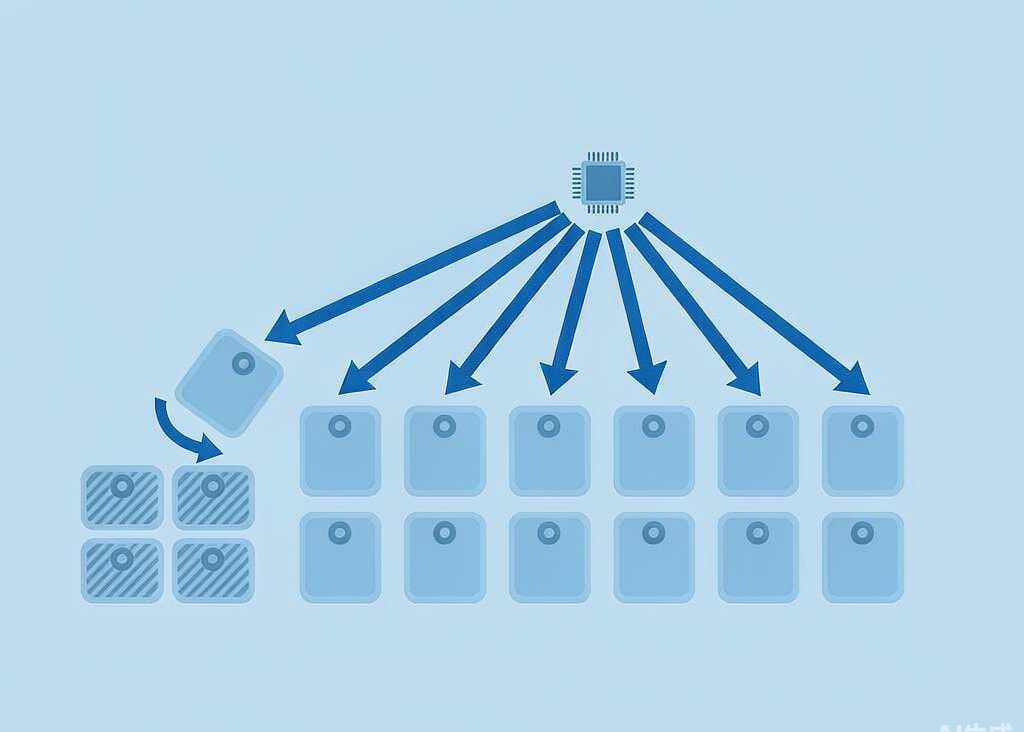
Wear leveling comes in two flavors, and the distinction explains why identical flash behaves differently in different devices. Dynamic wear leveling only relocates blocks that are being rewritten anyway, so long-lived files can sit on the same blocks indefinitely while the rest of the card is cycled around them. Static wear leveling also relocates cold data to spread wear evenly, at the cost of extra internal copying.
The workload matters as much as the silicon. Cameras write large, sequential files and delete them in big batches, which is close to the best case for flash: few partial-block rewrites, low write amplification, minimal garbage collection. A dashcam or a security camera overwrites the same region continuously, in a hot enclosure, which is close to the worst case. Two cards with the same part number can therefore have very different service lives depending on what they recorded. The write pattern itself is covered in how cameras write files, and it is worth reading alongside this page because it determines how much internal churn your captures actually cause.
Over-provisioning is the mechanism that makes all of this invisible. A card labeled 128 GB usually contains more raw flash than that, with the surplus reserved for the controller. That reserve is what keeps capacity and speed stable as blocks die. It also means the card’s reported health and its real health can diverge completely: the user sees a constant 128 GB until the moment the reserve is exhausted.
The Death Curve: What Each Phase Looks Like
A worn card passes through three recognizable phases. The middle one is the dangerous one, because the card works well enough that nobody changes their habits.
| Phase | What is happening internally | What you notice | What to do |
|---|---|---|---|
| Healthy | Spare pool large, ECC correcting few bits | Nothing; performance at spec | Keep using it |
| Degrading | Spare pool shrinking, ECC correcting more bits per read, garbage collection more frequent | Slower burst writes, occasional slow folder open, one unreadable file | Copy everything off, then run a full-surface test |
| End of life | Spare pool exhausted, uncorrectable errors accumulate | Repeated unreadable files, write errors, capacity or free-space numbers behaving oddly | Retire the card; recover, do not reuse |
| Controller failure | Controller cannot build a valid block map | Card goes read-only, or disappears and returns | Treat as dead; a lab is the only route |
Two details sit outside this curve and often get misattributed. A card that reports less capacity than its label claims is not worn out — it is the wrong size, and that is a separate problem worth checking early, as covered under counterfeit cards. And a card that suddenly asks to be formatted is usually suffering metadata damage rather than cell wear, which is a different failure with a different response. The distinction between logical damage and real wear is set out in why camera files get corrupted.
Data Retention: The Failure Mode No Test Detects
Wear does not only affect writing. It affects how long data survives without power, and this is the second counterintuitive point on this page.
A fresh cell holds its charge for years — manufacturers quote figures in the range of a decade at moderate temperature. A cell that has been cycled thousands of times holds charge less securely, and its retention window can collapse to months or weeks. That produces a failure mode where the card tests perfectly today and loses files three weeks later, because nothing has failed yet: the charge is simply leaking out of cells whose margins are nearly gone. Temperature accelerates it, which is why a card that lives in a car or a camera bag in the sun shows retention loss long before an identical card kept in a drawer. The environmental side of this is covered in heat and storage conditions.
Read disturb is the quieter cousin. Repeatedly reading a block can disturb the charge state of neighboring cells in the same block, so a card that is read constantly but written rarely — a reference card you copy from every week — can develop errors in files nothing has touched. The practical consequence for both effects is the same: a worn card is not a safe archive. Copy important material off it, verify the copies, and treat the card as working storage only. The line between data that can still be recovered and data that is genuinely gone is drawn in when data is unrecoverable.
Retirement Criteria: When to Stop Trusting a Card
Age alone is a poor criterion, because a lightly used card can be healthy at eight years while a heavily used one is finished at two. Use these instead, and retire on the first that applies.
- Two unexplained unreadable files. One is a warning; two is a pattern. Copy everything off the card before doing anything else.
- A failed full-surface test. Writing and verifying across the entire capacity is the only consumer-accessible check that exercises every block, and it is worth reading up on in testing a card’s health.
- Any read-only or write-protect event. A card that decides it will no longer accept writes has reached a protection state, and it should never carry primary footage again.
- Heavy continuous-use duty. Cards in dashcams, security cameras, and always-on rigs should be replaced on a schedule measured in months, not years.
- Unknown provenance. A card of unknown age from a drawer, a secondhand camera, or a bundle deal has no service history and should be tested before it is trusted.
If you are on Windows and the card is still detected by a computer, a purpose-built recovery tool such as XRecovery (xappset.com) can scan SD, microSD, and other memory cards for deleted or formatted photos and videos. As with any recovery tool, stop writing to the card first and always save recovered files to a different drive.
A card that has failed a retention check is worth one full recovery attempt before it is discarded, because its files may still be intact even though it can no longer be trusted to keep them. Verify anything recovered immediately and copy it to at least two other devices.
Frequently Asked Questions
How long does an SD card actually last?
There is no fixed number of years. A TLC card rated for roughly 2,000 P/E cycles, used for normal photo and video capture, typically serves several years before wear becomes a practical concern. Cards used for continuous overwriting in dashcams or security cameras can reach that point in a year or less. Store them cool and dry.
Can a worn SD card corrupt my photos?
Yes, in a specific way. Wear produces uncorrectable read errors in individual files while leaving the rest of the card intact, so the symptom is usually a few files that will not open rather than a dead volume. That pattern is the earliest reliable sign of end-of-life, and it is the point at which to stop using the card.
Does formatting an SD card shorten its lifespan?
A quick format has a negligible effect, because it rewrites metadata rather than every cell. A full format that overwrites the entire surface does consume one P/E cycle across the card, which is a real but small cost. Reformatting a card in the camera before each important shoot is a reasonable practice, not a harmful one.
Is a card that passes a health test safe to use?
Not conclusively. Consumer tests check whether blocks can be written and read back now; they cannot measure how well those cells will hold charge in three weeks. A worn card can pass a write-and-verify test and still suffer retention loss later, which is why a card that has already produced unreadable files should be retired regardless of any test result.