
A fake SD card does not fail the way a worn card fails. It fails by quietly deleting your work. The most common type, the capacity-expanded card, reports 256 GB to your camera while holding as little as 8 GB of real flash memory. Everything you shoot past that real limit is written on top of earlier files, which means the photos that disappear are not hidden somewhere waiting to be recovered. They have been overwritten and no software can bring them back. If a card cost far less than retail, verify it before you trust it with paid work.
The symptom that gives counterfeit cards away
The complaint that identifies a fake card almost perfectly is chronological. A photographer scrolls back through the card and finds that the newest files are fine, the middle of the shoot is partly damaged, and everything older is missing entirely. Or, more confusingly, files from last week’s shoot have been replaced by files bearing today’s timestamp.
That pattern looks like a camera fault, a software fault, or user error, and it is none of them. On a genuine card, an accidental delete removes file-system entries but leaves the bytes in place, which is why deleted files can still be recovered. On an expanded card, the bytes for the oldest files are physically gone. The two situations look similar in a file manager and are opposite in outcome.
A milder warning appears before any data loss: the card writes at full speed for the first few gigabytes, then slows sharply once it has crossed into the untrustworthy part of its memory.
How a capacity-expanded card is built

A capacity-expanded card is a small piece of firmware fraud. The physical part is usually a genuine but cheap low-capacity die, often 8 GB or 16 GB. The counterfeiter rewrites the controller’s identity table — the data the card reports when a host asks how large it is — so it announces a far bigger capacity, then installs a partition table and file system sized to match the lie.
Everything downstream stays consistent with the lie until it cannot. The camera sees a 256 GB exFAT volume, the file system allocates clusters across that whole address space, and the operating system receives success confirmations because that is what the controller tells it. What the controller actually does is apply a modulo operation: an address beyond the real capacity is redirected back to the start of the physical memory. The 9th gigabyte written to an 8 GB die lands on the first gigabyte, destroying whatever lived there and reporting no error at any layer.
Two details shape recovery. The newest files survive, because they occupy the areas most recently written. And once the card has wrapped past its real capacity, everything older than roughly the last real-capacity’s worth of data has been overwritten. Recovery tools can rescue the most recent generation of files and will find nothing of the rest. That is a capacity limit, not a tool limitation.
Why Windows never warns you
The reason a counterfeit card can be used for months without obvious trouble is that the operating system has no independent way to measure capacity. It asks the card, and the card answers from its controller. A file-system check validates the volume against the size the card reports, so a perfectly consistent file system on a lying card passes every test.
The practical consequence is that a card can pass a casual inspection, pass a format, pass a small file copy, and then destroy data the first time it is filled. Free-space indicators are equally unreliable, showing 200 GB free when only a few gigabytes remain writable. Any test that only queries the card — its reported capacity, speed class, or controller model — can be defeated, because those are the exact fields the counterfeiter controls.
Genuine, expanded, and refurbished cards fail differently
Three failure categories get lumped together as “fake”, and they need different responses.
| Card type | What it physically is | Typical symptom | Data outcome |
|---|---|---|---|
| Capacity-expanded | Small genuine die, rewritten controller | Older files replaced by newer ones; capacity appears full but reads back wrong | Newest generation recoverable, everything older gone |
| Re-labeled or downgraded | Genuine die sold under a higher capacity or speed class | Recording stops early; buffer warnings at high bitrates; write speed far below the label | Usually fully recoverable, because nothing is overwritten |
| Refurbished or used | Pulled from service, reflashed and resold as new | Sporadic bad blocks; random freezes; card disappears from the reader | Depends on wear; often recoverable if the card is still detected |
The middle row is the one people misdiagnose. A downgraded card — a 32 GB part sold as 64 GB, or a Class 10 sold as U3 — does not overwrite anything. It simply cannot hold or stream what the label promises, so photos written before it filled up are intact and fully recoverable. That is a refund problem, not a data-loss problem.
Refurbished cards sit in between. They carry NAND wear from a previous life and their spare-block pool is partly consumed, so they hold data correctly for a while and then fail like ordinary corruption. Because flash retains data better than it accepts new writes, a refurbished card’s existing contents are often more recoverable than its recording behavior suggests.
Two-step verification: test capacity, then test authenticity
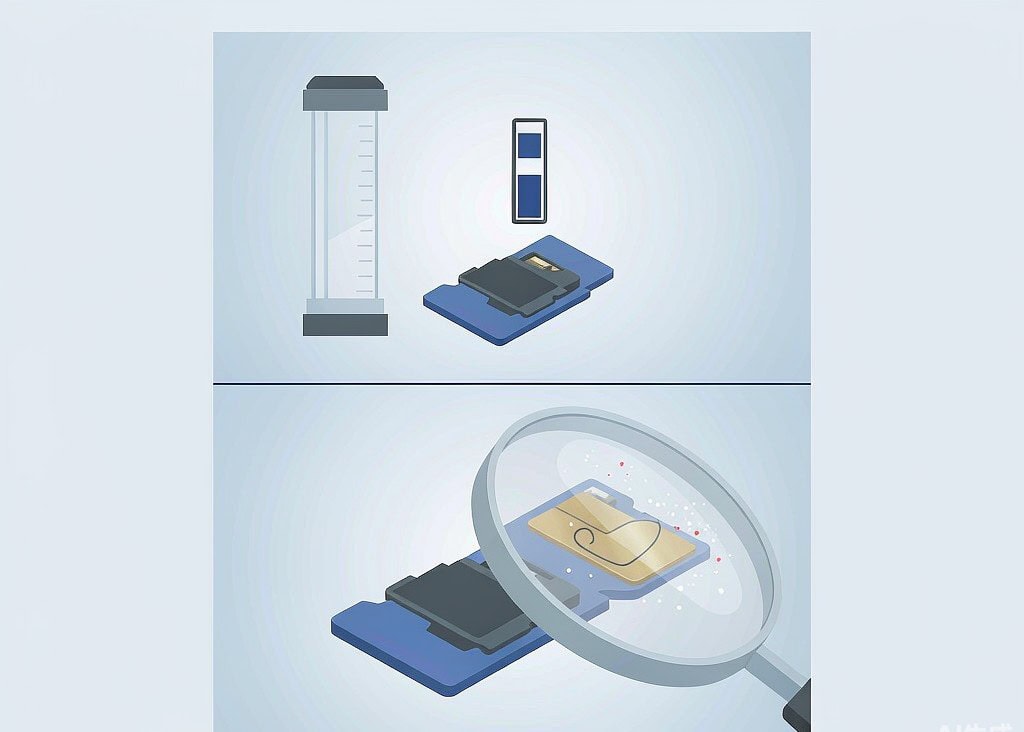
The only reliable check on capacity is a destructive full-surface test. Two tools are standard: H2testw on Windows, and F3 (Fight Flash Fraud) on macOS and Linux. Both fill the card with numbered files until it is full, read every file back, and compare. A capacity lie cannot survive that comparison, because the read-back fails at the exact point where the wraparound begins. H2testw reports it in a sentence worth memorizing — the media is likely to be defective, with a specific number of gigabytes written successfully and a specific number lost.
Budget the time accordingly. A 32 GB card takes roughly 20 to 30 minutes, a 128 GB card takes 60 to 90 minutes, and a 512 GB card can run for several hours. Do not test a card you are using, because the test erases it. Buy the card, test it empty, and only then put it into service.
The second step does not depend on the card’s firmware at all. Compare the card and packaging against the manufacturer’s reference images: placement of the capacity and speed-class printing, font weight, hologram or serial number, notch and contact geometry, and whether a serial exists on the back label. A card from a marketplace third-party seller at a price far below the authorized channel, arriving without retail packaging or with a slightly wrong shade of blue on the label, has already failed this step.
Reading your H2testw results
| Result | What it means | Next step |
|---|---|---|
| All files written and verified without error | The card holds its rated capacity | Keep it; check wear if it was bought used |
| “N gigabytes of data okay, M gigabytes lost” | Expanded card; only N gigabytes are real | Return it; do not use it for anything you need to keep |
| Writes complete but read-back mismatches appear in the first minutes | Not a counterfeiter’s pattern — likely a dying card | Stop writing, and follow the card health testing routine instead |
| I/O errors before filling 10 percent | Card is failing, or the reader is the problem | Retry with a different reader before condemning the card |
The important nuance is the second row. A card that verifies its first 8 GB and loses the rest works perfectly today and destroys files next month, with no warning in between. That is why the test has to run before the card goes into a camera bag.
Buying rules that prevent the problem
- Buy from a dealer you can return to, and check who actually ships the item.
- Test inside the return window. This one habit converts a total loss into a refund.
- Buy the capacity you need rather than the capacity that looks like a bargain.
- Avoid cards that arrive pre-formatted with a sample file already on them; a large pre-existing file defeats casual tests.
- Check the label against reference photos, including the back of the card.
- For drones and action cameras, remember that a card dropping out mid-flight costs far more than the card did. Our notes on counterfeit microSD cards used in drones cover the flight-specific consequences.
What is left to recover on a card that already destroyed data
The honest answer depends on one question: has the card ever been filled past its real capacity? If it has, the wraparound has already overwritten the oldest data, and the newest generation of files is the recoverable set. If the card failed or was retired before it filled, nothing has been overwritten and recovery proceeds normally.
When a fake card is discovered after a shoot, stop using it immediately and make an image of it before scanning, so the failing controller is read as few times as possible. Overwritten data cannot be restored by any tool, but data that is merely unindexed or sitting in an unusual file-system state usually can be. Cards with surprising symptoms are also worth checking against the photos that vanish from a card without warning checklist, since a genuine card with a failing controller tells a similar story.
If you are on Windows and the card is still detected by a computer, a purpose-built recovery tool such as XRecovery (xappset.com) can scan SD, microSD, and other memory cards for deleted or formatted photos and videos. As with any recovery tool, stop writing to the card first and always save recovered files to a different drive. On a counterfeit card, expect to recover the most recent files only, and treat the rest as a written-off cost.
Frequently Asked Questions
How can I check if my SD card is fake without buying software?
Use H2testw on Windows or F3 on macOS and Linux. Both are free and both fill the card with numbered files, then read every one back for comparison. An expanded card cannot pass that check, and the report tells you exactly how many gigabytes were real.
My photos from last month were replaced by photos from today. Is that a fake card?
It is the classic signature of an expanded card that has wrapped past its real capacity. The newer files overwrote the older ones physically, so the older files cannot be recovered by any tool. Verify capacity with a full-surface test before using the card again.
Can a fake card’s deleted data be recovered?
Sometimes, but only the newest generation of files. Data beyond the first real-capacity’s worth has been overwritten and is gone for good. If the card was never filled past its true size, nothing was overwritten and recovery is no different from an honest card.
Is a card with the wrong speed class as dangerous as a capacity fake?
Not in the same way. A speed-class fake causes dropped frames, aborted recordings, and missed clips, but it does not overwrite existing files. Files recovered from such a card are usually complete, which makes it a warranty issue rather than a data-loss emergency.