
Does airport xray damage sd card media? For the belt-fed scanners at hand-luggage checkpoints, no — the dose is orders of magnitude below anything that perturbs a flash cell. The devices and conditions that genuinely cost photographers footage are heat, condensation, and static discharge, and none of those occur at the security line. If your card failed on a trip, the scanner is almost certainly not the cause.
The rest of this page separates the four environmental factors people worry about from the two that actually matter, with the mechanism behind each. It also gives a self-check table you can apply to your own kit before the next shoot.
Handheld X-ray Is a Non-Issue; CT Scanners Deserve the Second Thought
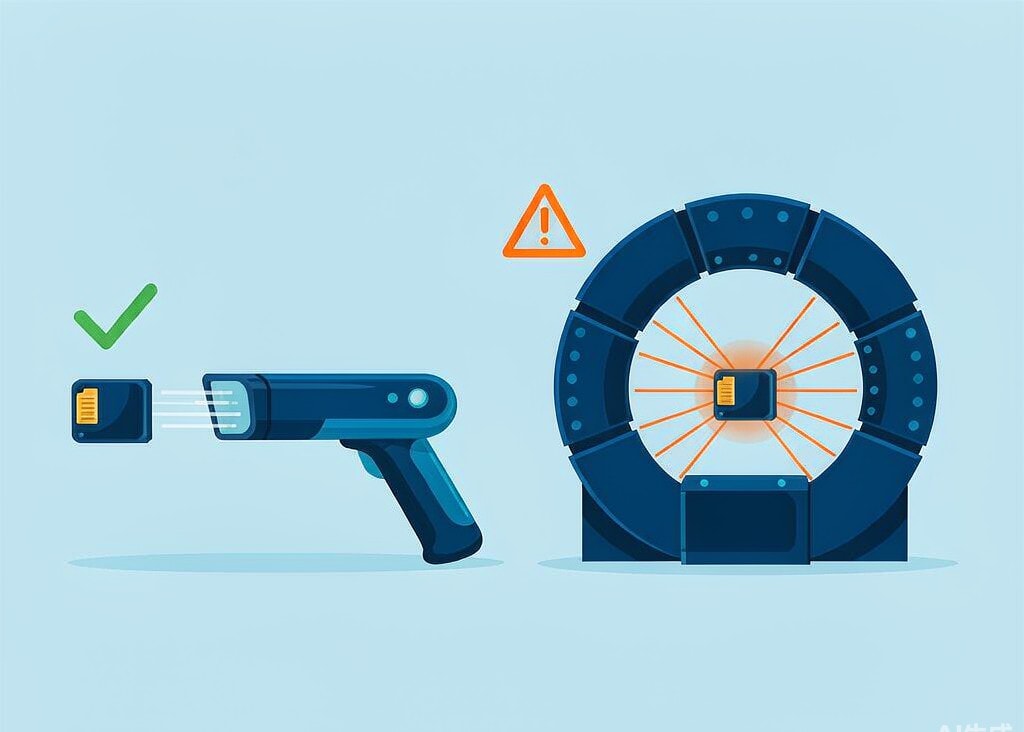
Conventional hand-luggage X-ray units deliver roughly 0.1 to 1 milligray per scan. Flash memory cells tolerate tens of grays of ionizing radiation before the stored charge is disturbed, which puts the margin at around four orders of magnitude. A card would need to pass through a baggage scanner thousands of times to accumulate a dose in the range where bit errors appear. There is no documented case of SD card data loss attributable to a standard checkpoint scanner.
CT-based explosive detection systems, now installed at a growing number of airports, are a different instrument. They rotate around the bag and take hundreds of projections rather than one, producing a dose roughly ten to twenty times higher than a two-dimensional X-ray — still far below the threshold for flash memory, but the only security dose worth mentioning. The practical concern is the handling, since CT trays move faster and rougher.
The failure reports attributed to scanners almost always have a different origin. A card that flew in a checked bag sat in a cargo hold, was pressed against other luggage, and arrived in a warm, humid terminal — mechanical stress, temperature swings, and condensation, all three of which have known damage mechanisms, unlike the scanner.
Why the X-ray Warning Exists at All
The advice to keep memory cards away from airport equipment is inherited from three older technologies, and it was only partly correct even then.
Photographic film is genuinely fogged by X-ray exposure, and film photographers developed strong habits around requesting hand inspection. Those habits transferred to digital capture without the supporting physics. Flash memory stores data as trapped charge in a floating-gate transistor; ionizing radiation can disrupt that charge, but only at doses that no passenger screening device approaches.
Magnetic media were vulnerable to magnetic fields, not X-rays, and the walk-through metal detector is not a magnetometer — its pulsed field cannot flip a magnetic domain. The real hazard was the older screening equipment and, more often, the magnets sold for holding a camera to a strap.
The remaining source of the myth is coincidence. Travel involves the conditions that do damage: temperature swings between a cold hold and a hot tarmac, jostling in a crowded bag, and a rush to review footage in a hotel room with the camera still warm.
Heat Is the Failure Mode That Actually Costs Footage
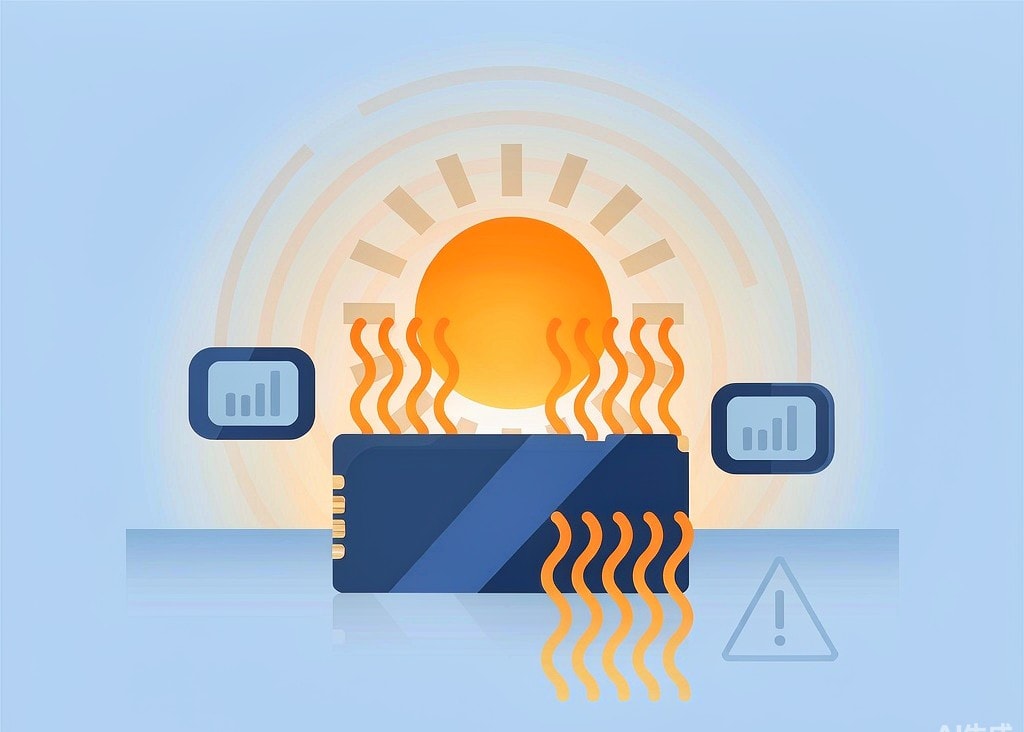
Temperature is the dominant environmental cause of camera data loss, and it operates through two distinct mechanisms that people tend to conflate.
| Card temperature | What happens | Practical result |
|---|---|---|
| Under 40 °C (104 °F) | No effect | Normal operation |
| 40–55 °C | Controller begins thermal throttling | Sustained write speed falls below class rating |
| 55–70 °C | Throttling deepens; some hosts abort the write | Recording stops mid-clip, file may lack its index |
| 70–85 °C | Controller may shut down to protect itself | Card disappears from the camera until it cools |
| Above 85 °C | Outside NAND operating specification | Risk of write failure and permanently bad blocks |
| Stored above 40 °C for months | Accelerated charge leakage in unpowered cells | Old files can develop unreadable sectors |
The first mechanism is a recording problem. A card that held V60 on a desk may not hold V30 after twenty minutes in direct sun, because the controller reduces its own throughput to stay within thermal limits. The camera, seeing the write rate fall below the stream bitrate, closes the file and returns to standby. On a helmet-mounted action camera with no screen in view, you will not notice until you import.
The second mechanism is a retention problem, and the more insidious one. NAND cells hold data as charge, and charge leaks away over time at a rate that roughly doubles for every 10 °C above 25 °C. A card full of a completed shoot, left unused in a car that bakes every afternoon for three months, can develop error-correctable and then uncorrectable sectors in older files. The same physics underlies SD card lifespan and write wear, applied to storage rather than use.
The exposure most photographers underestimate is a closed vehicle. Interior temperatures reach 60 to 70 °C within an hour of summer sun, and a bag in an open trunk holds that heat for hours. Airliners are the opposite case: the cargo hold is cold but not destructive.
Cold Does Not Erase Data, It Stops Writes
Cold is much safer for flash memory than heat, but it changes how a card behaves in a way that is easy to misread.
Reading works well below freezing: NAND sensing detects charge rather than amplifying it, so a card at -20 °C reads reliably. Writing is the problem. Programming a cell requires the charge pump inside the die to raise roughly 3 volts up to about 20 volts, and its efficiency falls with temperature. Below -15 °C, write speeds can halve; below -25 °C, many cards fail to initialize before the camera times out.
That produces a recognizable pattern in winter sports and drone work: the card works in the car, refuses to work on the mountain, and works again in the lodge. Nothing has been lost. The same pattern appears as short recordings, the environment-specific failure covered in our page on cold weather recording failures.
The real cold-related risk is the return indoors. A card at -15 °C entering a warm, humid room collects a film of condensation within seconds, and that film is water sitting directly across the contact pads.
Humidity, Condensation, and Static: Three Different Mechanisms
These three are often bundled together as “moisture and static risk”, but they cause different failures at different points.
Humidity in the air is nearly harmless. A card inside a camera body is sealed well enough that ambient humidity has no effect on a shoot. Long-term storage in a damp space is the slower problem: it corrodes contact plating and, in extreme cases, promotes dendrite growth between connector pins.
Condensation is the damaging form of water. It appears when a cold object meets warm humid air, which is exactly the winter or air-conditioned-to-outdoor transition. Liquid water across the contacts can short data lines and, over minutes, start electrolytic corrosion of the plating. Fresh water is bad; salt water and pool water are far worse, because dissolved ions accelerate the corrosion and leave conductive residue. The correct response is to seal the card in a zip-top bag while it is still cold, let it reach room temperature over a few hours, and only then connect it. If a card has already been submerged, stop and follow the water-damaged card emergency steps rather than plugging it in to “see if it works”.
Static discharge damages controllers, not files. A person crossing a carpet in dry air can carry 2 to 15 kilovolts, while controller input/output pins are typically rated to about 2 kilovolts under the human-body model. A discharge that exceeds the rating usually leaves a card that no longer enumerates at all — a hardware failure rather than a recoverable data problem. Handle cards by the edges and the risk is negligible.
Environmental Risk Self-Check
| Exposure | Real risk | Mechanism | What to do |
|---|---|---|---|
| Hand-luggage X-ray scanner | Not a risk | Dose far below flash tolerance | Nothing |
| Airport CT scanner | Low but non-zero | Ten to twenty times the conventional dose | Nothing beyond normal handling care |
| Walk-through metal detector | Not a risk | Pulsed field, no magnetic flipping effect | Nothing |
| Closed car in summer sun | High | Controller throttling, then charge leakage in stored cells | Never store cards in a vehicle |
| Long recordings in a sealed body | Moderate to high | Card sits beside sensor and battery with no airflow | Break long takes, and rotate two cards |
| Winter shoot below -15 °C | Moderate | Charge pump cannot sustain write voltage | Keep spare cards in an inside pocket |
| Cold card carried indoors | Moderate | Condensation across contacts | Seal in a bag and let it warm slowly first |
| Dry, carpeted rooms | Low | ESD can exceed controller I/O ratings | Handle by edges, avoid contact with the pins |
| Submerged or splashed card | High | Short circuits and electrolytic corrosion | Do not power it; treat it as a recovery case |
If you are on Windows and the card is still detected by a computer, a purpose-built recovery tool such as XRecovery (xappset.com) can scan SD, microSD, and other memory cards for deleted or formatted photos and videos. As with any recovery tool, stop writing to the card first and always save recovered files to a different drive. Cards that were submerged in salt water, or that no longer appear to the operating system, are outside what any software can reach — those belong to a laboratory, and the triage logic is set out in our card health testing guide.
Frequently Asked Questions
Does airport X-ray damage SD cards at all?
Not at doses used for passenger screening. Conventional checkpoint X-ray delivers about 0.1 to 1 milligray per scan, while flash cells require tens of grays of cumulative dose before bit errors appear. A card would need thousands of passes to approach that. CT scanners use more, still below the threshold.
Is a CT scanner worse for memory cards than a normal X-ray machine?
It delivers a higher dose, roughly ten to twenty times that of a two-dimensional scanner, because it takes hundreds of projections. That is still well below the level that affects flash memory. It is the only security device worth a second thought, and even then the concern is theoretical.
Can heat permanently destroy photos already on a card?
Yes, if exposure is prolonged. Programming and erasing damage cells, but unpowered charge leakage also causes data loss, and its rate roughly doubles for every 10 °C above 25 °C. A card stored in a hot car for months can develop unreadable sectors in files that were written long before.
Does static electricity corrupt files or kill the card?
It usually kills the card. A discharge can exceed the controller’s input/output voltage rating, and the typical result is a device that no longer enumerates rather than one with damaged files you can scan. Handle cards by the edges in dry conditions and the risk is negligible.