
Physical damage is the one failure class where the next move can convert a recoverable card into scrap, so grade it before you touch it. SD card physical damage splits into three levels: shell and contact damage you can handle at a desk, a fractured board that needs a laboratory, and a burnt controller that needs chip-level work and a donor card of the same model.
In the first five minutes, do nothing. Do not reinsert the card, do not format, and do not try it in another camera. Each adds electrical stress to a damaged board or writes to a card whose file system may be intact.
How to tell which grade you are dealing with
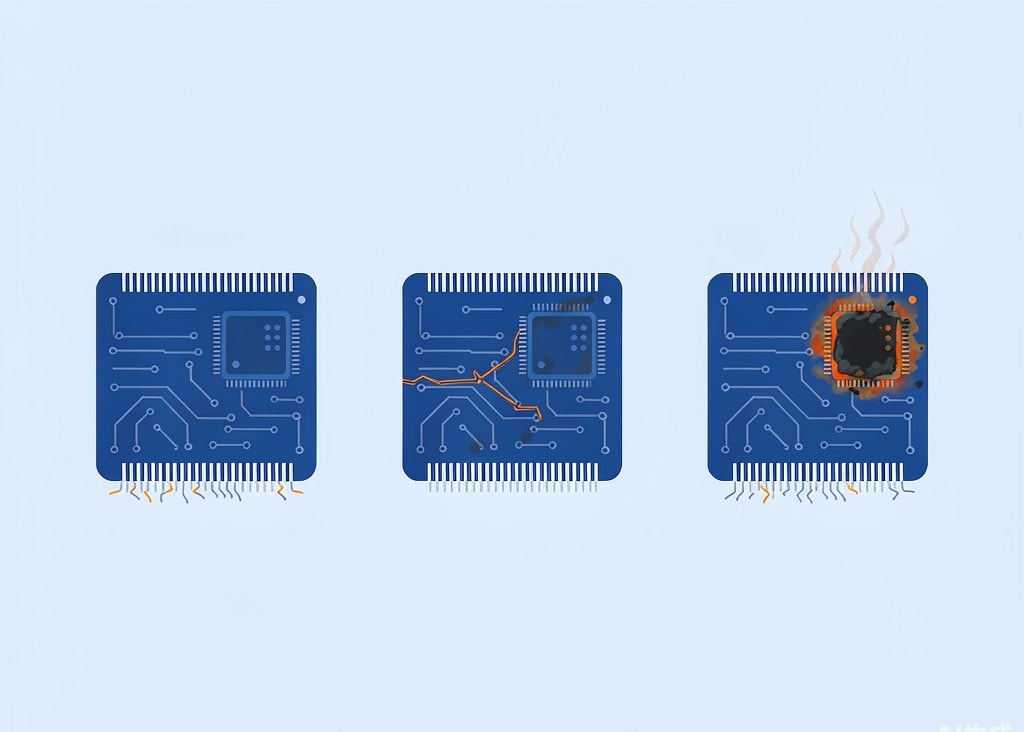
The three grades differ in whether the flash memory itself is intact, and that is the only question that decides the outcome. NAND flash holds the data. Everything else in a card is packaging and plumbing. The grading works from the outside in: inspect the card under bright light and a magnifier before inserting it anywhere.
- Grade 1 signs. A bent or chipped shell, worn or tarnished gold fingers, a write-protect switch that no longer clicks. None of this touches the memory die.
- Grade 2 signs. The card flexes when you press its middle. The shell separates from the board at a corner. It was crushed in a wallet or under a lens, and nothing detects it.
- Grade 3 signs. A scorch mark, a smell of burnt plastic, or a history of the card running hot in the camera before failing.
| Grade | Damaged part | NAND intact | Who fixes it | Typical cost |
|---|---|---|---|---|
| 1 | Shell, switch, gold fingers | Yes | You, at a desk | $0 to about $30 |
| 2 | PCB crack, lifted pads, solder joints | Usually | Data recovery laboratory | $300–$900 |
| 3 | Controller or power circuit | Usually | Lab with chip-off capability | $500–$2,500+ |
Grade 1: what you can safely do at a desk
Grade 1 is a cleaning and mechanical job, the only grade where improvisation is acceptable.
Cleaning the gold fingers is the routine step. Use 99 percent isopropyl alcohol on a lint-free swab and wipe along the direction of the contacts, not across them, then let it evaporate completely. Do not use pencil erasers, which leave abrasive residue in the contact recesses, or contact cleaner sprays, which leave an oily film that attracts dust.
A card that is not detected after cleaning may only need a better reader. This is a common cause of a false grade 2 diagnosis: a multi-slot reader with a worn contact, or a USB hub that does not deliver enough current, produces exactly the symptoms of a dead card. Test once in a second reader, directly on a rear-panel USB port.
Three prohibitions apply even at this level:
- Do not squeeze a bent card back into shape. The die is bonded to the board, and flexing the assembly can crack a solder joint underneath.
- Do not attempt to resolder or bridge contacts. Cards are bonded and potted, and heat from an iron migrates into the controller.
- Do not put a swollen or heat-damaged card into a camera body. A card that fails electrically inside a body can damage the card slot, turning a card problem into a camera repair.
If the card is detected after cleaning and the files are readable, copy them off immediately and retire the card. A card physically stressed once tends to fail again, and the guidance on card wear and lifespan explains why it should not go back into a paid shoot. If the files are missing rather than the card, the problem is logical, and the card error message diagnostic is the right next page.
Grade 2: a cracked board you cannot see from the outside
The important property of grade 2 is invisibility. Cards crack internally, along the trace layer, while the shell closes back up and looks normal. A hairline crack leaves the memory die completely intact and simultaneously severs the connection between the die and the contacts. This is the single most recoverable physical failure and the one users destroy most often, because a card that looks fine invites repeated insertion, and each insertion flexes the crack a little further.
The correct action is to stop at the first non-detection and hand the card to a laboratory. Nothing done at a desk improves a grade 2 card, and software cannot help either: a recovery application reads through the card’s controller, and if the controller cannot reach the die, no application can either. That is why software versus laboratory assessment is a day-one decision rather than something to reach after a week of failed scans.
What a lab does is board-level repair: it removes the memory package, reads the NAND directly, and reassembles the file system from the raw flash image. Bypassing the controller means the lab must also implement the card’s FTL (Flash Translation Layer) mapping or reconstruct it from controller-specific data. Monolithic cards, where controller and NAND are stacked in one package, are the hardest and most expensive case.
For cards that broke while holding irreplaceable material, the emergency handling procedure for a physically broken card sets the order of operations and what to do with the fragments.
Grade 3: a burnt controller and what chip-off really means
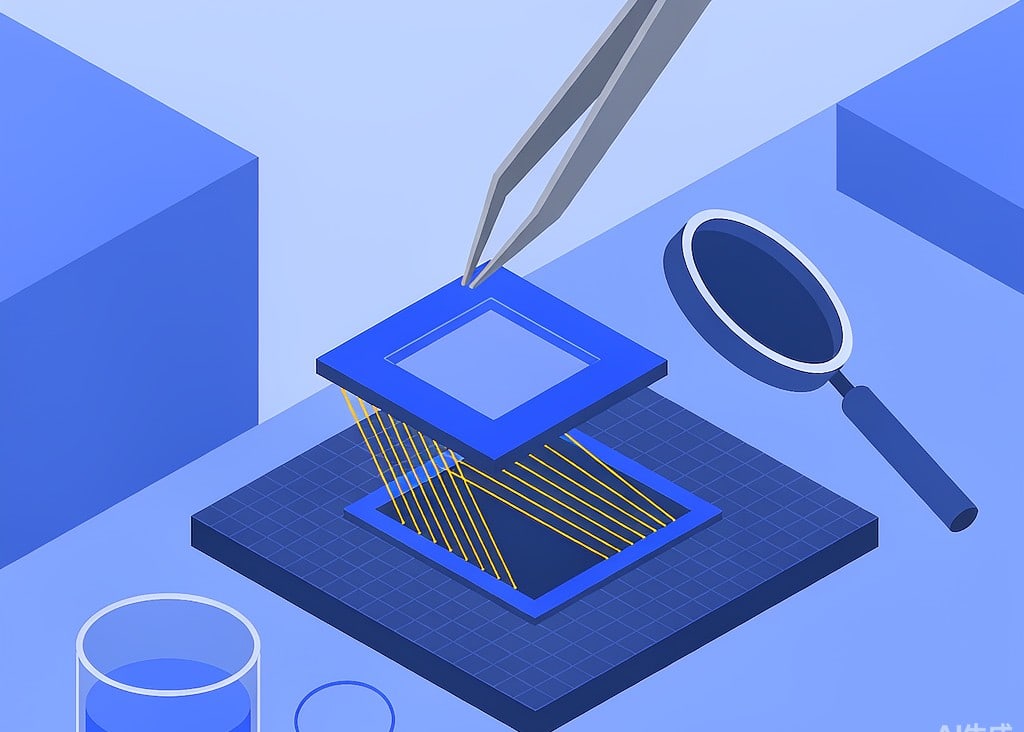
Grade 3 is an electrical failure, and it is the grade where the outcome depends on the memory die rather than on the card.
A controller dies for three typical reasons: a cheap reader with a failing power supply pushes voltage where it does not belong, a camera body with an aging power circuit spikes the card slot, or the card’s own power management fails, which is more common on counterfeit cards built from recycled controllers. The signs of a counterfeit card are worth checking while the card is in front of you.
The key fact for anyone holding a burnt-smelling card is that the controller is usually the only thing that failed. The NAND die sits behind it and is normally undamaged. Recovering it means one of two procedures:
- Controller replacement. A donor card of the same model and firmware revision is sourced, its controller or full board is married to the original memory package, and the assembly is read. This works only when the controller’s mapping data is intact and the revisions match.
- Chip-off. The memory package is removed, read on a dedicated NAND reader that handles the manufacturer’s raw page layout and error correction, and the image is rebuilt in software. This is the general-purpose answer and the more expensive one, because the FTL must be reverse-engineered to turn pages of raw flash into files.
Both require a physical laboratory; neither can be performed over USB. The realistic range runs from a few hundred dollars for a common monolithic microSD with a documented controller to several thousand for a rare professional card with proprietary mapping, which is why the option is weighed differently for a single wedding card than for the contents of a professional cinema card.
One counterintuitive detail about heat damage: a card that becomes hot in a camera is often still fully readable in a reader. Heat usually damages the controller’s timing margin rather than erasing cells, so a card that fails in a body at 60 °C may mount without complaint in a cool reader. Read it once, image it, and stop. Do not treat a successful cool read as evidence that the card is healthy.
Why “one more try” is the most expensive habit
The economics of physical damage are unusual: the cost of the mistake is almost never the card, it is the reduction in what the lab can achieve.
| Action | Grade 1 | Grade 2 | Grade 3 |
|---|---|---|---|
| Insert into a second reader | Fine | One attempt is reasonable | Can short the reader |
| Reinsert repeatedly | Fine | Destroys marginal traces | Can damage bond wires |
| Clean with isopropyl alcohol | Correct step | Harmless | Does not address the fault |
| Run recovery software | Fine | Cannot reach the die | Cannot reach the die |
| Put the card back in the camera | Risky | No benefit | Can damage the camera slot |
The pattern is that grade 2 and grade 3 cards are decided by physical handling, not by software choices. A recovery application is the right tool exactly when the card is detected by a computer and the failure is logical, as in a card that was formatted in camera. It is the wrong tool when the card is silent in every reader, and continuing to run scans on a silent card mostly wastes the window in which a lab would have had the best chance.
What to send with the card to a laboratory
A laboratory quote gets more accurate when the card arrives with context: the camera model and firmware version, the card brand and any markings on the back, the date of failure, whether the card saw water, heat, or impact, and what has already been attempted, including every format prompt accepted.
That last item is the one users omit, and it changes the estimate: a card removed from a camera is a different job from one reformatted twice and scanned three times.
Photograph the card before shipping it and send the card alone rather than the camera. Board-level work takes days rather than hours, which is why the list of recovery mistakes that turn a bad card into a permanent loss is worth reading before the failure.
Frequently Asked Questions
My card looks fine but nothing detects it. Is it definitely dead?
Not necessarily. It may be grade 2 internal damage, or simply a failed reader. Test once in a known-good reader on a rear USB port with no hub. If it is still silent, stop inserting it: from that point, physical handling decides whether a lab can recover it.
Can a bent SD card be straightened and used again?
A slightly bent shell over an intact board can sometimes be made to read once more, but the card should not return to service. The die is bonded to the board, and flexing the assembly can crack the joints underneath. If it reads at all, copy the contents off and retire it.
The card got hot and stopped working. Are the photos gone?
Usually not. Heat typically damages the controller’s timing margin rather than the flash cells, so a card that failed in a warm camera may read normally in a cool reader. Try one clean read, copy everything off, and store the copy on two separate drives.
Is chip-off recovery worth the cost?
It depends on what is on the card and whether a second copy exists. Chip-off is priced for irreplaceable material: a client deliverable, a one-time event, a shoot that cannot be repeated. For images that already exist in a backup, the same budget buys several replacement cards.