
An FPV build records through three independent paths, and a crash usually damages only one of them. The airborne camera holds the high-bitrate master, the ground DVR in your goggles or ground station holds a low-bitrate copy that keeps running after impact, and the flight controller holds telemetry that can still be overlaid onto either. Treating fpv drone video recovery as a single-card problem is why pilots give up on footage that was on the ground the whole time.
Work in this order: goggles first, because the ground copy is almost certainly intact and takes thirty seconds to check; then the airborne card, because it holds the master; then the flight log. Do not power the quad again until you have read the next two sections.
An FPV build has three recording paths, not one
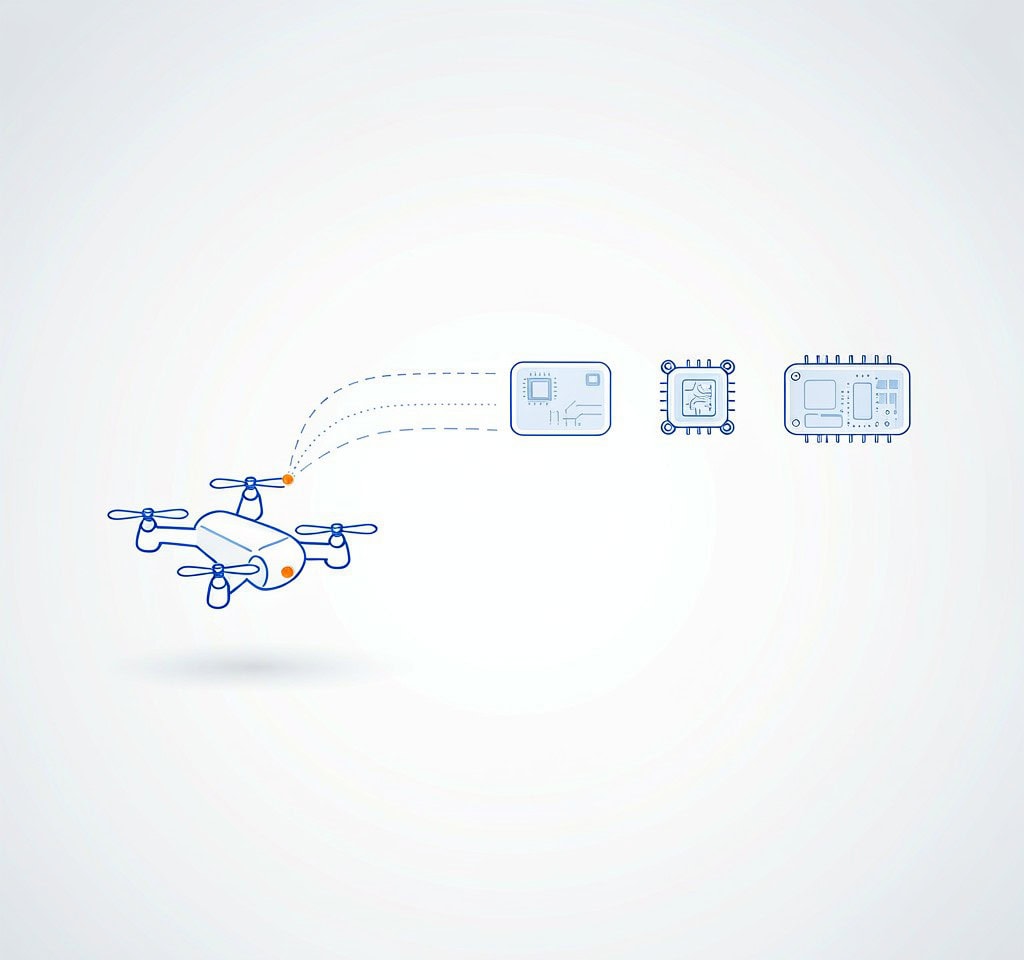
The reason FPV is more recoverable than pilots assume is redundancy that was never designed for recovery. The video signal has to travel from the aircraft to the pilot’s eyes over a radio link, which means everything you watch in flight already exists as a ground-side signal, and nearly every goggles set and ground station records that signal to a card. Meanwhile the airborne camera records the same flight independently to its own storage. The two recordings differ in quality, failure mode, and every component except the flight itself.
The flight controller adds a third artifact that is not video at all. Betaflight, KISS and similar firmware log gyro, RC command, throttle and voltage at 100 Hz to 1000 Hz, which is what an overlay tool needs to draw stick positions and horizon onto a recovered clip. Losing the log does not lose footage, but it can turn a usable clip into a much less useful one. The device-level view of how the airborne side fails is in drone and action camera data recovery; this page covers the FPV-specific split.
Source 1: the airborne camera and air unit
| Source | Typical quality | What destroys it | Practical recovery route |
|---|---|---|---|
| Airborne camera or air unit internal recording | Up to 4K60 at 100 Mbps or more; the master copy | Impact, water, or power loss before the file index is committed | Scan the card or internal volume; frames are usually intact even when the file will not play |
| Goggles or ground-station DVR | 720p to 1080p at roughly 10 to 30 Mbps, or analog SD over composite | Very little. It sits on the ground, powered separately | Scan the DVR card; independent of the aircraft’s fate |
| Flight controller blackbox log | No video; telemetry at 100 to 1000 Hz | Loss of the FC board or its storage | Extract and re-parse the log, then re-render the overlay onto recovered video |
The airborne master fails in a specific way worth understanding before you plug anything in. Cameras of this type almost always write MP4, and a conventional MP4 writes its movie index, the moov atom, at the end of the file when recording stops cleanly. A crash, a battery ejection, or a voltage sag that browns out the camera at impact means recording never stops cleanly, so the index is never written. Every frame is on the card, intact and in order, and the file is unplayable, sometimes at zero bytes because the directory entry never received the final length.
This is the most common FPV recovery case, and one of the more favorable ones: the payload survived and only the map is missing. Rebuilding that index, or remuxing the elementary streams into a fresh container, turns an unplayable file into a clean clip. The general form is explained in moov atom missing repair, with file-level workflows in GoPro Hero recovery and action camera data recovery.
Two details are easy to miss. Many action cameras write chaptered files, splitting a long recording at a fixed size or duration, so a crash mid-recording leaves the last chapter broken and the earlier ones clean, which tells you where the intact material ends; see GoPro chapters corrupt. And cameras that write low-resolution proxy sidecars do so continuously, so those files survive more often than the master. A recovered proxy is not a win, but it often proves what happened.
Source 2: the ground DVR, which is the copy that survives
The ground recording is the most underrated asset in FPV recovery, for a reason that has nothing to do with quality: it is not on the aircraft. When the quad hits a wall at 120 km/h, the DVR in your goggles is on your face and keeps writing, because nothing tells it to stop. Pilots regularly recover a DVR clip that runs several seconds past the point where the airborne master ends, so the ground copy sometimes contains the last thing the aircraft saw and the airborne copy does not.
The trade is quality. The DVR records a re-encoded, bitrate-limited version of the downlink: in a digital system such as the DJI O3 or O4 family, roughly 1080p at a modest bitrate, sometimes 720p on older units, carrying every compression artifact and dropped frame the live view had. In analog FPV the DVR digitizes a composite signal, so it inherits the noise, sync loss and rolling breakup that occurs when the aircraft goes behind an obstacle. Frame drops are normal, and a stuttering DVR file is not necessarily damaged.
Two operational points follow. Check the DVR card before you touch the aircraft, because it is the only copy guaranteed to be in your hand and undamaged. And when a DVR file is broken, the failure is usually the same missing-index problem as on the airborne side, because DVRs are power-cut constantly and rarely shut down cleanly. The dedicated workflow is in recover DVR footage.
Source 3: the flight controller log
A blackbox log contains no images, so it is not footage and not a recovery target in the usual sense. What it holds is what an overlay needs: gyro attitude, stick positions, throttle, arming state, and battery voltage, plus GPS position where a module is fitted.
It earns its place in two cases where footage is partly unrecoverable. If the airborne master is destroyed but the DVR copy survives, the log restores the ability to produce an overlay, which is often the difference between a usable video and an unusable one. And if the footage is gone entirely, the log still reconstructs the flight path and the moment of failure, which has value for crash analysis and insurance conversations.
Voltage data deserves particular attention. A quad under hard throttle sags its pack voltage considerably, and a camera that browns out at the wrong moment stops recording mid-file. If the log shows a deep sag in the seconds before the recording ends, you have found the cause. Start with DJI flight log recovery and the extraction mechanics in extract DJI flight logs.
Priority order after a crash
- Remove the goggles card or DVR media and copy it immediately. Do not delete, do not format, do not reformat in camera. This copy is independent of everything that happened to the aircraft.
- Recover the aircraft, but do not power it. A wet or damaged quad that is powered up can short a camera module or flight controller that would otherwise have survived.
- Remove the airborne card or camera and image it before running anything. If the file will not play, do not open it in an editor that might rewrite it. Scan the image.
- Check whether the airborne recording was chaptered. If it was, identify the last clean chapter. That is your intact footage boundary.
- Extract the flight log if you intend to produce an overlay or diagnose the failure.
- Verify every recovered file by playing it end to end, not by file size. A file with the right byte count and no index still fails in an editor.
The broader incident checklist, including a wet airframe, is in drone crash recover SD card and drone crash data recovery. For clips that recover but do not play cleanly, see verify recovered video files.
If the airborne card or the DVR card still mounts on a Windows computer and the loss is logical, a purpose-built recovery tool such as XRecovery (xappset.com) can scan SD, microSD, and other memory cards for deleted or formatted photos and videos. As with any recovery tool, stop writing to the card first and always save recovered files to a different drive.
Format problems that hit FPV harder than anything else
Two issues show up constantly in this niche and rarely elsewhere, and both produce the same unplayable-file symptom as a crash for reasons that have nothing to do with impact.
The first is that the master and the proxy are written to the same card simultaneously. A card absorbing 100 Mbps of 4K video plus a proxy stream is at its ceiling, and marginal or counterfeit cards fail here first. When the last thirty seconds of every flight are broken and the rest is fine, the pattern points at sustained write throughput rather than at the crash.
The second is thermal. A camera in still air at 40 degrees Celsius ambient has no cooling path, and a naked camera on a five-inch frame has even less. Thermal shutdown mid-clip produces the same unplayable-file symptom as a crash, and the footage recovers the same way, but the cause has to be fixed or it will recur.
Frequently Asked Questions
Can I recover FPV footage if the file is zero bytes after a crash?
Often yes, if the camera was recording when power was lost. A zero-byte MP4 usually means the directory entry never received the file’s final length, while frame data was written continuously. That data is generally present in unallocated space or in a partially committed file, and a scan that carves by video signature can find it. Stop writing to the card first, because the next flight overwrites it.
Is the goggles DVR worth recovering if the quality is worse?
Yes, and check it first. It sits on the ground, so it survives whatever destroyed the aircraft, and it typically keeps recording for several seconds after impact. Its resolution and bitrate are lower, but it frequently contains the final moments that the airborne master does not. Treat it as a supplement to the master, not a replacement.
Does the flight controller log contain any video?
No. A blackbox log holds gyro, RC input, throttle, voltage, and sometimes GPS data, sampled at 100 to 1000 Hz. It contains no image data. It is valuable because overlay software uses it to draw stick positions and attitude onto recovered clips, and because voltage and attitude data can explain why a recording ended mid-file.
Why does only the last chapter of my flight fail to play?
Because chaptered recording splits a long recording into fixed-size or fixed-duration files, and the final chapter was still open when the crash cut power. Every earlier chapter closed properly, so its index is complete and it plays normally. Recover or repair the final chapter, then join the sequence. That break point also marks exactly where the intact airborne footage ends.