
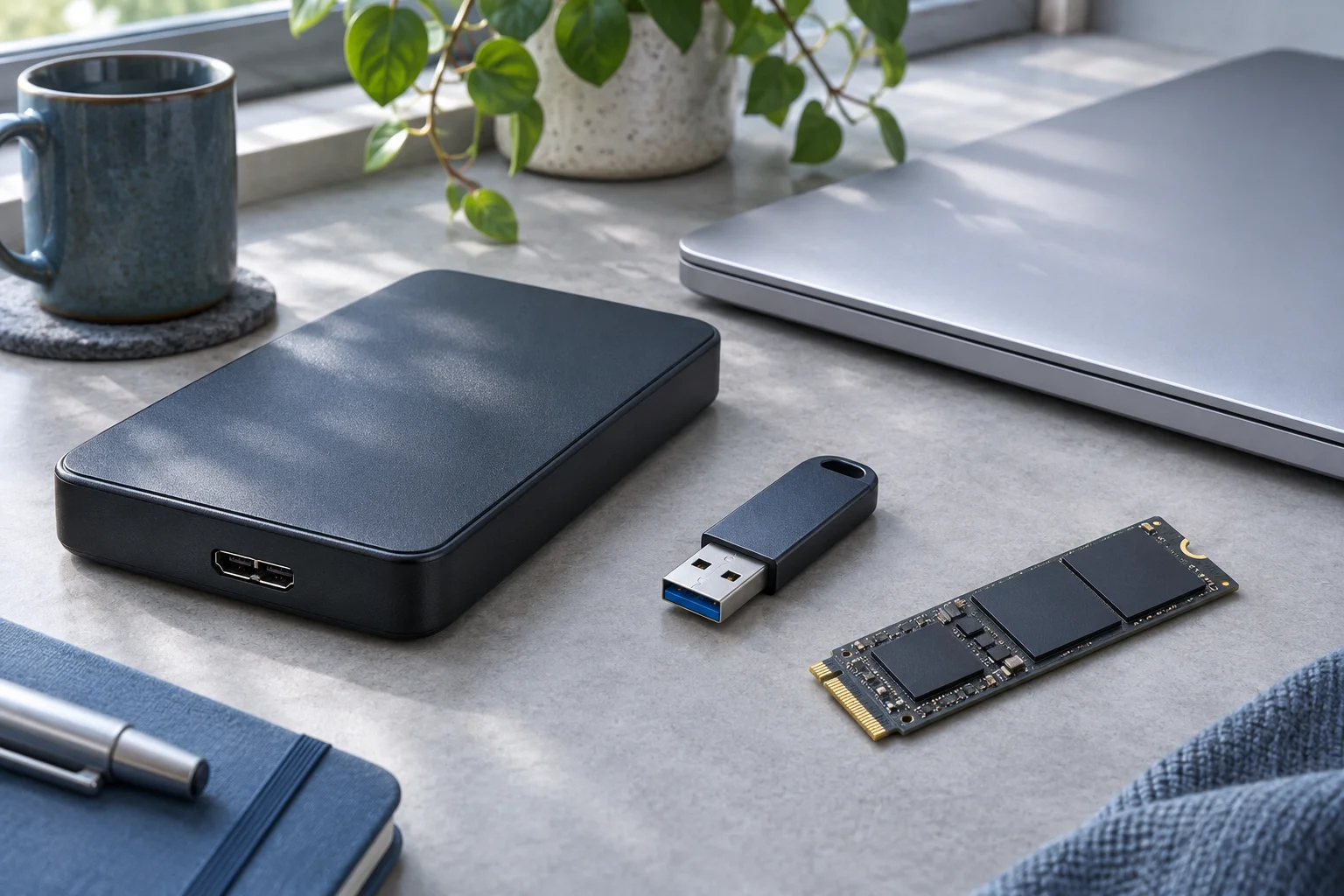
NVMe recovery starts with a readable connection to the actual SSD. M.2 is a form factor, while SATA and NVMe describe different storage interfaces. An M.2 drive fitting into a socket or enclosure does not establish protocol compatibility. Confirm the drive and adapter specifications before treating non-detection as a data-loss problem.
Identify the device and access route
Read the SSD model from its label or existing records, then check its official specification. Determine whether it is an M.2 SATA device, M.2 PCIe/NVMe device or another form factor. Do not identify it only by the connector’s notches.
Kingston explains the SATA and NVMe M.2 distinction. For recovery, the important implication is connection compatibility, not a performance claim. A SATA-only enclosure cannot be assumed to read an NVMe SSD. A multi-protocol product must explicitly support the specific device and physical length.
For an internal slot, check the computer or motherboard service documentation. Follow its power-off, battery and handling instructions before removal. If removal is unfamiliar or the files are unique, obtain assistance instead of improvising a powered swap.
Recognize a disk, not just an enclosure
Connect through the documented compatible route and look for a credible physical capacity in Windows Disk Management. A USB enclosure entry in Device Manager can exist without a readable SSD behind it. Cancel initialization and formatting prompts for previously used storage.
If the SSD is absent through a verified suitable path, reports the wrong capacity, overheats abnormally or disconnects repeatedly, stop repeated powered checks. File-recovery software requires a recognized source that can return storage data. It does not repair an inaccessible controller.
Retain the original computer and enclosure details. If encryption is enabled, have the valid password or recovery key available through a secure method. Changing the host does not remove encryption.
Choose copying or recovery by the actual loss
If existing folders open and read normally, copy priority files directly to another device. Do not scan the whole SSD merely because NVMe is unfamiliar.
For deletion, formatting or an inaccessible file system on a stable readable SSD, XRecovery supports searching for retained files. Select the identified source, scan it and inspect names, paths and supported previews. Export a small priority sample to a healthy separate physical device before a larger batch.
NVMe describes the access technology; it does not promise that deleted bytes remain. TRIM and later overwrites can make content unavailable, and a different enclosure does not restore it.
Validate after export
Open the destination copies in their usual applications. Inspect the needed revision, linked assets and full media content. Match hashes against trusted originals where available. Distinguish intact files from partial outputs and items not found.
For an unstable device or a source that remains undetected, the next decision concerns safe acquisition or professional assessment, not scan settings. Provide the model, compatible connection used, displayed capacity, error messages and event sequence. Those details distinguish a connection problem from a readable SSD with missing data without claiming a universal NVMe recovery outcome.