
A recovered file can be usable even when its original name is gone. Names and folder relationships come from file-system information that can be lost independently of the file contents. Use content, dimensions, duration, and known references to identify recovered files, and avoid overwriting different originals that happen to receive similar names.
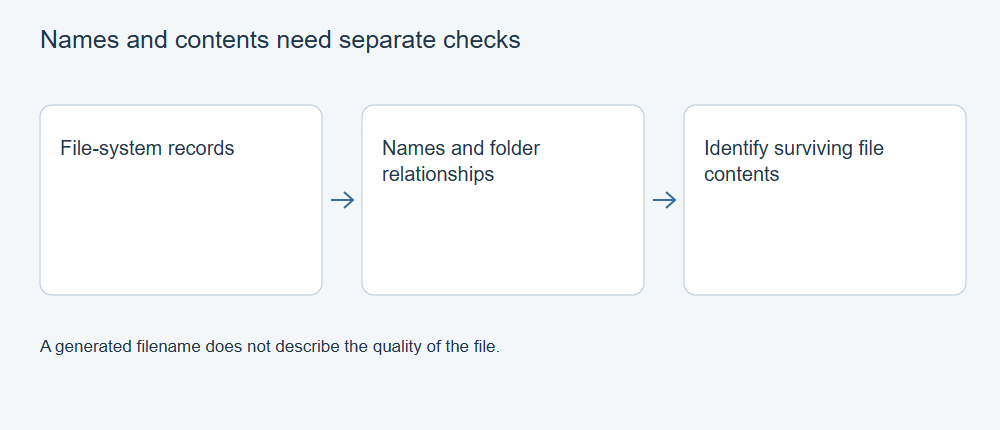
What an original name depends on
The familiar path in File Explorer combines several pieces of information: a filename, a parent directory, and that directory’s place in the tree. If any part of that relationship is missing, a recovery result may contain a detached file, a reconstructed folder, or an incomplete path.
The same is true of timestamps. A file-system creation time is not necessarily the date a photograph was taken or a document was first written. Embedded media metadata, file-system times, and the date of the recovery export can describe different events.
Sorting everything by a single displayed date can mix original work with exported copies or assign misleading order to recordings. Treat a date as a clue whose origin needs to be understood.
Why content-based results use generated names
When a tool recognizes file contents without a usable original directory record, it needs a new name for the output. A name such as a sequence number identifies a found item; it does not tell you the original path.
The PhotoRec documentation describes content-based results and format-dependent embedded information. Embedded details can help organize some files, but they do not universally restore original Windows filenames and directories.
By contrast, a metadata-based result may retain a plausible original name even when the content is incomplete. Neither naming style, on its own, establishes which result is better.
Compare files before renaming them
First preserve the unmodified output and note which scan result or directory it came from. Then build a working copy for organization. Use a simple record with the recovered name, your proposed descriptive name, the identifying evidence, and whether the content has been checked.
For photographs, compare the actual image, resolution, and embedded capture details where present. For documents, inspect a recognizable heading, author-supplied reference, or important revision. For media recordings, compare both content and duration. An embedded thumbnail or the opening few seconds may identify the subject without proving completeness.
If you have a trusted backup, compute hashes of the backup and recovered file to identify exact matches. Different hashes can reflect a different version, altered metadata, or damage; they do not by themselves reveal which explanation applies.
Preserve genuinely different files with the same name
Camera counters and routine project names are commonly reused. Several folders can legitimately contain IMG_0001.JPG or notes.txt. Exporting all of them into one flat folder can cause collisions or make the files difficult to distinguish.
Keep original recovered subfolders when they are available. For flattened results, use separate destinations for competing versions and assign descriptive names only after checking the contents. Avoid accepting a blanket replace-existing choice until you know what it will replace.
Duplicate-looking results may also come from different recovery methods. Compare contents before counting both as separate successes. An exact duplicate can be kept once in your organized working collection while the preserved recovery output retains its provenance.
Rebuild a usable project without inventing its history
For projects with linked files, reconstruct the relationships the application actually needs: media folders, relative paths, and distinct filenames. Relink using a copy of the project and check each referenced asset. Do not assume that choosing one matching name reconnects the correct version.
Where an original path cannot be established, label your replacement organization as reconstructed. You can make the files useful without presenting guesses as recovered historical names.
If neither the name nor enough contents survive to identify a file, keep it in an uncertain group. Repeated renaming, extension changes, or sorting cannot restore missing content. The strongest result is a verified usable file with an honest record of what is known about it.