
A drone footage backup workflow reduces to one rule: every landing ends in an offload. Not every battery, not every location, not the end of the day — every landing. The card comes out of the aircraft, goes into a reader, and lands on a drive before the next battery is loaded.
The rule works because of where it puts the trigger. A backup habit attached to the end of the day fires late, gets skipped when the day runs long, and leaves the entire shoot sitting in the single most exposed place it will ever be: a memory card inside a flying device.
Why One Big Download at the End of the Day Is the Riskiest Choice

A field day with six batteries and two flights per battery puts the card through a dozen takeoffs and landings. Throughout all of them, the card is in the airframe. It is airborne, exposed to vibration, temperature swings, and the possibility of a crash, a water landing, or a lost link — and it is holding the day’s entire body of work.
That arrangement has a single point of failure, and its cost is not proportional to the number of flights. Losing the aircraft on the ninth flight does not cost you the ninth flight’s footage; it costs you all twelve. The difference between an offload-per-landing habit and an end-of-day habit is the difference between losing one flight and losing a production day.
There is a second, quieter cost. Postponed offloads tend to stay postponed. The end of a field day is packing, driving, and unloading, and the copy that was going to happen “as soon as I get back” often slips into the next morning, and then into the next shoot. A card that stayed in the aircraft overnight is a card that can be flown again and partially overwritten before the first copy is made.
A Card Rotation That Survives a Crash
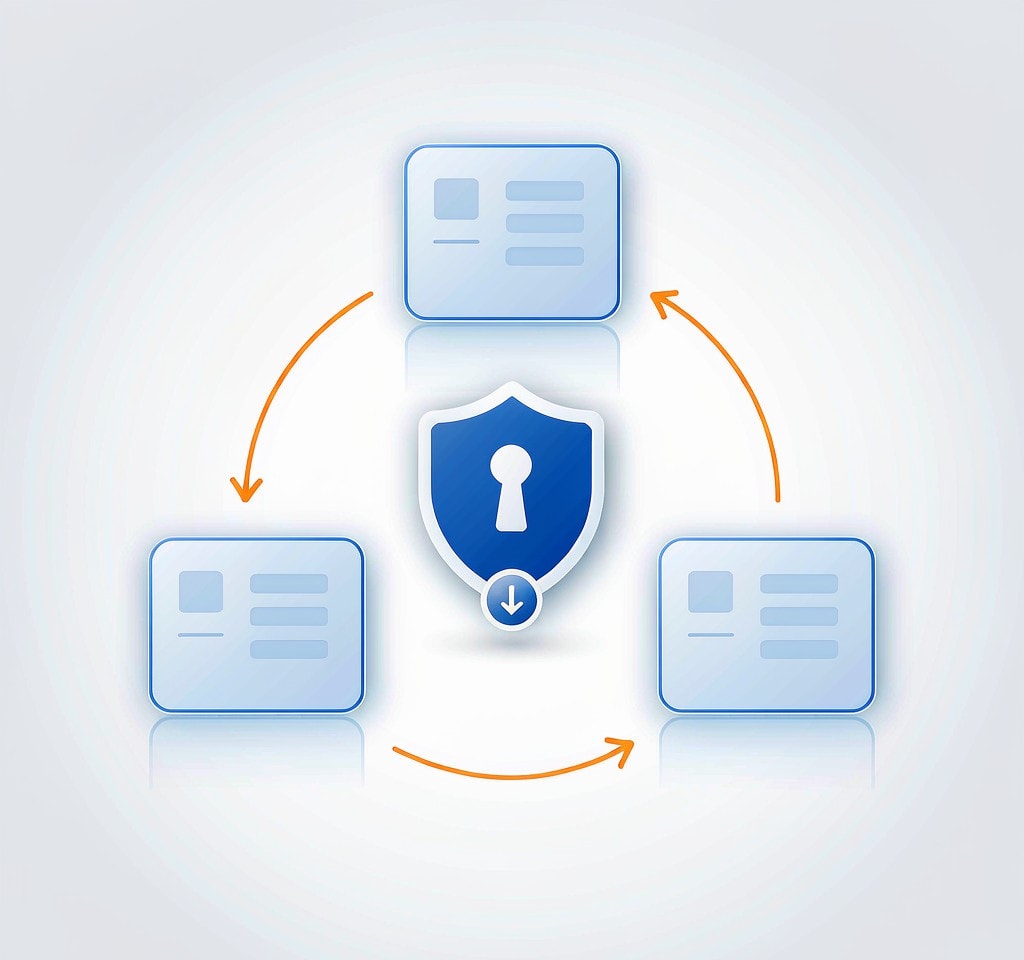
Rotation is what makes the rule practical. With three or four cards, each one is in exactly one known state, and no card returns to the aircraft until its backup has been verified.
| Slot | State | Rule |
|---|---|---|
| Card A | In the aircraft | Only one card is ever airborne |
| Card B | Offloading or awaiting verification | Never goes back into the aircraft while unverified |
| Card C | Verified copy | Stays out of circulation until the project is delivered |
| Card D | Spare | Formatted, labeled, ready for the next battery |
Label the physical cards — A, B, C, D on the sticker, or colored tape on the case — and mirror the label in the destination folder name. The labels exist so that a card in your hand can be identified as the one that has not been backed up yet without plugging anything in. Most field data losses are not caused by hardware; they are caused by a card whose status nobody could confirm.
The rotation also caps your exposure. At any moment, the only footage at risk is what is on the airborne card and on the card currently being copied. Everything else has at least one verified copy.
What “Backed Up” Actually Means
The progress bar is not the answer. A file copy dialog reports a percentage based on how much data the operating system has accepted into its write cache, not on how much has been durably committed to the destination drive. A copy that reads 100 percent and a drive that is unmounted abruptly can still lose the tail of the last file, which is usually the most recent flight.
The app cache on the controller is a similar trap. It is not a backup, and neither is the aircraft’s internal storage: both are second copies on the same device that went down, and both are lower quality. Treat a copy as complete only when all six conditions below hold.
- Every file is present. Compare the file count on the card with the file count at the destination, including the folders DJI or GoPro created.
- The byte total matches. Compare total size, not an estimate. A truncated copy still produces a file that appears in the listing.
- A zero-byte or tiny file is investigated, not ignored. A clip that should be 3 GB and shows 0 KB is a failed write on the card, and it is exactly the file to check before formatting anything.
- The first and last clips of the flight actually play, from the destination drive. Open them from the copy, not from the card, and let them run past the opening seconds. A clip that plays for three seconds and stops is truncated, and it will still look fine in a file listing.
- There are two copies before the card is reused. One portable drive in the field and one cloud or studio copy at the end of the day. This is the 3-2-1 rule adapted to a shoot day rather than to an archive.
- The destination is a dated, per-flight folder. Never copy a second card into a flat folder that already holds the first. Chaptered drone files repeat their names across flights —
DJI_0001.MP4exists on nearly every card — and a second offload into the same directory can silently overwrite the earlier clips or scatter duplicates. A folder per flight, named with the date and the card label, removes the ambiguity.
Do not erase the card on the day it was used. Keep it as a third copy until the project is delivered, then format it inside the aircraft rather than on a computer, so the card carries the file system the aircraft expects.
Fitting the Loop Into a Real Flight Day
The habit survives only if it overlaps with something you already do. Charging is the natural hook: a flight battery takes roughly 40 to 70 minutes to recharge, and a landing-to-verified-offload cycle fits inside that window on all but the largest cards.
A practical field kit is a card reader, a laptop or tablet, and a portable SSD — with the SSD sized so that a full day of 4K footage fits with room to spare. On shoots with no laptop, a portable SSD that copies directly from a card slot handles the first copy, but its status light is not a verification: complete the checks above on a screen when you get to one, and keep the card until you have. Photographers who routinely work without a computer use the same principle in backing up photos without a laptop, and multi-card productions formalize it in on-set data management practice.
Two habits make the loop tighter. Before takeoff, check free space on both the card and the destination drive — the pre-flight storage check takes fifteen seconds and prevents the most avoidable failure in the field, a card that fills mid-flight. And keep the cards you rotate in a case that is never left in a vehicle, since heat is the most common cause of premature card failure in field work.
Where This Differs From a Still Camera Shoot
Most photographers already understand the value of offloading as they work, but drone work changes the constraints in four specific ways.
The camera itself is the risk. A still camera sits on a tripod or around your neck. The drone is the one piece of equipment you can lose entirely, and the card is inside it while it flies. The backup schedule has to be built around that fact rather than around convenience.
A laptop is often absent. Pilots frequently work from a tablet, a controller screen, or a phone. The offload path has to work with what is actually in the bag.
Batteries set the clock. You cannot offload whenever you like; you offload when the aircraft is on the ground and the battery is charging. Aligning the two turns the backup from an extra task into a gap in the schedule.
Dual recording is not a backup. Aircraft with internal storage, or with two card slots, hold two copies on the same device. That protects against a card failure and does nothing against a crash, a water landing, or a lost aircraft — the limits of redundant storage on the aircraft are worth understanding before relying on it. The same logic applies to the cards themselves: a card of unknown provenance that came with a used drone is not a place to keep the only copy of anything.
Frequently Asked Questions
How often should I back up drone footage while shooting?
After every landing. The aircraft is the one device in the kit that can be lost entirely, and the card is inside it while it flies. An offload per landing means the maximum exposure at any moment is one flight’s footage rather than an entire day’s.
Can the drone’s internal storage replace a field backup?
No. Internal storage is a second copy on the same aircraft, and it is small, absent on several models, and encrypted on some enterprise configurations. It protects against a card failure but not against losing the drone. Only a copy that leaves the aircraft counts.
Is the copy done when the progress bar finishes?
Not necessarily. A file copy dialog reports what the operating system has accepted into its cache, not what has been committed to the drive. Compare file counts and byte totals, play the first and last clip from the destination, then eject the drive properly before disconnecting anything.
Should I format the card right after offloading it?
No. Keep the used card as a third copy until the project is delivered, then format it inside the aircraft rather than on a computer. If a card is ever damaged, the pre-flight check is the place to catch it — and a card that failed once should be retired rather than trusted with the next shoot.