
Skydiving camera data recovery has an unusual starting condition: the recorder is attached to a person, so the equipment can land in one place and the card in another. A helmet camera can shear off in the door at 90 knots, a chest-mounted camera can survive a hard opening and then be crushed under a landing, and a camera can come down intact after the footage on it was cut off mid-write. Each of those produces a different recovery problem.
The rule worth remembering before any of the detail: a camera that stopped recording because it lost power did not stop recording because its card failed. That distinction decides whether the footage is recoverable.
Two Failure Modes, Decided by Where the Camera Is Mounted
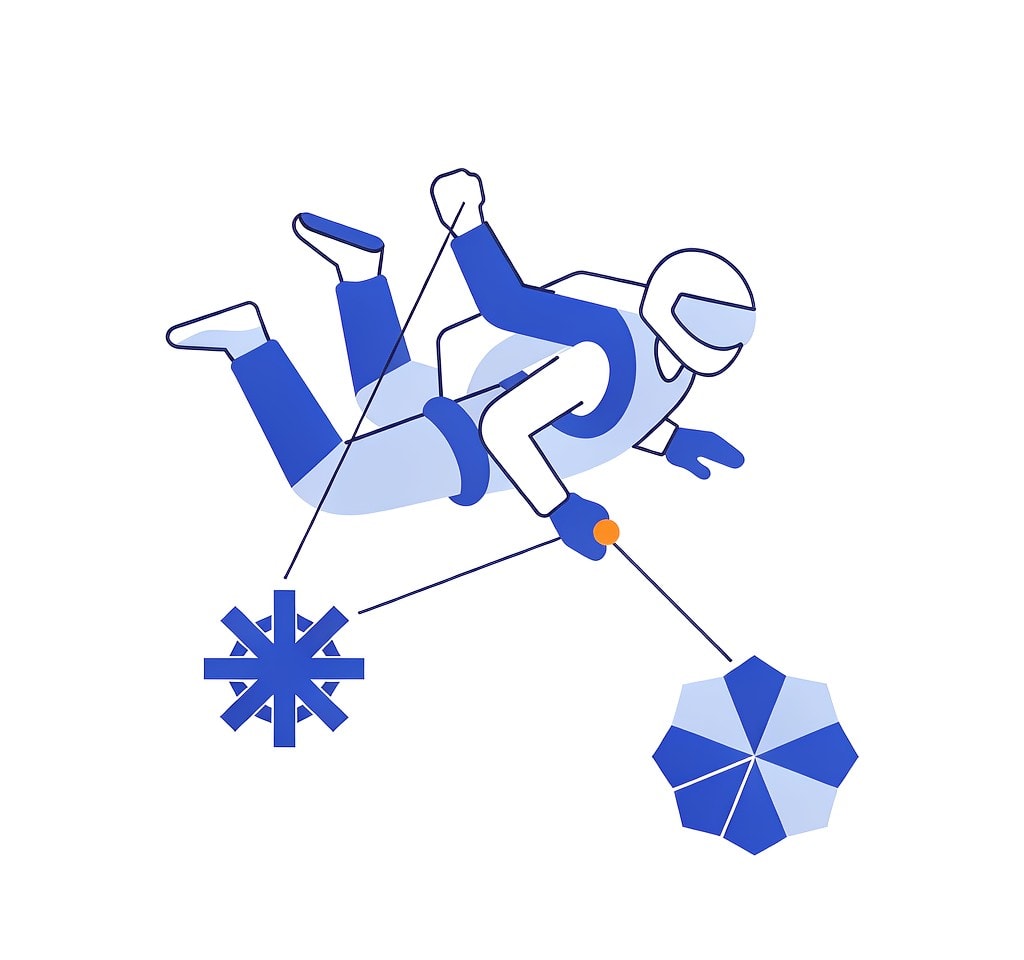
Mount position determines almost everything about how a jump camera fails. It sets what the housing is exposed to, how much shock the mounting hardware takes, and whether the camera is dragged through airflow or sheltered behind a body.
The two common positions fail in opposite ways. A helmet mount sits at the end of a long lever arm in unobstructed airflow: the best framing position and the most exposed. A chest mount is protected by the torso and harness — better armored, worse framed, and loaded differently during deployment and landing.
Neither is safer in the abstract. What matters is that the same outcome — a lost clip — has different causes in each position, and the recovery steps follow from the cause.
Helmet Mounts: Snag, Windblast, and the Tether Question
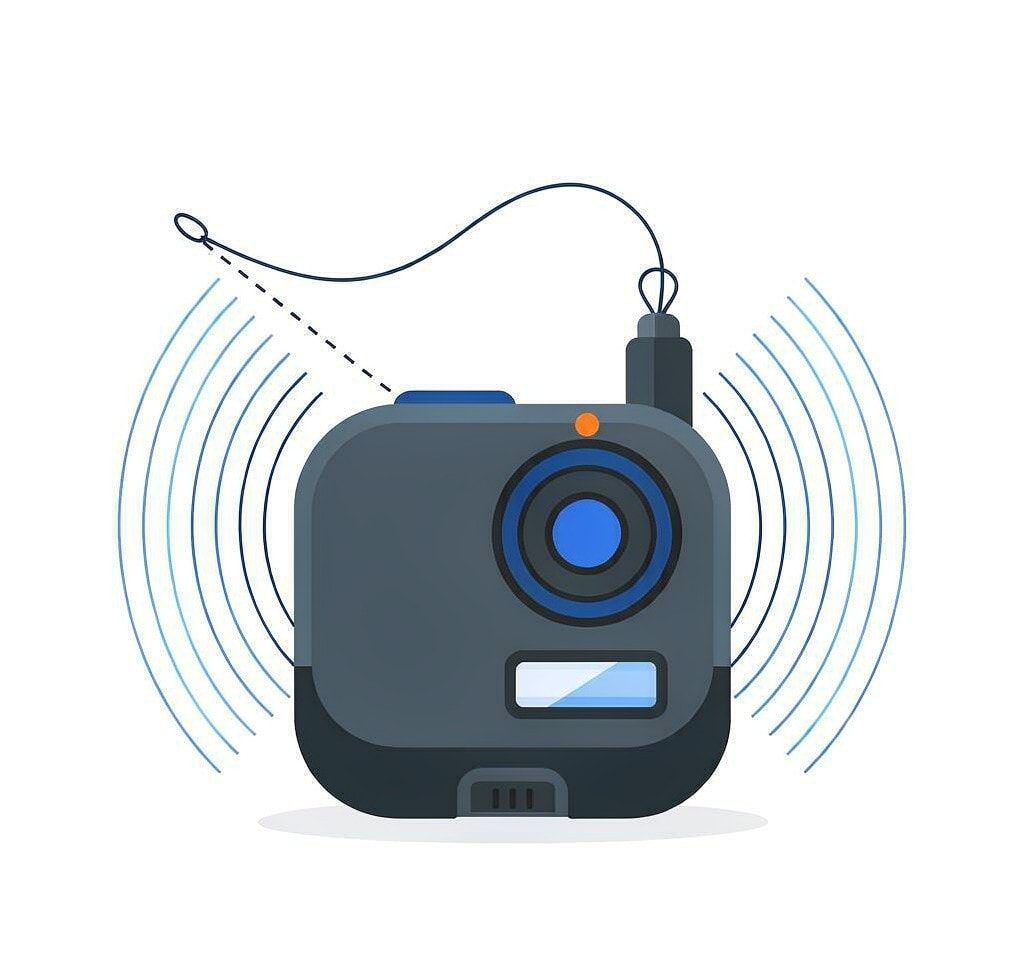
Helmet cameras fail from mechanical events, not from storage problems. Three are common.
Snag on exit. A camera or mount that protrudes can catch on the door frame, a strap, or another jumper. This is the failure pilots worry about most, because the snag can affect the person as well as the equipment.
Windblast and mount fatigue. In freefall the relative wind at 120 mph loads the mount continuously. Repeated jumps fatigue adhesive mounts and pivot screws, and the failure is usually a clean separation rather than a crack, which means the camera departs without any impact damage at all.
The tether trade. Tethering a camera to the helmet keeps it from becoming a hazard to others, and it is standard practice at most drop zones. The cost is that a tethered camera which separates is then swung at freefall speed and strikes the helmet repeatedly — a far more violent event than a clean fall. A camera that survives that is often the one whose card has come loose in its slot.
If a helmet camera separates and is found, the enclosure is not the first thing to inspect. Check whether the card is still seated and whether the camera powers on. A card error suggests a card problem; a normal card with fewer files suggests an unfinalized recording, which is the better outcome.
Chest Mounts: Better Armor, Different Shock
A chest-mounted camera is sheltered from windblast and snag, which removes most of the mechanical failure modes that affect helmet rigs. It replaces them with two others.
Deployment shock. A parachute opening is a rapid deceleration loaded through the harness, and the camera is bolted to the part of the body taking that load. Mounting hardware that survives a hundred jumps can fail on the one with a hard or off-heading opening. The camera usually stays attached; the mount or the housing cracks.
Landing crush. This is the real asymmetry. A chest camera lands with the jumper, under the jumper, or against the ground on a stand-up landing, and it is crushed against a body that weighs considerably more than the camera. Helmet cameras rarely experience this, because the head is not usually the point of contact.
A crushed camera is a case for careful handling rather than hasty scanning. If the shell is deformed, the card inside may itself be bent, and a bent card should not be forced into a reader: the contacts can damage the reader, and inserting a warped card can worsen the damage. Check the card’s flatness against a straight edge before you insert it anywhere. Card-level failures of this kind are described in the notes on physical card damage, and the wider handling rules for action cameras are covered in action camera data recovery.
| Aspect | Helmet mount | Chest mount |
|---|---|---|
| Typical failure cause | Snag, windblast fatigue, tether impact | Deployment shock, landing crush |
| Camera separation in flight | Common; camera often found separately | Rare; camera usually lands with jumper |
| Enclosure damage pattern | Impact and abrasion | Compression and cracking |
| Card risk | Loose card after repeated strikes | Bent card after crush |
| Recovery priority | Locate the camera and check seating | Inspect the card for deformation before reading |
What Altitude Cold Does to Recording Time
Cold is the most predictable cause of a lost skydive clip, and it catches people out because the numbers are worse than the temperature suggests.
A lithium-ion pack loses usable capacity as it cools. At 0°C a cell that delivers 1,500 mAh at room temperature typically delivers roughly two-thirds of that, and the drop steepens from there. At -15°C to -20°C, which is normal at exit altitude in temperate latitudes during winter, a pack can deliver less than half its rated capacity, and its internal resistance rises enough that a high-current draw pulls the voltage down further.
Action cameras compound this in two ways. Recording at 4K 60 fps draws several times the current of 1080p 30 fps, so the cold-capacity problem is multiplied by a higher load. And the camera only warms itself while it is working — the image processor and the card generate heat during recording, which slows the decline once recording starts. An idle camera in cold air stays cold and drains for nothing.
| Conditions | Rough usable capacity | Practical continuous 4K60 recording |
|---|---|---|
| 20°C, fully charged pack | 100 percent | Normal rated runtime |
| 0°C, fresh pack | About 60 to 70 percent | Roughly 40 to 55 minutes |
| -10°C, fresh pack | About 50 percent | Roughly 25 to 40 minutes |
| -20°C, pack that has been cooling for an hour | Under 40 percent | Often under 20 minutes; shutdowns become likely |
The counterintuitive consequence is that the worst thing you can do to a cold-weather camera is leave it powered on while you wait. A camera that has been recording for ninety seconds is warmer than one that has been switched on and idle for twenty minutes, and its battery will last longer as a result. Keep the unit in an inside pocket until the climb to altitude, mount and start recording at the door, and stop recording on the ground. A fresh pack per jump costs less than a rescheduled jump, which is the same reasoning behind the guidance on cold weather recording failures.
When the Recording Stops Mid-Jump
The most common skydive data loss is not a lost camera, but a camera that kept recording until the battery cut out, leaving a file that will not play.
The mechanism is the same one that affects every device that writes video: the frame data is written as it is captured, but the index that tells a player how to read it is written only when the recording is stopped cleanly. A battery that dies at 4,000 feet leaves the frames on the card and no index to describe them. A file that shows the expected size and a duration of 0:00 is not empty; it is unindexed.
The recovery path is well defined. Recharge and power the camera on with the card still inside — many action cameras attempt to finalize an interrupted recording at boot, and accepting that prompt is the cheapest fix available. If the camera does not finalize it, the clip can be repaired by rebuilding its index, which is covered in interrupted recording recovery and, for the container mechanics, in repairing corrupted video files.
One habit preserves more than it appears. If the camera has a proxy or low-resolution recording mode, enable it. A proxy is a separate, simpler file with its own write pattern, and on an interrupted clip it frequently contains the final seconds that the main recording never finalized. The same logic applies across action sports, and the routine is the same one used for motocross and other high-vibration footage, where cameras also tend to stop abruptly.
If you are on Windows and the card is still detected by a computer, a purpose-built recovery tool such as XRecovery (xappset.com) can scan SD, microSD, and other memory cards for deleted or formatted photos and videos. As with any recovery tool, stop writing to the card first and always save recovered files to a different drive. Data that has not been overwritten comes back in full; data that has been overwritten cannot be recovered by any tool. On a jump camera, most overwriting happens on the ground, when someone reviews clips and keeps recording on the same card — the easiest part of this problem to avoid. The wider set of loss scenarios around action sports is surveyed in sports and action footage recovery.
Frequently Asked Questions
Why did my skydiving camera stop recording in mid-air?
Almost always a battery, not a card. Cold reduces usable capacity sharply at altitude, and a high-bitrate recording draws enough current to pull a cold pack’s voltage down. The frames already written stay on the card; only the index is missing, which is a repairable condition.
Can footage be recovered from a camera that fell off in freefall?
Often yes. A clean separation is gentler than an impact, and a camera found on the ground frequently holds an intact card and a clip that was never finalized. Check that the card is seated, then power the camera on with the card inserted and accept any recovery prompt.
Is a helmet mount or a chest mount better for protecting footage?
Chest mounts protect the camera from snag and windblast but expose it to landing crush, the failure that bends cards. Helmet mounts protect it from the ground but expose it to snag and tether impact. Neither protects the data; only a secured card and a warm battery do.
Will a cold battery destroy my footage?
No. Cold reduces how long the camera can record, which truncates the clip, but it does not erase what was already written. The footage recorded before the cutoff is normally recoverable once the index is rebuilt.