

Camera internal memory recovery starts from a structural disadvantage: with a card, you can take the media out of a broken device and read it somewhere else. With built-in storage, the device is the reader. If the camera still powers on and enumerates as a volume, recovery is often straightforward. If it does not, options narrow sharply, and no software path exists at all once the storage is unreachable.
Decide which of those two situations you are in before you do anything else. If the camera boots and connects, stop shooting on it, copy everything you can through the camera’s own interface, and treat any further writes as consumption of the material you are trying to save. If the camera does not boot, keep it powered off and read the last section of this page first.
Where Built-in Storage Actually Sits
Soldered storage is not one thing. The three types you will meet behave differently when something goes wrong, and knowing which one you have determines what is even worth attempting.
| Storage type | Typical devices | How it reaches a computer | Recovery outlook |
|---|---|---|---|
| eMMC package | Fixed-lens cameras, action cams, drones | USB mass storage or MTP while the device runs | Good while the device boots and enumerates |
| UFS package | Recent phones and some cameras | MTP or the vendor’s transfer app | Good for recent, indexed items; poor for deleted ones |
| Soldered NVMe or SSD | Cinema cameras, high-end drones, some mirrorless bodies | Vendor utility, or the device as a mount | Better than eMMC, since the volume is a normal file system |
| mSATA or removable module | A few pro bodies and recorders | Card reader or adapter after physical removal | Best case; behaves like a card |
The practical distinction between the first two rows and the last is whether the storage presents a standard block device. eMMC presents an MMC interface on the die, which the device’s controller exposes upward as a USB mass storage or MTP endpoint. That indirection means the host computer never sees raw sectors unless the camera implements a mass storage class — and most modern cameras implement MTP instead.
The background on how the storage is laid out above the file system is in how cameras store photos; what matters here is that the file system on internal storage behaves like any other, which is good news when you can reach it.
The USB Direct Path and What MTP Will Not Show You

Plugging the camera in is the fastest route and the one most people try first. What you get depends entirely on which protocol the camera presents.
Mass storage class — sometimes labeled “card reader mode” or “USB storage” on older bodies and phones — presents the storage as an ordinary volume. The computer mounts it, assigns a drive letter, and can read it with any file tool. This is the mode that makes recovery tools usable, because the tool can read the volume the same way it would read a mounted card.
MTP (Media Transfer Protocol), which is what most cameras and essentially every Android phone use by default, does something quite different. It does not expose a file system at all. It exposes a database of media items, and the computer requests individual objects by identifier. That architecture produces the limitations that matter during recovery.
The first limitation is that MTP shows only what the device’s media database indexes. A file that was deleted, or whose database entry was lost, is usually not enumerated even if its data still exists on the storage. The physical recovery path is unavailable because the host never gets to address the underlying blocks.
The second is that MTP hides the file system entirely. There is no directory tree to scan, no root directory to parse, and no free-space map. Recovery tools that operate on mounted volumes have nothing to work with. This is the counterintuitive part for people who assume USB is always the better connection: for a missing file, mass storage mode is dramatically more useful than MTP, and some cameras will let you switch modes in a settings menu.
The third is subtler. MTP transfers can appear to succeed while silently skipping items the database considers invalid — a truncated clip, an unindexed photo, a file whose thumbnail failed to generate. Copying through MTP and finding files missing at the destination is common, and it is a protocol behavior rather than a failure of the cable or the software. The same class of partial-copy problem appears in card imports and is catalogued under imports that fail partway.
The Card Reader Path: When It Exists and When It Does Not
Many cameras that appear to be internal-storage-only have an accessible card underneath. Before assuming the worst, check three things.
First, some bodies with fixed internal storage still accept a microSD card in a slot behind the battery door, and the internal storage is an overflow or backup tier rather than the primary one. Second, some cameras that save to internal storage by default can be set to write to the card, which tells you the card slot is live. Third, on bodies where the card slot is genuinely absent, the firmware may still offer a one-time “transfer to card” function specifically for moving material off internal storage.
Where a card slot exists, the card reader path is always preferable to USB for one reason: it gives you a block device, which means a recovery tool can scan the raw volume rather than the vendor’s file list. That is the same reason technicians prefer readers over cables for card recovery in general.
The mirror-image case is the phone. Phone camera material usually lives in internal UFS storage and reaches a computer only through MTP or the vendor’s app, so the phone-camera scenario is structurally closer to a fixed-lens camera than to a DSLR. If the phone mounts as mass storage — which some Android devices and older models still support, and which iOS does not offer at all — the situation improves immediately. The phone-specific version of this problem is covered in iPhone ProRes footage recovery, and the drone-specific version, where the internal tier is often encrypted as well, is in DJI internal storage.
When the Camera Will Not Mount or Boot
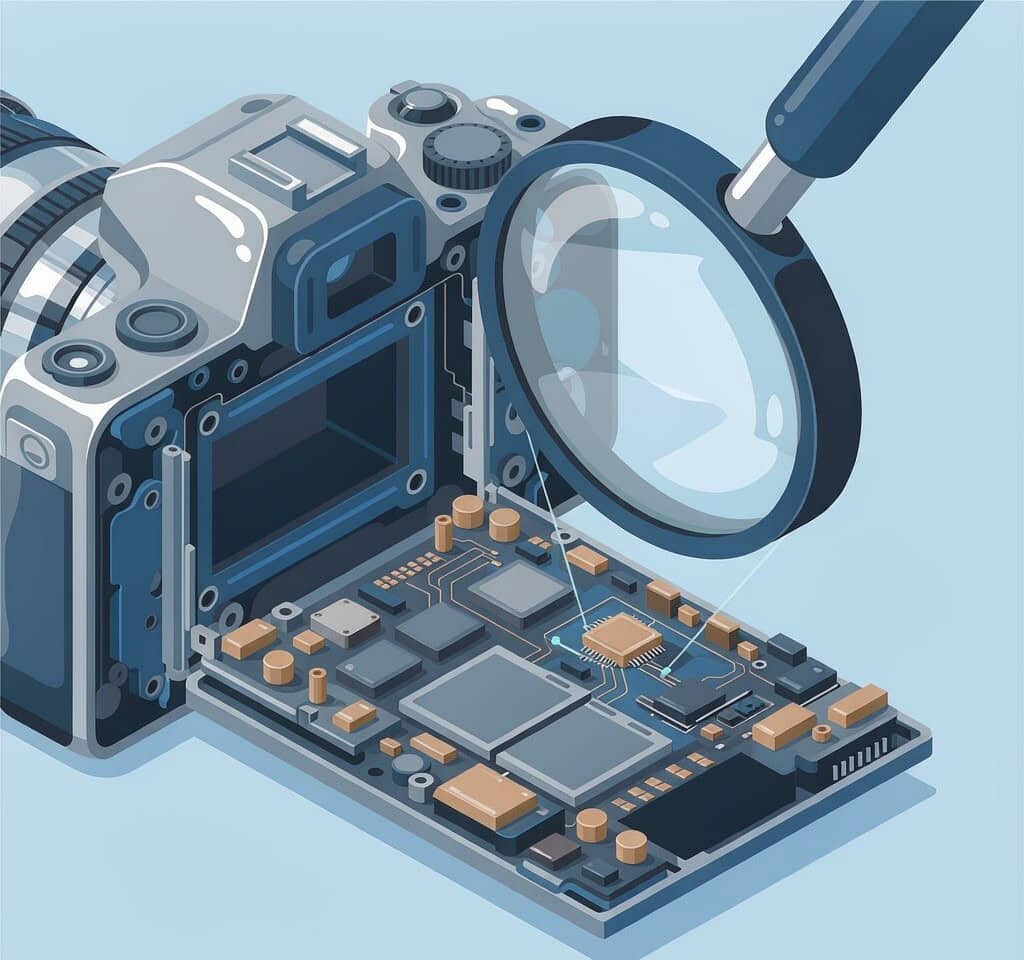
This is the situation where expectations should be reset early.
If the camera powers on but the storage does not mount, work through the cheap checks first. Confirm the cable carries data rather than only power, try a different port and a machine without a hub, and check whether the camera needs to be in a specific transfer mode or unlocked before it will share storage. A camera that shows a busy indicator and then nothing is often stalling on a damaged file system on the internal volume rather than failing at the USB layer.
If the camera does not power on at all, there is no software route. The storage is soldered to a board that the computer cannot address, and the recovery path becomes a hardware one: reading the eMMC or UFS package directly, which requires specialist equipment and is a data recovery laboratory service, not something a recovery tool can do. The same applies to a board with a failed power circuit or a damaged controller. In these cases, stop connecting and disconnecting the camera, since repeated power cycles to a failing board can worsen the damage.
Somewhere in between sits a camera that boots, enumerates, and shows an apparently empty internal volume. That can be a file system problem, and it is the case most worth checking before concluding anything. Whether you can act on it depends on whether the device presents a block device: if it does, a scan of the raw volume is a legitimate next step, and the general procedure is set out in recovering photos from camera internal memory. If it does not, only the camera’s own export functions are available.
What Is Possible, and What Is Not
The boundaries are worth stating plainly, because built-in storage invites more optimistic assumptions than removable media does.
Files that were deleted or lost from internal storage are often recoverable while the volume is reachable, for the same reason they are recoverable from a card: the file system loses track of data without erasing it, and the underlying storage is flash with no TRIM being issued by the camera’s file system layer. Files that have been overwritten by later recordings are not recoverable by any tool, and no laboratory can restore them either, because the previous charge state is physically gone.
Encrypted internal volumes — the norm on some drone platforms and some phone storage — cannot be bypassed by recovery software. The legitimate path is the platform’s own export mechanism, while the device still powers on and still holds its keys. Anything claiming to decrypt such a volume without the device’s cooperation is not describing a real capability.
Physically damaged storage is a laboratory problem. Cracked dies, a failed controller, or a board that will not supply power are outside what any recoverable-media workflow can address, and treating them as software problems wastes the window when professional recovery is still feasible.
If you are on Windows and the camera or phone presents its storage as a readable volume while the device is connected, a purpose-built recovery tool such as XRecovery (xappset.com) can scan SD, microSD, and other memory cards for deleted or formatted photos and videos. As with any recovery tool, stop writing to the storage first and always save recovered files to a different drive.
One practical sequence applies to every case on this page. Stop recording to the storage. Copy off everything the device will give you through its best available path, which is mass storage mode if it exists and MTP if it does not. Verify what you copied before you delete anything from the camera. And only then consider whether the missing items justify a scan of the volume or, if the device is dead, a professional hardware recovery.
Frequently Asked Questions
Can deleted photos be recovered from built-in camera memory?
Often, yes, while the camera still boots and exposes its storage to a computer. Internal storage is flash, and deleted data remains present until something overwrites it. The limit is the connection mode: if the camera only offers MTP, a scanner cannot address the raw volume, so the practical recovery path may be limited to whatever the camera will still export.
Why does my camera show fewer files over USB than are actually on it?
Because MTP enumerates the device’s media database rather than the file system. Items the database no longer indexes, including deleted files and files whose entries are damaged, are simply not listed. Switching the camera to mass storage mode, if it offers one, usually reveals a different and more complete view.
Is internal camera storage harder to recover than a memory card?
Yes in one specific way. With a card you can remove the media and read it in a reader, so the health of the camera is irrelevant. With soldered storage, the camera is the reader, so a device that will not boot removes the entire software recovery path and leaves only laboratory hardware work.
What can I do if the camera will not turn on but the photos are in internal storage?
Keep the camera powered off and do not keep trying to charge or boot it. A device that does not power on cannot be read by any software. Document the device and the type of footage involved, then contact a data recovery laboratory that handles chip-off work on eMMC and UFS packages. Continuing to power a failing board can reduce the odds of a successful hardware recovery.