
Built-in storage cannot be scanned the way a memory card can. It is reachable only through the protocol the camera chooses to expose over USB, and that protocol normally hides deleted objects and offers no unallocated space at all. The short version: to recover photos from camera internal memory works when the files are still listed, and largely fails when they are not.
Before concluding anything, check two facts. Confirm the camera actually stores media internally rather than buffering it, and confirm which USB mode it exposes. Those two answers decide whether you have a real path or a dead end.
Confirm the camera actually has internal storage

Three different things get called internal memory, and only one of them holds your photos in a way that matters after a loss.
The first is a capture buffer. Some cameras write a clip into fast internal memory during recording and flush it to the card when recording stops. This is a staging area, not a library. If a recording is interrupted before the flush, that footage is normally gone, because the buffer is volatile or is overwritten on the next power cycle.
The second is a genuine internal volume: soldered flash formatted with FAT or exFAT, holding user-visible files. This is what consumer drones commonly ship with at 2 GB to 8 GB depending on model, what some action cameras carry so they can record when the card is missing or full, and what many compacts still provide at a few dozen megabytes for emergency shots.
The third is the phone case, where the camera writes into OS-managed storage. That is a software storage problem rather than a camera storage problem, and it behaves differently in every respect. The device-class view of the same subject is in camera internal memory recovery.
A free first test: pull the card, power the camera on with no card inserted, and try to take a picture. If the camera refuses, it has no usable internal volume. If it accepts, mark that shot, power off, and see whether the file survives. Some cameras write to a buffer and discard it.
What MTP mode exposes, and what it never will
| Access mode | What the computer actually sees | Can a recovery scanner read it? | Common on |
|---|---|---|---|
| MTP or PTP over USB | A device object listing: names, sizes, and dates for files the camera publishes | No. There is no block device and no unallocated space | Canon, Nikon, Sony, Fujifilm, most mirrorless bodies |
| USB Mass Storage (UMS) | A raw block device carrying a FAT or exFAT volume | Yes, the same way a card in a reader is scanned | Older compacts, some action cameras, some drones in disk mode |
| Card in a card reader | A raw block device | Yes, with full access to deleted entries and free space | Any camera that records to removable media |
| Vendor desktop utility | Whatever the device firmware chooses to export | No. It is an export, not a mount | DJI, GoPro, Insta360 and similar |
| Wi-Fi or companion app | Selected files, transferred through device firmware | No, and the transfer is often lossy | Nearly every current camera |
MTP and a mount are not the same kind of access. Mass storage hands the host a raw sequence of sectors and says “figure it out.” MTP hands the host a catalog and says “here is what exists.” A recovery tool needs the first and can do nothing with the second.
This is not something a better utility can work around, because it is a property of the protocol. To carve deleted files out of unallocated space, a scanner has to be able to read the unallocated space, and MTP has no concept of it. For the block-level version of the same workflow, where the access does exist, see how to recover camera data.
There is one useful exception. Some cameras and drones expose both modes, and the mode is switchable: a menu option labeled USB mode, connection mode, or PC mode will offer MTP on one setting and mass storage or “as a disk” on another. If your device offers that switch, use it. It is the difference between a device that can be scanned and one that can only be browsed.
Why deleted photos are invisible over MTP
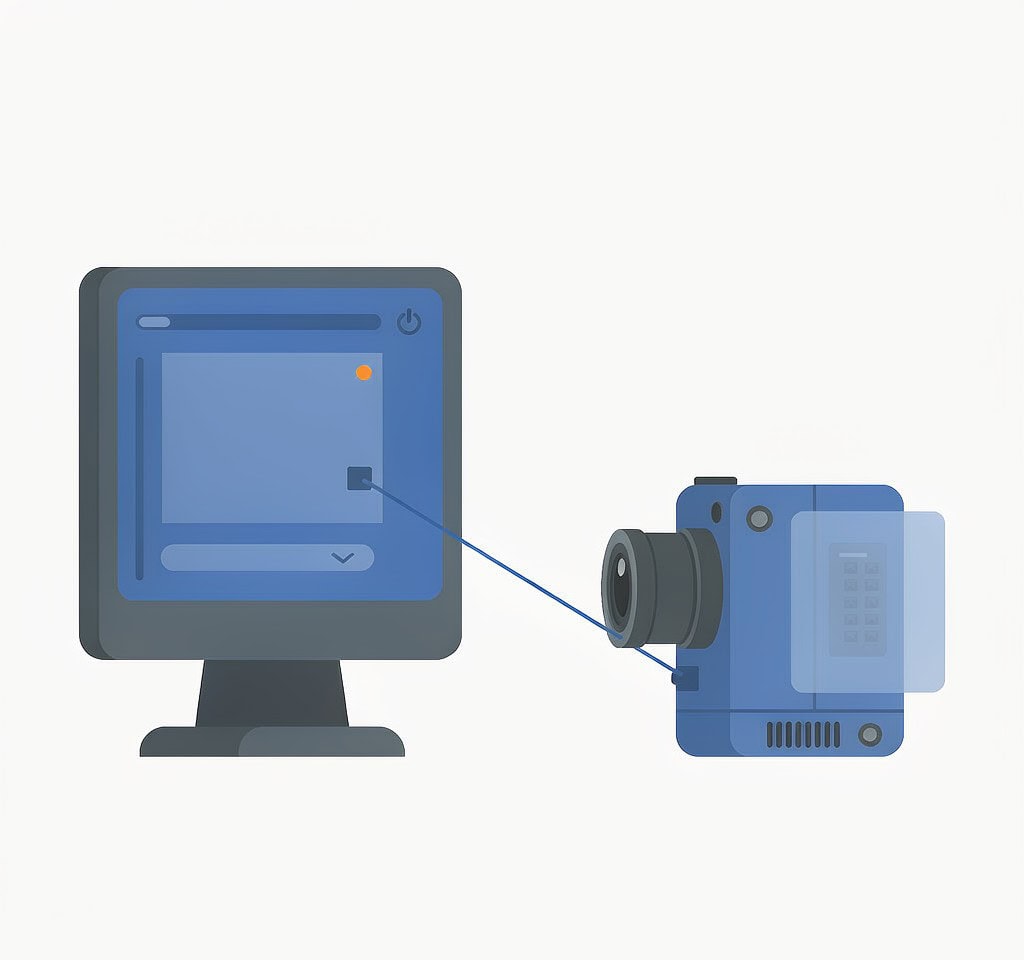
Over MTP, the camera is the file system. When you delete a photo in the camera, the firmware updates its own index and the object disappears from the catalog it publishes. The host never sees the flash blocks that held the image, and it never receives a report that anything was removed. A scanner connected over MTP sees what you see on the playback screen, minus the buttons.
Two consequences follow, and both surprise people.
The first is that the deletion often erased nothing physically. On a camera whose internal volume is a FAT or exFAT partition, the delete is a logical operation, exactly as it would be on a card. The image data is very likely still in the flash. The problem is purely access: your only channel runs through firmware that has decided the object no longer exists. What that deletion does at the storage layer is described in why deleted photos can be recovered, where the access exists and the answer is different.
The second is that formatting internal storage from the camera menu is likewise a quick format. It rewrites the volume’s structures and marks space available without erasing the cells. The data is probably still recoverable in principle, but with no block-level path to it, “in principle” helps nobody.
The recovery paths that do exist
Work down this list in order. Each step is cheap, and the later ones are progressively more expensive and less likely to succeed.
Check the card first. A surprising share of “internal memory lost my photos” cases turn out to be a card problem, or a device that silently switched its recording destination. Verify the destination setting and scan the card with a reader before assuming the built-in volume is involved. If the card is not appearing at all, the symptom-specific sequence is in SD card not detected.
Look for a mass storage mode and use it. Search the camera menu for a USB or connection setting. If it offers mass storage, set it, connect, and confirm the operating system mounts a volume with a drive letter. From that point the internal volume behaves like a slow card, and a scanner can read it. If it mounts with a raw or unreadable file system, do not let the operating system repair it.
Export whatever is still listed, immediately. Even when the missing files are gone from the catalog, copy everything that remains before trying anything else. Firmware resets, failed recovery attempts, and continued use all reduce what is left. Verify each export by opening it, not by checking its size.
Check the companion app and cloud sync. Some ecosystems keep their own copies. A drone or action camera that synced to a phone or vendor cloud may still have a lower-resolution copy or the original remotely, even when the device shows nothing.
Do not factory reset the device. A reset frequently reformats internal storage, which is the one action that converts a possibly recoverable situation into a definitively unrecoverable one. The general principle is the one that governs card recovery and is set out in SD card recovery mistakes: the destructive step is almost always something the user does after the loss.
If the device does expose mass storage and the loss is logical, a purpose-built recovery tool such as XRecovery (xappset.com) can scan SD, microSD, and other memory cards for deleted or formatted photos and videos. As with any recovery tool, stop writing to the card first and always save recovered files to a different drive.
Phones, drones and action cameras
Phones are the hardest case, and not for the reason people assume. The difficulty is not soldered storage; it is that modern mobile operating systems encrypt file contents with per-file keys and destroy the key when a file is deleted. Once the key is gone, the ciphertext remaining on the flash is useless, and no technique and no laboratory reconstructs it. That situation is covered under iPhone ProRes recovery.
Drones are the friendliest case. Most consumer drones expose internal storage as a readable volume in the right mode, and the capacity is small enough that a full scan takes minutes. The practical steps are in DJI internal storage recovery and the extraction procedure in extract DJI internal storage.
Action cameras sit in between: models with built-in storage usually expose it over MTP only, and their apps export rather than mount. Where a disk mode exists, the volume is a normal exFAT partition and recovers like a card.
When the only honest answer is a lab or the manufacturer
Three situations make further work pointless. The first is a device that is not detected at all, or that disconnects and reconnects during a transfer: that is a hardware or firmware fault, not a data problem in the volume. The second is file-level encryption whose key has been destroyed; no service recovers that, and the boundary is explained in unrecoverable data. The third is a device whose internal flash is a soldered BGA package. Chip-off extraction is possible for a specialized laboratory, but it destroys the device and usually costs more than the footage is worth unless the material is commercial. Where that line sits financially is discussed in data recovery lab worth it. For everything else, the routine workflow in camera photo recovery applies once you have block-level access.
Frequently Asked Questions
Can recovery software see deleted files on a camera’s internal memory?
Only if the camera can present internal storage as a block device, which means a USB mass storage mode rather than MTP. Over MTP the host receives a catalog of existing objects and has no access to unallocated space, so there is nothing for a scanner to carve. If the menu offers a disk or mass storage mode, use it. If it does not, software cannot reach deleted data.
Why can my computer see the photos on the camera but not the ones I deleted?
Because the camera publishes a list of objects rather than exposing the underlying storage. Deleting a file removes it from that list, and the host has no way to request anything outside it. The blocks may still hold the image, but the protocol provides no path to them.
Does formatting the camera’s internal memory erase everything permanently?
Usually not. The in-camera format is a quick format, so it rewrites the file system structures and marks the space as available without erasing the flash cells. The obstacle is access rather than erasure: without a block-level connection to the device, no tool reads the untouched blocks. Avoid a factory reset, which may overwrite more aggressively, and stop using the device.
Is it worth sending a camera to a lab for internal storage recovery?
It depends on whether the device still powers on and enumerates, whether the storage is encrypted, and whether the footage has commercial value. Labs can sometimes work with devices that no longer mount, and chip-off extraction of soldered flash is possible but destroys the device. For personal photos on an encrypted phone, the answer is almost always no, because the keys are gone.