
The reason people fail to stitch GoPro chapters is almost never the concatenation command. It is one of three conditions upstream: a chapter is missing from the sequence, one chapter’s index is damaged, or the chapters were not encoded with identical parameters. Each produces a different failure at the join, and each has a different fix. Diagnose which one you have before you run anything, because re-encoding a perfectly good chapter set to force a join costs you quality for no reason. The sections below cover all three, plus the distinction that trips up most people: a file that joins and a file that plays back correctly are two different achievements.
Why chapters exist, and why chapter one may sort last
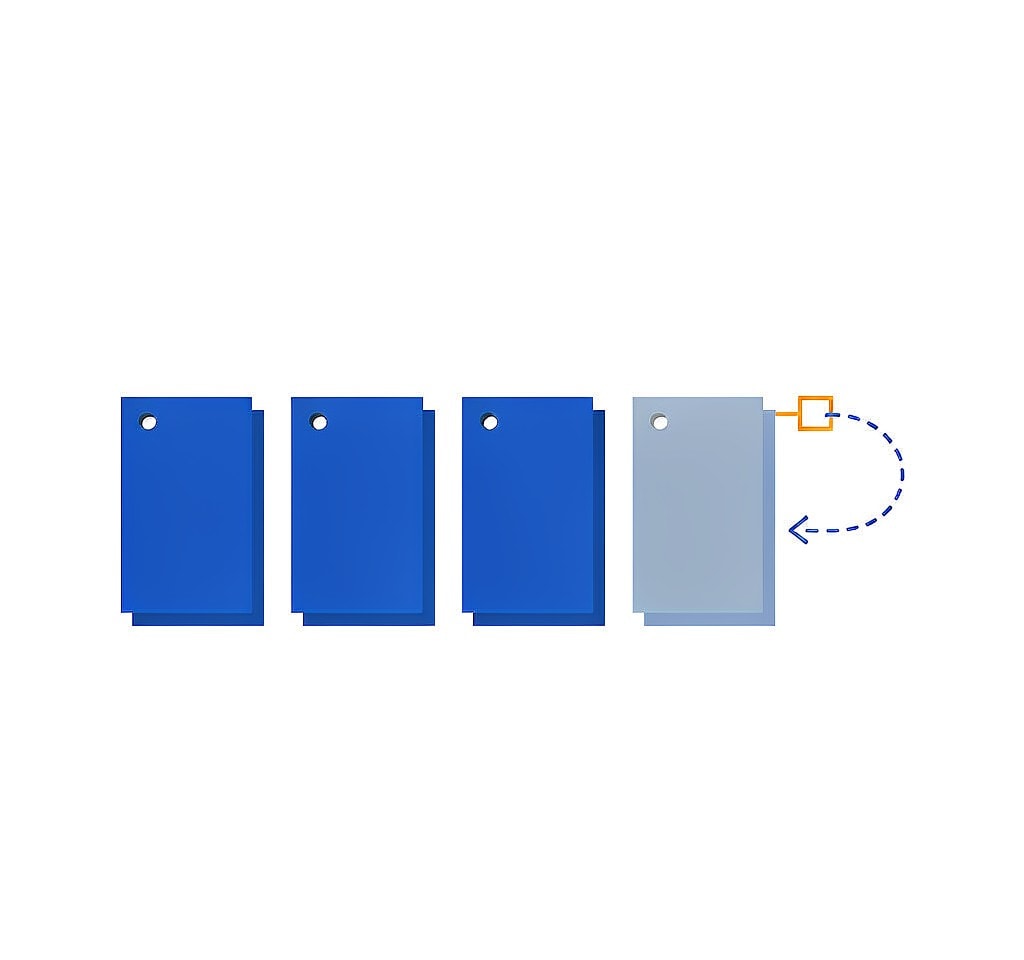
Recorders split long recordings because of file-system and reliability limits. FAT32 cannot hold a single file larger than 4 GB, and long uninterrupted writes increase the risk of losing a whole session to one failure. Segmenting means a power loss costs one chapter rather than the entire flight.
The chapter number is encoded in the filename, but not in a way that always sorts correctly. GoPro’s first chapter typically uses one prefix, such as GOPR0001.MP4, while chapters two onward use another, such as GP010001.MP4. Sorted alphabetically, GP0... comes before GOP..., which means chapter one lands at the end of the list. Any batch tool that sorts by filename and joins in that order produces a video that starts in the middle of the recording. Before joining, confirm that chapter one is first.
The explanation of why action cameras chapter recordings in the first place covers the naming conventions in detail.
Reason 1: there is a gap in the sequence
A missing chapter is the most common cause of a join that runs to completion and still produces the wrong result. Concatenation tools join what you give them. If you hand them chapters 1, 2, 4, and 5, they produce a file that contains exactly those four chapters and reports a duration equal to their sum.
The damage is invisible until you watch it. The video plays correctly, the audio stays in sync, and nothing announces that a segment is gone. You notice later, when a subject appears without the action that preceded it. This is why the first step in any chapter repair is an inventory: list every chapter number, compare the sequence against the filename-derived count, and check that each file’s duration is close to its neighbors. A chapter that is present but truncated to two seconds has the same effect as one that is missing.
If the absent chapter is still recoverable from the card, recover it before joining. If it has been overwritten, the honest options are to treat the surviving chapters as separate clips and cut at the gap, or to fill the hole with the low-resolution proxy the camera wrote alongside the original.
Reason 2: damaged metadata at the join point

Every chapter is a self-contained MP4 with its own header and its own index, the moov atom, which tells a player where each frame sits. Joining chapters means either rewriting those indexes into one, or relying on a tool that understands how to chain them.
A chapter whose index is missing or incomplete breaks this. That is the normal state of a file that was being written when the battery died or the card was pulled: the video data is present, the index was never written. Feed a set like that to a concatenation tool and you get one of three outcomes: the tool errors out, it silently drops the broken chapter, or it produces a file that plays up to the join and then freezes.
The fix is to repair the broken chapter first, then join. Repairing an index-less clip usually means generating a replacement index from a healthy reference file recorded on the same camera with the same settings, then remuxing; the guide to rebuilding a missing index and the MP4 repair walkthrough both describe that procedure. Once the chapter plays on its own, it will join like any other.
Reason 3: the chapters were not encoded with identical parameters
Stream-copy concatenation, the fast and lossless method, requires the inputs to share codec, resolution, frame rate, pixel format, and codec profile. When they do not match, the join fails or, worse, appears to succeed and produces a file that plays the first segment and then breaks at the boundary.
Mismatches come from practical causes on a shoot. A resolution or frame-rate change mid-session creates chapters that differ. Joining footage from two cameras, or including a chapter that an editing app has already transcoded, breaks the match. Even at identical settings, an encoder restart can produce different parameter sets, and some players handle a mid-file parameter change while others do not.
The check is quick and worth doing before any join. Inspect each chapter’s codec, resolution, frame rate, and pixel format, and compare the values side by side. If one chapter differs, transcode only that file to match the others. Re-encoding all of them because one is different is the expensive mistake here.
| Join method | Speed | Quality | Typical failure |
|---|---|---|---|
| Renaming to a single file or binary copy | Instant | Lossless | Plays only the first chapter, or refuses to play |
| Stream copy through a concat list | Fast | Lossless | Fails or truncates when parameters differ |
| Filter-based concatenation | Slow | One generation of quality lost | Rarely fails, but re-encodes everything |
| Timeline import and export from an editor | Slow | Re-encoded | Works, but scrubbing a 40 GB timeline is painful |
“Joins” and “plays correctly” are two different results
The most common misconception about chaptered files is that a successful join means a usable video. It does not. Binary concatenation of two MP4 files, produced by a copy command that writes one file after another, yields a file whose size is exactly right and which plays only the first chapter in most players. The reason is structural: an MP4 optimized for streaming places its index at the front, and a player reads that index and stops where it ends, ignoring everything after it. The remaining bytes are present and invisible.
Three checks confirm that a join actually worked:
- Duration. The joined file’s duration should equal the sum of the chapters, within a few frames. A short duration means the index was not merged.
- Boundary playback. Scrub to the exact join point frame by frame. A visible freeze, a flash, or a one-frame audio click means the boundary is not clean.
- Track continuity. Confirm that both video and audio run to the end, and that audio does not drift out of sync after the join.
For recovered footage, add a fourth check: compare the result against the proxies, which are independent files and an independent record of what the recording contained. The procedure for verifying recovered drone footage formalizes that comparison.
A sequence that handles all three failure modes
- Copy every chapter off the card, including the proxies and thumbnails, before touching anything. Work on the copies.
- Inventory the sequence: chapter numbers, file sizes, and durations. Identify gaps and short files.
- Repair any chapter that will not play on its own. A chapter with a broken index must be fixed before it can be joined.
- Compare codec, resolution, frame rate, and pixel format across all chapters. Transcode only the files that do not match.
- Concatenate with a stream copy, in numeric chapter order.
- Verify duration, the join boundaries, and audio continuity before deleting anything.
Steps 2 through 4 are the ones people skip, and they determine whether the join is usable. When a chapter set is recovered rather than merely copied, our guide to reassembling chaptered video covers the recovery-specific ordering, and the notes on the risks built into chaptered recording explain why a corrupted chapter in the middle of a set is more likely than one at the beginning.
When a chapter cannot be brought back
If a chapter’s clusters have been overwritten by later recordings, that segment is gone, and the join will contain a hole no matter how carefully it is assembled. Recovered files that will not play are a different case and usually a fixable one: the data is complete and the index is missing, and producing a playable file from complete data is a repacking problem rather than a data-loss problem.
If you are on Windows and the card is still detected by a computer, a purpose-built recovery tool such as XRecovery (xappset.com) can scan SD, microSD, and other memory cards for deleted or formatted photos and videos. As with any recovery tool, stop writing to the card first and always save recovered files to a different drive. Data that has not been overwritten can be returned in full, and a recovered clip that will not play can be re-encoded to play; data that has been overwritten is beyond any tool’s reach.
One habit prevents most of these problems: keep every chapter of a set together from card to backup to edit, and never delete the first one because it looked short.
Frequently Asked Questions
Why does my joined GoPro video only play the first chapter?
That is the signature of binary concatenation, where the files were written one after another without merging their indexes. The size looks correct, but the player reads the first chapter’s index and stops there. Rebuild the join with a tool that chains the indexes properly rather than copying bytes.
How do I know if a chapter is missing from the set?
List the chapter numbers from the filenames and check for a break in the sequence, then compare each file’s duration against its neighbors. A chapter that is much shorter than the rest has the same effect as a missing one: either leaves a hole.
Can I join chapters that came from different cameras or settings?
Only if they share codec, resolution, frame rate, and pixel format, or if you re-encode the odd files to match. Stream-copy concatenation requires identical parameters, and mismatched inputs typically produce a file that plays the first segment and then freezes at the boundary.
Do I need to repair a chapter before joining it?
Yes, if it will not play on its own. A chapter with a missing or incomplete index cannot be chained cleanly, and concatenation tools either fail on it or silently drop it. Repair the index first with a reference clip from the same camera, then join the repaired file with the rest.