
A twenty-minute GoPro recording almost never arrives as one file. It arrives as three, four, or five files with names like GX010042.MP4, GX020042.MP4, and GX030042.MP4, each a few gigabytes, each independently playable. With GoPro chapters explained, the important part is that this behavior is not an error, not fragmentation, and not a sign that something went wrong — it is designed behavior with a specific technical origin.
The practical takeaway comes first: those files are complete MP4s, and the interruption risk in a chaptered set sits almost entirely in the last chapter. If a recording is cut short, the earlier chapters are usually intact and playable. Do not delete the smaller companion files before you know what happened — the .LRV and .THM files beside each chapter carry structural information that recovery tools use.
Why GoPro Splits a Single Recording Into Chapters

Chaptering is a deliberate design decision made before the first HERO shipped, and it survives today for reasons that have outgrown its original cause.
The camera closes the current file and opens a new one each time the active chapter approaches roughly 4 GB. Nothing pauses: the recording continues uninterrupted, the new file opens with a keyframe, and the chapters play back to back without a visible seam in most players. The user experience is one continuous clip; the file system sees several files.
Two engineering benefits follow. A chapter boundary bounds the damage from any single failure, because a closed file is a finished, self-contained artifact. And chapter files stay small enough to move, upload, and edit on hardware that would struggle with a single 40 GB file — which mattered enormously when these cameras were used with 32 GB cards and USB 2.0 readers.
The counterintuitive part is what happened afterward. Modern cards of 64 GB and above are formatted exFAT, which has no 4 GB per-file limit, so a single 40 GB recording would be perfectly legal — yet GoPro still chapters. The practice is now about damage containment and workflow, not about working around a file system limit that no longer applies.
The 4 GB FAT32 Limit Behind the Split
The original reason is straightforward. FAT32, the file system that shipped on the SD and microSD cards these cameras were designed around, caps a single file at 4 GB minus one byte (4,294,967,295). A camera that wrote one continuous file to a 32 GB FAT32 card would stop recording at the 4 GB mark and leave the rest of the card unusable. Splitting at the limit lets recording continue indefinitely.
Because the split is triggered by a byte threshold rather than a clock, chapter length varies with recording quality. Higher bitrates fill 4 GB faster.
| Recording mode | Typical bitrate | Time per ~4 GB chapter |
|---|---|---|
| 1080p30 | 30-45 Mbps | 12-18 minutes |
| 4K30 | ~60 Mbps | about 9 minutes |
| 4K60 | 75-80 Mbps | 7-8 minutes |
| 5.3K30 | ~100 Mbps | about 5 minutes |
| 5.3K60 | 120-150 Mbps | 3.5-4.5 minutes |
| 2.7K120 (slow motion) | 100 Mbps and up | 4-5 minutes |
This explains a common confusion: two 4K60 clips of the same length can produce different chapter counts when the scenes differ in motion complexity, because variable-bitrate encoding changes how quickly the byte threshold is reached.
How Chapter Files Are Named and Ordered
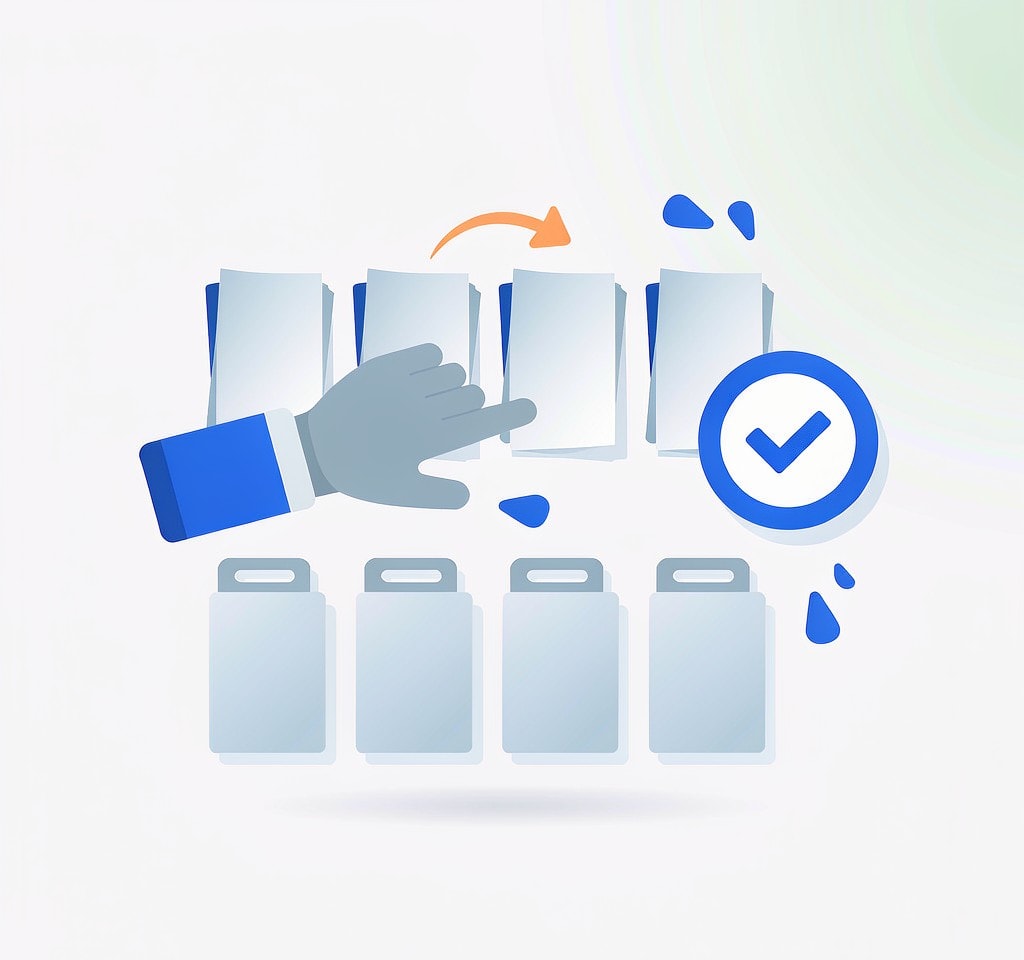
The filename is the map. On HERO8 and later, names follow a GX010042.MP4 pattern in which positions three and four are the chapter number and the final four digits identify the recording. Chapter two of the same recording is GX020042.MP4, and so on. The leading letters vary by model, generation, and mode rather than by chapter, so the digits are what you sort by.
On older bodies, from the HERO3 era through the HERO7, the same idea appears as sequential GOPR0001.MP4, GOPR0002.MP4 numbering. Consecutive numbers with creation times seconds apart are chapters of one recording; adjacent numbers with a gap of several hours are two separate clips.
Two companions ride along with every chapter. The .THM file is a still thumbnail. The .LRV file is a low-resolution proxy video, roughly 480p, written at the same time as the full-resolution chapter and matching it in duration. Both look like clutter and are frequently deleted, which is a mistake: the proxy is a smaller, structurally identical recording of the same content, making it both a usable deliverable in an emergency and a reference for rebuilding the full file. See recovering LRV and THM files.
What Crosses the Chapter Boundary
A chapter boundary is a clean cut, and understanding what is preserved across it explains how chapters behave in recovery.
- Keyframe alignment. Each chapter opens with an IDR (Instantaneous Decoder Refresh) frame, a full keyframe that needs no reference to earlier frames. That is why every chapter is independently playable and why simply concatenating chapters produces a watchable file: decoders are never asked to reference frames that live in another file.
- Codec and parameter continuity. Chapters share encoder settings, resolution, frame rate, and codec, which makes joining them a container problem rather than a re-encoding problem.
- Metadata continuity. Timecode, creation timestamps, and the GPMF telemetry track carrying GPS, speed, altitude, and gyroscope data continue across chapters. Chapter two’s timestamp is later than chapter one’s by exactly chapter one’s duration, which is how editing software reassembles them without human input.
- Index independence. Each chapter ends with its own
moovindex, and nothing in a chapter depends on another chapter’s index. This is the most practically important fact on the page.
Chaptering Is Not Fragmentation, and That Helps Recovery
Fragmentation and chaptering sound similar and are structurally opposite; conflating them is the most common reason people misjudge how much of a broken recording survived.
| Fragmentation | Chaptering | |
|---|---|---|
| What it is | One file’s clusters scattered across the card | Several complete files written on purpose |
| Visible to the user | Nothing, until recovery | Separate files with sequential names |
| Ordering information | Held only by the file system’s allocation table | Encoded in each filename and in each file’s own index |
| Recovery consequence | Order must be inferred; a wrong guess yields an unplayable file | Each piece stands alone; the set can be rebuilt from names and timestamps |
Chaptering limits the blast radius of damage. Because the camera closes a file before opening the next, a power loss or crash affects only the file that was open at that moment — in a chaptered set, almost always the final chapter.
This is where the moov atom matters. Like most MP4-family writers, GoPro places the index at the end of the file, so it can only write it when the file closes cleanly. An interrupted recording produces a final chapter with a normal-looking size but no usable index: the video data is present and the player has no instructions for reading it. That asymmetry is why the on-camera SOS prompt and reference-file repair target one file rather than the whole recording, as detailed in the moov atom repair guide.
For shoot planning, the implication is that a longer continuous recording is not riskier in the way people assume: ten chapters of one long take means nine are already safe on the card.
Joining Chapter Files Back Into One Clip
Deliverables usually need one file, so the chapters have to be rejoined. The method depends on whether the goal is playback, editing, or delivery.
Simple concatenation works because the chapters share codec and parameters and each opens with a keyframe. FFmpeg’s concat demuxer, given a text list of chapters in numeric order, produces one playable file without re-encoding. The common error is an alphabetically sorted list, which places GX100042.MP4 before GX020042.MP4 and scrambles the sequence.
Editing software usually accepts the chapters automatically when they are imported from the same folder, because the metadata continuity described above gives it what it needs.
Reassembly after a loss is a different task. Recover the chapters first, then join them. Start with the GoPro video recovery guide to get them back, use reassembling chaptered video files to rebuild the sequence, and where a chapter is damaged rather than missing, the container fixes in repairing chaptered video files plus the final join in stitching chaptered clips cover the rest.
Two verification habits prevent quiet failures: check the runtime of the joined file against the sum of the chapter durations, and scrub across each boundary looking for a dropped segment. A missing chapter is easy to miss in a long clip and obvious at the seam.
If you are on Windows and the card is still detected by a computer, a purpose-built recovery tool such as XRecovery (xappset.com) can scan SD, microSD, and other memory cards for deleted or formatted photos and videos. As with any recovery tool, stop writing to the card first and always save recovered files to a different drive.
Frequently Asked Questions
Why did my GoPro split one recording into multiple files?
Because chaptering deliberately closes and reopens the recording file at roughly 4 GB. The original cause was the FAT32 per-file limit on SD cards; modern exFAT cards have no such limit, but chaptering continues because it limits damage and keeps file sizes manageable.
Are GoPro chapter files the same as fragmented files?
No. Chapters are complete, independently playable MP4 files written on purpose. Fragmentation is a single file’s storage scattered across the card. Chapters carry their own indexes and can be rejoined from their filenames and timestamps; fragmented data must have its order inferred.
Does chaptering make footage harder to recover?
It usually makes it easier. Each closed chapter is a finished file with its own index, so a power loss or crash typically damages only the open final chapter. The earlier chapters remain playable and can be recovered separately.
Can I merge GoPro chapters without re-encoding?
Yes, in most cases. Because every chapter begins with a keyframe and shares the same codec and parameters, a concat operation can join them into one playable file at full quality. Re-encoding is only needed if you must change codec, frame rate, or resolution.