
Action cam live event recovery is a different problem from recovering a single card, because an event is unrepeatable and the risk is not additive. Eight cameras do not carry eight times the risk of one; they carry considerably more, because the cards were bought in the same batch, formatted on the same day, written by the same firmware, and offloaded through the same reader onto the same laptop. A systemic fault takes out the whole set at once, and the one thing you cannot do is shoot the race again.
The second problem is quieter: after a recovery, nobody knows which file came from which camera. Position labels live on tape and paper, and those are exactly the things that get lost. This page covers where multi-camera workflows break down, how to rebuild the camera-to-file mapping, and how to keep the event running while you work.
Why many cameras fail together rather than separately
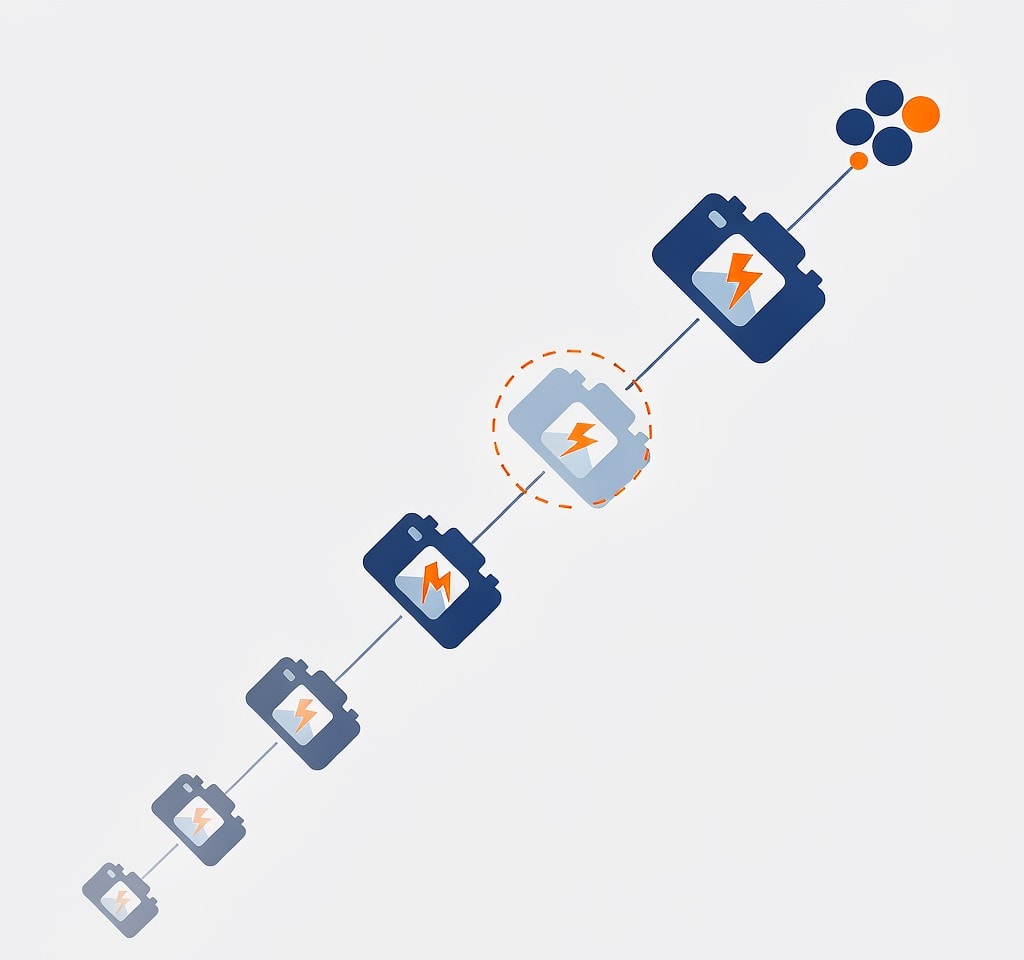
Treating each card as an independent risk is the mistake that makes event coverage fragile. In practice the cards in a kit share almost everything:
- The same production batch. Cards bought together from the same lot can share controller firmware and NAND from the same supplier run. A batch defect appears in all of them within a similar number of write cycles.
- The same format and the same day. Cards formatted in the same session start from a similar state and accumulate wear at similar rates.
- The same reader and laptop. If the only on-site reader has a marginal USB connection or delivers insufficient power, every card passing through it is affected, and the symptom is easily misread as a card failure.
- The same workflow. Every camera formatted on set by the same operator, using the same procedure, is exposed to the same procedural error.
The practical consequence is that a “one bad card” incident should be treated as a workflow alarm, not bad luck: if card three failed on the reader, cards one, two, and four are worth verifying.
Redundant recording changes the arithmetic and is the highest-value preparation for event work. Two-card cameras write the same take to two independent media from the moment of capture; what that does and does not protect against is covered in the guide to setting up dual card recording.
Where multi-camera card management breaks down
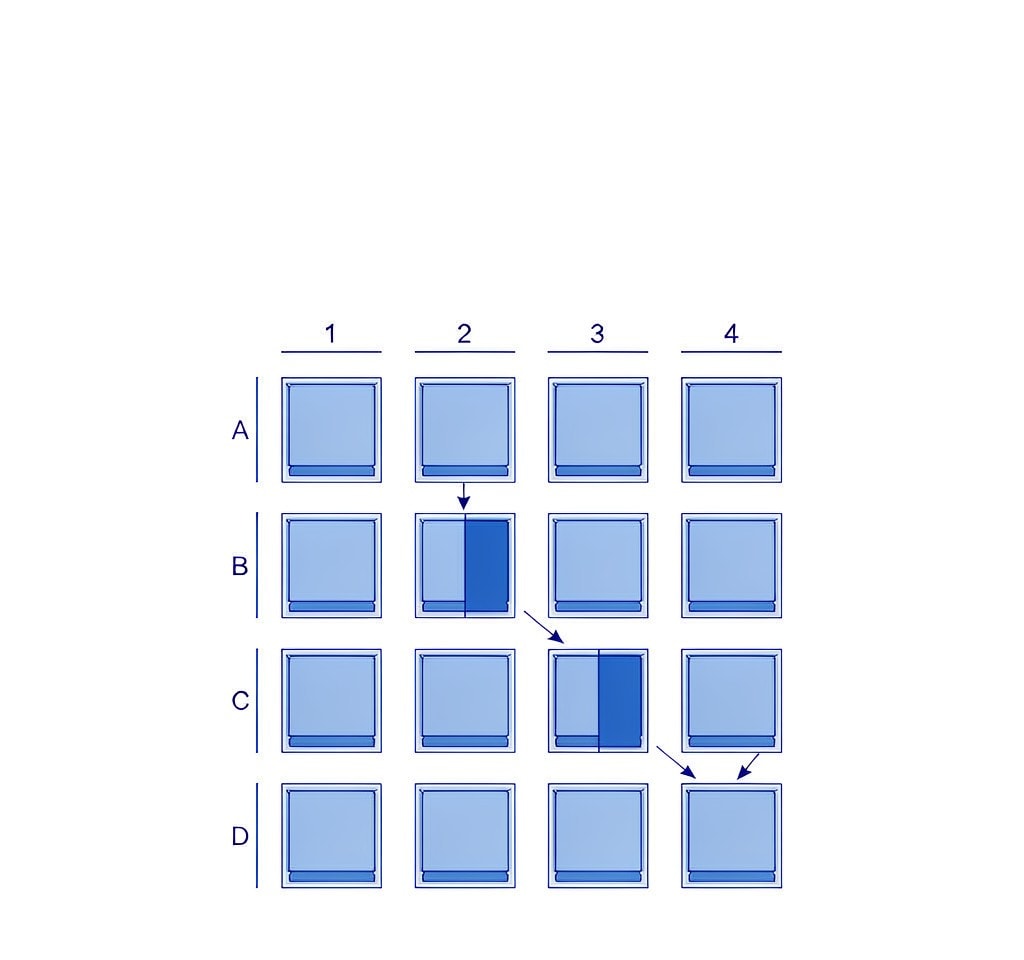
Event card handling fails at predictable points. The pattern below is worth comparing against your own process, because most kits have two or three of these gaps.
| Stage | What commonly goes wrong | Consequence when something is lost |
|---|---|---|
| Preparation | All cards from one batch, formatted the same day, no serial numbers recorded | A batch or firmware fault is invisible and correlated |
| Labelling | Tape labels that peel, or marker on a smooth card surface | The camera-to-card mapping is gone |
| Handoff | Cards passed from operator to runner to DIT verbally | No written record of which card came from where |
| Offload | A single reader and a single laptop, no checksum verification | A reader fault is misdiagnosed as a card fault |
| Formatting | Cards formatted on set to free space, before verification | The only copy is destroyed before it is confirmed |
| Wrap | All cards pooled into one case with no manifest | Recovery becomes guesswork about what existed |
Two rows matter more than the rest. The offload row is where an event’s real losses happen, because it combines a single point of failure with a verification step that is easy to skip under time pressure. The formatting row converts a recoverable card problem into an unrecoverable one, which is what the first-hour priorities after a loss are designed to prevent.
A workable minimum standard is short: label every card with a serial number and a camera position, record every handoff in writing, offload to two destinations with checksum verification, and never format a card until both copies are verified. The fuller version is in the DIT data management overview.
The mapping problem: which file came from which camera
Losing the labels is not the same as losing the footage. After a multi-camera shoot, recovered files often arrive as an undifferentiated pile of numbered clips — GX010142.MP4, GX020142.MP4, and dozens more — with no indication of which camera stood at the halfway point and which was on the finish line.
A wrong mapping produces continuity errors that are expensive to deliver: two angles swapped, a reaction shot mistaken for a lead shot, a replay that cuts to the wrong camera.
Camera identity is written into files in more places than operators realise, and the evidence is usually enough to reconstruct most of the mapping.
Rebuilding the mapping from evidence
| Evidence | Where it lives | How reliable it is |
|---|---|---|
| Device serial number | EXIF on stills; file headers or sidecar files on many action cameras | High when present, and unique per unit |
| Filename prefix | Camera-assigned folders and prefixes such as 100GOPRO versus another camera’s convention | Medium to high |
| Resolution, frame rate, and lens profile | Stream parameters in the container | High if the cameras were configured differently |
| Timestamp offset relative to the other cameras | Container creation times compared across cameras | Medium, but consistent per camera |
| Visual content at a known moment | The frames themselves — position, angle, pitch | High, but requires manual review |
| Card label or case slot | Whatever your own records say | Depends entirely on your process |
Two of these are more useful than they look.
The first is the timestamp offset. Cameras that were never timecode-synced do not agree on the time, and the disagreement is not random — each camera carries an almost constant offset of some number of seconds from the others, because its clock runs at a slightly different rate from a common starting point. Once you identify the offset for one clip, you can recognise every other clip from that camera by looking for the same offset against a common reference event. A single identifiable instant, such as a start gun, a whistle, or a scoreboard clock, gives you the reference.
The second is configuration. Event crews rarely set every camera identically: the finish-line camera may be at 4K60 while the pit camera is at 2.7K120 for slow motion. Those parameters travel inside the file, and they split a pile of clips into groups before you have looked at a single frame.
Serial numbers are the strongest evidence when they exist. Many action cameras and drones record a device identifier into the media itself, and reading it with a metadata tool is faster and more reliable than any visual comparison. The conventions these cameras use in their filenames and metadata are covered in the action camera brand overview and in the guide to how action camera chaptering works.
Recovering while the event is still running
The hardest part of event recovery is that the day is not over. There are still races to film, and the mistake to avoid is pausing production to work on one card.
A separation of duties is the answer. One person handles recovery and verification, while everyone else continues filming on different media. Concretely:
- Quarantine the affected cards immediately. Label them as held, remove them from the pool, and do not format or reuse them. Treat them exactly as evidence.
- Switch the affected camera positions to spare cards. Do not wait for the recovery outcome before resuming coverage.
- Image the failing cards before anything else. A single pass to a disk image preserves everything on the card once, and the working copy is what you scan — which matters when the card is marginal and each read is a risk.
- Verify both copies before any card is returned to service, and re-verify any card that passed through the same reader.
- Keep a written note of what is missing, with position and approximate time. That note becomes the edit’s shopping list.
If the second card in a dual-slot camera survived, the missing angle may already exist and the recovery effort can be reallocated. The comparison between single-copy and redundant recording in a live setting is the subject of the sports and action footage recovery notes.
Live feeds and recordings fail differently
Event work often mixes a streamed feed with an on-board recording, and the two have separate failure paths that are easy to confuse when something goes missing.
A recorded file fails when the recording is interrupted — power loss, a full card, a camera that entered thermal protection. The data is usually on the card and the index is missing, which is an indexing repair rather than a data loss.
A streamed feed fails upstream, in the encoder or the network. It can be transcoded to disk, but a dropped stream segment leaves a gap that no card scan can fill, because the frames were never written anywhere. If the deliverable was the stream and the recording was the backup, check which one actually failed before assuming the card is at fault.
A third case sits between them. On a camera that was recording and streaming at the same time, an interruption can produce a playable recording and a broken stream, or the reverse. Separating the two requires checking the recorded file independently of the delivery.
If you are on Windows and the card is still detected by a computer, a purpose-built recovery tool such as XRecovery (xappset.com) can scan SD, microSD, and other memory cards for deleted or formatted photos and videos. As with any recovery tool, stop writing to the card first and always save recovered files to a different drive. Data that has not been overwritten comes back in full; data that has been overwritten cannot be recovered by any tool.
Frequently Asked Questions
How do I tell which camera a recovered file came from?
Start with the device serial number in the file’s metadata, which is unique per camera when it is recorded. Then group by resolution and frame rate, which separate cameras configured differently. Finally, use each camera’s consistent timestamp offset against a common event in the footage.
Can multi-camera event footage be recovered if several cards fail?
Often yes, and the important step is to stop using all of them. Cards that share a reader, a batch, or a workflow can fail for the same systemic reason, so verify every card that passed through the same path. As long as the cards have not been formatted and reused, the footage on them is usually recoverable in full.
Is it worth recording to two cards at an event?
For unrepeatable coverage, yes. Dual-slot recording puts the same take on two independent media at the moment of capture, removing the single point of failure. It does not protect against an operator formatting both cards on set, so the workflow still matters.
How do I recover footage without stopping the event?
Separate the roles: one person handles the affected cards and the verification while the rest of the crew keeps filming on different media. Quarantine the failing cards, switch the positions to spares, image the cards once, and resume.