
Choose photo recovery software around the picture you need to use: a full-size image for printing, a RAW original for editing or a damaged file for repair. XRecovery combines photo recovery, supported previews and repair of listed image formats on Windows.
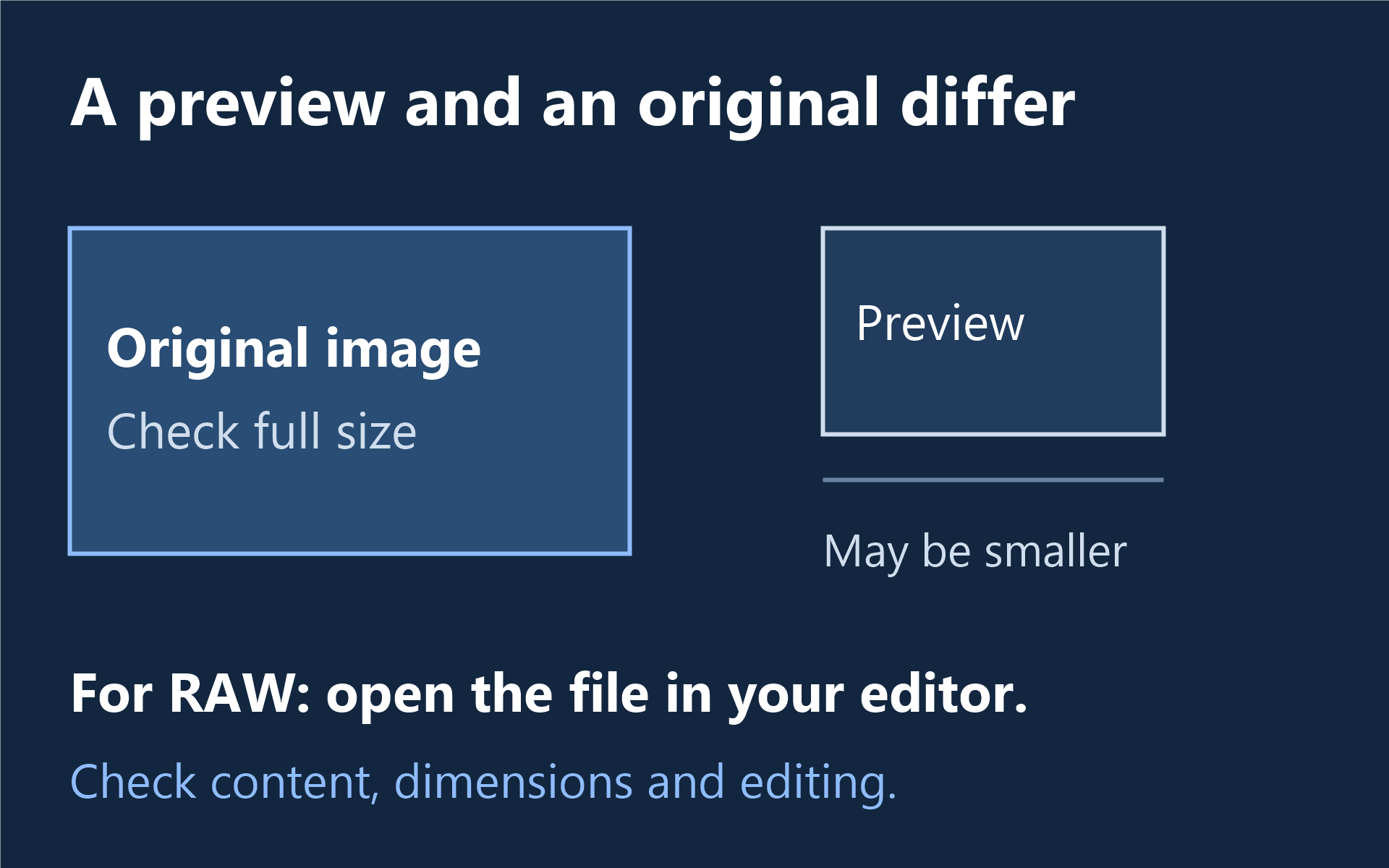
What does a useful photo recovery result contain?
| Your goal | Check the recovered file |
|---|---|
| View or archive a photograph | Open the image and inspect the whole frame, not just the thumbnail. |
| Print at useful quality | Check pixel dimensions and fine detail at an appropriate magnification. |
| Continue RAW editing | Open the RAW original in your editor; distinguish it from an embedded JPEG preview. |
| Continue an edited project | Check the project contents you require, such as layers, rather than accepting a flat export as equivalent. |
Recover a missing photo or repair one you already have
For deleted or formatted-card photos, stop writing to the source and scan the readable storage. For a file that already exists but will not open, keep the original and evaluate repair on a copy. Check backups and photo libraries first, including the place where the camera originals were imported.
XRecovery recovers common image files and repairs listed formats including JPG/JPEG, PNG, HEIC, TIFF, CR2, CR3, NEF, ARW, RAF and DNG. You can add a damaged image directly or repair a supported image found during recovery. Review file and preview support for your collection.
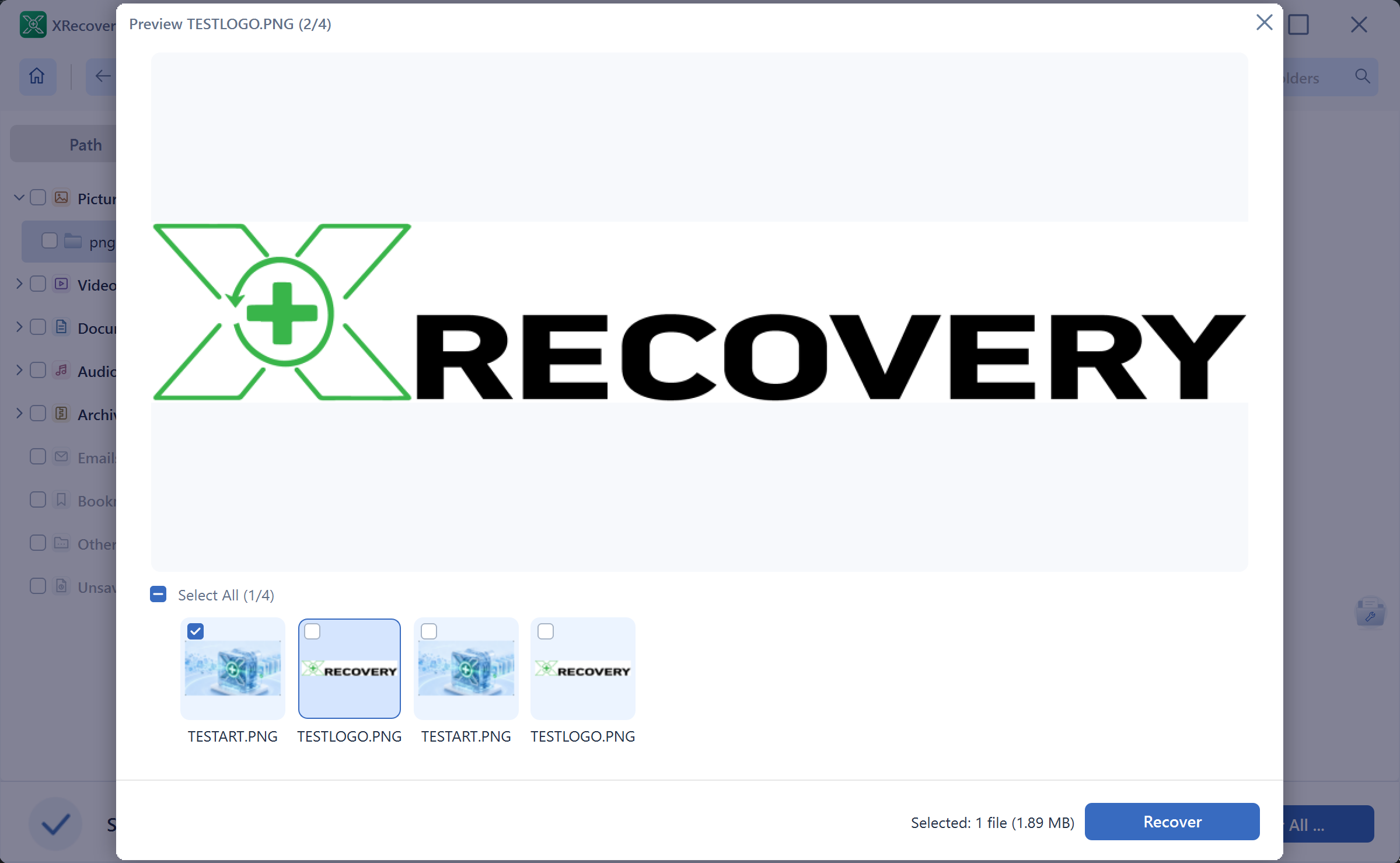
Find your photos and inspect supported previews before deciding. Scanning and original-file preview are free; recovery and repair share a cumulative 2 GB allowance that does not reset.
Windows 7 SP1 or later. Need the 32-bit installer?
Choose for the source you can actually access
A readable camera card or external drive can be scanned through a suitable connection. A phone’s media-transfer connection does not automatically expose its internal storage as a disk. Use the SD card software comparison for a card incident, or the camera recovery guide to choose a source-specific route.
Names and folders make a collection easier to navigate, but keep them separate from image integrity. An intact picture with a generated name may be valuable; a familiar name on a partly blank image may not be. Keep initial exports unchanged before editing, resizing or further repair.
When is a paid license useful?
Choose paid access when useful recovered photos exceed the remaining free allowance. Monthly and annual licenses have the same functions for one computer, with no recovery-capacity quota during validity. Compare monthly and annual plans. A license increases recovery capacity; repair quality still depends on the damage and image data that remains.
This guide is published by the XRecovery team.