

A mapped network drive lets Windows request files from a server. It does not automatically expose the server’s underlying disk blocks or deleted-file records. If a file disappears from a share, first determine whether it was deleted, moved or hidden by permissions, then inspect recovery copies on the system that actually stores it.
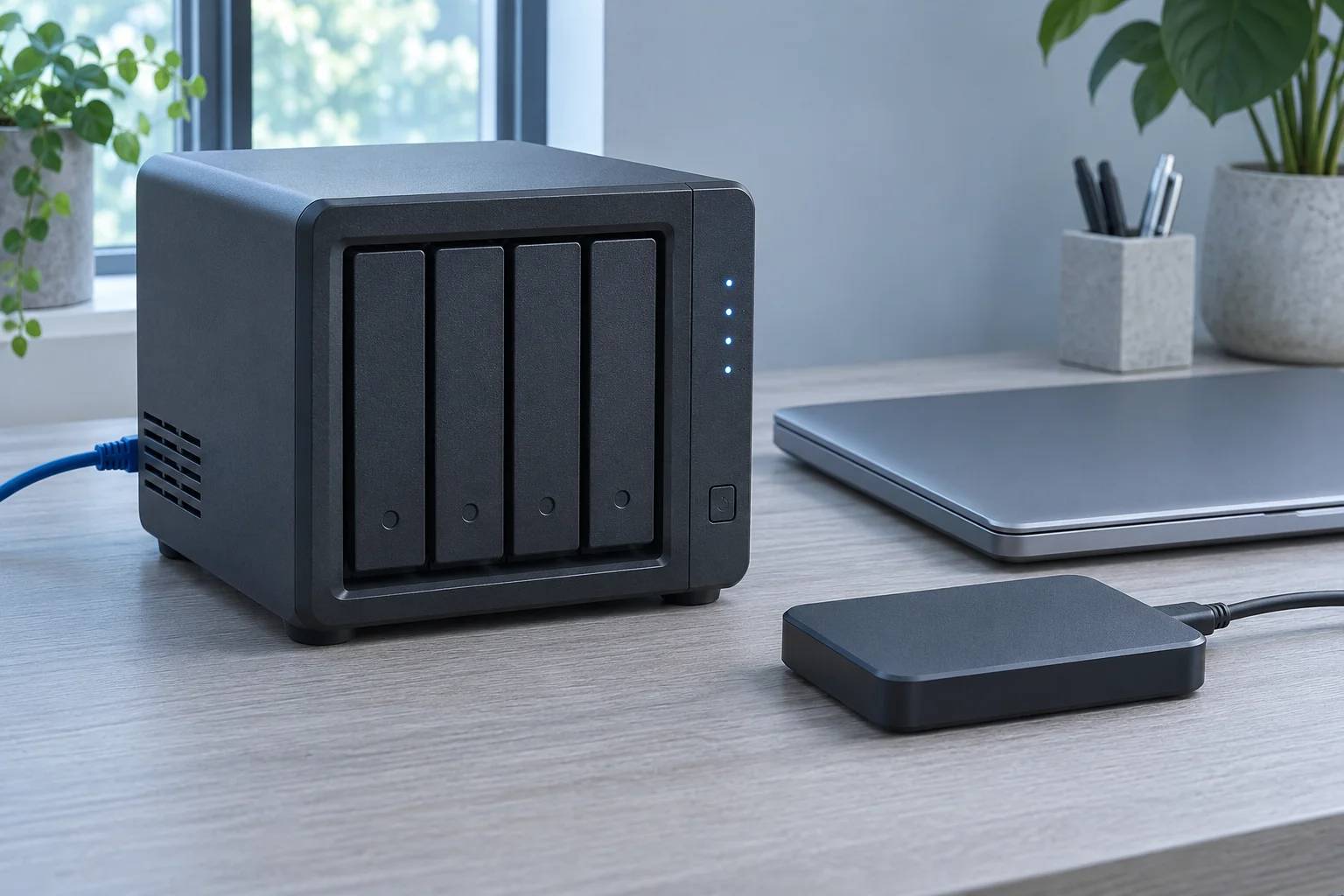
Locate the real owner of the data
Record the network path, server or NAS, share and account. A drive letter is only a client-side reference. Confirm which volume holds the share and who administers it. If access suddenly fails, ask whether permissions, connectivity or the share name changed before assuming data loss.
Search available authorized locations for a moved file and inspect the relevant server-side recovery areas. A local Windows Recycle Bin is not a complete inventory of deletions performed on another system. The storage server’s configuration and the application’s deletion route matter.
Check server-side copies
Have the administrator inspect existing recycle-bin, snapshot and backup options. Choose a copy from before the loss and verify its content. Restoring a whole share can overwrite newer work, so preserve current files before approving a larger rollback.
For supported NAS systems, vendor instructions explain how their recovery areas work. QNAP’s recovery overview is one example; it does not establish that another server has equivalent controls or retained your particular item.
Check a separate local copy, then assess storage access
Check whether the Windows client has an authorized downloaded or offline copy of the file. Preserve any useful copy before changing synchronization or cache settings.
An account that can read documents in a share may have no authority to inspect the storage device. Have the administrator confirm that underlying storage access is authorized and appropriate for the recovery plan. Do not grant broader privileges merely because a scanner cannot see a mapped drive.
XRecovery’s documented NAS/Linux recovery route uses SSH and root access to a supported readable source. It is separate from connecting to an SMB share as an ordinary user. Establish the authorized remote target, file system and storage configuration before choosing the application workflow.
Do not format NAS members when Windows fails to recognize them. Those disks may contain file systems or array structures that Windows does not mount as an ordinary drive. If the pool is failing or members and parameters are uncertain, preserve the configuration and seek suitable assessment.
Validate exports and preserve the original context
Save recovered output to a separate destination. Check the required file version and any project dependencies. Keep a record of the original network path so that a recovered document can be associated with the correct share and user task.
If the file was cached or synchronized onto the Windows client, a local copy may provide another route. Confirm that real content was present locally; a listing or placeholder alone is insufficient. A Windows local-drive scan checks local storage. Use a separate authorized NAS connection to scan the remote storage.
For the next step, see NAS Data Recovery: Start with the Copy You Can Still Access.