
To verify recovered video files from a drone, you have to do more than open a few clips, because aerial footage arrives in chapters, pairs, and proxy streams that each fail differently. A drone shoot can recover at a 95 percent file count and still be unusable if the missing 5 percent is the middle of a four-chapter flight. Verification here is a batch process with a written result, not a spot check.
This page covers the four checks that matter for drone and action camera footage, the record sheet that makes the result auditable, and the archiving order that keeps a second recovery possible.
Recovery Is Not the Finish Line
Recovered footage has three separate failure modes, and opening one file in a media player tests only the first.
- The container can be incomplete. It is the outer structure that describes the video, and an interrupted recording leaves it without its closing index. A recovered file can therefore hold a complete video payload that no player will touch.
- The payload can be truncated. When the card ran out of clean blocks, or the write was cut off, the frames simply stop. The container may still report the full intended duration.
- The metadata can be missing or detached. Drone footage carries far more than a timestamp: gyro data for stabilization, telemetry for overlays, lens calibration, and, on 360 cameras, two synchronized video streams that must be kept together.
Each failure has a different remedy, which is why the checks below run in order and why passing one says nothing about the next. The general-purpose method is in the guide to verifying recovered files; what follows is adapted for aircraft and action cameras, where files are large, numerous, and almost all video.
Step 1: The Batch Decode Check
Working file by file does not scale to a 400-clip shoot. Decode in a batch instead: point a decoding tool at the recovered folder and have it open each file, read the header, and decode a frame near the start and another near the end. The output should be a list of pass and fail results rather than a wall of correct-looking proxies.
| Result | What it usually means | Next step |
|---|---|---|
| Decodes at both ends, correct resolution | Container and payload largely intact | Move to chapter and sync checks |
| Header reads, no frames decode | Missing or damaged index | Rebuild the index with a reference clip |
| Decodes partway then stops | Payload truncated at that point | Keep the usable portion; check for a proxy |
| Zero-byte or unreadable header | Directory entry without data | Retag as failed and rescan the card image |
| Decodes at a lower resolution than expected | Proxy file rather than the original | Keep it and locate the full-resolution file |
That last row deserves attention. Drone cameras frequently write a low-resolution proxy alongside every full-resolution clip so a controller or phone can preview without decoding the main stream. Proxy files are smaller, written separately, and frequently survive events that damage the original, which makes a surviving proxy file more useful than it looks.
Two variables change how the decode check should be read. Codec matters more than brand, so HEVC footage that fails on a slow machine may decode fine elsewhere. And 360 footage arrives as paired files, one per lens, each of which decodes on its own while producing a lopsided image. Verifying half a pair produces a result that looks recovered and is not, so both members must pass before you count the clip.
Step 2: Duration and Chapter Continuity
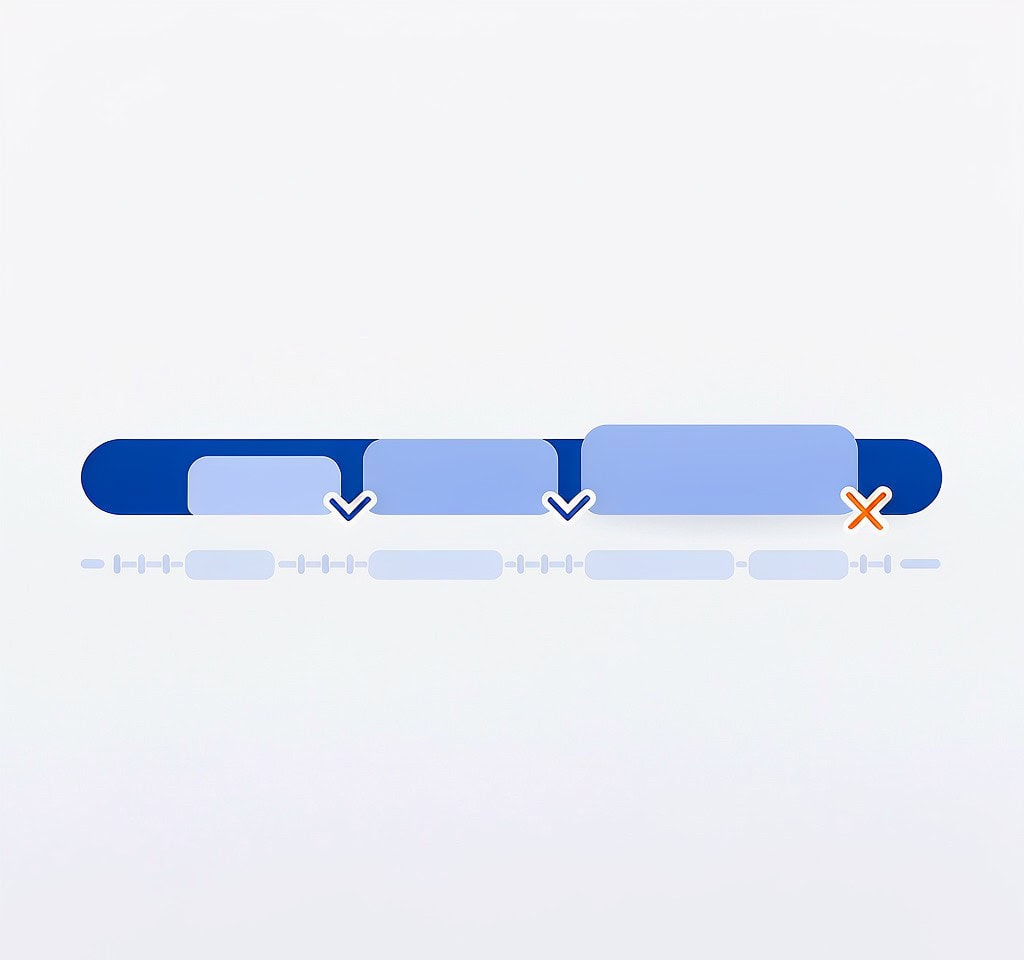
Drone cameras split long recordings into chapters, usually a few gigabytes each and numbered in sequence. This structure is the most useful integrity signal available, because it locates a gap rather than merely proving one exists.
List the recovered chapters in filename order with durations and sizes, then look for three patterns.
- Sizes consistent within a flight. Middle chapters of a recording tend to be nearly identical in size, because they were cut at a fixed threshold. A chapter markedly smaller than its neighbors is truncated or was never completed.
- Exactly one short chapter at the end. Normal. The last chapter is shorter because recording stopped mid-chapter.
- A short chapter anywhere in the middle. This is the pattern that matters. It means a write was interrupted and the following clip does not continue the recording. When data is missing from the middle of a flight rather than the end, the gyro and telemetry streams break there too, which affects stabilization across the clips on either side.
Duration metadata supports this check but does not replace it. Container headers often store the intended duration, written when recording began, so a truncated chapter can report a full length and stop decoding earlier. Read the duration, then confirm it by decoding a frame near the reported end.
If every chapter is complete but arrives as separate files, they need joining before the flight is usable as a single take. Stitching chapters into one clip is better done once, deliberately, than by dropping the files on a timeline and hoping the seams are invisible.
Step 3: Audio and Video Sync
Audio problems on recovered drone footage are usually a timestamp issue rather than missing sound. The audio and video streams are stored as separate tracks with their own clocks, and a damaged header can leave them offset by a fraction of a second or by a fixed number of frames.
Check sync at the start, middle, and end of each clip rather than only at the beginning. A constant offset points to a header problem that a remux usually corrects; a drift that grows across the clip indicates a broken stream and is harder to fix. Complete audio loss with intact video is the easiest case, because the video remains deliverable.
Step 4: Metadata, Gyro, and Telemetry

This is the check most operators skip and the one that decides whether the footage is worth anything commercially.
Confirm that timestamps are present and ordered across the whole set, that the camera model is recorded, and that the flight breaks cleanly into the sessions you remember. Then check the drone-specific streams.
Gyro data is what stabilization depends on. Footage with intact gyro data can be re-stabilized in post as though it had been shot normally; footage without it can still be stabilized, but only by optical analysis, which crops the frame and takes far more time. On aircraft that log gyro separately, that data can sometimes be recovered even when the video file cannot, so recovering gyro data is worth attempting before writing a clip off.
Telemetry covers altitude, speed, and position, drives the overlay data commercial clients expect, and is the record that lets you reconstruct a flight after an incident. Lens data matters most for 360 footage, where an incorrect profile produces visible seams no matter how complete the payload is.
The Verification Record Sheet
Write the result down, per flight. The sheet converts a stressful week into a defensible record and is the difference between telling a client that most of it came back and telling them exactly which segments survived.
| Column | Example | Purpose |
|---|---|---|
| Flight / session ID | 2026-09-14 Flight 03 | Ties the record to the shoot day |
| Chapters expected vs. recovered | 6 of 6 | Shows coverage without interpretation |
| Failed chapters | None | Isolates what needs repair |
| Decode result | Pass at both ends | Confirms payload usability |
| Duration check | 04:12, 04:12, 04:12, 01:47 | Proves sequence continuity |
| Audio sync | Verified start, middle, end | Records that sync was tested |
| Gyro and telemetry | Present, intact | Determines post-processing options |
| Disposition | Delivered / archived / written off | Closes the item |
The disposition column is the one people leave out and the one that keeps a bad situation from repeating. A chapter written off has a cause: overwritten blocks, a truncated write, or a failed die. If the cause looks card-related rather than incident-related, the card should not go back into an aircraft without being tested first.
Archive First, Then Decide About the Card
Archive before anything else touches the card. Two independent copies on separate media, one of them off-site or in the cloud, is the minimum for commercial work, and three copies are proportionate for footage recovered from a failure, since the card is not a fallback once refilled.
Cloud syncing deserves a caution: uploading a large recovered set over a slow connection takes days, and a sync failure mid-upload can look like a successful backup while leaving half the files local only, a pattern documented under failed drone cloud uploads. Confirm the upload completed rather than trusting the status icon.
Only after two verified copies exist should the card return to service, and only if it passed a health test. A card that produced truncated files after a clean recovery has demonstrated a fault, and a full write-and-read test is the minimum before it flies again. Where the aircraft supports it, recording to two storage pools is a better long-term answer than trusting a single card, and the next flight should start with the same pre-flight storage check.
If you are on Windows and the card is still detected by a computer, a purpose-built recovery tool such as XRecovery (xappset.com) can scan SD, microSD, and other memory cards for deleted or formatted photos and videos. As with any recovery tool, stop writing to the card first and always save recovered files to a different drive.
Frequently Asked Questions
How many recovered clips do I need to check?
All of them for decode and duration, since that runs as a batch. Spot-check audio sync and metadata on a sample spanning the whole shoot, plus every clip that failed. The files next to a gap are the ones most likely to be damaged, so include those too.
Why does one half of my 360 footage look wrong?
Because 360 cameras record each lens to its own file, and the pair must be stitched to produce a usable frame. If only one file recovered, the other lens is missing and the clip cannot be completed. Look for the partner file on the card image before concluding it is lost.
Can I keep using the card after the footage is recovered and verified?
Only after two verified copies exist and the card passes a full write-and-read test. A card that dropped data once is more likely to do it again, and the cost of a replacement card is small compared with the cost of losing a second flight’s worth of footage.