
Drone dual storage is one of the most confidently repeated ideas in aerial photography, and it is usually wrong. Most consumer aircraft have no second card slot at all. What owners describe as redundancy is generally internal storage plus a microSD card — two destinations on the same aircraft, sharing one battery, one firmware, and one crash.
That matters because redundancy that shares a fate is not redundancy. It protects against a component failing and does nothing about the event most likely to cost you a shoot: losing the aircraft with everything inside it.
What “Dual Storage” Means on an Actual Aircraft
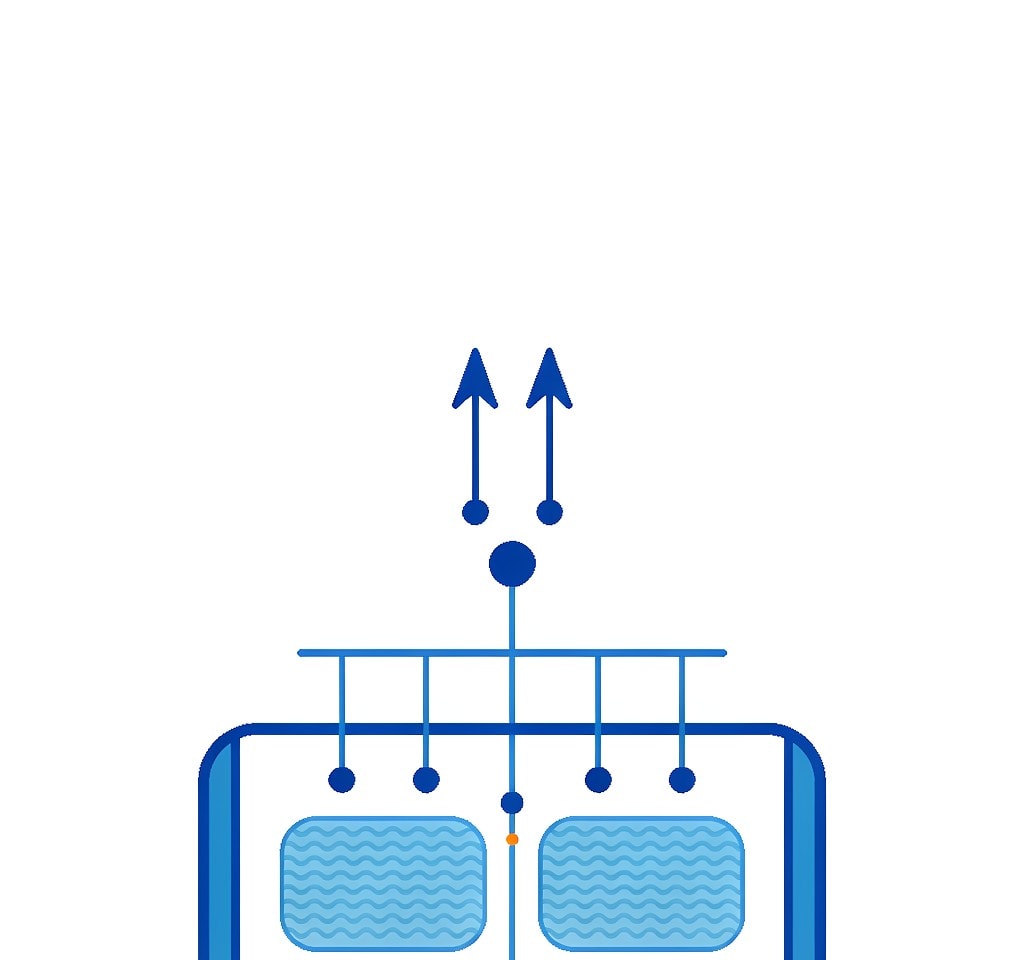
The term covers four different arrangements, and only two of them are redundancy in any useful sense.
Two removable card slots. Rare on consumer drones and common on professional and enterprise airframes. Both cards receive the same recording, or the second card receives a duplicate of the first. This is genuine component-level redundancy.
Internal storage plus a removable card. The common consumer arrangement. The aircraft has 8 GB to 64 GB of internal memory and a microSD slot, and depending on the model the internal storage either receives a parallel copy or holds a rolling cache of the most recent footage. This is the arrangement most often mistaken for dual storage.
Internal storage used only as a fallback. On some models, internal storage is written to only when no card is present or when the card fails mid-flight. In that configuration it is a safety net of unclear completeness rather than a second copy, because you cannot know in advance which clips it holds.
Cloud or app-based synchronisation. Footage or proxies pushed to a phone, controller, or cloud account after landing. Useful, and not redundancy during flight.
Reading the list, the pattern is clear: the word “dual” usually describes two destinations rather than two independent chances.
Internal Storage Is Not an Equal Copy

The assumption that internal storage mirrors the card does not survive contact with the details. Four differences show up repeatedly across consumer aircraft.
Capacity. Internal storage is small — often 8 GB or 64 GB against a 256 GB card. On a long day it fills and stops while the card keeps recording, and a copy that silently stops being made produces false confidence.
Quality. On several models it is a lower-bitrate or lower-resolution destination, so a clip recovered from it may not meet the deliverable’s standard.
Accessibility. Footage is retrieved through the app, the controller, or a USB connection to the aircraft rather than by pulling a card. That path depends on the aircraft powering on, which is exactly what is unavailable if it is lost or damaged.
Binding and encryption. On some enterprise configurations, internal storage is encrypted and tied to the account that activated the aircraft, so a secondhand or reassigned unit can present storage that mounts but will not read. The restrictions are described in the notes on encrypted drone storage, and retrieval from that destination is covered in extracting drone internal footage.
| Storage arrangement | Where the copy lives | Protects against | Does not protect against |
|---|---|---|---|
| Two removable card slots | Two independent cards | One card failing or being pulled | Loss of the aircraft, firmware faults |
| Internal storage plus card | Aircraft and card | Card removal or card failure in flight | Aircraft loss, encryption binding, capacity limits |
| Internal storage as fallback only | Aircraft | Recording with no card fitted | Unknown clip coverage; not a planned copy |
| Sync to app, controller, or cloud | Off-device, after landing | Losing the aircraft after a successful offload | Losing the aircraft before the sync completes |
The Redundancy That Does Exist, and Its Ceiling
Real redundancy on an aircraft is real, within limits that are worth naming.
On a dual-slot professional airframe, the two cards are genuinely independent media: one can fail, be pulled, or be left in a reader at home without costing you the flight, provided the aircraft was configured to write to both. The configuration logic matches still cameras, and so do the failure modes described in dual card slot camera settings — including the mistake of believing a mode mirrors when it only spills onto the second card.
The ceiling is that both cards sit in the same airframe, sharing the same vibration, thermal load, firmware, battery, and crash. A dual-slot aircraft that hits a cliff loses both copies at once. Component redundancy is not event redundancy.
Internal storage has a lower ceiling still, because of the four differences above. It is best understood as a convenience — footage accessible without pulling the card — and as a partial safety net for the case where a card is missing or pulled. It is not a second chance after a crash.
Why Two Copies in One Airframe Share One Fate
The engineering term for this is correlated failure, and drones are a textbook case.
Two copies on one airframe are exposed to every systemic risk at once: the battery that fails, the motor that seizes, the firmware that misbehaves, the water the aircraft lands in, the prop that strikes a branch, the pilot error that puts it in a tree. All of those take both copies at the same instant. What the second copy genuinely protects against is a narrow and specific list: a card that fails on its own, a card that gets pulled, or a card that is forgotten in a reader.
Independent failure is what you want, and independence requires physical separation. A card in your pocket while the aircraft flies is a different risk class from a card in the gimbal. Photographers formalize this as the 3-2-1 backup rule: three copies, two media types, one off-site. On a drone shoot the offload-per-landing habit is what implements it, and it is the single highest-value change most pilots can make.
A second argument against leaning on internal storage: aircraft that push footage to a phone, controller, or cloud account do so over links that fail, and a sync that did not complete is indistinguishable from one that did until you check. The failure mode has its own write-up in drone cloud sync failures.
Filling the Gap When Redundancy Is Impossible
If your aircraft has one card slot and internal storage you do not trust, redundancy has to be built outside the airframe. Three habits cover it.
Offload after every landing, not at the end of the day. The exposure window is what matters. A card that comes out of the aircraft and lands on a drive after each flight limits the maximum loss to one flight’s footage rather than a whole production day. The full loop, including the verification criteria that make the copy meaningful, is set out in the drone footage backup workflow.
Carry more than one card and rotate them. Three cards in known states are a redundancy system; one card is not. A card in the case has not been through the flight that lost the aircraft, which is exactly the property internal storage lacks.
Verify the copy rather than trusting the progress bar. A copy is not a copy until the file count and byte total match and the first and last clips play from the destination. This is the step that most often gets skipped and the one that catches a card which was already failing in the air.
Two details matter. Label the cards and mirror the labels in destination folder names, because chaptered drone files repeat their names across flights and a second offload into the same folder can overwrite the first. And if you work without a laptop, a portable SSD with an integrated card slot handles the first copy in the field, as described in backing up without a computer; it buys independence, but its status light is not verification.
If you are on Windows and a card from a flight is still detected by a computer, a purpose-built recovery tool such as XRecovery (xappset.com) can scan SD, microSD, and other memory cards for deleted or formatted photos and videos. As with any recovery tool, stop writing to the card first and always save recovered files to a different drive. Data that has not been overwritten comes back in full; data that has been overwritten cannot be recovered by any tool, which is why redundancy on a shoot is built from copies that leave the aircraft rather than copies that ride in it. The media types involved, and how each one fails, are compared in drone storage media, and the pre-flight check that confirms both destinations before takeoff is in the drone pre-flight checklist.
Frequently Asked Questions
Do consumer drones have dual card slots?
Most do not. Dual slots appear mainly on professional and enterprise airframes. On consumer models the second destination is internal storage, which is smaller, sometimes lower bitrate, and often inaccessible without powering on the aircraft.
Is the internal storage on a DJI drone a backup of the SD card?
Not in the sense that matters. It is a second destination, not an independent copy. Capacity, bitrate, encoding, and accessibility can all differ from the card, and on some enterprise configurations it is encrypted and bound to the account that activated the aircraft.
Does dual storage protect me if the drone crashes?
No. Two copies inside one airframe share the same battery, firmware, and impact, so they fail together. Redundancy protects against a card failing or being pulled; only a copy that has left the aircraft protects against losing it.
What is the best backup setup for a drone with one card slot?
Offload after every landing onto a portable SSD, keep two or three cards in rotation, and verify each copy by comparing file counts and byte totals and playing the first and last clip from the destination.