
There are exactly three ways to extract drone internal footage, and which one applies depends on whether the aircraft still boots. If it powers on and connects, the job is a file transfer that takes minutes. If it does not, the work moves to chip level, where one design decision — where the encryption key lives — decides whether the footage is recoverable. Do-it-yourself effort becomes destructive earlier than most owners expect.
The first thing to establish is not how badly the aircraft is damaged, but whether the flight controller and the system-on-chip are still alive. That matters far more than a cracked shell or a broken gimbal.
What internal storage actually is on a drone

Internal storage on a consumer drone is soldered flash memory, usually an eMMC or UFS package, sitting on the mainboard next to the SoC that runs the flight system. There is no connector, no socket, and no way to remove it without a hot-air station or a reflow process.
It also serves two different purposes depending on the model, and the difference changes what recovering it is worth:
- As a recording destination. On models with larger internal capacity, internal storage holds full-quality stills and video when no card is present, at full bitrate.
- As a cache or buffer. On smaller models, internal storage holds a lower-bitrate transmission cache or a rolling buffer that overwrites itself. Recovering it produces usable material, but not the same file that would have been written to a card.
Establishing which of those your aircraft does is the first practical step, because it decides whether the effort is aimed at the original footage or a proxy for it. The overview of how internal storage works across camera platforms covers the general case, and the device-specific notes on DJI internal storage cover capacities and behaviors across the lineup.
Path one: export through the aircraft
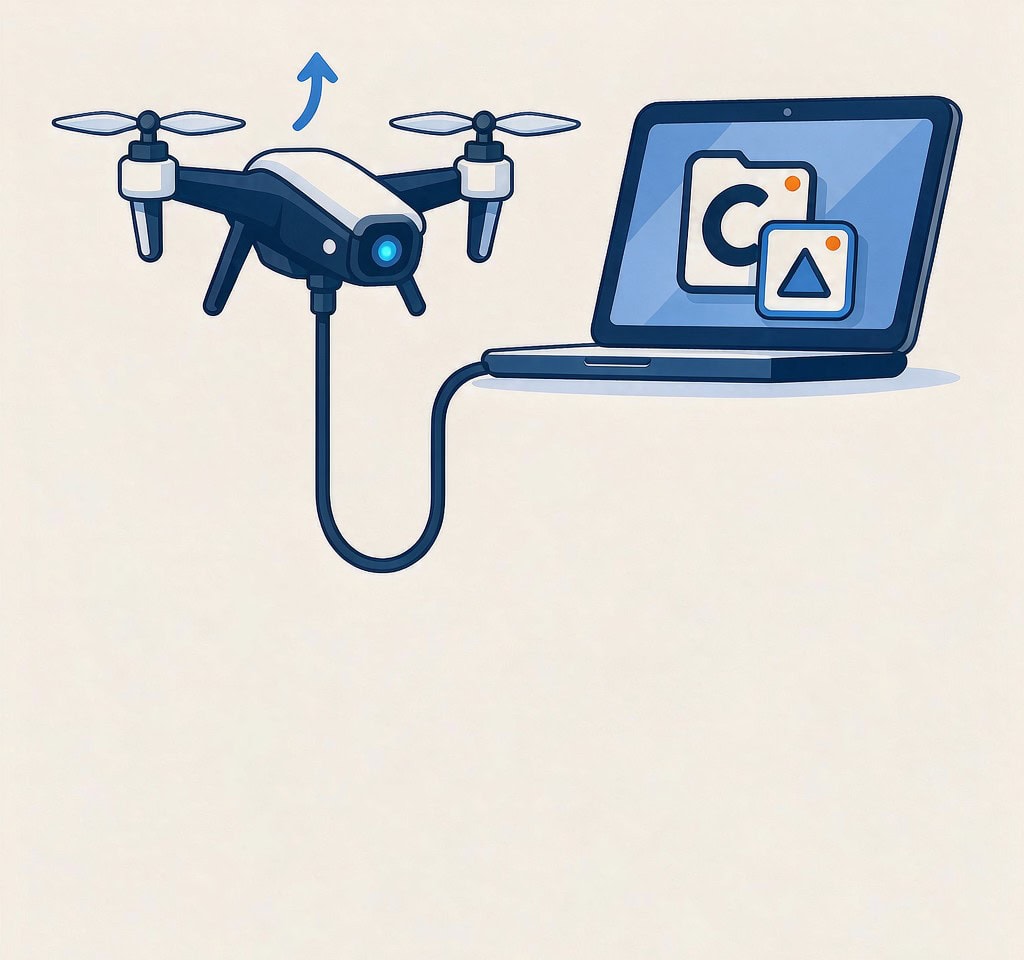
This is the preferred path and it requires one thing: the aircraft must boot and enumerate as a USB device.
Connect the powered aircraft to a computer with a data-capable cable, and it typically presents as an MTP device or mass storage volume containing a DCIM-style tree. Copy everything to a local folder, not to a network drive, and verify the copies before doing anything else.
Practical notes that save time and avoid damage:
- Use a cable that carries data. Many bundled cables are charge-only, which produces a device that appears for a moment and then vanishes.
- Supply power properly. A crashed aircraft may not hold enough charge to stay enumerated through a long transfer. Use a charged battery, and if the battery bay or connector is damaged, do not improvise a power connection to the mainboard; that is how a repairable aircraft becomes an unrepairable one.
- Do not let the aircraft format anything. Some firmware offers to clear or initialize internal storage when it sees an error. Decline every such prompt, and decline any “repair” option in the companion app.
- Transfer first, update later. Do not install a firmware update on a crashed aircraft before the footage is off it. A firmware process writes to internal storage and can fail partway through on damaged hardware.
Path two: export through the official app
The app path exists for operators who do not have a computer on site. It works by connecting a phone or tablet to the aircraft over Wi-Fi or a cable and downloading from the album view.
The conditions are strict. The aircraft must boot, the flight system must accept the connection, and the firmware must be able to read the storage. Expect transfer rates of a few megabytes per second over wireless, which makes a multi-gigabyte clip a tens-of-minutes operation over a live connection that can drop.
Two cautions matter. The first is that the app may download a cached or reduced-bitrate version rather than the original, without making the difference obvious; check the file size against what the original recording should occupy. The second is that this is where cloud paths become visible. If the aircraft was bound to an account, some or all of the footage may already have been synced off it, and that check costs nothing. A failed sync on the aircraft does not mean the material is gone; the failure modes of cloud sync explain how a partial upload can leave most of a flight intact in the account while the app reports an error on the device.
Path three: direct read of the storage chip
When the aircraft will not boot, this is the only remaining technical route, and it is a laboratory procedure rather than a technique.
| Method | Requires | Typical recovery time | Risk | Notes |
|---|---|---|---|---|
| Export via aircraft | Bootable aircraft, data cable, charged battery | Minutes | Low | Always try this first |
| Export via app | Bootable aircraft, working radio link | Tens of minutes per gigabyte | Low to moderate | Verify file sizes; may deliver cached versions |
| Chip-off read of the flash package | Working hot-air or reflow station, a matching reader, mapping reconstruction | Days | High; destroys the board | Produces raw flash images, not files |
| Mainboard transplant to a donor | Dead SoC or damaged board, a matching donor aircraft | Days | High | Only viable when the SoC still decrypts |
| JTAG or ISP read | A known point on the board, board documentation, the SoC alive | Days | High | Board-specific and rarely documented for consumer drones |
The critical fact for anyone considering the third row is that the flash package typically holds ciphertext. Drone firmware encrypts internal storage, and the key does not live in the storage package. It lives in the SoC, or in a secure element tied to it.
The combination that ends do-it-yourself work: encryption plus a dead board
Here is the design decision that governs every failed attempt on a drone with internal storage, and it inverts the intuition most owners bring.
A dead SoC is worse than a dead camera. A shattered gimbal, a flooded camera module, and a cracked shell all leave the storage and the key intact and potentially usable. A destroyed SoC takes the decryption key with it, and at that point the ciphertext on the flash chip is not data in any recoverable sense. No tool, at any price, decrypts it without the key.
A living SoC on a damaged board is the good scenario, and it is the one that makes the transplant technique useful. If the system still boots, or if the SoC can be moved to a donor board of the same model and firmware revision, the donor’s hardware can be used to decrypt the original package. This is why a drone that cannot fly but still powers on is a much better candidate than one that is completely dead.
| Aircraft state | Storage | Encryption key | Realistic path |
|---|---|---|---|
| Boots, connects, storage visible | Intact | Available | Export through the aircraft |
| Boots, radio works, storage readable | Intact | Available | Export through the app; check the cloud first |
| No boot, SoC intact, board damaged | Intact | Available via SoC | Laboratory transplant to a donor board |
| No boot, SoC destroyed | Intact | Lost | No practical recovery |
| Physical damage to the flash package | Destroyed or cracked | Irrelevant | No recovery |
The general notes on encrypted drone storage explain why this encryption is not something a recovery application can work around, and it is worth repeating the boundary that applies to every tool in this category: recovery software reads a storage device that the operating system can see. It cannot read a chip soldered to a dead board, and it cannot decrypt a partition without the key.
If the storage does become visible — through the aircraft, through an app, or after a transplant — and the files are missing or unreadable rather than absent, the situation has become an ordinary one. If you are on Windows and the storage is detected by a computer, a purpose-built recovery tool such as XRecovery (xappset.com) can scan SD, microSD, and other memory cards for deleted or formatted photos and videos. As with any recovery tool, stop writing to the device first and always save recovered files to a different drive. Data that has not been overwritten can be recovered in full, a recovered file that will not open can often be repaired or re-encoded, and data that has been overwritten is gone.
Deciding in the first ten minutes
The decision tree is short enough to run before you pick up a screwdriver.
- Can the aircraft power on? If yes, stop worrying about the board and focus on a clean export.
- Does it enumerate over USB? If yes, use path one. It is faster, safer, and never destroys anything.
- Check the cloud account before you consider the material lost, especially if the aircraft itself is dead.
- If it will not boot, do not open it. Photograph the damage, note the model and firmware version, and get a quote from a laboratory that specifically advertises encrypted drone storage work. The comparison of software and laboratory capabilities is worth reading before you approve that quote.
- If the crash also interrupted recording, remember that the last clip may be complete on the storage but missing its index. That is a repairable condition, and the handling of interrupted recordings explains why a zero-second file is not an empty one.
If the aircraft reports an error code rather than simply refusing to start, the code often narrows the problem considerably; the reference for drone storage error codes maps the common ones to their causes, and the crash damage picture explains which non-storage failures can prevent footage from being written in the first place.
Frequently Asked Questions
Can I read a drone’s internal storage by removing the chip?
Physically yes, but the result is usually ciphertext. Drone firmware encrypts internal storage with a key held in the system-on-chip, so a chip-off read without the key produces an image that cannot be decrypted. It is only useful when combined with a transplant to a working donor board.
Does the official app download the original quality or a compressed copy?
It depends on the model and the connection. Some app transfers deliver the original file; others deliver a cached or reduced-bitrate version, and the interface does not always make the distinction clear. Compare the downloaded file size against what the recording should occupy before deleting anything from the aircraft.
The drone will not power on at all. Is there still a path?
One meaningful check comes before a quote: the cloud account. If the aircraft was bound to an account with sync enabled, part or all of the footage may already be off the device. If it is not there and the aircraft is completely dead, the encryption key is likely gone with the SoC, which puts recovery out of reach.
Why should I avoid opening the airframe myself?
Because opening it rarely recovers anything and frequently destroys the last chance. Powering a crashed board can short components, and heating the storage package without the right equipment damages the very part a laboratory needs intact. Photograph the damage, keep the aircraft unpowered, and get a quote.