
A card that spent days outdoors is usually readable, and the device it came out of usually is not. That inversion is the most useful thing to know about equipment recovered from the field, and it is also why the first instinct people have, which is to plug the card in and see whether it still works, is the action most likely to destroy what was salvageable. Power a wet or contaminated card and the residue on its contacts becomes a short circuit.
This page covers what each form of exposure does, the order in which to handle a recovered card, and when to reshoot instead.
What Days Outdoors Actually Do to a Card

Weather damage is not one mechanism. It is several, and they affect different parts of a card.
| Exposure | What it does | Does it reach the stored data? |
|---|---|---|
| Fresh water immersion | Wets contacts and the seam of the package | Rarely; the data layer is sealed |
| Salt or brackish water | Leaves conductive, corrosive residue on contacts | Rarely at first; corrosion progresses over days |
| Sun and heat | Raises internal temperature; unpowered cells lose charge faster | Yes, eventually, through charge leakage |
| Freezing and thawing | Cyclic expansion of trapped moisture | Rarely, unless the package is already cracked |
| Crushing or bending | Cracks the package, fractures the die or solder joints | Yes, and this is usually terminal |
| Mud and silt | Abrasive particles in the connector and card edge | Not directly, but they block a clean read |
The pattern matters more than any single row. Water is slower and less fatal than people fear. Heat and mechanical force are faster and more fatal than people expect. Mud is an obstacle rather than a threat.
Why the Card Is Usually the Survivor
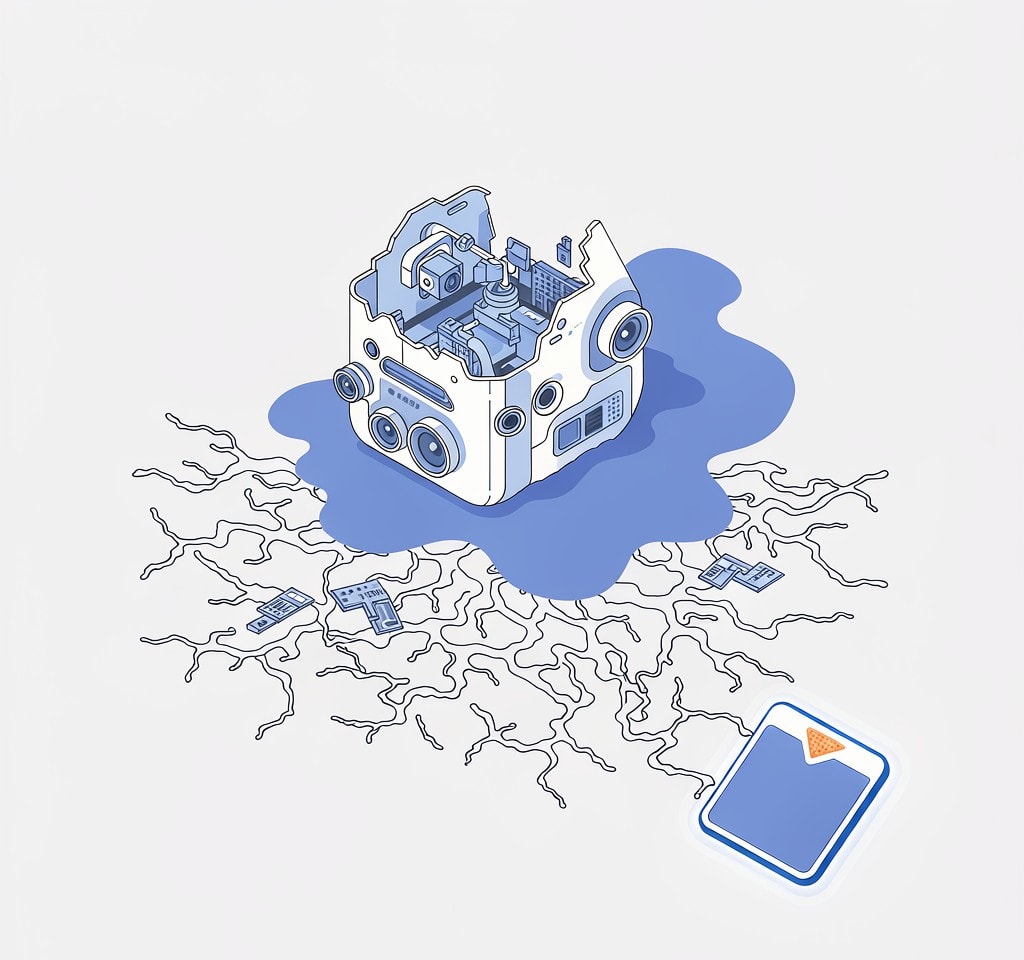
A microSD card tolerates conditions that destroy the camera around it, for a structural reason. It is a monolithic package: the NAND die and the controller are bonded, wired, and encapsulated in molded plastic, with only the contact pads exposed. There is no internal air gap for water to travel through and no internal connector. Immersion wets the outside of that package and does essentially nothing to the silicon inside.
What fails after immersion is the path to the data rather than the data itself. Salt and pool water leave dissolved ions on the contact pads, and those ions drive electrolytic corrosion of the gold plating the moment current is applied. That is why a wet card that is never powered can be recovered days later, while the same card plugged in “just to check” frequently cannot. The single-card version of this situation is covered in handling a wet drone card.
The drone is the opposite case. Its connectors, flight controller pins, motor bearings, and lithium pack are all exposed to water. If a drone has been outdoors in rain for days, treat the aircraft as a loss and the card as the asset.
The First Actions, In Order
The order matters more than the technique.
Photograph everything first. Record the recovery site and the state of the device and card before touching anything. If a client or an insurer is involved, this is your evidence.
Do not power anything on. Not the drone, not the camera, not the card. If the drone is wet, remove the battery as a safety measure and set it aside; a water-damaged lithium pack is a fire risk, not a data source.
Separate the card from the device if you can do it without forcing anything. A deformed slot should not be opened by force.
Assess the card physically. A cracked package, a bent edge, a lifted contact pad, or a damaged connector all mean the card is a laboratory case rather than a software case. Keep your hands off the pads; handling spreads residue.
Deal with salt and mud deliberately. Fresh water mostly needs drying. Salt water and silt need the residue removed before it hardens. Laboratories that handle submerged media commonly keep the card in distilled water until they can process it, because letting salt residue dry in place locks the corrosion into the plating. If no lab is within reach, a brief rinse in distilled water followed by thorough drying is the accepted field compromise. Do not use tap water, do not scrub, and do not use another solvent.
Dry slowly, with desiccant. A sealed container with silica gel for 24 to 48 hours is standard. Skip the hair dryer, the oven, the radiator, and direct sun, which can warp the package and drive residue deeper into the connector. Skip rice too, which adds dust to the surface you need clean.
Test in a known-good reader, only once the card is fully dry. If it enumerates, make a byte-for-byte image before doing anything else, exactly as described in imaging a card before recovery.
One cold-weather caution applies. A card recovered from snow should be sealed in a bag and warmed slowly, because a freezing card brought into a warm room condenses water directly onto its contacts.
The Clock That Runs Against You
The most consequential fact about a recovered wet card is that its condition changes on a schedule measured in days.
A clean, dry card from a backpack has no such clock. A salt-water card does. Corrosion of the contact plating continues while residue and moisture are present, and it converts a card a laboratory could have imaged into one whose contacts no longer pass a signal. A card left in a drawer for a month after a beach recovery can move from recoverable to pointless, not because the data decayed but because the electrical path to it did. Triage on the day you find the equipment, not after the client conversation.
The second clock is thermal and less obvious. A card that spent three days on a rock in summer sun sat at temperatures where unpowered NAND cells leak stored charge faster, and the effect concentrates in the oldest files. A card can enumerate perfectly and still return unreadable sectors. The retention mechanism is covered in how heat and cold affect recording; the consequence is to scan the card rather than trust the file listing.
Deciding What the Data Is Worth
Once the card is dry and imaged, the question becomes arithmetic with three inputs: what the footage was worth, what recovery costs, and whether a reshoot is possible.
| Situation | Route | Cost and time |
|---|---|---|
| Card enumerates, files listed | Software scan from an image | Under an hour of your time |
| Card enumerates, no files listed | Software scan; the file system may need rebuilding | A few hours |
| Card does not enumerate after drying | Laboratory, physical work on the controller | Hundreds to low four figures, one to three weeks |
| Card cracked, bent, or with damaged contacts | Laboratory, with a real chance of nothing | Highest cost, longest wait |
| Drone with internal encrypted storage, device dead | Depends on the device booting at all | Often nothing can be done |
Two rows deserve emphasis. A device that stores footage internally behind a proprietary or encrypted layer has no card to remove, and if the drone will not boot, that storage is soldered to a board that no longer works; the case is explained in encrypted drone storage, and it is the one scenario where a field loss has no route at all. The second is the laboratory decision, which should be made on value rather than principle. For a single short mapping flight, the comparison between software and a recovery lab usually favors a reshoot.
When to Stop Trying and Reshoot Instead
Declaring a card unrecoverable is a legitimate professional outcome, and reaching that conclusion early protects the client relationship more than a month of uncertainty does.
Call it gone when the card is physically deformed with a cracked package or lifted contacts, when it fails to enumerate in any reader after proper drying, when the damage reaches the controller rather than the contacts, or when the recording has been written over by later use. The criteria in full, including how to explain them, are in when data is unrecoverable.
If the decision is to reshoot, make it quickly and make it visible. An operator whose card spent eight days in a field should be telling the client what happened along with a proposed date for the replacement flight, not asking for more time to investigate. How to price that second flight so it does not read as a penalty is covered in when client drone footage is lost.
One mechanical note applies to cards recovered after an impact, since the two often occur together. A card ejected from a crashed drone and then rained on carries both a deformation risk and a corrosion risk, and both point toward a laboratory, as covered in recovering the card from a drone crash.
If you are on Windows and the card is still detected by a computer, a purpose-built recovery tool such as XRecovery (xappset.com) can scan SD, microSD, and other memory cards for deleted or formatted photos and videos. As with any recovery tool, stop writing to the card first and always save recovered files to a different drive.
Frequently Asked Questions
Can a card that was rained on for days still work?
Usually yes, if it is dried properly before it is powered. A microSD card’s silicon is encapsulated in a molded package, so water wets the outside rather than reaching the memory. The contact plating fails first, especially after salt or dirty water, and the damage accelerates once current is applied. Dry it with desiccant, then test it in a known-good reader.
Should I rinse a muddy card with water?
Only with distilled water, and only to flush abrasive or salty residue before it hardens. Do not scrub, do not use tap water, and do not use another solvent. If a recovery laboratory is within reach, let them handle it, since keeping a salt-exposed card wet in distilled water until it is processed is what most labs recommend.
When should I give up and just reshoot?
When the card is physically cracked or bent, when it fails to enumerate in any reader after thorough drying, or when the value of the footage is less than the cost and turnaround of a laboratory. A reshoot with a date attached is nearly always better for the client relationship than a recovery attempt with no deadline.