
A water damaged SD card is almost never destroyed by the water itself. It is destroyed by what happens in the next sixty minutes: powering the camera to check, wiping the contacts with a thumb, drying it with a hairdryer, or dropping it into a reader to see whether it still works. Flash memory and its controller are encapsulated in epoxy, and the shell has no vents, so water reaches the inside only through the seams and the contact recesses. A card submerged but never powered while wet has a good chance of reading normally once dry.
The first-hour rule is one sentence: cut power, remove the card, do not test it, and dry it passively. The variables below explain when that plan changes.
The Three Variables That Decide Everything
Not every wet card is the same case, and most advice online is written for only one of them.
| Variable | Best case | Worst case | What it changes |
|---|---|---|---|
| Power while wet | Card never received current after immersion | Card was powered on, or left in a powered camera | Whether this is a drying job or a controller-damage case |
| Water type | Clean freshwater | Saltwater, mud, or pool water | How fast corrosion proceeds and whether the card can wait |
| Submersion time | Seconds to a couple of minutes | Hours to days | Whether moisture reached the interior and the contact recesses |
The worst combination — saltwater, powered while wet, submerged for hours — is the case where software has no role and the card belongs to a laboratory.
Variable One: Was the Card Powered While Wet?
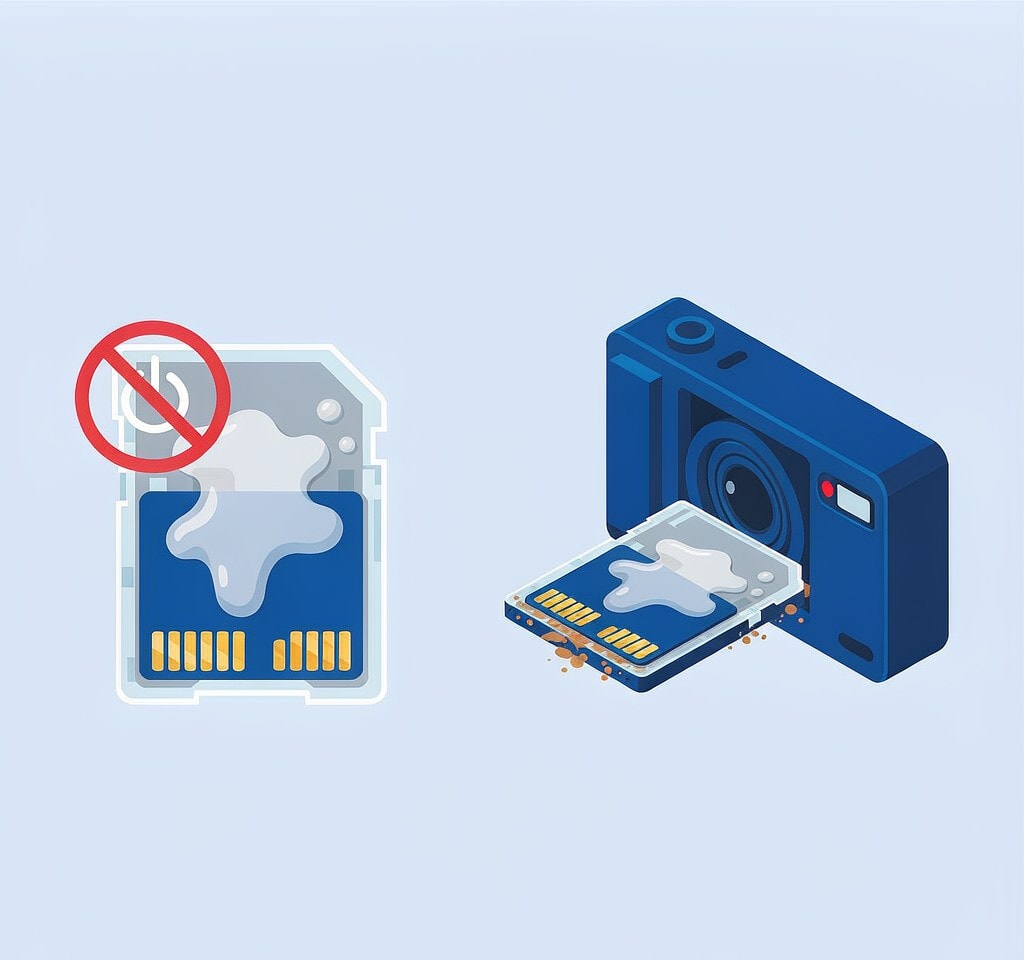
This is the decisive question, and it is the one the internet skips.
A wet card receiving power is a different object from a dry one: water bridging the contact recesses or a shell seam carries current where it was never meant to go, and the card’s controller — a small processor running its own firmware — is what suffers. A controller damaged this way does not produce a recoverable card that software can read. It produces a card that enumerates and then drops out, or does not enumerate at all.
- Camera off when it went in. You are in a good position. Dry it, then read it once.
- Camera on, or switched on afterward to check. Real risk, but not automatic. Dry it fully and read it once — and if it does not appear, stop. Repeated insertion attempts on a damaged controller can also damage the reader.
- Left inside a powered or charging camera for hours. Treat it as a controller-damage case and get professional assessment rather than experimenting.
The same logic applies to the camera body, full of boards and a battery still pushing current into a wet circuit. That side of the problem belongs to camera fell in water data recovery.
Variable Two: Freshwater, Saltwater, or Something Else
Water type sets your clock.
Clean freshwater is the most forgiving case. It leaves mineral residue as it evaporates, which is a contact-surface problem rather than a deep one.
Saltwater is the urgent case, and people underestimate how urgent. Salt water is electrolytic: it accelerates oxidation of the contacts and the fine traces on the card’s internal substrate, and corrosion continues after the water itself has evaporated. A saltwater card that reads today can fail next week. Do not rinse it, do not heat it, do not test it in a reader. Keep it in the state it was found and get it assessed promptly.
Mud, silt, and sand are worse than clean water because particles lodge in the contact recesses and the write-protect switch, and they abrade the contacts as the card is inserted. A brief rinse with distilled water is defensible; tap water is not.
Variable Three: How Long It Was Submerged
Duration determines depth of penetration, not just surface wetness.
| Submersion | What is likely wet | Realistic handling |
|---|---|---|
| Under a minute | Contacts and shell surface | Dry 24 hours, read once |
| A few minutes | Contact recesses, shell seams | Dry 48 hours, read once |
| An hour or more | Interior, possibly around the controller | Dry 72 hours; expect a lower success rate |
| Days, especially in saltwater | Interior with active corrosion | Do not read; professional assessment |
Long immersion in saltwater is a different order of problem from a freshwater soak, because the damage keeps progressing while the card sits in a bag.
The First Hour, Step by Step
- Do not power the camera on and do not connect it to a charger. Charging is the worst option available, because it supplies current to a wet board and can turn a dry card into a shorted one.
- Remove the battery if you can reach it. This cuts power immediately. If the battery is swollen, stop and treat the camera as an unpowered unit for a repair shop.
- Open the card door slowly, keeping the body upright so water drains away from the slot rather than through it.
- Remove the card only by its edges. Do not touch the contact pins, do not blow on them, and do not wipe them with a cloth or a fingertip.
- Inspect before drying. Note whether it is wet or merely damp, whether corrosion is visible, whether the shell is cracked, and whether the write-protect switch is intact. On a paid job, photograph the card for client and insurance records.
- Shake off standing water and place the card in a sealed container with desiccant. Leave it there. Do not put the card in the camera, a phone, a reader, or on a warm surface to find out whether it survived.
- Keep the card and the camera separate. They have different next steps, and keeping them together invites retrying the dead body.
The Four Actions That End Recovery
These circulate widely online, and every one of them reduces your chances.
Putting the card in a reader to test it. A reader supplies power and a write-capable mount. If the card is still damp, this is exactly the scenario variable one warns about. Test after drying, once, and only once.
The rice method. Rice is not a useful desiccant. It pulls moisture from a sealed epoxy-and-plastic card no faster than open air, and it deposits starch dust into the contact recesses and the write-protect switch, where it can block a good connection. Silica gel in an airtight container is the workable substitute.
A hairdryer, an oven, a radiator, or direct sun. Heat warps the plastic shell, can lift the write-protect slider out of alignment, and drives moisture deeper rather than out.
Rinsing a saltwater card under a tap, or scrubbing the contacts. Both drive contaminants into the seams and abrade the plating. Cleaning, if needed at all, is a professional task done with distilled water and an ultrasonic bath.
Repeated retry on a volume that will not mount is not harmful but is a waste. The broader list of moves that reduce recovery odds is collected in what not to do in data recovery.
Drying, and How Long Is Long Enough

Drying is passive and slow, and there is no shortcut that is also safe.
- Room temperature, low humidity, moving air. A sealed container with fresh desiccant beats open air, because it keeps pulling moisture out rather than letting the card equilibrate with a humid room.
- 24 to 72 hours, scaled by submersion duration and water type. There is no penalty for waiting an extra day.
Reading the Card Once It Is Dry
When the drying period is over, do a single clean pass.
- Use a known-good reader, not the camera. Reconnecting the damaged body over USB gives a wet or failing camera another chance to write to the card.
- Set the write-protect switch to lock if the card has one. That is the simplest guarantee that nothing writes during the session.
- If the card mounts and files are visible, copy them off immediately, then confirm the copies open.
- If the card mounts but files are missing or the folder tree is gone, image it first. Working from a clone protects the only copy you have, as explained in cloning a card before recovery.
- If the card does not mount, decline the reformat prompt. That dialog means the file system is unreadable, not that the data is gone. Work through the symptoms in the card not detected decision tree.
A card that mounts after immersion should be treated as a dying card, not a recovered one: copy everything, verify it, and retire it. If the shell is cracked, if the card sat in saltwater for hours, or if it never enumerates, the problem is no longer a software problem — those cases overlap with physically broken card emergencies and belong to a laboratory.
If the card was dried correctly and mounts but is unreadable as a file system, and you are on Windows, a purpose-built recovery tool such as XRecovery (xappset.com) can scan SD, microSD, and other memory cards for deleted or formatted photos and videos. As with any recovery tool, stop writing to the card first and always save recovered files to a different drive. Software reads a medium; it cannot repair corroded contacts or a controller that failed while wet. The file-system side of that situation is covered in corrupted SD card recovery.
Frequently Asked Questions
Does rice actually dry out a wet SD card?
No. Rice is not an effective desiccant for a sealed plastic-and-epoxy object, and its dust lodges in the contact recesses and the write-protect switch where it can block a proper connection. Use silica gel in an airtight container for 24 to 72 hours instead.
Can I put a wet card in a reader just to see if it still works?
Not while it is wet, and not more than once after it is dry. A reader supplies power, and power through a damp card is the single most damaging thing you can do. Dry it fully first, then perform one clean read.
My card was submerged in saltwater. Is it worth drying it myself?
Saltwater is the case to hand over rather than experiment on. Corrosion keeps progressing after the water evaporates, so time matters, and rinsing or testing can make things worse. Keep the card as found, do not power it, and get it assessed promptly.