
BRAW R3D data recovery starts with a fact that most recovery advice ignores: these three formats are not variations of one design. Blackmagic RAW, RED’s R3D, and ARRIRAW package a shot in three structurally different ways, and that difference — not the brand, not the card — decides what a bad block costs you. One of them tells you which parts are damaged. One of them arrives as a set of segments that must be reassembled. One of them has no wrapper at all, just a numbered sequence of frames.
The practical consequence is that on a cinema shoot, the first question after a failure is not “can this be recovered” but “what is the unit of loss in this format?” Answer that and the rest of the workflow follows. This page covers the three packaging models, their fault tolerance, and the boundaries beyond which no software — including ours — can help.
Why cinema RAW behaves differently from card footage
Cinema RAW is not simply high-bitrate video. It is sensor data recorded with a known transform, deliberately kept unrendered so that exposure, white balance, and color can be decided in post. Three properties follow from that design, and all three affect recovery.
The files are large and written steadily. A camera recording 12:1 compressed 4K RAW writes hundreds of megabits per second continuously. That is a much friendlier write pattern than a phone’s bursty JPEG writes, and steady writes tend to produce fewer fragmented, half-committed files.
The wrappers carry real redundancy. Cinema formats assume expensive, unrepeatable takes, so several of them store checksums, duplicate metadata, or both. Verification is part of the production workflow, not an afterthought.
The compressed stream is proprietary. Interframe consumer codecs can be partially decoded by any tool that understands the standard. A wavelet-compressed RAW stream is only fully decodable by the vendor’s own SDK, which sets a hard ceiling on third-party repair.
That last point is the boundary to understand before spending money. A damaged R3D is not something a general-purpose video repair utility can reconstruct from first principles; the most reliable path is the vendor’s own tooling plus a recovery pass to get an intact copy of the file off the media. The general mechanics of how a production card fails are covered in the cinema camera storage overview.
Three packaging models, three different failure units
| Format | Vendor | Packaging | Internal structure | Unit of loss |
|---|---|---|---|---|
| Blackmagic RAW | Blackmagic Design | Single .braw file, constant bitrate or constant quality | Frame-based container with embedded checksum data | A frame range that fails its checksum |
| REDCODE RAW | RED | .R3D file, split into .RDC segments on smaller media | Wavelet-compressed, segmented clip with per-segment structure | One segment of the clip |
| ARRIRAW | ARRI | Folder of individual frame files plus an XML sidecar | Uncompressed or lightly compressed frames, no wrapper index | Exactly the frame files you lost |
| ProRes (for comparison) | Apple | Single .mov | Intraframe, per-frame | A short run of frames around the damage |
The table is worth reading twice, because the “unit of loss” column is what actually determines the recovery outcome. A BRAW clip with a damaged region can often be restored frame-accurately except for the frames inside that region. An R3D clip missing a segment has a gap. An ARRIRAW folder missing frames has gaps at exact frame numbers, which is sometimes easier to work with and sometimes not — a 3-second gap in the middle of a slow push-in is unrecoverable as a shot, while the same gap in a cutaway may never be noticed.
BRAW: checksums turn a guess into a measurement
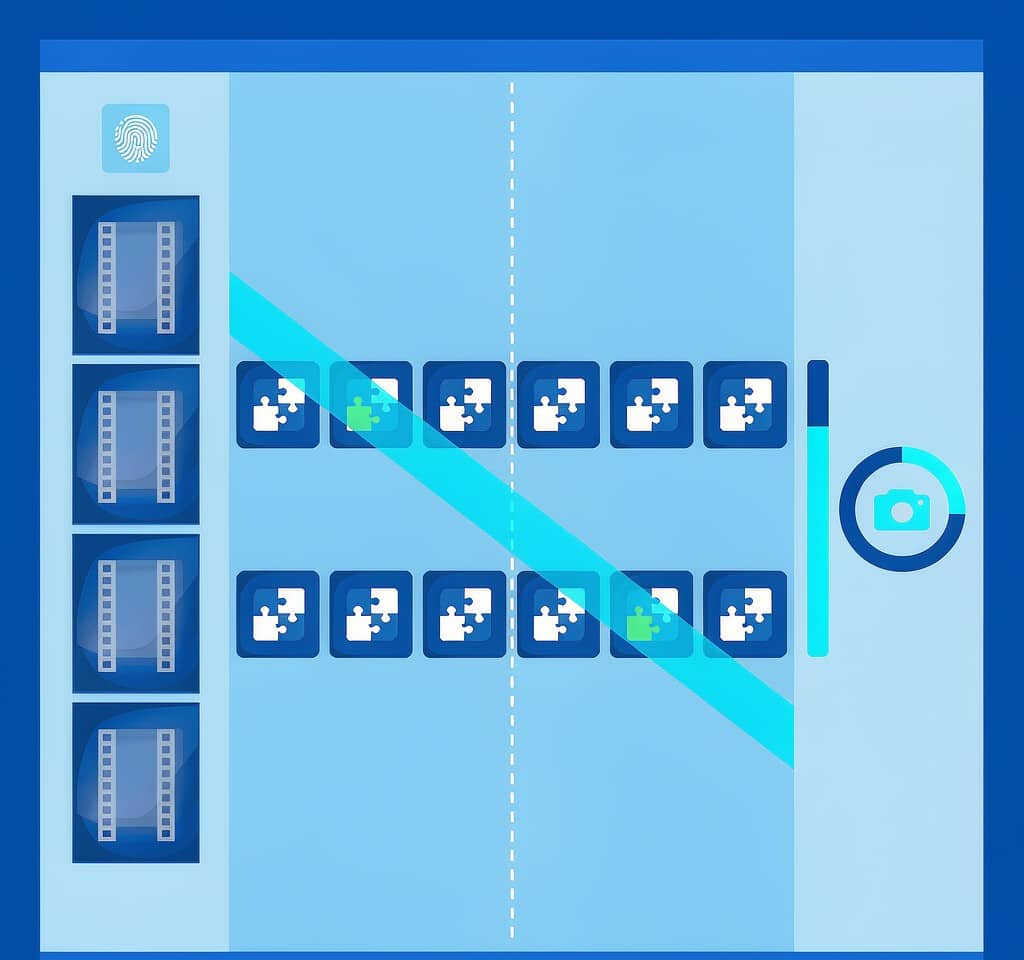
Blackmagic RAW’s distinguishing feature in a recovery context is its internal checksum data. DaVinci Resolve can verify a BRAW clip and report which frames fail, which converts a vague “this file seems broken” into a precise list of affected frame ranges.
That changes the decision-making in three useful ways.
First, verification before recovery. Run the check on the working copy and you learn immediately whether the clip is intact. There is no need to guess from playback stutter or a colorist’s complaint.
Second, a bounded loss estimate. A clip that fails checksum on frames 1,240 through 1,410 is a clip with roughly six seconds of unusable material at 24 fps, and the client conversation can start from a number rather than a feeling.
Third, a clean division of labor. Frames that pass checksum need nothing. Frames that fail need their byte ranges located on the media and re-read, which is a targeted operation rather than a full-card scan. On a shoot where a card is marginal, that is the difference between a two-hour re-read and a twenty-hour one.
What checksums cannot do is create data. If the frames fail because the sectors that held them were overwritten by a subsequent recording, verification will correctly report the failure and no amount of scanning will change the outcome. Checksums tell you the truth faster; they do not change it.
R3D: a clip that is really a container of segments
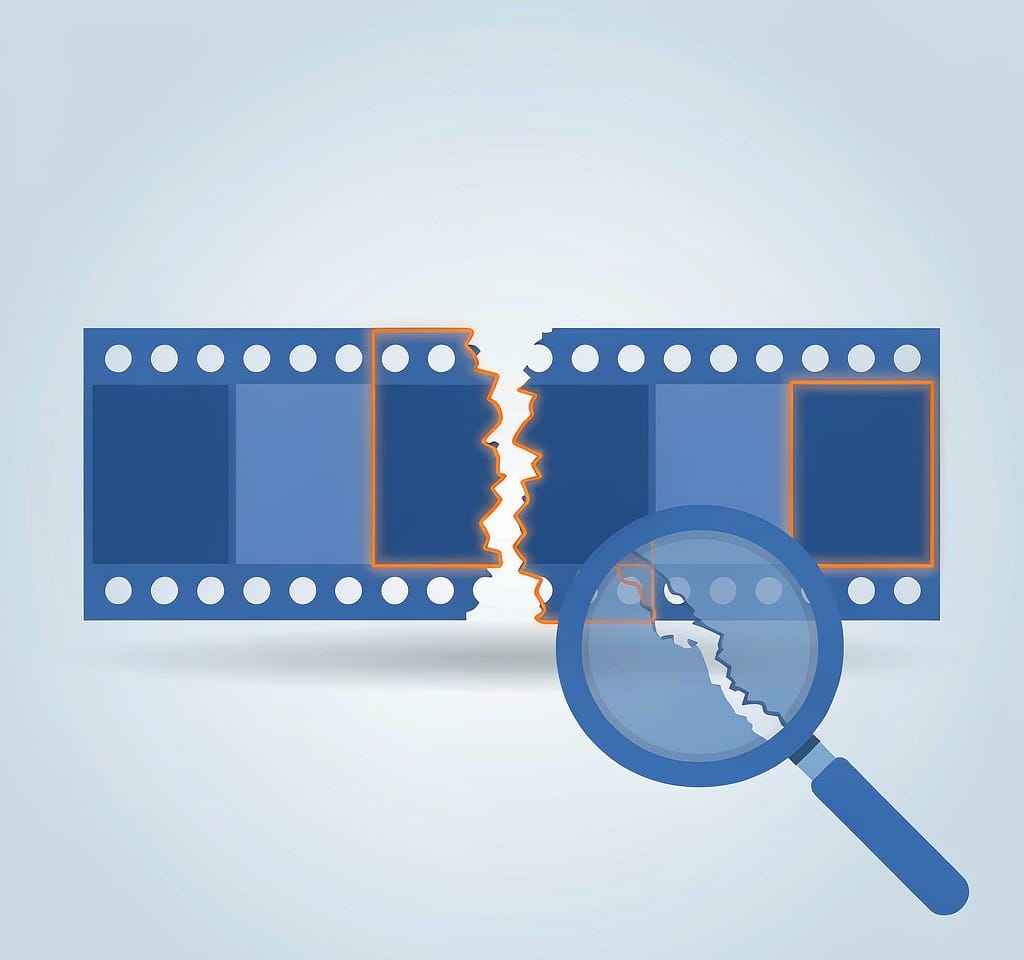
An R3D file is not a single continuous stream. REDCODE RAW clips are internally segmented, and on media formatted with FAT32 the segmentation became visible in the file listing: a long clip recorded to a CompactFlash card produced a main .R3D file of up to 4 GB plus one or more continuation .RDC files carrying the remainder, with a numeric suffix identifying the part.
Modern high-capacity media and exFAT largely removed the file-splitting requirement, but the internal segmentation remains, because it is part of how REDCODE is written and read. Two practical consequences follow.
A “damaged R3D” is often a damaged segment. If the failure is confined to one segment, the rest of the clip may decode normally once the file is repaired around the damaged region. Locating which segment is affected requires reading the clip’s internal structure rather than looking at the file size.
Continuation files must travel together. If a clip was recorded as an .R3D plus .RDC parts, recovering only the first part gives you a clip that stops early and looks complete. When offloading, verify that every part of every clip arrived, and treat a lone .R3D from an older CF-based shoot as suspicious rather than finished.
This is also why RED media benefits from the same discipline as any other production card: image the card once, work from the image, and verify the count and size of every part before anyone formats anything. The mechanics of working from an image instead of the original are described in the cinema camera footage recovery guide.
ARRIRAW: a folder of frames, not a file
ARRIRAW breaks the assumption that a shot is a file. An ARRIRAW recording is a sequence of individual frame files — typically .ari — stored in a folder, accompanied by an XML sidecar that describes the sequence, the color transform, and the clip metadata. The camera writes frame 1, frame 2, frame 3 as separate objects.
The recovery implications are unusual in three ways.
There is no index to lose. The failure mode that dominates consumer video — a complete set of frames with a missing moov atom — simply does not exist here. If the frame files are present and readable, the shot assembles. Metadata loss means the clip imports with default settings and the wrong transform, which is a color pipeline problem, not a data loss problem.
A gap is a gap. Loss is quantized to individual frames at known frame numbers. That precision is genuinely useful: you can tell a director that frames 0042 through 0115 of take 7 are gone, and the assistant editor can conform the timeline around them.
The sidecar is small and essential. Losing the XML does not destroy footage, but it does mean manually reconstructing the color settings and clip metadata for that roll. It is a tiny file, it is the first thing that should be copied off a marginal card, and it is the same “small files first” logic that governs any failing media. The parallel with stills workflows, where an embedded preview can rescue an image whose RAW data is damaged, is explored in the RAW photo recovery notes.
What each format survives
The honest answer to “can cinema RAW be recovered” depends on which layer failed. The table below separates the recoverable from the terminal.
| Failure | BRAW | R3D | ARRIRAW |
|---|---|---|---|
| Clip deleted, card not reused | Recoverable in full | Recoverable in full | Recoverable in full, if the folder is intact |
| Card formatted in camera, not reused | Recoverable in full | Recoverable in full | Recoverable in full |
| Interrupted recording with no final index | Recoverable: rebuild the frame index | Recoverable up to the last completed segment | Not applicable; no index exists |
| Damaged sectors over a frame range | Partial: the affected range is lost, the rest decodes | Partial: usually bounded by the affected segment | Partial: only the frame files on damaged sectors are lost |
| Card overwritten and reused | Not recoverable | Not recoverable | Not recoverable |
| Physically destroyed card, controller failure, water ingress | Specialist lab, no software route | Specialist lab, no software route | Specialist lab, no software route |
The last row is the one worth stating without qualification. No recovery application can read a card whose controller no longer responds, whose NAND packages are cracked, or whose contacts have corroded through. Those are clean-room and chip-off procedures performed by data recovery laboratories with the equipment to read raw NAND, and they are the subject of the comparison between software recovery and a recovery lab.
Why the on-set workflow decides the outcome
Cinema productions have an advantage that consumer shooters do not: the media is usually offloaded to two destinations and verified before it is reused. Where that discipline holds, a “lost” card is usually a card whose footage already exists twice, and the recovery problem disappears.
Where it breaks down is at the specific moments that get skipped under time pressure — the last card of the day, the second unit’s media, the B-camera card that nobody logged. Three habits close most of that exposure:
- Offload to two separate destinations and verify both with a checksum comparison against the source, not a visual confirmation that the folder looks right.
- Do not format on set. Formatting is cheap on the last day of a shoot and expensive on day two of a five-day job.
- Record which physical card holds which roll. When a clip is missing, the first question is which piece of media it went to, and a labelled card answers it in seconds.
Professional workflows formalize this as a chain-of-custody process; the DIT data management overview covers the structure, and the verification steps for recovered files cover what to check before trusting a restored copy.
If you are on Windows and the card is still detected by a computer, a purpose-built recovery tool such as XRecovery (xappset.com) can scan SD, microSD, and other memory cards for deleted or formatted photos and videos. As with any recovery tool, stop writing to the card first and always save recovered files to a different drive. Data that has not been overwritten comes back complete; data that has been overwritten cannot be recovered by any tool.
Frequently Asked Questions
Can BRAW files be recovered after formatting?
Usually yes, if the card has not been written to since the format. A camera format is a quick format: it rewrites the file system structures and leaves the recorded data in place until new recordings claim those blocks. BRAW’s checksum data then lets you confirm which recovered frames are intact, so you know exactly what you have before the grade begins.
What is the difference between an R3D and an RDC file?
An .RDC file is a continuation segment of an R3D clip. On FAT32-formatted media, RED cameras split long recordings at the 4 GB file limit, producing a main .R3D file and one or more .RDC parts with numeric suffixes. All parts must be present for the clip to play in full; a lone .R3D may be an incomplete clip rather than an intact one.
Why is ARRIRAW easier to recover than other RAW video?
Because it has no container index to lose. Each frame is an independent file, so a damaged card costs you the specific frames stored on damaged sectors and nothing more. There is no wrapper structure that can invalidate an otherwise complete recording, and the remaining frames decode normally.
Can a data recovery lab recover a physically broken cinema card?
Sometimes, and only a laboratory can. Cracked media, failed controllers, water damage, and burnt components require chip-off or clean-room work with direct NAND access. No software tool can read a card the operating system cannot see, so for physical damage the correct first step is to stop handling the card and contact a lab.