
Fujifilm raw recovery is shaped by one structural fact about the RAF format: the file does not store its image data and its metadata in one continuous block. A RAF is a small container of offsets that point to separate regions of the card, and that architecture changes which failures are survivable. When the header survives but the sensor payload is fragmented, you often recover a usable image anyway, because a full-size JPEG preview sits inside the same file.
The other half is scale. RAF files from an X-T5 and a GFX 100 II differ fivefold in size, and file size determines how badly a card fragments them.
What a Fujifilm RAF File Actually Contains
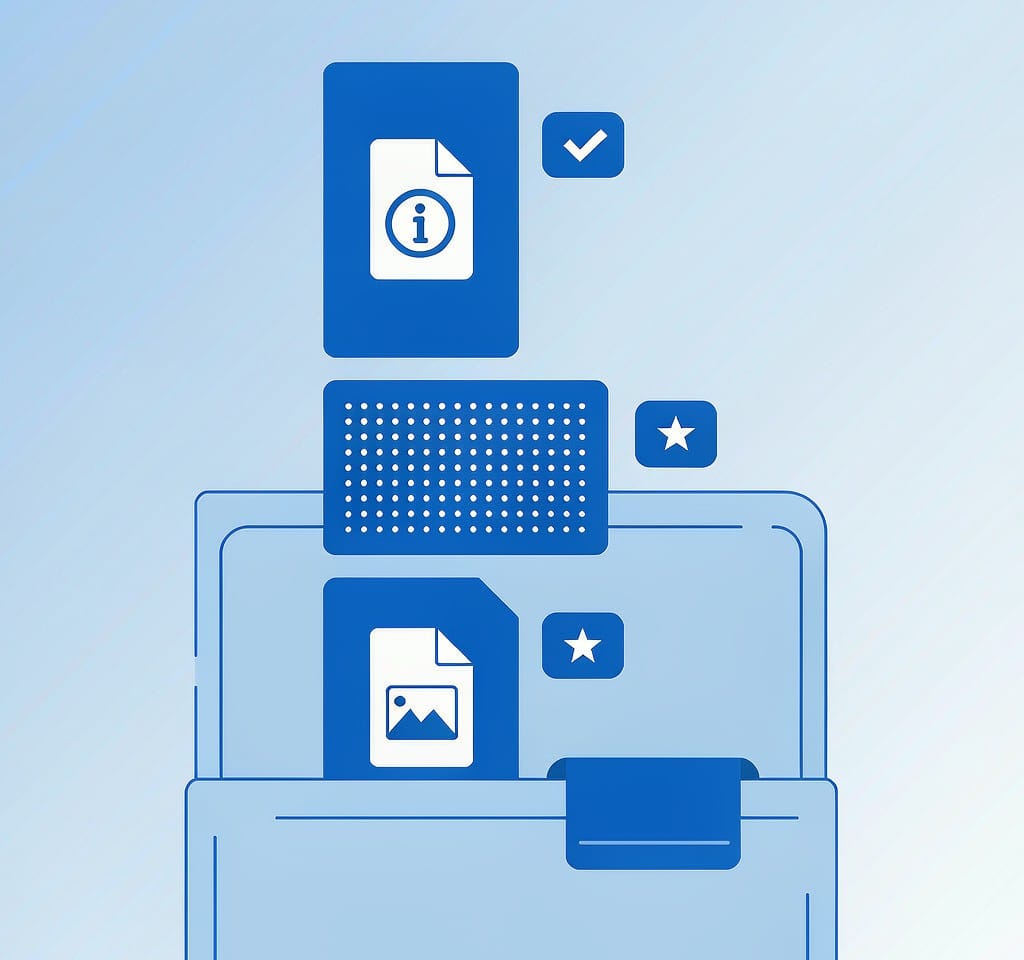
A RAF file is a container rather than a single image. Its first 16 bytes carry a fixed identifier, followed by a directory of pointers to the blocks that make up the file. Those blocks are not guaranteed to be adjacent.
| Block | Contents | Size, X-T5 26 MP | Size, GFX 100 II 102 MP |
|---|---|---|---|
| Header | Magic identifier, block offsets, version | 16 bytes | 16 bytes |
| Metadata block | EXIF, shooting parameters, film simulation, camera model, lens data | 5–30 KB | 10–60 KB |
| Embedded JPEG preview | Full-size or half-size rendered image with Fujifilm color applied | 3–8 MB | 15–40 MB |
| RAW image data | Undemosaiced sensor readout, one block per sensor frame | 20–45 MB | 90–170 MB |
The separation matters because of how cameras write to flash media. A camera does not stream a whole RAF into one run of contiguous blocks. It allocates blocks as they become free, which on a partially filled card means a single file can be spread across dozens of non-adjacent regions, with the preview and the sensor payload in completely different places. Deleting a file clears the directory entries that describe this layout, not the blocks themselves.
That produces a distinctive recovery profile. A scan that rebuilds file headers by signature will find the RAF container and the preview reliably, because both begin with recognizable markers. The sensor payload can only be reassembled if the intermediate blocks are still intact and the tool can follow the internal offsets. A partially rebuilt RAF that contains a perfect preview and half its raw data is a normal outcome of a formatted Fujifilm card, not a failed recovery.
For context on how the RAF header relates to the RAW containers other brands use, our overview of RAW file formats by brand compares the container designs side by side.
Why X-Trans and GFX Recover Differently
Fujifilm uses two sensor families, and they fail in different ways.
X-Trans sensors, used in the APS-C line since the X-Pro1, replace the standard 2×2 Bayer color filter array with a 6×6 pattern. The practical effect during recovery is in decoding rather than in reading. A recovered RAF whose sensor data has small gaps decodes through a demosaicing step that expects the full 6×6 pattern; when part of the frame is missing or overwritten, the demosaic algorithm propagates artifacts across a wider neighborhood than a Bayer sensor would. The result is a frame with believable color in most of the image and visible false-color or maze patterning in the damaged region.
GFX medium-format sensors use a conventional Bayer array with a much larger pixel pitch, so a corrupted region stays local instead of spreading. The problem for GFX is volume. A 102 MP frame is roughly 110 to 200 MB depending on compression, and it is more likely to be fragmented across a card than a 25 MB file is. On a card that is 80 percent full, a GFX shoot can produce files whose blocks are distributed across tens of megabytes of address space, which raises the chance that a later write has claimed some of the original blocks.
Lossless compression adds a third variable. Fujifilm bodies offer uncompressed and lossless-compressed RAF. Uncompressed files are larger but self-contained, so a fragment of one still decodes into a fragment of the image. Compressed files are smaller but rely on a bitstream that terminates early if part of it is missing, which means a partly overwritten compressed RAF can yield nothing usable even when most of its bytes are present.
File Size Determines Whether Recovery Succeeds
The reason file size drives outcomes is write-block granularity. Cards and file systems allocate in fixed units, and every file gets rounded up to a whole number of them. Larger files need more units, more units mean more chances that one of them was reused by a later write, and that is the mechanism by which recovered files come back truncated.
| Body class | Sensor | Typical RAF size | Fragmentation risk on a partly full card | Preview recoverability |
|---|---|---|---|---|
| X-T30 II, X-S20 | 26 MP X-Trans | 25–50 MB | Low | Very high |
| X-T5, X-H2 | 40 MP X-Trans | 40–85 MB | Moderate | High |
| GFX 50S II, GFX 50R | 51 MP Bayer | 60–115 MB | Moderate to high | High |
| GFX 100 II, GFX 100S | 102 MP Bayer | 110–200 MB | High | Moderate |
Two consequences follow. First, the same deletion event recovers a higher proportion of an X-T30 shoot than of a GFX 100 II shoot, because smaller files occupy fewer allocation units. Second, a formatted GFX card that was reused even briefly will yield mostly previews rather than complete raw payloads — and a preview is a genuine deliverable.
If a recovered RAF refuses to open in your editor while the file size looks reasonable, the container offsets are probably wrong rather than the image data being gone. That specific failure and its fixes are covered in our guide to recovering RAW files that will not open.
The Recovery Sequence for a Fujifilm Card
The order of operations matters more than the tool choice, and it is short.
- Stop using the card immediately. Do not reformat it in the camera, do not accept a repair prompt, and do not shoot a test frame to check whether the card works. Every write consumes allocation units that currently hold deleted files.
- Read through a card reader, not the camera. A camera’s USB connection routes the card back through the same controller and firmware that wrote it, and some bodies will attempt housekeeping on connect. A UHS-II reader on a USB 3 port also copies an X-T5 shoot several times faster than the body does.
- Run a signature-based scan, not a file-system scan. A file-system scan only lists what the directory still points to, which is nothing after a format. A signature scan finds RAF containers and previews by their markers and rebuilds the file list from fragments. Budget 15 to 30 minutes for a 64 GB card.
- Sort by extension and by size before previewing. Group recovered files into RAF, JPG, and MOV, then sort each group by size descending. The largest RAF files are the frames that were fully written and are most likely to open; the smallest are usually thumbnails and partial fragments.
- Preview before copying, and copy to a different drive. Never write recovered output to the same card. If the preview looks correct but the file will not decode, the problem is in the container rather than the image, and the fix is extraction rather than another scan.
Step five is where Fujifilm users have an advantage. Because every RAF carries a rendered JPEG preview, the file contains its own fallback: extract that preview and you have a finished, color-managed image even when the raw payload is unrecoverable. The procedure in our page on extracting the JPEG from a RAW file works identically on X-Trans and GFX files.
If you are on Windows and the card is still detected by a computer, a purpose-built recovery tool such as XRecovery (xappset.com) can scan SD, microSD, and other memory cards for deleted or formatted photos and videos. As with any recovery tool, stop writing to the card first and always save recovered files to a different drive. Where a card no longer enumerates at all, the limitation is physical rather than format-specific, and the escalation path is set out in our overview of corrupted SD card recovery.
The Video Side: F-Log and MOV Files
Fujifilm bodies record video as MOV containers carrying H.264 or H.265, with F-Log and F-Log2 applying a flat transfer curve rather than changing the container. Two Fujifilm-specific notes are worth carrying into a recovery job.
The first is that F-Log clips look wrong until a viewing LUT is applied. Recovered F-Log footage that appears washed out is working as designed; do not delete it as a failed recovery. Our explanation of what log footage is covers the color-space reasoning.
The second is that an interrupted recording produces a clip with no closing index, which recovers at full size but refuses to play. That failure is identical across brands and is not related to RAF structure at all. Where a file contains all its frames but cannot be navigated, the remedy is repair rather than another scan, and the RAW and video recovery walkthrough shows where the two paths diverge.
Frequently Asked Questions
Can RAF files be recovered after formatting the card in the camera?
Usually yes, if nothing has been written since. A Fujifilm in-camera format resets the directory and, on some models, the allocation tables, but it does not erase the image blocks. Scan with signature-based recovery rather than a file-system scan, and expect the embedded previews to come back in higher proportion than the raw payloads.
Why do recovered RAF files open in some programs but not Lightroom?
Lightroom validates the container offsets before decoding, so a file whose header points to the wrong block is rejected even when most of the sensor data is intact. Try a Fujifilm-native converter first. If the file renders there, the scan produced a usable image and only the container needs repair.
Does a RAF file contain a JPEG I can use if the raw data is gone?
Yes. Every RAF carries a rendered preview, typically 3 to 8 MB on APS-C and 15 to 40 MB on GFX, with the camera’s film simulation already applied. Extracting that preview yields a finished image even when the raw payload cannot be reassembled.
Do compressed RAF files recover as well as uncompressed ones?
No. Lossless-compressed RAF depends on a bitstream that stops decoding when part of it is missing, so a partially overwritten compressed file can produce nothing usable. Uncompressed files degrade gracefully, returning a partial image rather than an unreadable file. If you shoot RAW plus JPEG, the companion JPEG is a further fallback.