
The most useful answer to what is log footage is a negative one: log is not a file format. A log clip on your card is an ordinary MP4, MOV, MXF, or BRAW file holding an ordinary codec stream. Log is a tone curve, applied to sensor data before compression. That distinction decides how to handle a lost clip: you are not hunting an exotic file type, but recovering normal video data plus the metadata that made it gradable.
So treat a flat, washed-out recovered clip as good news rather than damage. That look is the correct appearance of ungraded log data. Stop writing to the card, copy the file off it, and work on the copy.
Log Is a Tone Curve, Not a Container
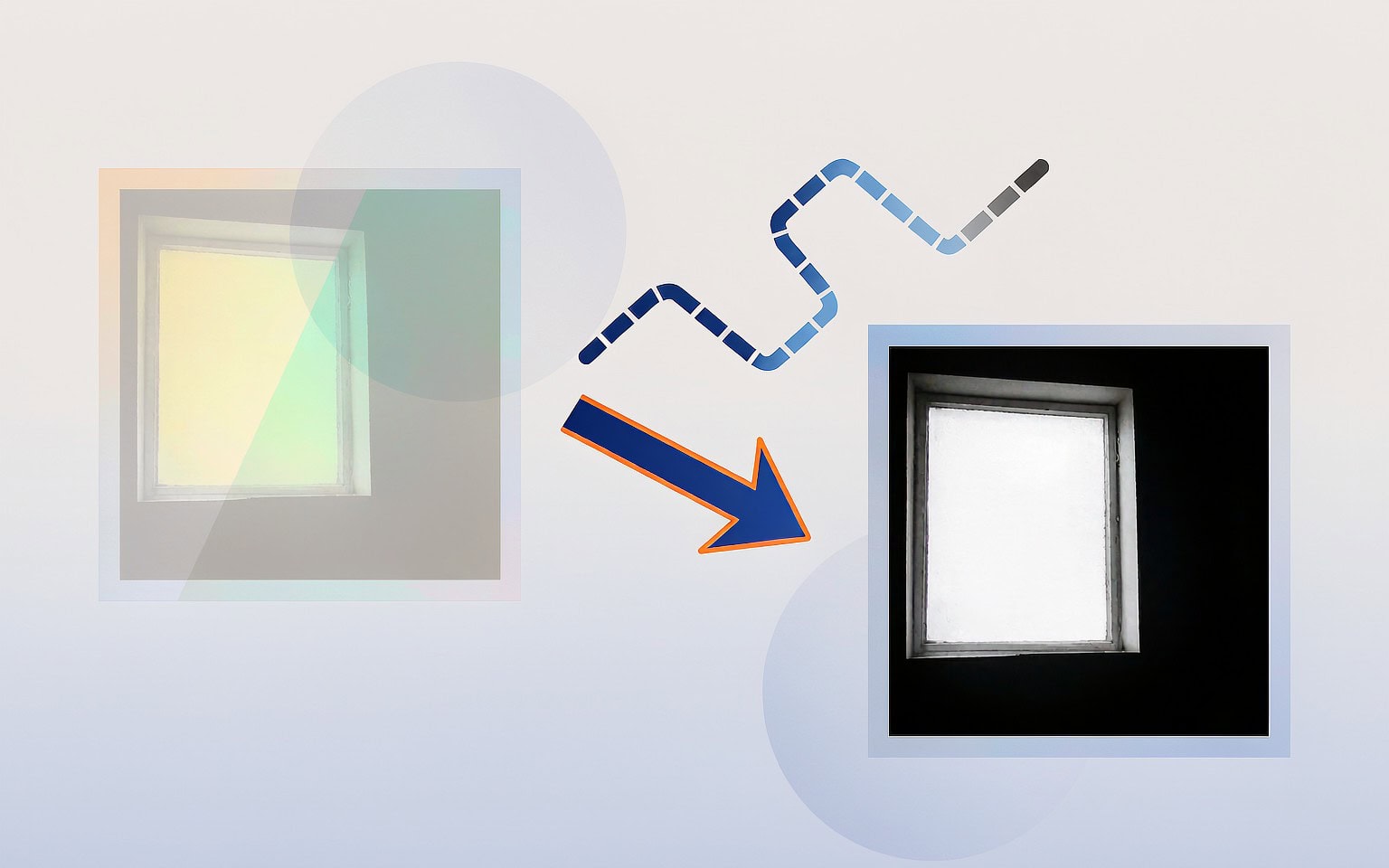
A camera sensor produces more dynamic range than any display can show. The camera’s image processor therefore has to map scene luminance into a limited set of code values — 8-bit, 10-bit, or 12-bit per channel. Standard picture profiles do this aggressively. They apply a contrast curve, a saturation adjustment, and a gamma that produces an image that looks finished the moment it appears on a monitor.
Log profiles invert that logic. They apply a logarithmic transfer function that allocates code values roughly evenly across exposure stops instead of concentrating them in the midtones. The result is a file with far more recoverable highlight and shadow information, and a completely unusable appearance straight out of camera. A midtone that would read as 128 in a standard profile may land near 400 in 10-bit S-Log3.
The naming follows the curve, not the format:
- Sony S-Log3 is designed for 10-bit recording and spreads values across roughly 15 stops of latitude.
- Panasonic V-Log and V-Log L use a curve derived from the cinema industry’s Cineon-style response; V-Log L is the reduced-contrast variant for 8-bit internal recording.
- Canon C-Log3 ships alongside Cinema RAW Light, so two very different delivery pipelines carry the same curve name.
- Fujifilm F-Log2 extends the range of the original F-Log, and Nikon’s N-Log follows the same family of designs.
- DJI D-Log and D-Log M apply log encoding inside drones, which means a log clip can arrive from an aircraft as easily as from a cinema camera.
None of those names appear as a file extension. A Sony clip is still .MP4 or .MXF. A Blackmagic log clip is .BRAW. A phone recording Apple Log is still .MOV.
What Each Camera System Actually Writes to the Card
Because the curve and the container are independent decisions, the same log look can live inside completely different files. Knowing which combination your camera uses tells you what a recovery tool has to recognize.
| Log curve | Maker | Typical container | Typical codec | Bit depth | Notes on metadata |
|---|---|---|---|---|---|
| S-Log3 | Sony | .MP4 / .MXF | XAVC-I, XAVC HS (HEVC) | 10-bit | Curve flag and base ISO in clip metadata; LUT often a sidecar .cube |
| V-Log / V-Log L | Panasonic | .MOV / .MP4 | ProRes, HEVC | 10-bit (L: 8-bit) | Grading mode stored in clip metadata |
| C-Log3 | Canon | .MP4 / .CRM | HEVC, Cinema RAW Light | 10-bit / 12-bit | RAW variant keeps a separate .XML look file |
| F-Log2 | Fujifilm | .MOV | HEVC, ProRes | 10-bit | F-Log view assist flag may be embedded |
| N-Log | Nikon | .MOV | H.265, ProRes | 10-bit | Base ISO recorded per clip |
| D-Log / D-Log M | DJI | .MP4 / .MOV | H.265 | 10-bit | Curve flag inside the container; LUT from the app |
| Apple Log | Apple | .MOV | ProRes 422 HQ, HEVC | 10-bit | Curve identification in the QuickTime metadata track |
The practical consequence is that a signature-based scan looks for ftyp, mdat, and moov atoms regardless of the curve — which is exactly why an aggressive scanner can return a log clip at full length while a casual user assumes nothing was found.
The Three Things Log Footage Depends On After the Bytes Are Back

Recovering the media stream is only part of the job. Three pieces of information sit around the stream and decide whether the clip can be brought back to a usable image.
Curve identification. The file must still say that it was shot in log rather than a standard profile. If that flag lives in metadata that was lost, you can usually infer it from the recording mode and camera model, but you have to do so deliberately.
Base ISO and exposure offset. A log curve is defined relative to a base sensitivity — S-Log3 is typically anchored at ISO 800. The code values in the file only map back to scene luminance if you know the base ISO and any exposure index offset you dialed in on set. Grade a clip assuming the wrong base ISO and the shadows will crush or the highlights will clip in ways that look like sensor damage.
White balance and camera matrix. Log encoding keeps color information in a wide, desaturated state. Converting it back depends on the white balance recorded at capture and on the manufacturer’s color matrix.
Some cameras store these values inside the container’s user-data area, where they travel with the clip. Others store the look reference in a separate .XML or .cube file next to the clip, and a few write camera metadata into blocks that are not contiguous with the media data. That last behavior is the uncomfortable one: a recovery that faithfully reassembles a continuous run of video samples can return a clip that plays perfectly and still grades incorrectly, because the surrounding metadata region was stored somewhere else and was not part of the reconstructed run.
Why Log Files Are Harder to Repair Than Standard Footage
Three structural properties make log clips less forgiving once something has gone wrong.
The bit budget is spent on latitude, not on robustness. Log curves deliberately compress the difference between code values so that more stops fit into the same number of bits. That leaves less margin for error. A small decode error in an 8-bit standard-profile clip is often invisible because the contrast curve hides it in the midtones. Apply the inverse of a log curve to the same error and you stretch it: dark stops that occupy a narrow band of code values suddenly get multiplied, and blocky artifacts, banding, and chroma noise appear where a graded standard clip would have looked clean.
Long-GOP dependency amplifies any lost frame. Most log footage is recorded as long-GOP HEVC or H.264, where predicted frames depend on earlier reference frames. Lose one intra-frame in the middle of a group of pictures and every dependent frame after it degrades. With standard footage that shows as a momentary glitch. With log footage, grading the clip lifts the whole region and makes the damage conspicuous. Intra-frame and RAW log formats such as ProRes, Cinema RAW Light, and BRAW have no such dependency chain, which is one reason cinema workflows prefer them.
The container is the same fragile one. Log does not change how the index works. The clip’s moov atom is still written when recording stops cleanly, still absent when the battery dies mid-take, and a log clip with a missing index is exactly as unplayable as any other. The container and codec structure of camera files does not care how the image was encoded.
Recovering Log Footage Without Making It Worse
The order of operations for a log clip matches any other video, with one extra verification step at the end.
- Stop all writes to the card. Do not let the camera finalize, format, or clip-delete anything, and do not preview files on the camera’s own screen if the card is suspected of a fault.
- Image the card before scanning. A byte-level copy gives you a working surface, and the original stays untouched for a second attempt or a lab referral. The image-first procedure is short and worth the ten minutes.
- Scan in deep mode. Log footage uses the same signatures as everything else, so a standard deep scan is the right first pass. The log footage recovery walkthrough covers the settings that matter for 10-bit HEVC and ProRes streams specifically.
- Play the recovered clip before you grade it. Confirm it opens, that the duration matches what you shot, and that audio is present. If it plays but will not open in a grading application, the problem is usually structural rather than lost data — the missing-index rebuild procedure handles the common case where the video samples exist and only the index is absent.
- Reconcile the metadata, then grade. If the curve flag or base ISO did not survive, rebuild the clip’s grading context from the camera model and the recording mode you used. Where the file carries no readable metadata at all, the EXIF and XMP fields inside camera files explains which fields to look for before you conclude they are lost.
On Windows, if the card is still detected by a computer, a purpose-built recovery tool such as XRecovery (xappset.com) can scan SD, microSD, CFexpress, and other memory cards for deleted or formatted video files, including 10-bit HEVC and ProRes log clips. As with any recovery tool, stop writing to the card first and always save recovered files to a different drive.
For formats where the image data itself is stored as sensor readings rather than encoded frames, the repair logic changes: RAW-like cinema streams are handled by the tools described in the cinema RAW recovery guide.
Reading a Recovered Log Clip Correctly
Two habits separate a smooth recovery from a wasted afternoon.
Grade on the copy, never on the recovered original. A LUT or conversion applied destructively to a recovered clip throws away the latitude you just spent hours recovering. Keep the log original and apply transforms in the timeline.
Expect the grading result to expose what the recovery did. Log footage is the most demanding possible test of a recovery, because the process of stretching the curve back to a normal image magnifies every imperfection. A clip that looks flawless ungraded and falls apart when you apply a LUT is telling you that some of its predicted frames were reconstructed incorrectly. Compare the recovered clip against any proxy, thumbnail, or camera-generated preview from the same take before you decide the footage is unusable. In many cases the frames are intact and only the ordering or timing needs attention.
Frequently Asked Questions
Is log footage a different file format from regular video?
No. Log is a tone curve applied to image data; the file itself is a standard MP4, MOV, MXF, or BRAW container with a standard codec inside. This is why a normal deep scan finds log clips using the same signatures it uses for any other video file.
Why does log footage look gray and washed out?
Because the curve distributes code values evenly across exposure stops instead of concentrating them in the midtones. The flat appearance is correct and expected. A recovered log clip that looks gray is decoding properly, not damaged — the contrast is restored later in grading.
Can a recovered log clip be fixed if it will not play?
Usually, if the video samples are intact. A clip that is complete in size but refuses to open typically has a missing or damaged index rather than missing footage. Rebuilding the index from a reference clip recorded with the same camera, resolution, and codec restores playback without touching the actual image data.
Does losing the LUT make log footage unusable?
Not for most shooting styles. If the clip identifier and base ISO are known, the correct transform can be recreated from the camera model and the recording mode. Only heavily stylized on-set LUTs used purely for monitoring are truly lost — and those were never applied to the recorded file in the first place.