
Wedding photos lost, SD card unreadable, ceremony over: the photographer is now dealing with a contract problem, a reputation problem, and a timing problem at once. Nothing on a wedding day can be reshot, no client will accept a partial gallery of a ceremony that happened once, and no insurance policy repairs a referral network.
The mechanics of recovery are well documented elsewhere in this knowledge base. What follows is the structural risk analysis that a wedding photographer actually needs: where the failure windows are, what dual-card configuration genuinely protects you from, and the order of operations in the first ten minutes after a card stops being readable.
Why a Wedding Is the Highest-Risk Assignment in Photography
Every other genre of photography has a re-shoot clause. A product shot can be re-lit tomorrow, a portrait session rescheduled, a real estate listing postponed for better weather. A wedding has an immutable calendar, and the value of the photographs is concentrated in about four hours. That concentration creates three compounding risks.
Single point in time. The first kiss, the ring exchange, and the walk down the aisle occupy perhaps ninety seconds each. There is no second take and no way to ask the couple to repeat it, so any storage failure covering the ceremony covers the irreplaceable part.
Legal and emotional exposure. Wedding photography is one of the few service contracts where failure has no substitute performance. Contracts commonly limit liability to a refund of fees, but a refund does not repair the relationship damage, which is the real business risk.
Referral economics. The wedding market runs on referral. A couple who lost their ceremony photos tells their entire social circle, and that circle is the future client base. A single unrecovered event therefore affects future revenue far beyond that one event’s fee.
The result is that the financial cost of losing a wedding card is not the fee for that wedding. It is the fee multiplied across the bookings that referral would have generated, plus the cost of the recovery attempt itself.
The Two High-Risk Windows on Every Wedding Day

Card failures on wedding days cluster around two periods, and both are predictable.
Window one: the ceremony, roughly two hours. This is the highest-volume, highest-motion period of the day. The photographer moves between positions, changes lenses, swaps batteries, and often swaps cards at the worst possible moment. Card doors get bumped, cards get seated at a slight angle, cameras get set down on pews. Cameras in this window also meet heat, rapid power cycling, and — outdoors — humidity and dust.
The failure this window produces is usually an interrupted write, not a dead card. A card knocked loose while the buffer drains leaves the last frames unindexed or missing entirely. Losing the final twenty seconds of the recessional is annoying; losing the whole ceremony because the card was never properly seated is catastrophic, and it is the more common outcome.
Window two: the offload, late that night or the next morning. A photographer arrives home at 1 a.m. with four cards and 180 GB of images and starts copying. This is when fatigue errors happen: copying to a laptop drive that is nearly full, dragging files instead of verifying them, formatting a card “to clean it up” before the backup is confirmed, or leaving an external drive on the edge of a table. The card is usually fine; the copy was never completed, and the card has already been reused.
| Layer | Protects against | Does not protect against | Time to recover from a miss |
|---|---|---|---|
| Second card slot, mirror mode | Single card hardware death | Deletion or format applied in camera, since both cards are written identically | Seconds |
| Second card slot, overflow mode | Running out of space mid-ceremony | A failure on either card loses whichever files lived there | Minutes, but with gaps |
| Second card slot, RAW+JPEG split | One card dying while the other holds a usable copy | Losing the RAW card loses editability but keeps deliverable JPEGs | Hours of grading |
| Post-event offload to two drives | Everything after the shoot | Anything lost before the offload completes | Hours, plus a return trip |
| Cloud backup overnight | Localized loss such as theft or fire | Same-night urgency, since uploads take hours | Usually a day |
What Dual-Card Configuration Actually Buys You
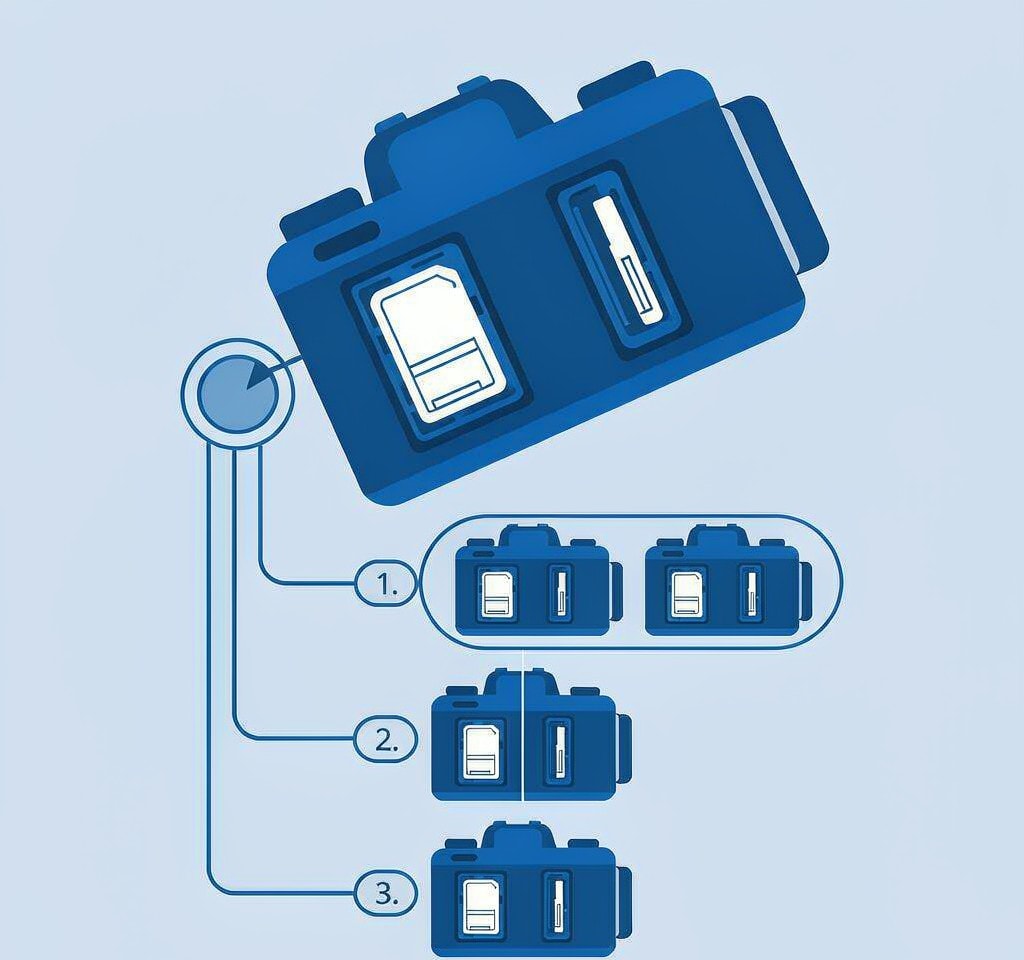
The single most effective risk reduction available to a wedding photographer is a camera with two card slots, both populated, set to mirror. It is also the most misunderstood setting in the camera menu.
Mirror mode writes the same data to both cards simultaneously. If one card dies, the other holds an identical copy. What mirror mode does not do is defend against anything originating inside the camera:
- In-camera formatting applies to both cards. Formatting “card 1” in the menu after a shoot wipes the mirror too.
- Accidental deletion in playback removes the file from both cards in the set.
- A camera-side write fault, such as a firmware bug that corrupts the directory structure, corrupts both cards in the same session.
- A card that was never seated properly produces a mirror of nothing. The camera shows a slot indicator, but photographers mid-ceremony rarely check it.
That last point deserves emphasis. The most common dual-card failure in the field is not a dead card; it is a functioning card that was never in the slot, in a camera whose owner assumed the mirror was active. Checking both slot indicators at three points — before the ceremony, before the reception, and before leaving the venue — catches this in seconds. The dual card slot camera settings guide covers the mode differences.
Beyond the camera, the only layer that survives a wedding day is a copy on separate hardware. The 3-2-1 backup rule for photography describes the minimum standard: three copies, on two media, one off-site. For weddings that means two cards plus one offloaded drive, completed before any card is formatted.
The First Ten Minutes After the Card Stops Reading
The sequence matters more than the tool. Doing these steps out of order can convert a routine recovery into a permanent loss.
- Stop using the card immediately. Do not format it, do not run a repair utility, and do not let the camera mount it again — each mount attempt can trigger a write to the directory structure. Remove the card and set it aside.
- Write down what you know while you still remember it. Which slot, which camera, which part of the day. The last files you reviewed in camera mark the boundary between what is certainly on the card and what may not be.
- Classify the failure before choosing a response. Files missing from a card that still mounts is a logical problem. A card that is not detected at all is a different path. A card that is cracked, burnt, or wet needs a laboratory, not software.
- Clone the card before scanning it. A sector-by-sector image lets you work on a copy and gives you something to hand to a laboratory if the software route fails.
- Check every other copy first. The second slot, the camera’s recently reviewed files, a tethered capture folder, an assistant’s card, a second shooter’s coverage. Another photographer’s frames will not contain your compositions, but they will contain the moments.
The most expensive mistakes in this window are format-and-retry and repeated mounting. The SD card recovery mistakes page lists the full set, and the what to do in the first 60 minutes timeline puts the same steps into a clock. If the ceremony is still in progress and the couple is waiting, the urgent client photo triage framework covers how to split your attention between recovery and finishing the job.
A counter-intuitive detail: a card that reads but behaves strangely is more dangerous than a card that has stopped reading entirely. A card that is failing intermittently still accepts writes, and a camera that mounts it will happily keep recording. Every frame written after the first symptom overwrites data that was recoverable. A card that reads as completely absent, by contrast, forces you to stop.
Recovering Wedding Images from a Card That Still Mounts
If the card is detected by a computer and the loss is a deletion, an in-camera format, or a damaged directory, the recovery path is standard. The important distinction is that a wedding card has usually been in continuous use across a full day, which means the free space is fragmented and the most recent — most valuable — files are the most likely to have been overwritten.
Two facts work in your favor. Memory cards do not implement TRIM, so nothing proactively erases the clusters a deletion freed, and in-camera formatting is a quick format that rewrites file system metadata without touching the image data. Both are explained in the accidentally deleted photos from a camera article.
If you are on Windows and the card is still detected by a computer, a purpose-built recovery tool such as XRecovery (xappset.com) can scan SD, microSD, and other memory cards for deleted or formatted photos and videos. As with any recovery tool, stop writing to the card first and always save recovered files to a different drive.
For cards that were formatted rather than simply emptied, the recover photos after formatting an SD card walkthrough covers the differences in scan strategy. Throughout, the general how to recover camera data workflow applies: scan, preview, verify, then save to separate media.
One limitation is worth stating plainly. If the card has been reused since the loss — a second wedding shot on the same card — the clusters holding the original images are overwritten, and no software recovers overwritten data. Deliver that news early rather than after three days of silence.
Talking to the Couple When the Images Are Gone
The conversation is part of the risk, and photographers routinely mishandle it by going silent.
Tell them within hours, not days. Clients interpret silence as concealment, and learning that the photographer knew for a week is more damaging than the loss itself. Separate what you know from what you hope. “The ceremony files were not on either card, and I have begun a recovery process that takes about 48 hours” is honest; “everything will be fine” becomes a lie within a day. Give a timeline with a decision point and meet it even when the answer is incomplete. Offer the deliverables you do control — a second shooter’s coverage, guest photographs collected from attendees, formal portraits shot on a different card. Finally, document everything: every action, tool, and timestamp in writing, because a clean log is the difference between a professional who did everything right and one who cannot prove it.
If the verdict really is that no copy survives, the unrecoverable data criteria explain how that determination is actually made, and knowing them lets you say “this is genuinely gone” with confidence rather than hedging.
Frequently Asked Questions
Does dual-card mirroring protect wedding photos from formatting?
No. Mirror mode writes the same data to both cards and applies in-camera operations to both. Formatting the card set in the camera erases the directory entries on both cards at once, and in playback deleting a file removes it from both. Mirroring protects against a single card failing in hardware, not against anything the camera is told to do.
Can wedding photos be recovered after the card was formatted in the camera?
Usually yes, if the card has not been reused. In-camera formatting is a quick format: it rewrites the boot sector and file allocation table but leaves the image data on the flash. A deep scan that looks for file signatures rather than directory entries can typically rebuild the JPEG and RAW files. Recovery becomes unlikely once new photos have been recorded over those clusters.
How long does a wedding card recovery take?
A 64 GB card with a mix of RAW files and video typically takes 15 to 30 minutes for a full signature-based scan, plus verification time. Verification is the longer part and should never be skipped: every recovered frame has to be opened, and a file that returns with a plausible size but opens as a gray block is not a deliverable.
Should a wedding photographer ever use one card to save money?
The savings are one card, and the exposure is the entire event. A second card slot with a second card costs a fraction of a single wedding fee and converts a catastrophic loss into an inconvenience. For cameras with only one slot, the equivalent protection is an offload to two separate drives at every break, plus a tethering or wireless backup during the ceremony.