
Drone footage recovery almost always starts with the same wrong move: powering the aircraft back on, or plugging the card straight into a computer to see what is on it. Both actions write to a card that may only need to be read once. The correct sequence after any aerial incident is to cut current to the airframe, remove the microSD card, assess it for water and physical damage, and only then decide whether this is a software case or a hardware case. That decision separates a twenty-minute scan from a laboratory quote.
Aerial losses also differ from ground photography, because the storage medium is exposed to vibration, impact, immersion, and power instability that a camera on a tripod never sees. What follows are the three failure shapes behind most lost aerial material, and the handling order that preserves your chances in each.
The Three Ways Aerial Footage Actually Disappears
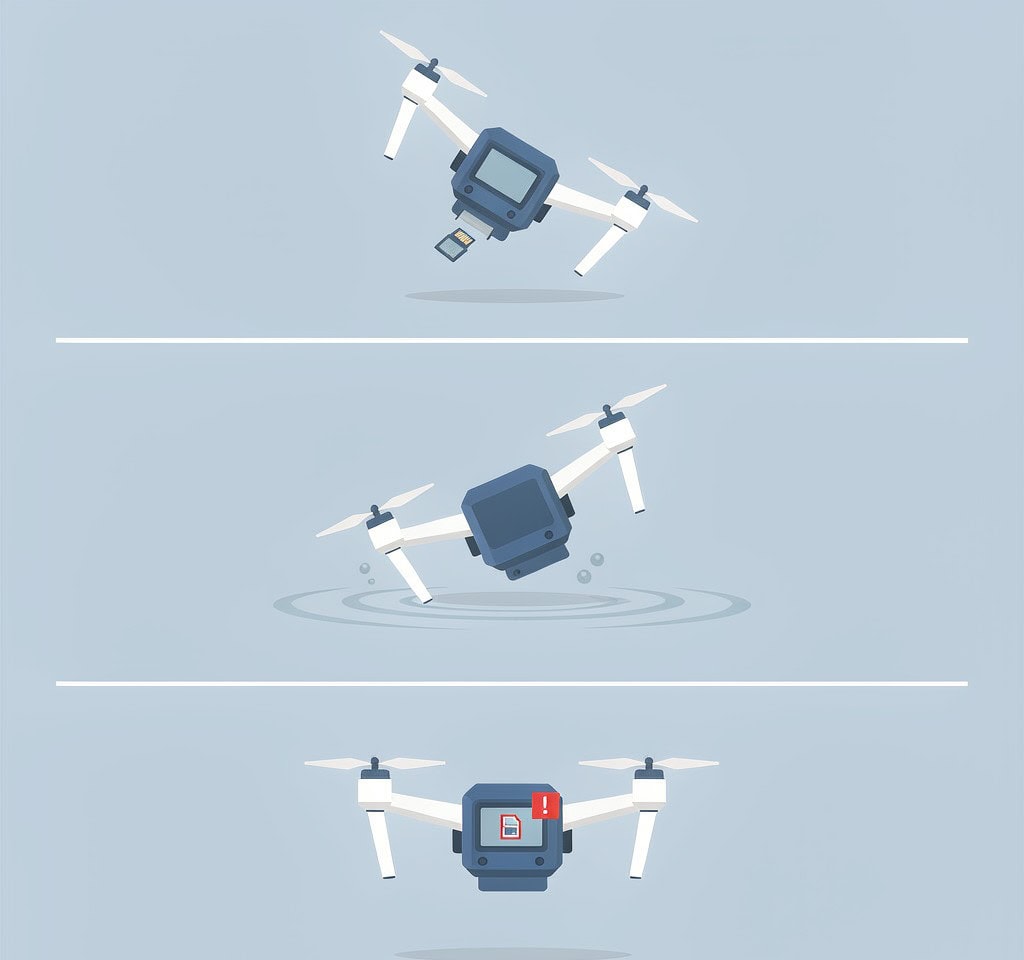
The aircraft came down. Impact damage, an ejected battery, a gimbal arm that folded on contact. The card may be untouched, or cracked inside a shell that shows no mark.
The aircraft ended up in water. Freshwater, saltwater, or a wet field. The card’s fate depends far more on whether it received power while wet than on how long it was submerged.
The recording stopped mid-flight without a clean shutdown. The card threw a write error, the battery sagged under load, or the aircraft hit a thermal limit. The footage is on the card, but the file was never closed.
| Failure shape | What actually broke | Immediate action | Realistic outcome |
|---|---|---|---|
| Hard crash, card intact | Nothing, if power was cut cleanly | Remove card, inspect, read once | High success for footage already written |
| Hard crash, card cracked or bent | Physical medium damage | Do not reinsert; stop retrying | Laboratory only, chip-off work |
| Freshwater immersion, never powered wet | Contact contamination | Dry fully before any power | Often fully readable after drying |
| Saltwater immersion | Accelerating corrosion on contacts | Keep as found, do not rinse or test | Time-critical; professional assessment |
| Mid-flight card error or power sag | Unclosed container, missing index | Copy the file as-is, do not replay in camera | Repairable by rebuilding the index |
| Battery ejected before shutdown | Last clip never finalized | Look for a file with zero or short duration | Usually recoverable |
Crash Damage: Why the Card Often Survives and Sometimes Does Not
A microSD card is one of the toughest objects in the aircraft. It has no moving parts, no vents, and no openings; it is a controller die and NAND dies encapsulated in epoxy inside a plastic shell. An airframe is a stack of boards, ribbon cables, and a gimbal designed to absorb energy by moving. That asymmetry explains a pattern that surprises operators: aircraft destroyed, card fine.
It also explains the opposite result. Cards break internally rather than at the shell, so a pristine shell can hide a fractured die or a hairline crack at the controller bond. A card in that state either will not enumerate at all, or enumerates and then fails partway through a read.
Three signals tell you which case you have:
- Not recognized in any reader. Stop reinserting it. Each attempt on a fractured card risks bending reader pins and worsening internal damage.
- Recognized but dropping out during a copy. Thermal or mechanical instability. Copy in small batches and stop at the first stall.
- Recognized and reading cleanly. This is a software case, and no further stress should be applied.
Impact damage and the shutdown question often overlap, and the boundary between a routine recovery and a hardware case is documented separately in drone crash data recovery.
Water Landing: The Clock Starts Immediately
Water is the scenario where the order of your actions matters more than anything the software you run later can do. Three variables control the outcome, and they are not equally important.
Was the card powered while wet? This is decisive. A card submerged with the aircraft switched off and then dried has a good chance of reading normally. A card submerged and then left in a powered aircraft — or worse, powered on afterward to check the footage — may have shorted across the controller. Software cannot help a shorted controller.
Freshwater or saltwater? Freshwater leaves mineral residue and is largely benign once dry. Saltwater is electrolytic and keeps corroding contacts and traces after the water itself evaporates. A saltwater card should be handled as little as possible and handed to a professional promptly.
How long was it submerged? Minutes and days are different problems. Prolonged immersion drives moisture into the shell seams and past the contact recesses, and promotes corrosion even in fresh water.
The actions follow directly. Recover the aircraft, cut power, remove the battery, and remove the card without touching the contact pins. Do not rinse it, do not scrub the contacts, and do not insert it into anything to test it. Put it in a sealed container with desiccant and leave it there. Rice is not a drying method — its dust migrates into the contact recesses and the write-protect switch, and it pulls moisture from a sealed card no faster than open air.
The full handling matrix for an immersed card, including the drying window and the cases that must go straight to a laboratory, is set out in the guidance on a water damaged drone card.
Mid-Flight Card Errors: The Recording That Stopped Without Telling You
The third failure shape leaves no wreckage, which is exactly why it causes so much permanent loss.
During flight the aircraft writes continuously at high bitrate while the card controller erases and programs NAND in the background. When the card cannot keep up, or when a program/erase cycle fails, the write reports an error. A disciplined aircraft stops recording and raises a warning on the controller. Many aircraft simply stop writing and keep flying, and the operator watching the live view has no reason to suspect anything until the flight ends and the card shows a truncated clip.
The resulting file is almost never corrupted in the sense people assume. Frames for the whole duration are on the card. What is missing is the container index — the moov atom in an MP4 or MOV, written at the end of a controlled stop. Without it, players cannot seek and refuse to open the file.
Two related cases produce the same symptom:
- Battery voltage sag. Under load, a cold or aged pack drops below the voltage the camera subsystem needs, and the recording dies without a shutdown sequence. The material is intact; the index is not.
- Chaptered recordings. Long flights are written as a sequence of files of roughly 4 GB each, and each chapter carries its own index. A “damaged flight” is frequently one unindexed segment in an otherwise healthy series, which is why the way drone video formats chapter a long flight is worth understanding before writing off the footage.
These files should never be replayed repeatedly in the camera or a media player. Opening a file is harmless; the habit of re-recording over the card because “the clip is broken” is what converts a repairable file into a permanent loss.
The First Hour After a Crash: Order of Operations

Work through this in sequence. It takes minutes and it decides the category of your recovery.
- Cut power to the aircraft. Remove the battery if it is accessible and not swollen. If it is swollen, leave it and treat the airframe as unpowered; a swollen cell pressing on the card compartment can crush a card.
- Do not press any button to see whether the aircraft still works. The live view and the flight log are not worth the risk of writing to a card holding your only copy.
- Recover the card. On most consumer airframes it sits in a slot on the camera body or gimbal assembly; on some models it is behind the battery door, so this step coincides with the first.
- Inspect before touching anything else. Note water, corrosion, a crack, a bent shell, a damaged write-protect switch. Photograph it for insurance and client records on a paid job.
- Separate the card from the aircraft. They have different next steps, and keeping them together invites the mistake of retrying a dead airframe.
- Decide the category. Dry and undamaged goes to a reader. Wet goes to desiccant. Cracked goes to a laboratory. Do not test to find out which.
The one action that is never correct in the first hour is connecting the card to a computer while it is still wet, still warm, or still sitting in a powered airframe.
Why You Must Not Plug the Card Into a Computer First
The instinct to check is understandable and consistently costly. Three concrete reasons make the first read a serious step.
A computer writes to every volume it mounts. Windows and macOS both write to removable media on connection — index files, volume serial updates, and thumbnail caches. On a card whose directory structure is already damaged, those writes land in free clusters, which are exactly the clusters holding files whose directory entries were lost.
A failing card can fail harder under a desktop read pattern. File explorers and scanners read in patterns the card controller may not be optimized for, and a card close to failure can go read-only or unreadable during that session.
Testing destroys the option of imaging. The correct sequence is to clone the card first and work from the clone, so the original is read exactly once. A casual test read removes that option, and on a failing card it may have been the only chance.
If the card is detected after drying and inspection, copy everything visible off immediately, and set the write-protect switch to lock if it has one. If files are missing or the folder structure is gone, work from an image rather than from the card. If it does not mount at all, decline any reformat prompt — that dialog means the file system is unreadable, not that the data is gone.
What Recovery Can and Cannot Do for Aerial Footage
Aerial material behaves like any other camera data at the file level, with two bonuses and one hard limit.
The bonuses: drones write large, mostly contiguous files that scan well, and many models keep an onboard copy or an app-side proxy of the last flight. The app cache is not a deliverable, but it can prove what was shot, and onboard internal storage on some airframes is a second original-quality copy.
The limit is physical. Software reads a medium; it cannot repair a cracked die, corroded contacts, or a failed controller. Cards in those states belong to a laboratory that can work directly with the NAND.
If the card is detected and mounts after inspection and drying, and you are on Windows, a purpose-built recovery tool such as XRecovery (xappset.com) can scan SD, microSD, and other memory cards for deleted or formatted photos and videos. As with any recovery tool, stop writing to the card first and always save recovered files to a different drive. For a drone operator the sequence before the scan matters most: power down, remove, inspect, dry, then read once.
Cards that come back from a crash deserve retirement rather than reuse, and aerial operations built on replacement media should use verified, capacity-tested cards rather than whatever is in the case. The relationship between drone storage media and their failure modes is the background worth reading before the next flight.
If the flight is gone from the card but the aircraft still holds a copy, the path forward is different and usually faster, as covered in the workflow for recover deleted DJI drone videos.
Frequently Asked Questions
Should I turn the drone on to check the last flight after a crash?
No. Powering the airframe can write to the card, and on a damaged card those writes land in the free clusters holding your lost footage. Cut power, remove the card, and inspect it before anything is connected to it.
The card looks fine but the last clip will not play. Is it corrupted?
Almost certainly not. An interrupted recording usually lacks its index rather than its frames. The video data is present and the container was never closed. Copy the file off without modifying it and have the index rebuilt rather than re-recording over the source.
My drone went into the ocean. Is the footage gone?
Not necessarily, but saltwater is time-critical. Keep the card as found, do not rinse it, do not test it in a reader, and get it to a professional quickly. Corrosion continues after the water dries, so the sooner it is assessed the better the odds.
Can I recover footage the drone wrote to internal storage?
Sometimes. Several models keep an onboard copy of the last recording, and it can usually be extracted over USB while the aircraft is powered. If the aircraft no longer boots or the internal area is encrypted, the options narrow quickly.