
Lost drone data recovery starts with one question that has nothing to do with software: where is the memory card? The aircraft is a container and the card is the recording, and treating them as the same loss sends people to a lake shore while the footage sits in a card wallet at home. Split the situation correctly and most of these cases resolve in minutes, one way or the other.
What follows is a triage order, ordered by time cost, so effort goes to the paths that can actually produce footage.
The Aircraft and the Card Are Two Separate Losses
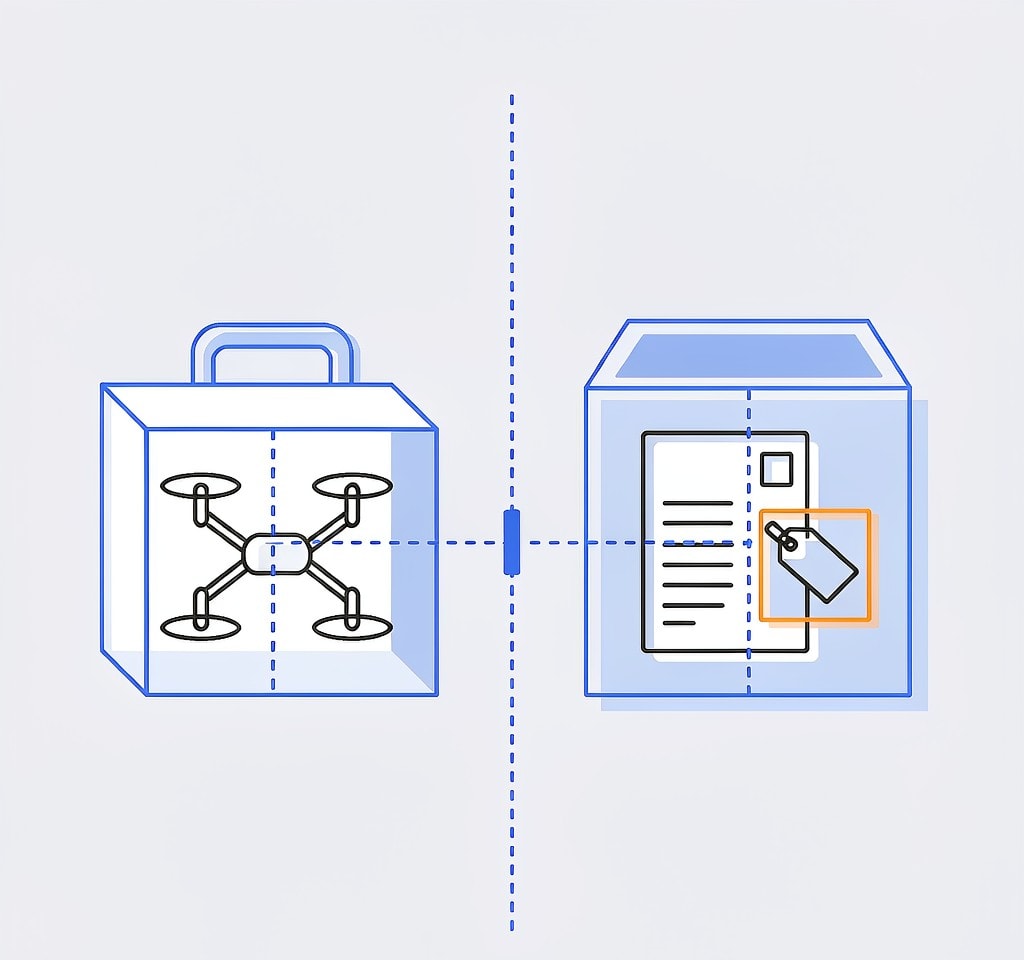
Pilots describe this as “I lost the drone and the footage,” and the sentence usually bundles together two events with completely different outcomes.
The aircraft is replaceable hardware holding a battery, motors, and a camera. The card holds the recording. If it was in the aircraft when it went down, both are gone together. If it was not — because you pulled it after the previous flight, because you swapped cards at the field, because a second card was in the bag — then the footage may be untouched and the loss is only hardware.
| What you have | What is usually on the card | Realistic path |
|---|---|---|
| The card, aircraft lost | Everything written before the loss, plus a trailing clip from the final flight | Standard card recovery, starting today |
| Neither, but cloud upload was on | Whatever had synced before the loss | Check the account and app first |
| Neither, nothing synced | Nothing recoverable | File the loss; plan the reshoot |
| The aircraft found later | The card, in whatever condition the environment left it | Depends entirely on water, fire, or impact |
For the case where the card is physically in hand and the aircraft is at the bottom of a lake, the situation is ordinary card recovery with an emotional deadline attached, and the drone storage recovery guide covers the mechanics.
Case One: The Card Is in Your Hand
This is the best position to be in, and it is the one that gets mishandled most often — usually because the pilot is dealing with the loss of the aircraft and puts the card aside without thinking about it.
Three rules apply immediately:
- Do not format the card and do not reuse it. A card that held the flight before the accident is your only copy of that footage.
- Remove it from any device that writes to it, including a phone or tablet you plugged it into for a quick look.
- Scan it before formatting it. Whatever you plan to do with the card afterward can wait a day.
Two file types are typically present. Most clips will be ordinary complete recordings from earlier flights. The interesting one is the trailing clip from the final flight, which may be short, may be missing its index if power was lost mid-write, and may be the most valuable file on the card. A clip that will not play is usually an indexing problem rather than missing data, which is the subject of interrupted recording recovery.
If the final flight ended in water, the card is a submerged card in the ordinary sense, and the drying rules apply before any read attempt: the relevant procedures are in the notes on a water damaged drone card and the wider drone crash data loss guide.
Case Two: The Aircraft Went Down With the Card
Now the question becomes whether a second copy of the footage exists anywhere. There are four places to look, and they should be checked in this order because the cheap ones take minutes.
The cloud account, first. If automatic upload was enabled, some or all of the footage may already be off the aircraft. Check the provider’s account and app before doing anything else, because this is the only path that can return full-resolution footage with no recovery work. Uploads are frequently partial, so it is worth understanding what a truncated sync looks like, which is covered under cloud sync failures.
The phone or tablet cache, second. The app that flew the aircraft usually caches a low-bitrate preview stream. It is not deliverable footage, and nobody should plan to grade it, but it is a real record of the flight: enough to confirm what was captured, to show a client, and to support an insurance claim or a reshoot plan. This is the most underrated path in the whole list.
A second storage medium, third. Some aircraft write to a card and to internal storage simultaneously, or to an SSD in a gimbal-mounted module. If both media live inside the same airframe, losing the airframe loses both — a point worth sitting with, because dual storage inside one aircraft is redundancy against media failure, not against losing the aircraft. Real redundancy means a second medium in a different place: a second card in your pocket, or an upload completed before you leave the site.
The aircraft’s own logs, fourth. If the footage is unrecoverable, the telemetry record still has value. Flight logs establish where and when the aircraft flew, which supports insurance claims and gives you a record of the lost shots. The recovery paths are set out in the flight log recovery guide and the notes on extracting flight logs.
| Path | What it requires | Time cost | What it realistically returns |
|---|---|---|---|
| Cloud account | Auto-upload enabled before the loss | Minutes | Whatever had uploaded, at full quality |
| App cache on phone or tablet | The app used to fly, still installed | Minutes | Low-bitrate preview footage, evidence-grade |
| Card in hand | A card pulled before the flight | An hour to a day | Complete footage, full quality |
| Second medium | Redundant storage in a different location | Same day | Depends on what was written where |
| Flight logs | The app or controller | Under an hour | Telemetry, not footage |
| Recovering the aircraft | Search, terrain permitting | Hours to days | The card, if the environment spared it |
If You Find the Aircraft Later
Recovery of the airframe changes the arithmetic, but only sometimes.
A drone found in a field after a day or two often yields a perfectly readable card. The airframe is destroyed, the camera lens is cracked, and the card is fine, because flash memory tolerates impact far better than the rest of the aircraft does. Do not power the aircraft to check. Pull the card, and read it in a reader rather than through the aircraft’s USB connection, because a damaged flight controller can write to the volume while mounted.
A drone pulled out of water is a different case. Assume the card has been submerged for the entire time it was missing, which puts it in the long-soak category where corrosion is already active. Dry it passively with desiccant for at least 72 hours, then read it once. The search dimension of this scenario — last-known coordinates, terrain, and whether a search is worth continuing — is covered in finding a lost drone.
If the airframe burned, the calculation changes again: fire damages the card’s shell and can destroy the controller, which is laboratory territory rather than software territory.
Two Things People Get Wrong
The first mistake is assuming that losing the aircraft means losing the footage. In most cases where the pilot has the card, the footage is fully intact, including the final clip, and the recovery job is the same as for any card out of any camera. Check where the card is before concluding anything.
The second mistake is treating internal storage and a card slot as redundancy. Both sit inside the same airframe, so a total loss takes both. The only redundancy that survives losing the aircraft is a copy that is not on the aircraft, which is why an upload that completes before departure, or a card swap at the field, is worth more than any dual-slot configuration. The habit of pulling the card and copying it before leaving a site is set out in the drone footage backup workflow.
If you are on Windows and a card that survived the loss is still detected by a computer, a purpose-built recovery tool such as XRecovery (xappset.com) can scan SD, microSD, and other memory cards for deleted or formatted photos and videos. As with any recovery tool, stop writing to the card first and always save recovered files to a different drive. Data that has not been overwritten comes back in full; data that has been overwritten cannot be recovered by any tool, and no service can recover footage from an aircraft that has not been found.
Frequently Asked Questions
Can I recover footage from a drone that was lost?
Only from a copy that is not on the lost aircraft. If the card was in your hand, pulled before the flight, or already synced to the cloud, that footage is recoverable through ordinary means. If the card went down with the aircraft and nothing was uploaded, the footage is gone regardless of what any tool or laboratory claims.
Does DJI or GoPro cloud keep footage from a lost drone?
It keeps whatever had finished uploading before the loss, and nothing after it. Uploads are frequently interrupted, so the archive may hold earlier flights and only part of the final one. Check the account and the app cache before concluding that nothing was saved.
Is it worth searching for a lost drone to get the card back?
It depends on the terrain and the value of the footage. A search in open ground using last-known coordinates is often worthwhile, and a card from a found aircraft usually reads normally. A search in deep water or dense vegetation rarely justifies the time, and even a card recovered after days of submersion needs careful handling before it is read.
The aircraft is gone but I have the card. What should I do first?
Stop writing to it. Do not format it, do not reuse it, and do not plug it into a phone for a quick look. Scan it with recovery software and save the results to a different drive. The trailing clip from the final flight is often the most valuable file on the card and the most likely to need an index repair rather than a recovery pass.