
An I/O error means a requested read or write failed; the message alone does not identify the faulty component. A reader or connection check may help, but repeated scans can spend the remaining readable time without producing a dependable copy. Record the failure and decide whether the source is stable enough for further reading.
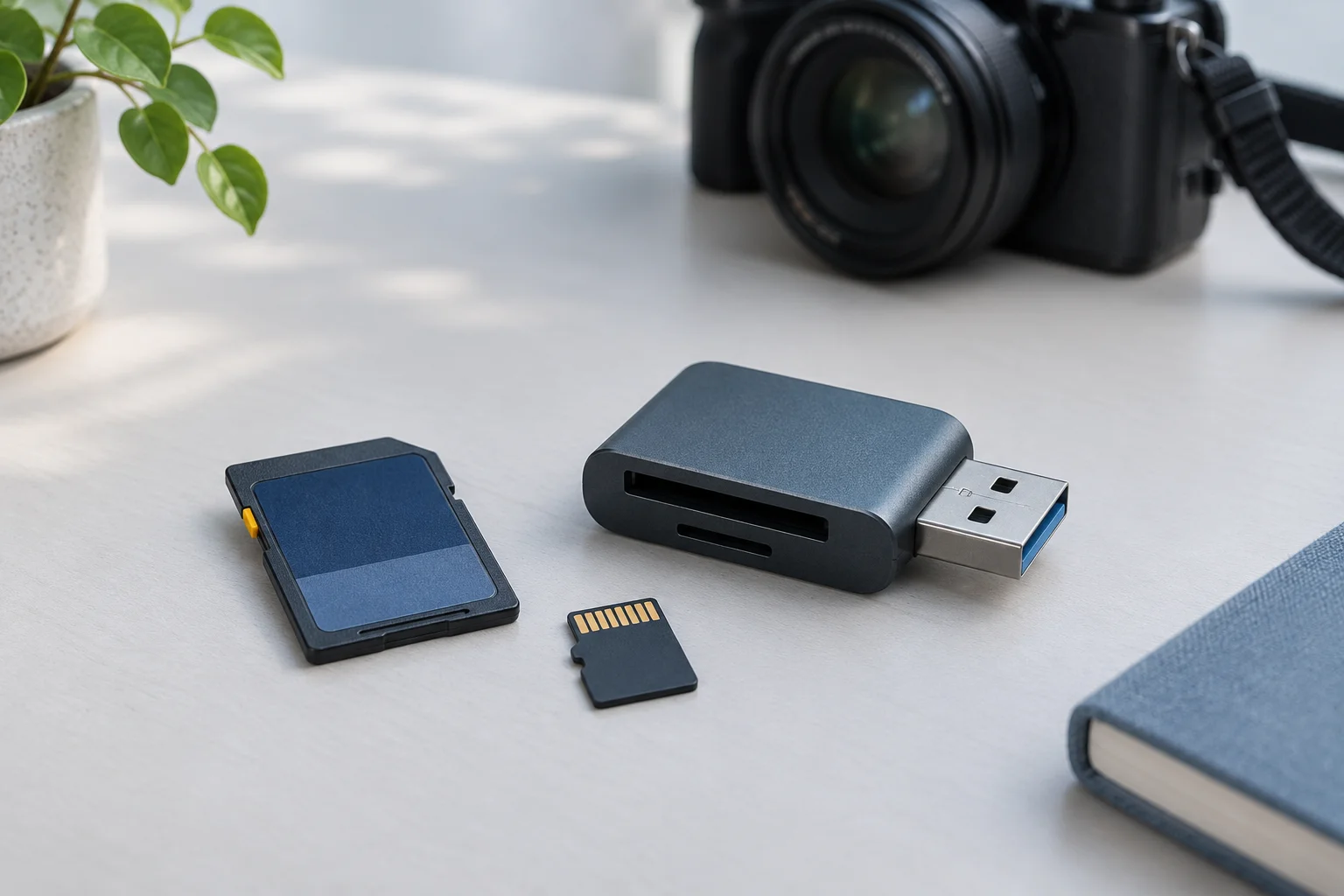
Record the failed operation
Note the exact message, the file or operation involved, the reader and port, and whether the card disconnects. If a log reports a failing address, time, or error count, preserve those details. Do not infer a disk address from an Explorer error dialog or interpret one error as proof of a single bad sector.
Remove the card from the recording device. Do not format, run a capacity write test, or start a write-based repair to check whether the message disappears. Those actions can change the content while leaving the original reading problem unresolved.
Check one plausible connection cause
Inspect the card and reader for physical damage. If intact, use a direct port and, if available, one known-compatible reader. If the reader uses a separate USB cable, check it with a known-compatible cable as well. The SD Association card-family overview helps establish compatibility; the reader’s own manual determines its supported cards.
Compare whether the same file or operation fails. If normal reads become stable, copy important files to a separate disk and verify them. Do not conclude that an adapter swap repaired the card merely because its directory now lists.
Set a stop condition before another attempt
Stop ordinary copying or scanning if the card repeatedly disconnects, reports changing capacity, becomes unusually hot, or produces continuing read errors after the reader check. There is no universal safe retry count that applies to every card and failure. For irreplaceable data, seek qualified assessment rather than escalating retries.
If some files copy, preserve them and note which failed. Avoid overwriting an earlier usable copy with a later incomplete attempt. Prioritize the files that matter instead of reopening the same failing clip over and over.
Where imaging and recovery fit
For a stable readable source, XRecovery can create an IMG image and scan supported raw disk images. Image creation still reads the card. It is not a promise to handle every failing-media condition or to reconstruct sectors that never returned data. Check whether imaging completed and retain any reported gaps; a file named .img is not proof of a complete acquisition.
When reading is dependable, XRecovery can scan SD/microSD storage for missing files and recover them to another device. Open exported images at full size and verify recordings throughout their duration. If unreadable areas intersect a file, keep its partial result separate and check other copies. Recovery software, reader replacement, and hardware recovery address different parts of the problem; choose the route from actual readability, not the wording of the error alone.