
When a camera battery dies while recording, the clip you lose is rarely the one you were watching for. The camera shuts down mid-write, the file closes without its trailing metadata, and the take that mattered most is the one that will not play. The good news is that this failure is almost entirely preventable, because the moments that produce it are predictable: an unmonitored battery, a swap performed while the camera is still flushing, and an external supply that removes the only warning the camera had.
This page covers power protection for long recordings — thresholds, hot-swap practice, external supplies, and how heat interacts with all three. The failure geometry of the shutdown itself belongs to a different topic, so the anatomy of what happens when power is lost during recording is left to that page and this one stays on prevention.
The percentage on screen is measured under a different load
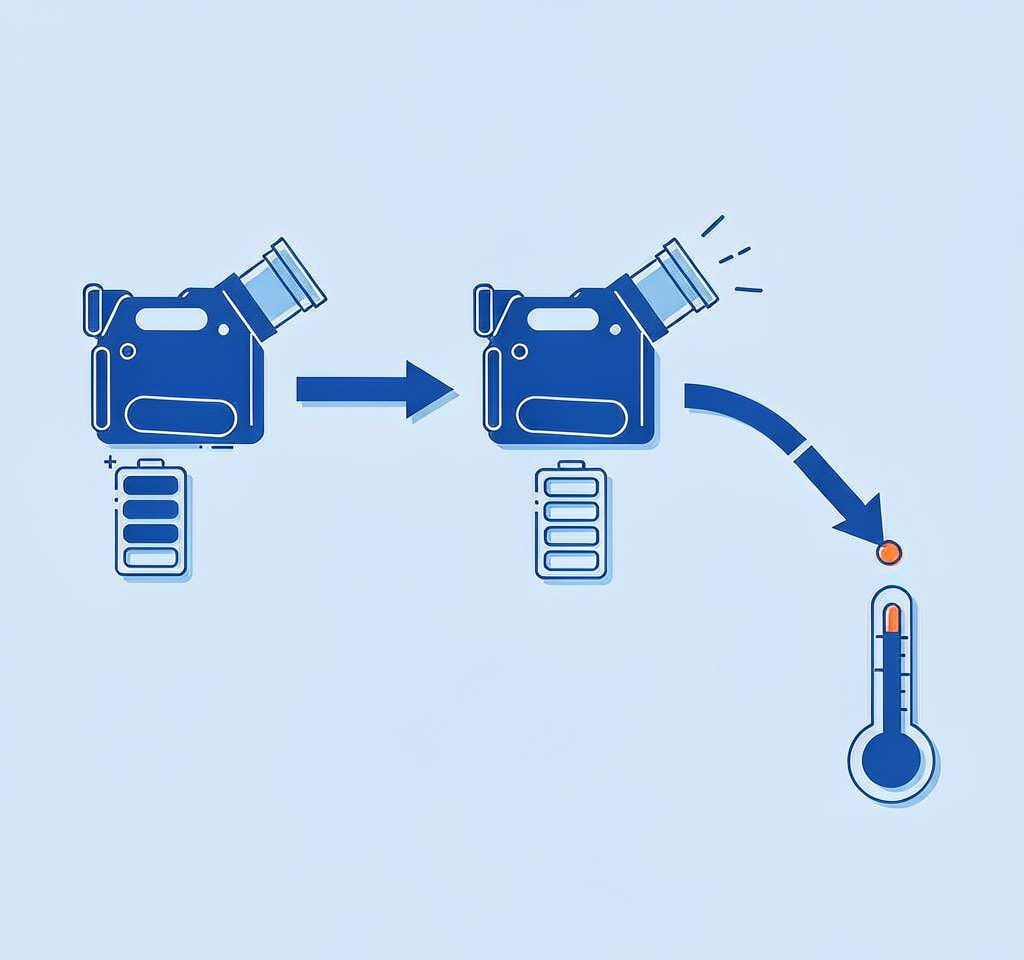
The remaining-charge figure in the viewfinder is not a measurement. It is an estimate produced from the battery’s voltage and current history, smoothed so the number does not jump. That smoothing is what makes it useful for planning and useless for protection.
A camera recording 4K or 6K video draws several times the current it draws while idle: the sensor and processor run continuously, the card is written to without pause, and in-body stabilization adds its own load. A pack that reports 20 percent while the camera sits on a tripod can cross its shutdown threshold within a minute of the record button being pressed, because the same remaining charge delivers a much shorter runtime at higher current.
Two consequences follow, and both are easy to act on:
- The number lags under load. The estimator has not yet integrated the new draw when you read it, so the figure you see reflects the recent past rather than the present.
- The cutoff is not at zero. Cameras do not run a pack to empty. They stop when the voltage under load falls below what the electronics need, which can happen at a displayed 5 percent or at a displayed 15 percent depending on the pack’s age, temperature, and internal resistance.
The practical translation is a rule rather than a number: treat anything under about 30 percent as insufficient for a long take, and swap before the take rather than during it. The mechanism by which a pack’s voltage collapses under load is examined in depth in the analysis of voltage sag on high-load shoots, which is the same physics in a different airframe.
Set a threshold per session, not per battery
For interview and event work, where a single file may run 20 to 40 minutes, the question is whether the pack can sustain record current for the full planned duration plus a margin. If a fresh pack delivers 70 minutes of continuous 4K recording, a 40-minute take needs the pack to be no lower than roughly 60 percent when you press record.
Three habits turn that arithmetic into protection:
- Label batteries by measured runtime, not by age. Charge each pack fully and time it under the same settings you actually use. Packs that have lost more than about a third of their original runtime should be retired to short-take duty.
- Change packs at scene boundaries. A cut between setups is the cheapest possible moment to swap, and it costs nothing in coverage.
- Keep recording sessions shorter than the pack. Where the format allows it, breaking a long interview into shorter files means a power failure costs one segment rather than an entire session. This is the same logic that makes chaptered recording in action cameras easier to recover from.
Hot-swapping without killing the take
Many professional bodies allow the battery to be changed while the camera is powered externally, which is the only condition under which a swap can happen safely mid-session. Without an external supply, opening the battery door on most cameras cuts power immediately, and a recording in progress ends exactly as if the pack had failed.
Where a body supports it, the correct sequence is:
- Connect the external supply and confirm the camera is running from it.
- Stop recording. Confirm the write indicator has gone dark, not merely that the record button shows idle.
- Remove the depleted pack, insert the fresh one, and confirm the camera reports its charge.
- Resume recording.
The second step is the one that gets skipped. Cameras close a file by writing its trailing index after the recording stops, and pulling the pack in that window produces the same truncated file as a mid-take failure. Where a body has no write indicator, wait two full seconds after the record light goes out.
For bodies without external power support, hot-swapping is not a technique to practice — it is a way to lose takes. Plan takes around the pack.
External supplies remove your only warning
Dummy batteries and AC adapters are standard kit for studio and livestream work, and they solve the runtime problem completely while introducing a different one.
A camera with a cell inside it can always tell you how much charge remains. A camera on a dummy battery cannot: the external supply reports a nominal voltage until the moment it fails, so there is no percentage to watch and no warning before the end. When the supply is unplugged, browned out, or overheated, the camera stops instantly. The failure you were protecting against has not been eliminated; it has been moved to a component with no telemetry.
Two further risks are specific to this setup. Dummy batteries with undersized regulators can sag under record load and cause exactly the shutdown they were meant to prevent, and out-of-specification voltage can trigger faults that look like card errors. Where the work matters, run the adapter from a battery-backed supply rather than the wall.
| Power source | Runtime | Warning before failure | Main risk |
|---|---|---|---|
| Internal battery, monitored | Limited by pack | Clear percentage and low-battery warning | Shutdown if a long take exceeds remaining charge |
| Internal battery, hot-swapped on external power | Extended | Percentage visible for the installed pack | Truncated file if swapped before the write finishes |
| Dummy battery on mains | Unlimited | None | Instant, unannounced loss on any mains interruption |
| Dummy battery on a battery bank or UPS | Long | None, unless the bank reports state of charge | Regulator sag under record load |
| Camera USB-C power delivery | Extended | Depends on the supply | Supply drops to a lower profile mid-take; behavior varies by body |
Heat and current draw rise together
Long recordings stress power and thermal limits at the same time, and the two interact.
A camera recording continuously generates heat in the sensor and processor, and the pack itself warms as it discharges. Warm packs deliver current more easily than cold ones, so the early part of a session is usually the most stable electrically. Problems begin when thermal protection engages, and the body may then reduce quality, stop the recording cleanly, or shut down mid-file.
Cold is the mirror image and is usually the bigger threat in the field. A pack at 0 C can have roughly twice the internal resistance of the same pack at 20 C, which means it reaches the shutdown threshold at a much higher state of charge. Field practice follows directly: keep spare packs in an inside pocket rather than a bag, and expect a cold pack to underperform its measured runtime until it warms. The same effect dominates drone flights and is analyzed in the notes on drone battery behavior in cold weather.
A nearly full card also raises the camera’s average current draw, so start a long session with the card emptied rather than almost full.
The first minute after a mid-record shutdown
If a shutdown happens anyway, the sequence for the next sixty seconds determines whether the take is recoverable.
Do not power the camera back on and resume recording to the same card. The interrupted file’s clusters are still unaccounted for, and the first new recording is the one that consumes them. Remove the card, put it in a reader, and copy everything off it — including the truncated file, which usually carries most of the footage even when it will not play.
The full triage for this situation, in the order that preserves the most material, is set out in the first 60 minutes after data loss and in the broader guide to preventing camera data loss. If the camera is still powered and detected, and you are on Windows, a purpose-built recovery tool such as XRecovery (xappset.com) can scan SD, microSD, and other memory cards for deleted or formatted photos and videos. As with any recovery tool, stop writing to the card first and always save recovered files to a different drive.
The protection side is simpler than the recovery side, and it is entirely a matter of checklists: a pre-shoot routine that verifies charged packs, measured runtimes, and empty cards costs a few minutes and removes most of the risk described on this page.
Frequently Asked Questions
At what battery percentage should I stop recording?
There is no universal number, but 30 percent is a sound working floor for takes longer than ten minutes. A pack that reports 20 percent at idle can cross the shutdown threshold within a minute once the camera is recording, because the estimate assumes a lighter load.
Is it safe to change the battery while the camera is recording?
Only on bodies that support hot-swapping with external power connected, and only when the recording has been stopped and the write indicator has cleared. Otherwise the swap cuts power mid-write and produces the same truncated file as a dead battery.
Are dummy batteries safe for long recordings?
They remove the runtime limit but also remove any warning before failure. A mains dropout or an undersized regulator shuts the camera down instantly and silently. If you use one, run it from a battery-backed supply, not directly from the wall.
Why did my camera shut down at 15 percent when it usually reaches 5 percent?
The displayed figure is a load-dependent estimate. Recording draws far more current than idle use, and a pack with rising internal resistance — from age or cold — can no longer hold voltage under that load even though charge remains. Swap earlier with older or colder packs.