
Read-only scanning protects the selected source from changes made by the scanner. It does not make the entire recovery environment read-only. Windows, other applications, the user, and the export step can still write to storage.
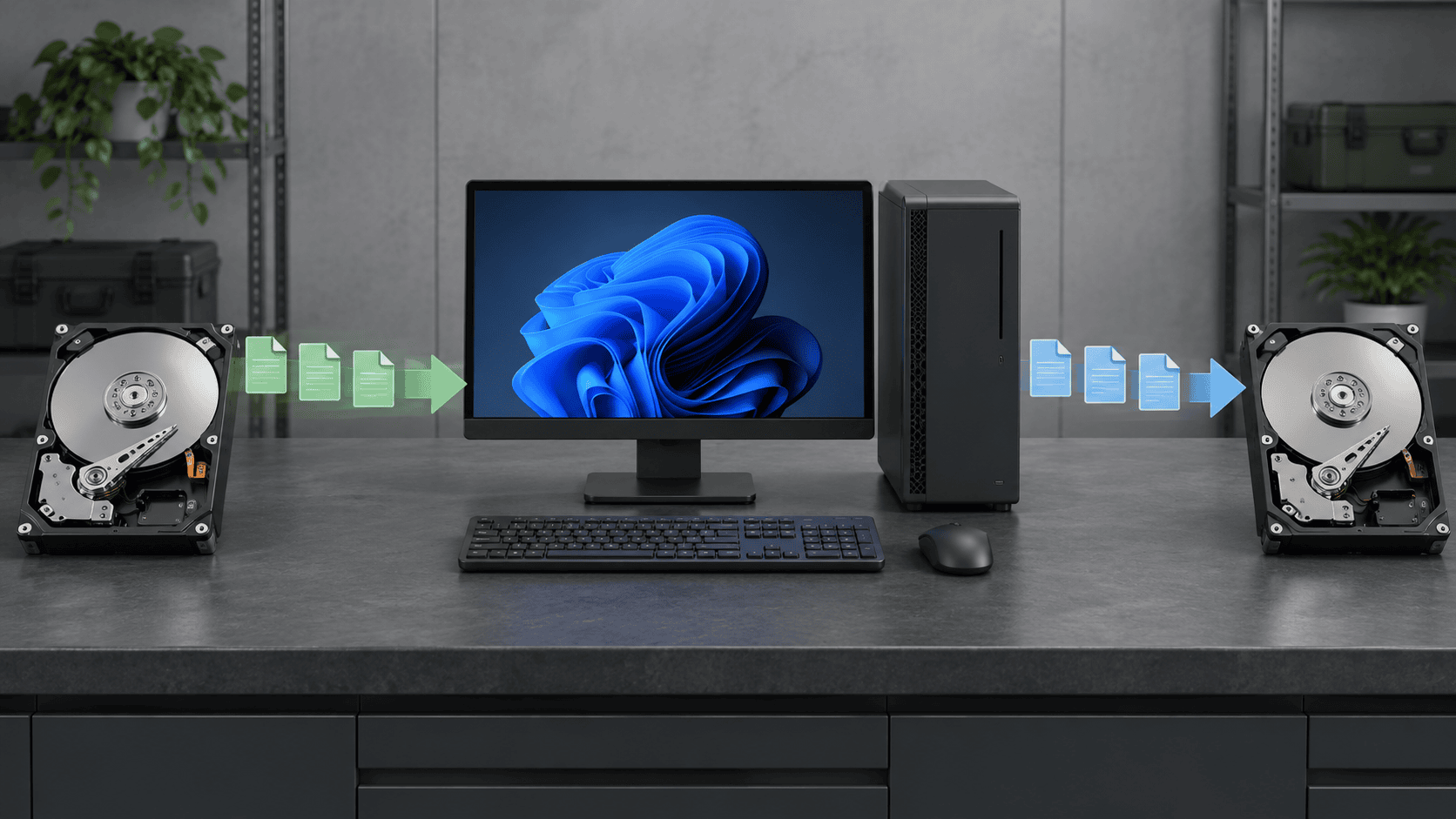
What XRecovery protects
XRecovery reads the selected disk, partition, external device, or loaded image during scanning. It does not intentionally repair the file system or write recovered data back into the source. This preserves the evidence available to later scans.
The program blocks the scanned source as the recovery destination by default and warns the user. The user can force an override. That override is technically possible but unsafe when recoverable data remains, because new files can occupy source sectors or flash pages.
Writes outside the scanner
Installing software, booting Windows from the affected disk, downloading updates, creating thumbnails, syncing cloud folders, running CHKDSK, formatting, and ordinary application use can all change the source. Stop normal use and install recovery tools elsewhere.
On an SSD, deletion can also trigger TRIM and controller garbage collection. Those operations may make old logical blocks unavailable even if the recovery application itself writes nothing.
When to create an image
A byte-for-byte disk or partition copy preserves the current readable logical state and moves later file analysis away from the original device. XRecovery supports direct byte copying and can load an image for scanning. Saved sessions preserve scan work but are not substitutes for a source image.
Imaging is sustained reading. If a device repeatedly resets, clicks, overheats, or loses detection, continued reads can be harmful. Bad regions may time out and be skipped so work continues, but skipped bytes cannot be reconstructed from the image.
Choose the destination
Use a different physical device, not merely another folder on the source. Confirm its free space and health. Recover a representative sample first and validate it before exporting a large set. Keep the source and first image unchanged until important files exist in at least two locations.
Evidence stages
Device recognition proves only that an interface responds. A scan result proves that metadata or a signature was found. A preview tests part of a file. Export and application-level validation provide stronger evidence. Read-only scanning preserves options; it does not guarantee that overwritten, trimmed, encrypted, fragmented, or unreadable content can be recovered.