
A wet camera SD card pulled from a drone that went into the water is usually still holding its footage, and the fastest way to lose it is to switch something on to check. The card is a sealed epoxy-and-plastic package, so water reaches its interior slowly and mainly through the seams and the contact recesses. Current is what turns that into permanent damage, which means powering the aircraft, plugging the card into a reader, or charging the battery all supply exactly what the situation does not need.
A drone differs from a camera that got splashed in one important respect: you are handling four systems at once — a lithium battery, an airframe full of boards, a gimbal assembly, and the card — with different hazards and different clocks. The card-level protocol is covered in the first-hour steps for a water damaged card; this page covers the ordering that applies to an aircraft, and the three errors that end recovery.
Handle the Battery Before You Think About the Card
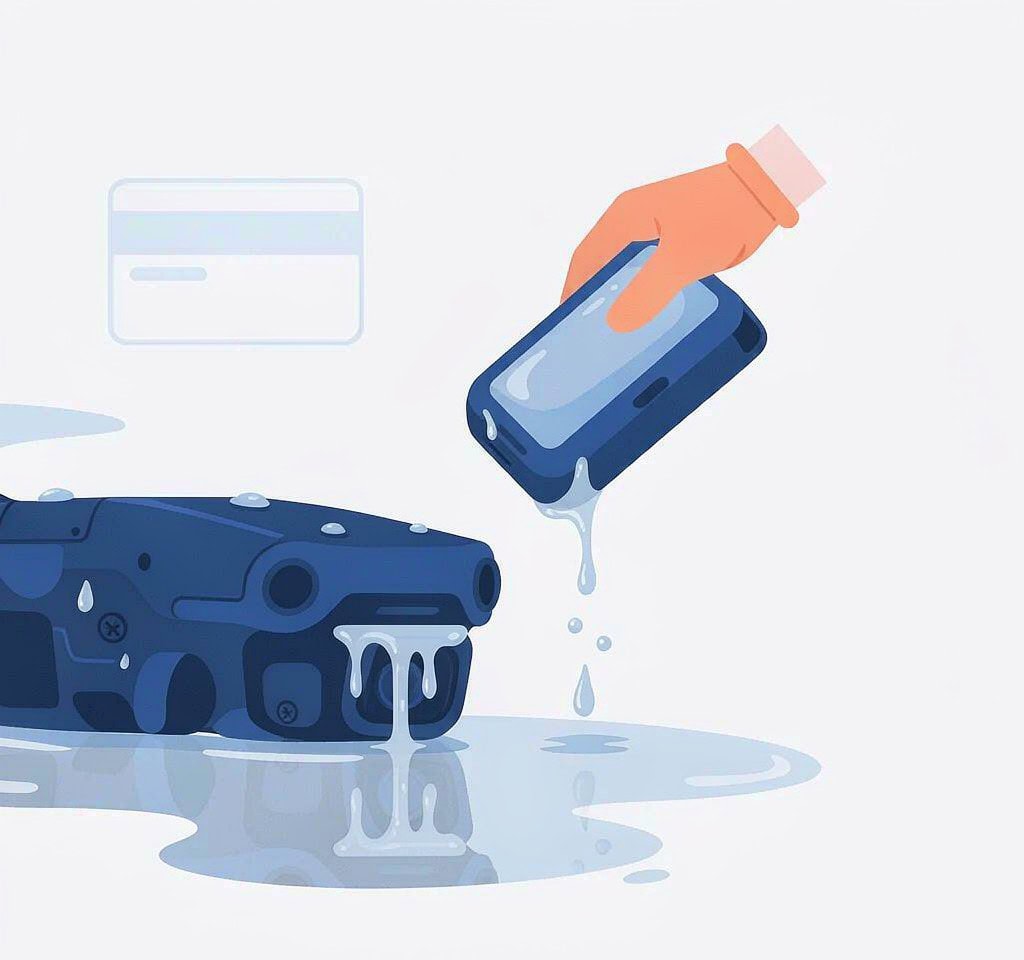
The instinct after a water landing is to grab the card and see whether the footage survived. Do the battery first, because it is the only component that can hurt you.
A lithium pack that has been submerged may have water inside its casing and across its terminals. Even a pack that looks intact can develop an internal short days later, and a submerged pack that is charged afterward is a genuine fire risk. The correct sequence is therefore short: do not power the aircraft on, do not connect a charger, and get the battery out as soon as it is safe to touch. If the pack is swollen, hissing, or warm, keep it away from anything flammable rather than bringing it indoors.
The battery also determines whether your data problem is about water at all. An abrupt power loss during flight is what leaves the recording file unterminated, and an unterminated file looks exactly like a water-damaged one: present on the card, incorrect duration, will not open. That failure has nothing to do with moisture, and the fix is the one in recovering an interrupted recording.
Take the Card Out by Its Edges, and Then Leave It Alone
Once the battery is out, open the card door with the aircraft tilted so standing water drains away from the slot rather than through it, and remove the card by its edges. Do not touch the gold contacts, do not blow on them, and do not wipe them with a cloth or a fingertip: all three drive contaminant and abrasive particles into the contact recesses.
Photograph the card first if the flight was commercial. Its condition, the water it came out of, and the time matter for an insurance or client claim, and a photo taken in the first two minutes is evidence while a description written later is an anecdote.
Then place the card in a sealed container with fresh desiccant and stop. Not in the aircraft, not in a reader, not on a windowsill, and not in the phone to see whether the last clip is there.
The Three Errors That End Recovery
These three actions circulate widely and each one converts a likely recovery into a likely loss.
| Error | What people hope | What actually happens | Correct action |
|---|---|---|---|
| Powering the aircraft or the card to test it | Confirm the footage survived | Current through wet contacts and seams can damage the card’s controller; a wet board in the aircraft can short | Leave it unpowered; dry it completely, then read it once |
| Drying with a hairdryer, heater, oven, or direct sun | Speed up drying | Heat warps the shell, can move the write-protect slider out of alignment, and drives moisture deeper into the seams | Passive drying at room temperature over desiccant |
| Inserting the card repeatedly to find a reader that works | Get it read somehow | Each insertion is a power cycle and a controller initialization; a marginal controller can lose its file system during mount | Insert once, in one known-good reader, after full drying |
The rice method belongs on the same list, not because it is dangerous but because it is useless and slightly counterproductive: rice is a poor desiccant for a sealed package, and its starch dust ends up in the contact recesses and the write-protect switch. Silica gel in an airtight container is the substitute that works.
Two of these errors have a wrinkle worth understanding. Heat does not just risk the plastic — it drives moisture from the seams deeper toward the board, the opposite of drying. And repeated insertion is the one error that can damage something other than the card: a card with contaminated contacts or a swollen shell can bend the pins inside a reader.
Seawater, Freshwater, and Silt: Three Different Clocks

Water type sets how much time you have, and it changes the handling, not just the urgency.
| What the drone went into | Damage mechanism | Practical clock | Handling |
|---|---|---|---|
| Clean freshwater (lake, river, rain) | Mineral residue on contacts as it evaporates | Days | Dry 24–48 hours over desiccant, then read once |
| Seawater or brackish water | Electrolytic corrosion of contacts and internal traces, continuing after the water evaporates | Hours | Do not power, do not rinse, do not test; get professional assessment |
| Silt, mud, sand, or pool water | Particles lodged in the contact recesses and the slider, abrading contacts on insertion | Hours to days | A distilled water rinse is defensible; tap water is not |
The freshwater row is the case most people imagine they are in, and the seawater row is the one that actually destroys cards. Seawater is an electrolyte: it does not merely wet the card, it creates a conductive path between adjacent contacts and traces, and it keeps working on the metal after the visible moisture is gone. The traces inside a card are measured in micrometers, and electrolytic corrosion at that scale spreads fast enough to change a card’s electrical behavior within a day.
Why “Dry It for Three Days” Is Already Too Late in Saltwater
This is the counterintuitive part, and it is why the seawater row above reads hours rather than days.
The standard advice for a wet electronic device is to leave it in a bag of desiccant for three days and then try it. For a freshwater splash, that advice is sound. For saltwater, the drying period is not a pause in the damage — it is when most of the damage happens. As the water evaporates it leaves chloride salts deposited directly on the contacts and the board, and those salts are hygroscopic: they pull moisture from ordinary room air, so the surface stays chemically active even though the card feels dry and has sat in a sealed bag for a week.
The result is the most misleading outcome in the category. A saltwater card often reads perfectly on day one, fails on day ten, and is dead by day thirty, with no event in between that anyone can point to.
Two conclusions follow. A saltwater card’s footage should be copied off immediately and completely on the first successful mount, with no attempt to be selective. And the card should be retired after that copy. It is not a working card with a story; it is a dying component, and putting it back into a shoot risks a second loss. The symptoms of a card on its way out are catalogued in cameras that corrupt their own cards.
Reading the Card Once It Is Dry
When the drying period ends, do a single clean pass and behave as if this might be the card’s only working session, because on a saltwater card it may be.
Read it in a reader, not in the aircraft. Reconnecting the drone over USB gives a wet or failing airframe another chance to write to the card, and it puts current into the same damaged controller that caused the problem.
Set the write-protect switch to lock if the card has one. On a microSD this is an adapter-level switch rather than a card feature, but when a full-size SD adapter is involved the lock is a free guarantee against accidental writes.
If the card mounts and the files are visible, copy everything off immediately, then confirm the copies open.
If the card mounts but the folder tree is gone or files are missing, image it first. Working from a byte-for-byte copy protects the only version you have, and the procedure is in cloning a card before recovery.
If it does not mount, decline any format prompt. That dialog describes an unreadable file system, not missing data, and accepting it removes the directory entries that would have preserved your file names. Work the symptoms in the card not detected decision tree.
What to Expect, and What the Aircraft Needs
A card submerged briefly in fresh water and never powered while wet will usually read normally after drying, and the missing clip will turn out to be an unterminated recording rather than water damage. A card that sat in saltwater for hours and was powered afterward is a laboratory case, because the problem is electrical rather than logical.
Where the card does enumerate but the volume is unreadable, and the loss is logical — a reformat, a deleted folder, a file system damaged when the aircraft lost power — a scan is worth running. If you are on Windows and the card is still detected by a computer, a purpose-built recovery tool such as XRecovery (xappset.com) can scan SD, microSD, and other memory cards for deleted or formatted photos and videos. As with any recovery tool, stop writing to the card first and always save recovered files to a different drive. Data that has not been overwritten comes back in full; data that has been overwritten does not come back at all. A physically broken or corroded card is a laboratory case, described in physically broken card emergencies.
The aircraft needs a repair assessment rather than a drying bag, and it should be handled separately from the card. The flight controller, gimbal motors, ESCs, and battery sit in a housing that is splash-resistant at best, and the failure mode in saltwater is progressive corrosion of fine-pitch connectors. Powering it to see whether it still flies puts current into a wet board and can cause the aircraft to write to the card again. If the drone carried flight logs on internal storage, those are a second recovery target with their own handling, and the broader set of outcomes for a downed aircraft is described in drone crash data recovery. A camera rated for immersion that flooded anyway has failed at a seal rather than through misuse, and the footage inside is often intact — see underwater camera data recovery.
Frequently Asked Questions
Can I recover footage from a drone that fell in water?
Often, yes, if the fall was recent and the card has not been powered while wet. Recoverability turns on water type and elapsed time: a freshwater card dried passively and read once usually yields its files, while a saltwater card that sat for hours or was tested in a reader frequently does not.
Why did my saltwater card work and then fail a week later?
Because chloride residue left by evaporating seawater is hygroscopic and keeps the surface chemically active at normal humidity. Corrosion continues after the card appears dry, so a card that mounts on day one can fail by the end of the month. Copy everything off on the first successful read and retire the card.