
A GoPro overheating recording stop is a structural property of a sealed camera the size of a matchbox, not a user error and not a defective card. When a HERO records 5.3K at 120 Mb/s, one processor is encoding a very large stream while a memory card writes it continuously, and both sit a few millimeters apart inside a waterproof shell with no vents. The heat has nowhere to go except through the plastic.
The behavior that follows is what confuses people: the camera does not degrade the picture, it ends the recording. Understanding why it chooses that option explains which settings bring the problem forward, whether aftermarket heatsinks help, and what the aborted file actually contains.
Where the Heat Actually Goes
The intuitive answer is that the sensor gets hot. The sensor is not the main heater.
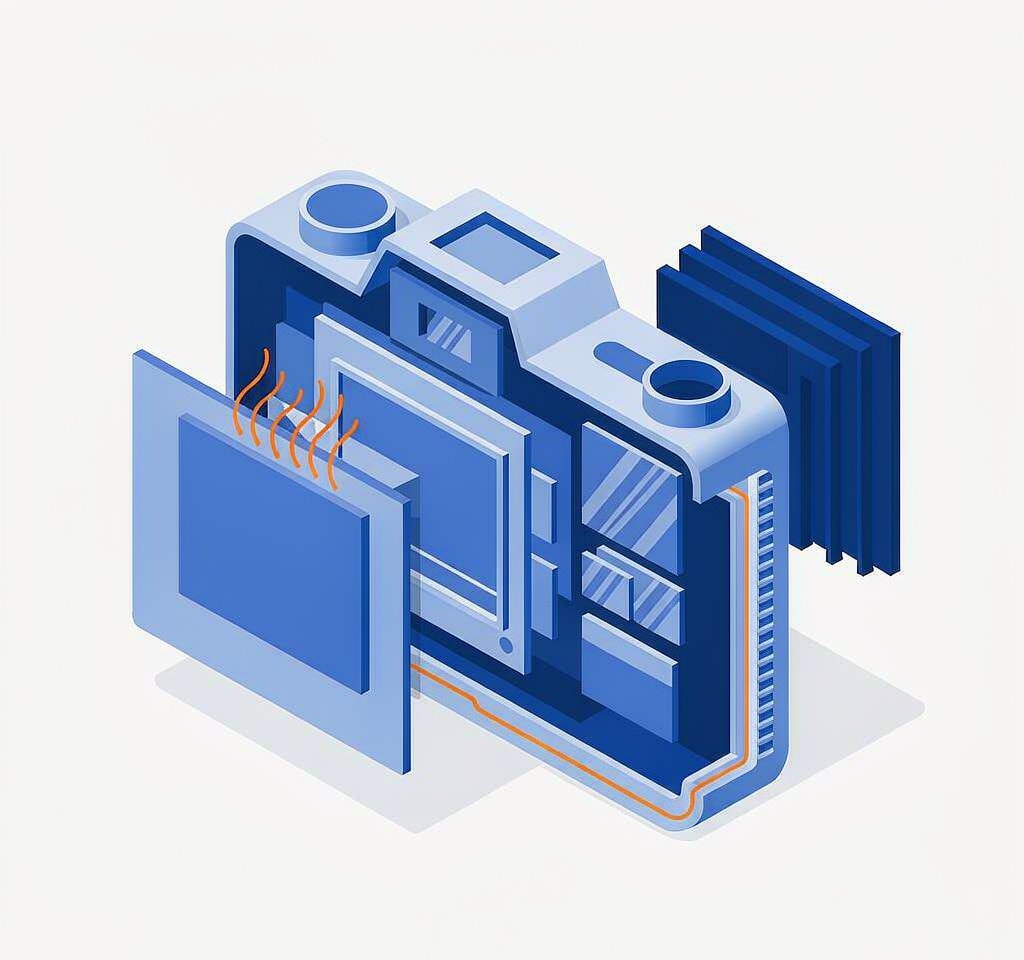
Two components dominate the thermal load. The first is the image processor, which is encoding a stream in real time and scales its power draw with resolution and frame rate: 5.3K60 and 4K120 sit at the top of that curve, 1080p60 sits near the bottom. The second is the memory card, which is writing at the same sustained rate and is often the warmer of the two, because NAND programming at high temperature takes longer and retries more, which means more work for the same result.
That is the physical layout worth holding on to. The card sits between the processor and the shell in a very small volume. Its own temperature is part of the system’s thermal problem rather than a bystander to it, which is why a slow or worn card makes a heat shutdown arrive sooner, and why the same settings behave differently with two different cards.
The shell is the only heat path. In still air a HERO’s body conducts heat into the surrounding air slowly. Mount it with airflow — a helmet at speed, a motorcycle, a bicycle — and it lasts far longer. Put it inside a sealed dive housing or a padded case and the same electronics reach the same threshold with almost no dissipation at all.
Why the Camera Stops Instead of Just Looking Worse
This is the counterintuitive part, and it is the answer to the most common complaint about these cameras.
Recording settings define a fixed bitrate: 5.3K60 is around 120 Mb/s, 4K120 is in a similar range, and the camera cannot silently reduce it mid-clip without producing a file that breaks every other assumption downstream. A camera that is throttling has already reduced what it can: it slows the processor, drops frame rate where a mode allows, dims the displays, and turns off wireless. When those reductions are exhausted, the remaining variable is the one that cannot be traded — the file’s data rate — and the firmware’s only options are to close the recording cleanly or let the buffer overflow.
So it stops. In most cases it stops deliberately, closing the file and writing its index before the recording ends, which is why a heat-aborted clip usually plays normally from beginning to end. The footage you have is the footage it recorded; the loss is the next clip you did not shoot.
A hard stop is a different case. If the processor shuts down before it can close the file, the last clip is left without its index and will not play, even though its frames are on the card. That failure mode and its repair are covered in the notes on rebuilding a missing moov atom and the wider guide to interrupted recording recovery.
Which Settings and Bodies Trigger It First
Times vary enormously with ambient temperature, airflow, card, firmware version, and whether the screens and wireless radios are on. The table below describes relative behavior under roughly the same conditions: 25 °C, still air, one card, displays on, wireless off.
| Configuration | Approximate bitrate | Time to a thermal stop | Why it lands here |
|---|---|---|---|
| 5.3K60, HyperSmooth on | About 120 Mb/s | 20 to 35 minutes | Top of the encode and write curve |
| 4K120 (slow motion) | 120 to 180 Mb/s | 15 to 30 minutes | Highest instantaneous write load |
| 4K60, HyperSmooth on | About 60 to 80 Mb/s | 40 to 70 minutes | Half the load, same small body |
| 4K30 | 60 Mb/s or less | Rarely within a full battery | Encode load is modest |
| 1080p60 | 30 to 45 Mb/s | Effectively never in normal use | Well inside the thermal budget |
| Any of the above inside a sealed housing | Unchanged | Times shorten dramatically | No convection path at all |
Two modifiers shift every row. Direct sun on a dark camera body can bring a stop forward by a wide margin, because the shell is being heated from outside as well as inside, which is the same mechanism described in the notes on extreme temperature and footage loss. And enabling the front screen, keeping wireless on for the app, and running GPS all add continuous load that has nothing to do with video.
Smaller, ventless bodies — the Mini-class cameras and the padded case setups — reach the threshold sooner than the full-size bodies with the same settings, because they have less surface area per watt of heat produced.
Do Heatsinks and Thermal Frames Actually Help?
Aftermarket aluminum frames and thermal pads sell on the promise of a cooler camera, and the honest answer is that they help in one situation and not the one most buyers are in.
A metal frame increases the surface area available for convective cooling, and that only matters when there is airflow. On a motorcycle, a bike, or a helmet at speed, a frame can extend recording time noticeably. On a tripod in still air, or inside a waterproof housing, the additional surface area has almost nothing to work with, and the gain is small to negligible.
There are two ways a frame can make things worse. A thermal pad that presses the camera’s hot side against a metal plate moves heat efficiently but does not remove it; in a sealed enclosure, it can raise the temperature of the air around the card slot. And a snug metal cage can obstruct the convection that the bare shell was managing on its own. If the goal is a cooler card, the intervention that works is not a passive plate but reducing the load, and a card with better sustained write behavior.
Reducing Heat Without Losing the Shot
Most of the practical fixes trade a little quality or convenience for a large amount of recording time.
- Drop one resolution or frame-rate step for long takes. 5.3K60 to 4K60 roughly halves the data rate and often doubles the time before a stop.
- Turn off wireless, GPS, and the front screen when they are not needed. They are pure additional load.
- Shoot in shorter clips. A camera that stops at 25 minutes still records twenty-five one-minute clips without difficulty, and chaptering already splits long recordings on many models, as covered in how GoPro chapters work.
- Mount for airflow whenever the shot allows. The difference between a still tripod and a moving mount is larger than the difference between two generations of camera.
- Avoid direct sun on the body, and never leave the camera on a hot surface between takes.
- Use a card rated well above the required sustained write rate. Headroom at the card means less work per byte and less self-heating.
- Start cool. A camera that has been sitting in the sun is already partway to the threshold before the first frame.
If the recording did stop and the last clip will not play, the footage is usually intact up to the moment of the stop, and the problem is an index rather than missing data. The verification steps are in checking recovered video files, and the model-specific paths are collected in the GoPro recovery guide. For action cameras from other brands, the same thermal logic applies, and the recovery differences are set out in action camera data recovery.
If you are on Windows and the card from that camera is still detected by a computer, a purpose-built recovery tool such as XRecovery (xappset.com) can scan SD, microSD, and other memory cards for deleted or formatted photos and videos. As with any recovery tool, stop writing to the card first and always save recovered files to a different drive. Data that has not been overwritten comes back in full; data that has been overwritten cannot be recovered by any tool.
Frequently Asked Questions
Why does my GoPro stop recording when it gets hot?
Because a fixed bitrate cannot be reduced mid-clip. The firmware first lowers what it can — processor speed, screens, wireless — and when the card can no longer sustain the required write rate, its only remaining choice is to close the recording rather than let the buffer overflow. The stop is a protection mechanism, not a fault.
Does a heatsink or metal frame stop GoPro overheating?
It helps mainly where there is airflow, such as a motorcycle or bike mount, by increasing the surface available for convection. In still air, or inside a sealed housing, the gain is small. A passive plate redistributes heat rather than removing it, and pressing one against the card slot can make the card warmer.
What resolution can a GoPro record without overheating?
1080p60 and 4K30 rarely trigger a thermal stop in normal use. 4K60 with stabilization usually runs for tens of minutes. 4K120 and 5.3K60 sit at the top of the load curve and are the modes where a stop within half an hour is expected in still air.
Is the footage lost when the camera overheats and stops?
Usually not. The camera normally closes the file before it stops, so the clip plays from beginning to end and only the following footage is missing. If the clip will not play at all, the data is present and the index is missing, which is a repairable condition rather than a lost recording.