
Drone storage recovery begins with one question that decides everything else: which layer is the footage on? A modern aircraft can hold material in a removable microSD card, in internal storage soldered to the board, and in some cases in an encrypted volume that only the aircraft’s own firmware can unlock. The three layers have very different recovery prospects, and checking the wrong one first is how people conclude that footage is gone when it is not.
The immediately useful rule: pull the microSD and check it before you do anything else. It is the layer you can read as a plain block device, and if the aircraft was configured to record redundantly, a missing clip may be sitting there in full. Only after that should you connect the aircraft and work through the internal tiers.
The Three Storage Layers in a Modern Drone

Different airframes combine these layers differently, but the structure is consistent across consumer and prosumer classes.
| Layer | Typical form | How you reach it | Recovery outlook |
|---|---|---|---|
| Removable card | microSD or microSD Express | Remove it; read in a card reader | Good; same as any camera card |
| Internal flash | eMMC soldered to the mainboard | USB while the aircraft powers on, or the vendor app | Moderate; depends on the aircraft working |
| Internal SSD | Module on higher-end airframes | Vendor utility over USB, or physical removal | Better than eMMC when removable |
| Encrypted volume | Internal storage on some platforms | Vendor app, with the aircraft present and unlocked | Only through the platform; no bypass exists |
The pattern worth noticing is that recovery difficulty rises as you go down the table, and it rises for reasons that have nothing to do with the flash itself. The NAND inside a microSD card and the NAND inside an aircraft’s eMMC package are closely related technologies. What differs is the path between you and the data, and how many layers of firmware sit in the way.
Layer One: The Removable microSD
This is the layer to handle first, and the one where familiar camera-card practice applies without modification.
Because the card leaves the aircraft, you can read it in a card reader, and a reader gives you a block device that a scanning tool can address directly. That matters for the same reason it matters in ordinary camera recovery: recovering a deleted or formatted file requires reading the raw volume, not just the files the file system still lists.
Drone recording also splits footage into segments, typically at roughly 4 GB or on a time boundary, so a single flight produces several files rather than one. That has two consequences. A “lost flight” is often one missing segment among several intact ones, and the earlier segments are usually complete because each was closed and finalized before the next began. Segment behavior, naming, and how to rejoin the parts are covered in drone storage media.
Two drone-specific habits damage cards more than camera use does. The first is pulling the battery while the card is still being written to, which is common after a landing when the operator is in a hurry. The second is continued recording after a hard landing or a crash, which writes new segments over blocks that held the footage from the moment of impact. Both are write events, and both reduce what remains recoverable.
Layer Two: Internal Storage on the Aircraft
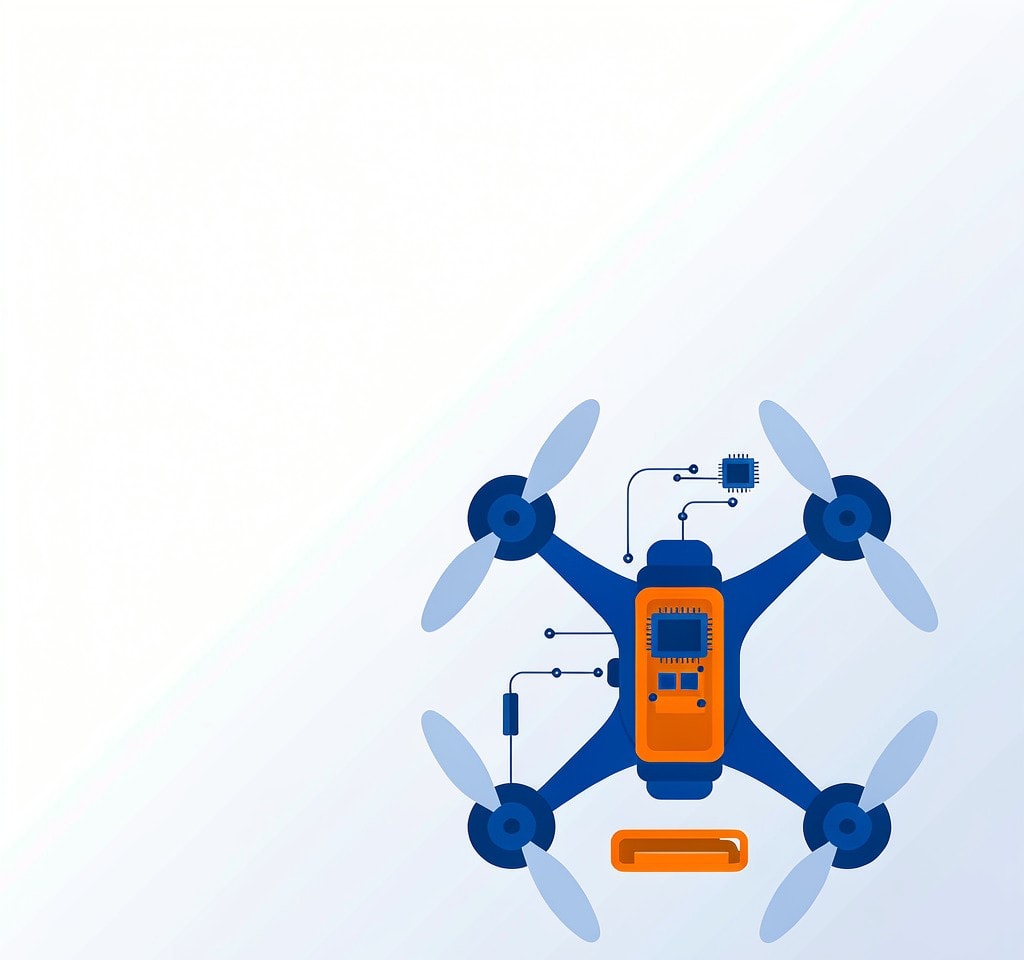
Internal storage exists because it removes a failure point: there is no card to forget, eject badly, or lose. It also changes who can read the data.
The aircraft’s internal flash is not exposed as a drive the way a card is. Footage passes through the flight controller and the aircraft’s own file management layer, and the USB connection presents either a vendor-specific protocol or a media-transfer interface rather than a raw volume. A recovery tool that expects a mounted volume has nothing to scan when it is handed an object list instead. This is the same structural limitation that affects cameras with built-in memory, and it applies with extra force on aircraft because the flight controller is always in the path.
The practical consequences are worth stating plainly. If the aircraft powers on and connects, the fastest route is usually the vendor’s own export function or app-based download, because it is the only path with full access to the internal volume. If the aircraft does not power on — a crash, a damaged power system, a board failure — there is no software route at all, and the recovery becomes a laboratory task involving direct reads of the eMMC package. The layered picture of how these volumes behave is covered in extracting drone internal footage, and the platform-specific detail is in DJI internal storage.
There is one genuinely counterintuitive point in this layer, and it is worth checking before assuming a total loss. Many aircraft record to the card and to the internal tier at the same time, or write to internal storage when the card is full, missing, or too slow. That means the clip you believe was lost may exist in the other layer entirely. Compare file counts and timestamps across both layers before concluding anything. The configuration side of this is described in dual storage recording.
Layer Three: Encrypted Volumes and What They Mean
Some platforms encrypt their internal storage and bind the key to the aircraft’s own hardware, so the volume cannot be read by anything except the aircraft, or the vendor’s software with the aircraft present and authenticated.
This changes the recovery question entirely, and the honest answer is short. Encryption cannot be bypassed by recovery software, and no legitimate tool claims to. The key is held by the device, and the only path to the plaintext is through the device’s own cooperation while it still powers on, still holds its keys, and still authenticates. If the aircraft is dead, the encrypted internal material is effectively out of reach through any consumer route.
What this means practically is that the encrypted tier should never be treated as a backup. It is a working volume with a hard dependency on a single piece of hardware. If internal storage is part of how you shoot, the copy that protects you is the one on the removable card or on a drive you control, not the one inside the aircraft. The boundary conditions for encrypted platform storage are set out in encrypted drone storage.
The Correct Order to Export After a Loss
Sequence matters, because some steps consume the material you are trying to recover and others do not. Work down this list and stop when you have what you need.
- Stop flying the aircraft. Every additional flight writes new footage and may overwrite the blocks holding the missing material. Do not run calibrations or firmware updates either; both write to internal storage.
- Power the aircraft off and remove the microSD. Removing the card is non-destructive and gives you the layer with the best recovery prospects. Do it before any USB session, since connecting the aircraft can itself trigger writes.
- Copy the card’s visible contents first, without deleting anything. A straightforward copy of what is still readable is the lowest-risk step and often answers the question immediately.
- Run a recovery scan on the card only after copying. Scan the raw card for deleted or formatted media. Save the output to a different drive, never back to the card.
- Then connect the aircraft and export the internal tier through the vendor’s own tools. Internal storage is the harder layer and the one most likely to need the aircraft alive, so it should be handled after the card has been secured.
- Verify everything you exported before deleting anything from any layer. Compare durations, check the first and last seconds of each clip, and confirm the file count matches what the flight should have produced.
Two notes on step 5. Connect the aircraft with a charged battery, because an export that dies partway through a large internal transfer leaves you repeating the work. And if the platform requires authentication for internal access, complete it before starting the transfer rather than mid-way.
What Limits Recovery on Each Layer
On the removable card, the limits are the familiar ones: overwritten blocks cannot be recovered, physically damaged cards belong in a laboratory, and a card that has been reformatted and then reused will have lost whatever the new writes landed on.
On internal storage, the limits are structural rather than physical. A working aircraft often allows a full export; a non-booting one usually allows none. Between those extremes, material may be visible but not exportable, which usually indicates a file system or index problem on the internal volume rather than cell damage. Whether that is addressable depends on whether the aircraft exposes the volume as a block device at all. General drone footage loss patterns, including crash and water scenarios, are catalogued under drone aerial footage loss.
On encrypted volumes, the limit is absolute without the device. Plan around it rather than trying to defeat it.
If you are on Windows and the card from the aircraft is still detected by a computer, a purpose-built recovery tool such as XRecovery (xappset.com) can scan SD, microSD, and other memory cards for deleted or formatted photos and videos. As with any recovery tool, stop writing to the card first and always save recovered files to a different drive.
One final habit is worth building. Because drones write to two layers simultaneously in many configurations, the fastest way to reduce risk is to keep both layers in use and to check both after every incident. A card that was missed, full, or slow is exactly the situation in which the internal tier carries the only copy, and knowing which of your flights fell into that category is the difference between a recoverable loss and a permanent one.
Frequently Asked Questions
Can deleted drone footage be recovered from the microSD card?
Often, yes, if the card was pulled promptly and nothing was written after the deletion. Drone cards behave like any other camera card: deleted data remains physically present until new recordings land on those blocks, and a scan of the raw volume can rebuild the index.
Why is internal drone storage harder to recover than the card?
Because the aircraft stands between you and the storage. A card can be removed and read as a plain block device, while internal flash is reached only through the flight controller and the aircraft’s own file management layer. Recovery tools need raw volume access, which the aircraft generally does not provide.
Can encryption on drone internal storage be bypassed?
No. Platform encryption binds the key to the aircraft’s hardware, and no recovery tool can decrypt that volume without the device present and cooperative. If the aircraft powers on and authenticates, the vendor’s own export tools are the only reliable path. If it does not, the encrypted material is effectively unreachable.
What should I do first after a drone crash?
Recover the aircraft, remove the battery so nothing keeps writing, then remove the microSD and copy its readable contents before running any scan. Only after the card is secured should you attempt to power the aircraft and export internal storage, and only if doing so does not risk further damage to the airframe.