
Insta360 camera recovery is different from recovering footage from any other camera, because one second of 360 footage is stored as two separate files. The X series writes one .insv file per lens, and the 360 image you watch is assembled later, on a computer or a phone. That single design decision produces two failure modes that look identical to the user and require completely different responses: the files are gone, or the files are present and the stitch will not complete.
Start by determining which one you have: a clip that will not import while both .insv files sit untouched in the folder needs no recovery at all.
Why a 360 camera stores one shot as two files
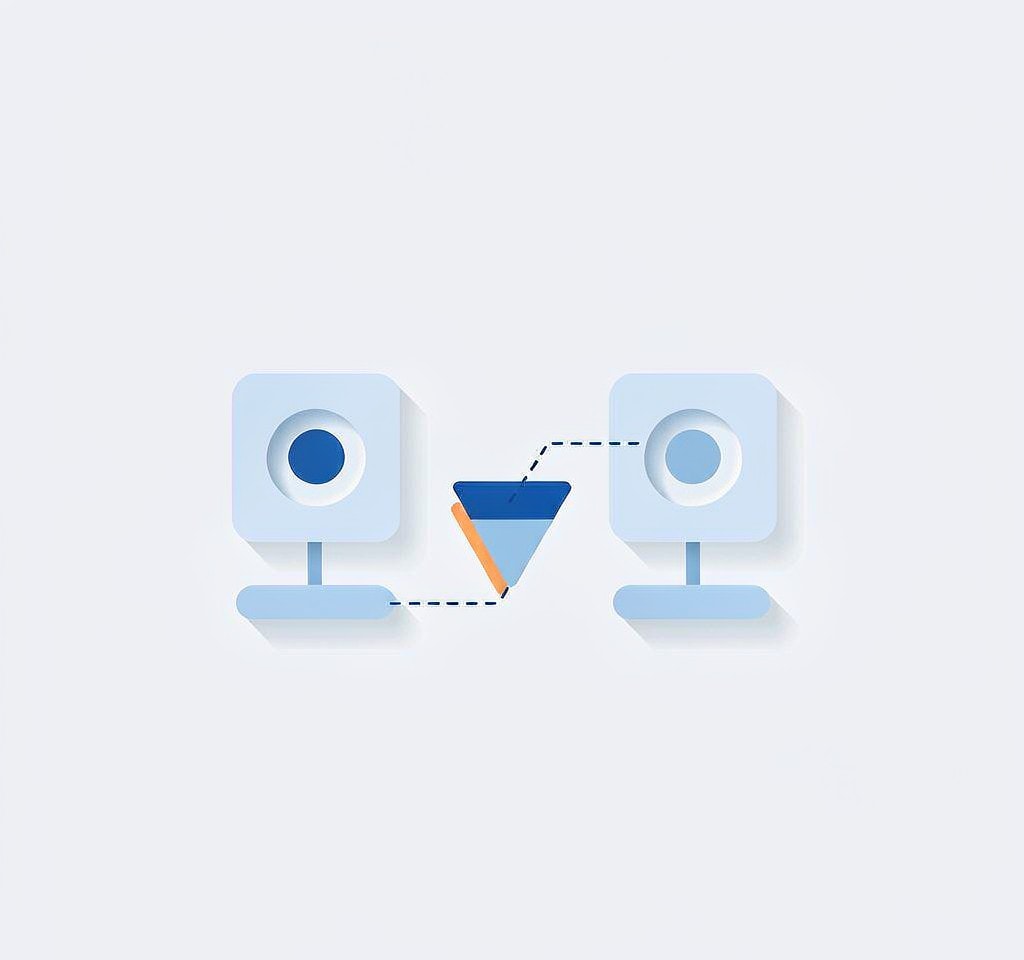
A 360 camera has two fisheye lenses pointing in opposite directions, each covering slightly more than a hemisphere. There is no sensor that sees the whole sphere, so the camera records two overlapping fisheye streams and leaves the job of merging them to software.
Each stream is written to its own .insv file. The file is an MP4-container relative, meaning it carries encoded video in a structure a normal container parser can often follow, with additional proprietary metadata attached. Alongside the pair, the camera records the parameters that stitching depends on: the fixed distance between the lenses, their relative orientation, and the calibration data that corrects for the specific optical unit installed. On later models those parameters are held inside the .insv files themselves rather than in a separate sidecar.
The consequences of this split are practical. Two files means two chances to lose one. Two files means the camera can write faster than a single stream at the same quality would allow. And two files means that the moment you stop treating them as a pair, the footage becomes much harder to use.
For a broader comparison of how different camera families structure their recordings, see the container and codec reference.
What happens when only one lens file comes back
Losing one of the two files is the most common Insta360 failure, because a card that is running out of space, a battery that dies mid-take, or a deletion that catches one file of a pair will all produce it.
The important fact is that you have not lost the footage. You have lost the sphere. The surviving file is a complete, self-contained fisheye video covering roughly half the scene, recorded at high bitrate and full resolution. For a large share of real 360 use, that is the half that matters: the subject in front of the camera is in one lens, and what the other lens captured was the operator, the scenery behind them, and the area where the invisible selfie stick lives.
What you cannot do with a single file is deliver a 360 video or reframe a shot in every direction after the fact. What you can do is extract the fisheye stream and convert it to a flat frame with a much wider field of view than any conventional lens provides. The procedure, including the ffmpeg commands, is set out on the Insta360 re-stitching guide.
A useful diagnostic sits in the middle of this: an .insv file that has been recovered correctly and whose stream data is intact will usually play as a distorted fisheye image in a general-purpose player such as VLC when the file is renamed to .mp4. If it plays that way, the payload survived and only the proprietary wrapper or the stitch metadata is missing. If it plays as a black rectangle or does not open at all, the problem is inside the stream rather than in the pairing. That test separates a stitching problem from a data problem in under a minute. The general approach to this class of check is covered in the verification workflow.
Two different failures that look the same
Users describe both situations as “my Insta360 files are broken.” The table below separates them, and the separation determines whether you open a recovery tool or a stitching tool.
| Symptom | State of the .insv pair | Nature of the fault | First action |
|---|---|---|---|
| Studio will not import the clip, both files present | Complete, original names | Metadata or calibration unavailable | Rename to the original convention, then re-stitch |
| Studio imports and stitches, output has no stabilization | Complete | Gyro data missing or stripped | Stabilize in post on the stitched equirectangular output |
| Clip plays as fisheye in a generic player | Complete | Wrapper metadata damaged | Rebuild the wrapper, then stitch |
| Only one file of the pair exists | Halved | One lens stream missing | Extract the surviving stream, then flatten |
| Files absent from the card entirely | None | Deleted or overwritten | Stop using the card, then scan it |
| Recovered files have tool-generated names | Complete | The pair can no longer be matched by name | Restore the original naming pattern before importing |
The first five rows are all recoverable, and only the last row is the one where a recovery tool makes the situation worse by being helpful.
Recovering the pair in the right order
- Stop using the card immediately. Every additional minute of recording consumes clusters that may hold one half of a pair you still intend to rebuild.
- Image the card before anything else. A sector-level image preserves the directory structure and any deleted entries, which is what makes pairing possible later.
- Recover both files of the pair in the same pass. Choose a scan that reports deleted files with their original names where the directory entry survives, rather than an extended scan that reconstructs files from raw data and assigns generic names. The distinction matters here more than on any other camera type.
- Recover the whole card, not one clip. A scan that stops early can hand you one lens file and not the other.
- Verify the pair before importing. Matching record duration and byte counts within a few percent are the two quick checks that a pair belongs together.
- Do not rename anything until you have the original naming pattern confirmed. This point is large enough to need its own section.
For cards where the failure is deletions rather than a damaged file system, the deleted-file recovery approach for .insv media covers the scan settings and what a good result looks like.
Why renaming recovered .insv files breaks the stitch
This is the counterintuitive part of 360 recovery and the single most common self-inflicted failure. Insta360 Studio identifies the two lenses of a clip by their file names, not by their content. It expects a naming pattern in which the two files of a pair share a base and differ by a lens or sequence identifier, and it joins them on that basis.
A recovery tool that regenerates names, or that renumbers files to avoid collisions with existing files on the destination drive, silently destroys that relationship. Both files are present, both are byte-identical to the originals, and Studio imports neither as a 360 clip, or imports one of them as a lone fisheye. The user concludes that the recovery failed and runs the scan again, producing a third renamed copy.
The fix is to recover the card’s original directory listing first, or to note the names from the camera’s own file index before scanning. Where the original names are known, restoring them, including the folder path and any date and sequence numbers in the file name, is usually enough to bring the pair back. Where the names are not known, the pair can still be identified by record duration and file size, which is why the two files should be copied out together rather than separated into different folders.
The same alignment problem appears in a different form on action cameras that split long recordings into chapters, described on the GoPro chaptering page.
What changes after recovery
Once the pair is intact and correctly named, the workflow returns to normal: import into Insta360 Studio, choose an output projection, and export. Three things are worth checking at that point rather than assuming.
Stabilization. FlowState depends on inertial data logged during the take, not on the video streams. If the gyro track was lost in recovery, the stitch completes and the output is simply unstabilized. This is a separate problem with separate solutions, covered on the gyro metadata recovery page.
Calibration. If the proprietary metadata block did not survive, the pair can still be stitched with calibration taken from another clip recorded by the same camera, because the lens geometry is fixed by the hardware rather than by the shot. Note that lens guards change that geometry, so a reference clip must come from a camera wearing the same guard.
The stitch itself. Do not export a single stitched MP4 and delete the .insv originals. The stitched file is a rendering with a fixed field of view, and it cannot be reframed or re-projected afterward. Keep the pair, and re-stitch from the pair whenever a different view is needed.
If you are on Windows and the card is still detected by a computer, a purpose-built recovery tool such as XRecovery (xappset.com) can scan SD, microSD, and other memory cards for deleted or formatted photos and videos. As with any recovery tool, stop writing to the card first and always save recovered files to a different drive.
Frequently Asked Questions
Do I need both .insv files to get anything usable?
No. One file still contains a complete fisheye stream covering about half the sphere, and it can be flattened into a wide-angle flat video. What you lose is the 360 delivery format and any ability to reframe the shot after the fact.
Why does Insta360 Studio refuse to import my recovered files?
Almost always because the file names no longer identify the pair. Studio matches the two lenses by name, not by content, so recovered files with regenerated names are treated as unrelated clips. Restore the original naming pattern and try again.
Can .insv files be converted to normal MP4?
Renaming to .mp4 lets many players show the raw fisheye stream, which is useful for diagnosis. A proper conversion produces a stitched or flattened MP4 with a chosen projection, and that step requires stitching software rather than a rename.
Are recovered 360 clips still 360?
Yes, if both lens files were recovered with their metadata intact. If the calibration block was lost, the clip can still be stitched using a reference from the same camera, though the seam quality will be slightly lower than an original export.