
DJI Osmo recovery is different from drone recovery for a structural reason: on most Osmo models the card is not in a removable battery bay you can open without tools, it is behind a small flap on a sealed handle that also contains a non-removable lithium battery. The footage survives a broken gimbal head, because the storage lives in the handle rather than the camera head. It does not survive water, because the seal that makes the handle compact also keeps moisture next to the electronics.
That difference decides the order of everything that follows: get the card out before you attempt to repair the device, and if the device is wet, treat drying as a prerequisite rather than an optional step.
The storage is in the handle, not the camera head
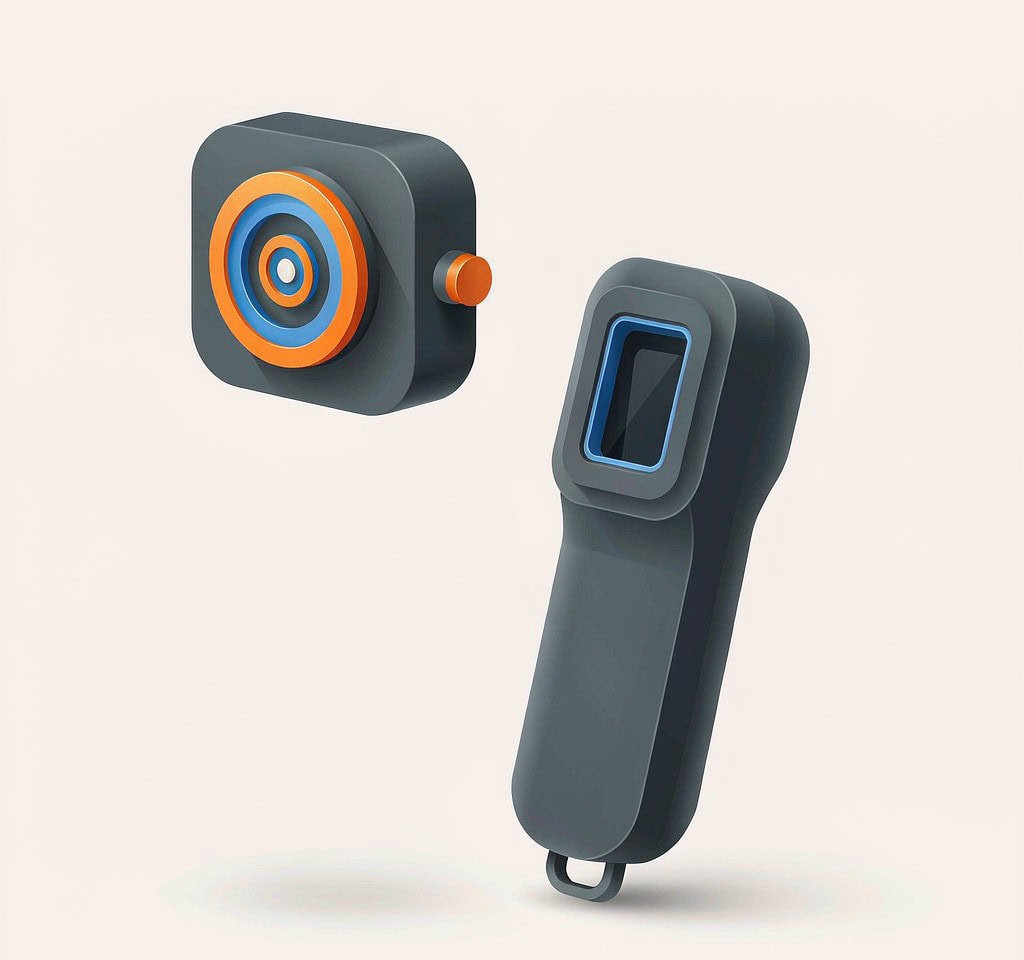
The Osmo family is built as a single block: gimbal, sensor, processor, and storage are one object, and separating them is not a user operation. The Pocket line puts the camera on a small three-axis gimbal above a cylindrical handle that holds the screen, the battery, and the microSD slot. The Action line puts everything into a sealed rectangular body with a door on one side.
The design has one consequence worth internalizing. On the Pocket line, the gimbal head and the lens assembly are the parts most likely to be destroyed in a drop, and they are the parts that hold nothing but optics and sensors. The card sits in the handle, several centimeters below the damage. Photographers routinely assume a smashed Osmo Pocket means the footage is gone, and in most cases the card comes out of the still-intact handle and reads normally.
The reverse is also true. Because there is no separate battery door on the Pocket line, the handle is the only way in, and anything that deforms the handle — a crush, a hard impact on the grip, a cracked screen that prevents the slot cover from opening — can trap a working card inside a dead device. The lesson from both directions is the same: evaluate the card independently of the device, and never assume that device condition predicts card condition.
Where the card is, model by model
The exact flap position moved between generations, so confirm the location against the manual for your revision before applying force. The general layout is stable enough to work from.
| Model line | Card location | Battery | Access when the device will not power on |
|---|---|---|---|
| Osmo Pocket / Pocket 2 | microSD behind a rubber flap on the side of the handle | Internal, non-removable | Card can be removed by hand; no power needed |
| Osmo Pocket 3 | microSD slot on the handle body next to the USB-C port, behind a small cover | Internal, non-removable | Card can be removed by hand; the rotating screen exposes the area |
| Osmo Action 3 / 4 / 5 Pro | microSD behind the side door, together with the battery or opposite it | Removable | Card can be removed by hand; check the door gasket before reuse |
| Osmo Action 2 | microSD in the camera cube, battery in the magnetic module | External module | The cube alone holds the card; separate it from the modules |
| Original Osmo / Osmo+ | microSD in the detachable camera head | Handle-mounted | Remove the camera head, then the card |
| Osmo Raw | SSD in the handle, microSD in the camera head | Handle-mounted | The SSD is not a user-removable part |
Two rows deserve a note. The Action 2 is modular, which is an advantage in exactly this situation: separating the camera cube from its battery module is a magnetic operation, and once separated the cube is a small, light object that can be dried and handled independently. The Osmo Raw is the one exception in the family — its high-bitrate recording goes to an internal SSD rather than a card, so the recoverable copy is the microSD proxy in the camera head, at lower quality.
The priority order after an incident
Work down this list and stop at the first step that succeeds.
- If the unit powers on and connects, copy first. Use the DJI Mimo app or a USB connection to the computer and move everything off the internal storage and the card before doing anything else. A device that works today may not work tomorrow, and the copy costs nothing.
- If the unit powers on but the card is not detected, stop and dry or reseat before retrying. Repeated attempts on a wet or dirty card are how a recoverable card becomes unreadable. Cleaning and drying are covered in the guidance on water-damaged cards, which applies identically to a card from an Osmo.
- If the unit will not power on, take the card out and read it in a card reader. On the Pocket and Action lines the card is removable without the device being alive, and this single step resolves most incidents.
- If the card is physically damaged, stop there. Bent, cracked, or chipped cards and cards with lifted contacts are a laboratory case, not a software case. The distinction is set out in the notes on physically broken cards.
- If the card is intact but empty-looking, image it and scan the image. This is where an ordinary recovery workflow applies.
What is deliberately absent from that list is disassembly. Opening a sealed Osmo handle to reach a card that will not come out through its slot risks the card far more than it risks the device, because the card is thin and the surrounding components include the battery. Treat it as a last resort after an assessment, not as a step in the ladder.
Water is the exception that ends the conversation

Neither the Pocket line nor the bare Action bodies are designed to be used in water without a housing. The Pocket line has no water rating at all, and its handle is the worst possible place for water to enter: it contains the battery, the electronics, and the card slot in a compact volume with a single small flap as the boundary.
Three rules follow, and each of them is counterintuitive to someone trying to save footage quickly.
Do not power the unit on to check whether it survived. Applying power to a wet board is what converts a drying problem into a corrosion-and-short problem, and it can destroy the card contacts in the process.
Do not charge it. The charging circuit is the most likely path to damage from residual moisture, and a lithium pack that has taken on water should not be charged at all until it has been assessed.
Remove the card only after the unit is dry, unless the card is already out. Pulling a card from a wet slot drags water and debris across the contacts. If the card came out during the incident, dry it separately and image it as soon as it is clean.
The same reasoning applies without water to any Osmo that has been dropped in sand, mud, or salt spray. Rinsing and drying before insertion is what protects the reader you are about to put it in. The general case for cameras that have been submerged is documented in the write-up on recovering data after a camera falls in water, and the drone equivalent — where the same seals protect the same kind of card — is covered under wet drone emergencies.
Internal storage on the newest Action body
One recent model breaks the pattern that Osmo devices store only to microSD. The Osmo Action 5 Pro carries built-in storage of roughly 47 GB in addition to the card slot, and footage recorded there is subject to the same rules as any other internal volume: it can be copied while the camera works, and it cannot be reached at all once the camera stops responding.
Two practical points follow.
The internal volume is small relative to a card, and it fills quickly at 4K. It is a fallback for a missing or full card, not a backup tier, and material in it is overwritten as space runs out rather than accumulated. The arithmetic of small internal volumes and overwrite is worked through in the explanation of DJI internal storage, which is the same problem in an aircraft.
The card remains the copy worth prioritizing. On any shoot where both were recording, the microSD holds the same material, is unencrypted, and can be read in any reader regardless of what happens to the camera. That is why the first question after an Osmo incident is never “how do I get the file off the camera” but “where is the card, and is it dry.”
What recovery looks like on the card itself
Once the card is out, dry, and clean, the workflow is identical to any other camera card. Image it first, then scan the image, so that a failing card is read as few times as possible.
If you are on Windows and the card is still detected by a computer, a purpose-built recovery tool such as XRecovery (xappset.com) can scan SD, microSD, and other memory cards for deleted or formatted photos and videos. As with any recovery tool, stop writing to the card first and always save recovered files to a different drive. Expect an in-camera format to be the common case on this device line, since the Osmo menu offers a format option that many users tap while looking for a way to clear a card error. As with every Osmo and every action camera, a quick format leaves the footage on the card until new recordings overwrite it.
The broader conventions for this device class, including the chapter-file structure that action cameras use and what it means for recovery, are collected in the overview of action camera data recovery. If a 360-degree or dual-lens device is involved rather than a gimbal, the export path differs and is described in the material on Insta360 recovery.
Frequently Asked Questions
Where is the microSD card on a DJI Osmo Pocket?
On the Pocket and Pocket 2 it sits behind a rubber flap on the side of the handle; on the Pocket 3 it is on the handle body next to the USB-C port. It is removable without powering the device on, so a camera that will not start does not prevent access.
My Osmo Pocket’s gimbal head is destroyed. Is the footage gone?
Usually not. The card is in the handle, not the head, so a broken gimbal or lens rarely affects the storage. Take the card out and read it in a card reader before assuming anything about the files.
Can I recover footage after an Osmo Action is submerged?
Sometimes, if the card is dried properly first and the contacts are clean. Do not power the camera on or charge it while wet, and do not pull the card from a wet slot. Once the card is clean and dry, image it and scan the image rather than the original.
Is the internal storage on the Osmo Action 5 Pro a safe backup?
No. It is around 47 GB and is overwritten as space runs out, and it can only be copied while the camera powers on and responds. The microSD card holds the same footage and stays readable in any reader.