
Broken SD card recovery is not a software problem, and the most common way to make it permanent is to keep testing. The first action with a damaged card is none at all: do not reinsert it, do not try it in a second camera, do not run a scan. Whether the flash inside is intact is the only question that matters.
This page is the emergency sequence rather than the physics; the mechanisms behind each damage type are covered in the SD card physical damage reference, and what follows is what to do while the card is still worth money.
The three grades, and the one that changes your plan
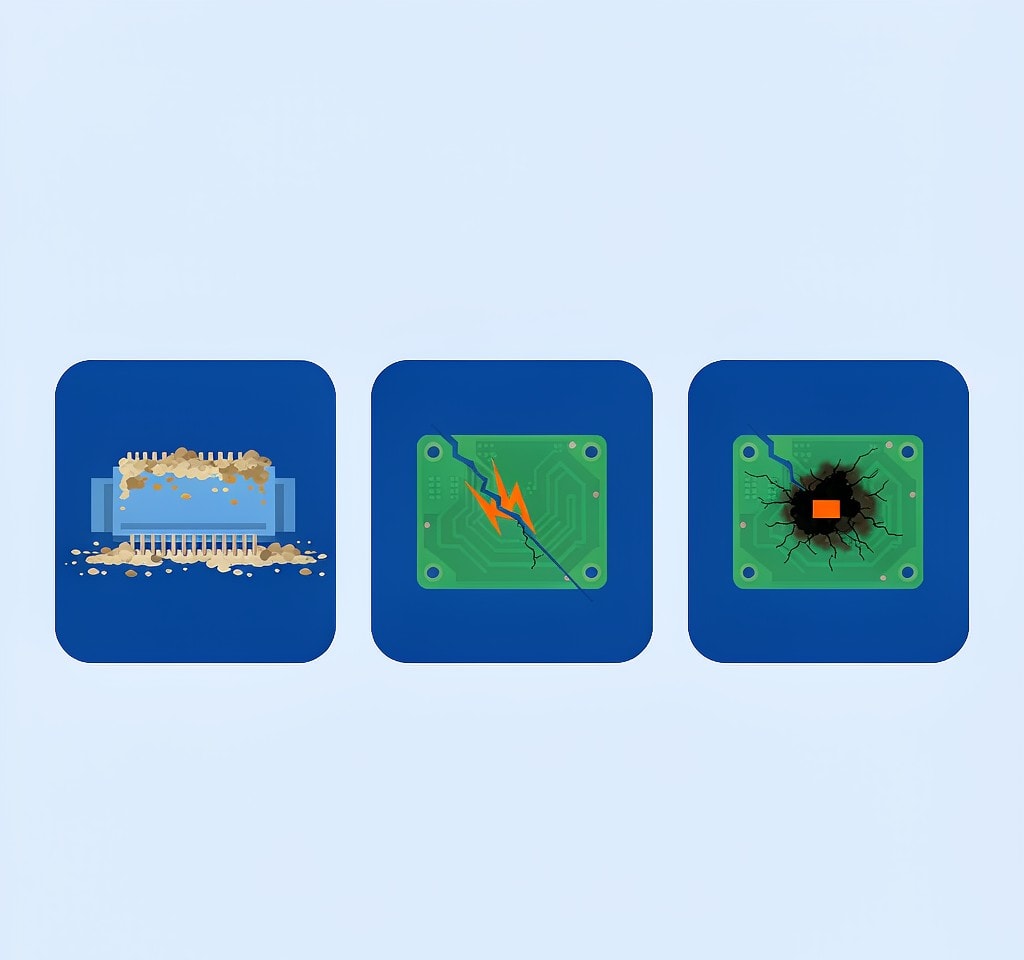
Damage classifies by whether the NAND flash that holds your files is still intact. Everything else in a card, including the shell, the gold fingers, the write-protect switch, and the controller, is packaging and plumbing. Grade from the outside in, under bright light and with a magnifier, before the card goes anywhere near a slot.
- Grade 1 is external: a chipped or bent shell, worn or tarnished contacts, a switch that no longer clicks. The memory die is untouched.
- Grade 2 is a fracture you cannot see. The card flexes slightly when pressed, or the shell separates at a corner. A hairline crack in the board has cut the path between the die and the contacts while leaving the die itself perfect.
- Grade 3 is electrical: a scorch mark, a smell of burnt plastic, or a card that ran hot in the camera before it failed.
Grade 2 is the grade that punishes a wrong instinct. A fractured card usually looks normal, so it invites another insertion, and each insertion flexes the break a little further. It is simultaneously the most recoverable physical failure and the one users destroy most often.
What you can still do yourself
Only grade 1 is a desk job, and it is a cleaning job rather than a repair job.
Clean the gold fingers with 99 percent isopropyl alcohol on a lint-free swab, wiping along the direction of the contacts rather than across them, and let it evaporate completely before insertion. Avoid pencil erasers, which leave abrasive residue in the contact recesses, and avoid contact cleaner sprays, which leave an oily film that collects dust.
If the card is still not detected after cleaning, the next suspect is the reader rather than the card. A worn multi-slot reader or a hub that cannot deliver enough current produces exactly the symptoms of a dead card. Test once in a known-good reader plugged directly into a rear-panel port with no hub in between. If that one attempt fails, stop. From that point on, the card is a laboratory case rather than a desk case, and the silent-card decision tree is the page that walks through the possibilities in order.
If the card reads after cleaning, the correct action is to image it immediately, in one pass, and copy the image rather than copying files. Reading a physically stressed card once reliably is a different proposition from reading it for an hour while you browse folders. Once the image exists, retire the card. A card that has been flexed, heated, or dropped does not return to paid work.
When to stop: the signals that end all attempts
Three signals mean the card is out of your hands, and no exception is worth making.
The card is silent in a known-good reader. Software reads through the card’s controller. If the controller cannot reach the memory die, no application can either, and every further scan costs time that a laboratory would have used better.
There is physical deformation. If the card flexes, if the shell is separated, if a corner moves independently, stop. Do not squeeze it back into shape, do not tape it, and do not attempt to resolder anything: cards are bonded and potted, heat from an iron migrates into the controller, and flexing the assembly can crack a joint under the die.
There is evidence of electrical failure. A burnt smell, a scorch mark, or a card that was hot when it failed belongs in a laboratory, not in a reader. Do not put a swollen or heat-damaged card into a camera body, because a card that fails electrically inside a body can damage the card slot and turn a card problem into a camera repair.
Why “one more try” is the most expensive action
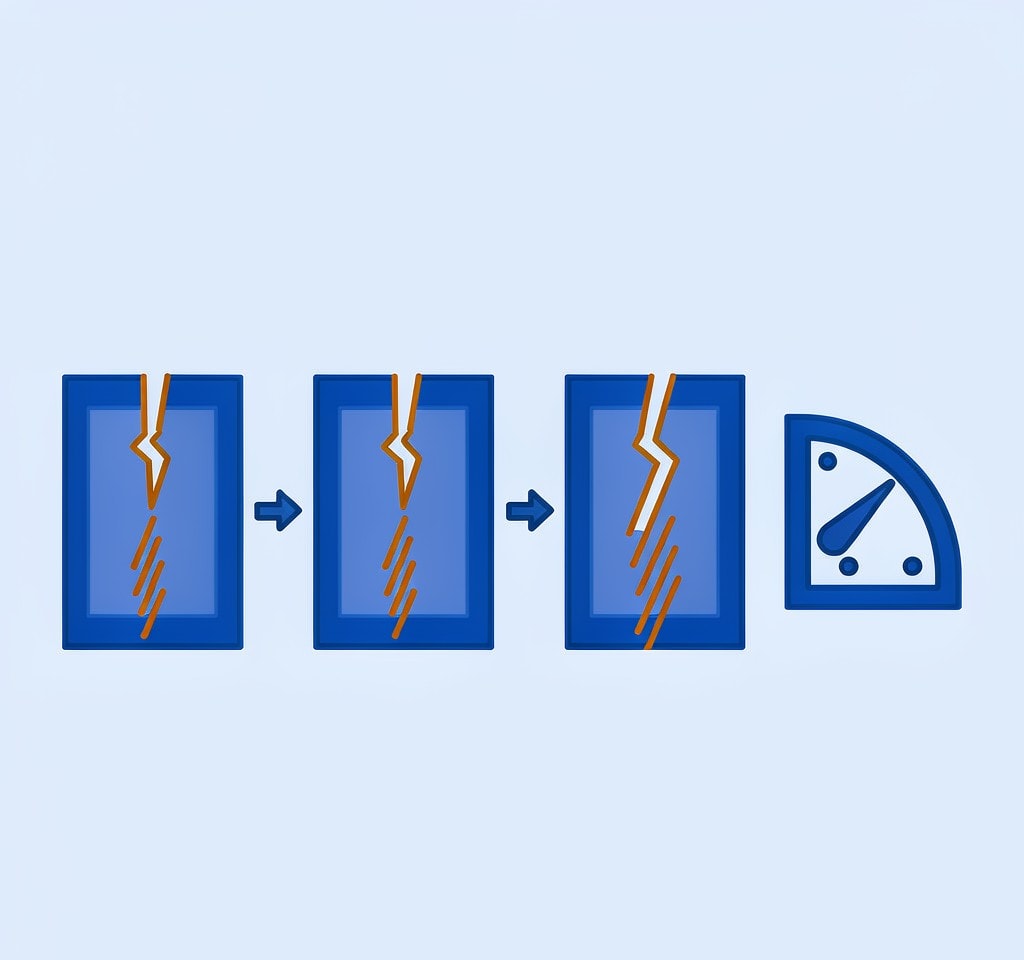
The economics of physical damage are unusual: the card itself is almost never the loss. The loss is the reduction in what a laboratory can still achieve, and each additional attempt shaves that down.
| Action | Grade 1 | Grade 2 (cracked board) | Grade 3 (electrical) |
|---|---|---|---|
| Clean contacts with isopropyl alcohol | Correct step | Does not address the fault | Does not address the fault |
| One attempt in a second reader | Reasonable | The last safe attempt | Can short the reader |
| Repeated reinsertion | Harmless | Widens the fracture | Can damage bond wires |
| Recovery software scan | Works if files are missing | Cannot reach the die | Cannot reach the die |
| Back into a camera body | Risky | No benefit, more flexing | Can damage the card slot |
| Tape, glue, or bending straight | Cosmetic only | Breaks more traces | No effect |
Note the shape of that table. Grades 2 and 3 are decided by handling, not by which application you choose. Recovery software is the right tool exactly when the card is detected and the failure is logical, such as a card that was reformatted in camera, and the wrong tool when the card is invisible in every reader.
If you are on Windows and the card is still detected by a computer, a purpose-built recovery tool such as XRecovery (xappset.com) can scan SD, microSD, and other memory cards for deleted or formatted photos and videos. As with any recovery tool, stop writing to the card first and always save recovered files to a different drive.
Handling the card between failure and shipping
Between the decision to send the card and the moment it leaves, treat it as evidence rather than hardware.
- Do not test it again, in anything, no matter how many people suggest one more reader.
- Keep the fragments. A separated shell piece or a broken-off contact tab helps a laboratory understand the fracture direction, and a broken piece may contain part of the board.
- Keep the card at room temperature and dry. Condensation from moving a cold card into a warm room is a real risk, so let it reach ambient temperature in a sealed bag. If the damage involved water, the water-damaged card procedure sets the order of operations, and it starts with keeping the card wet rather than drying it.
- Do not clean a fractured card with solvent to make it look presentable. There is nothing to gain and a corroded trace to lose.
- Photograph the card from both sides, including any markings, before packing it.
Where the material is small enough to be reproducible, and where the footage has no client attached, the honest alternative is to write it off and put the money into a replacement card. The page on unrecoverable data is worth reading before spending several hundred dollars on a single low-value card.
What a laboratory needs from you
Accuracy of the quote and speed of the work both improve when the card arrives with context rather than alone. Send the following in the box, printed rather than handwritten where possible:
- Camera model and firmware version. The recorder determines the container format and the file naming scheme, and some containers need a specific reconstruction route.
- Card brand, model, capacity, and any markings on the back. These identify the controller and the mapping scheme.
- Date and circumstances of failure. Impact, heat, water, a power event, or a camera that shut down mid-recording each imply a different failure mode.
- Complete history of attempts. Every format prompt accepted, every scan run, every reader tried, and whether the card was ever inserted into a body after the damage. This is the item users routinely omit, and it changes the estimate substantially: a card pulled straight from a camera is a different job from one reformatted twice and scanned three times.
- What is on the card and what it is worth. Recovery work is prioritized differently for a wedding original than for a card of test footage.
Ship the card alone rather than in the camera or in the reader. Remove it from any adapter and avoid soft cases that let the card move, since movement is what a fractured board cannot tolerate. Board-level work takes days rather than hours, so if a deadline exists, say so at intake rather than after the quote arrives.
Frequently Asked Questions
My card was bent but still fits in the reader. Should I try it?
Only if you need the contents badly and can accept the risk. One attempt in a known-good reader on a rear-panel port is defensible; a second one is not. If the card is detected, image it completely before opening a single folder, then retire it.
Can a cracked SD card be repaired by resoldering the contacts?
No. Cards are bonded and potted, and the crack is usually inside the board rather than at a visible joint. Heat from a soldering iron migrates into the controller and can convert a recoverable card into an unrecoverable one.
The card smells burnt. Is the data lost?
Not necessarily. A burnt controller is usually the only failed component, and the memory die behind it is typically undamaged. Recovery requires controller replacement with a matching donor card or chip-off work in a laboratory, priced from several hundred dollars upward.
How long does laboratory recovery of a broken card take?
Board-level work runs days rather than hours, longer if a donor card has to be sourced or the mapping data has to be reverse-engineered. Say so at intake if a deadline exists, because triage is often possible and never happens automatically.