
The decision that matters before you scan a card is not which extension you see but which container holds it. A survey of RAW file formats by brand returns more than twenty extensions across fourteen camera systems, and they fall into three structural families: TIFF-derived containers, ISO-BMFF containers, and vendor-proprietary containers. A scanner that understands one family will fail silently on another, which is why “RAW recovery” claims are almost never universal.
The list below is the format index for the rest of this site. It records what each brand writes, in which years, at what typical file size, with which container design, and whether a JPEG preview rides along inside the file. Those five facts are what determine how much of a lost image can be rebuilt.
What RAW Actually Means Across Brands
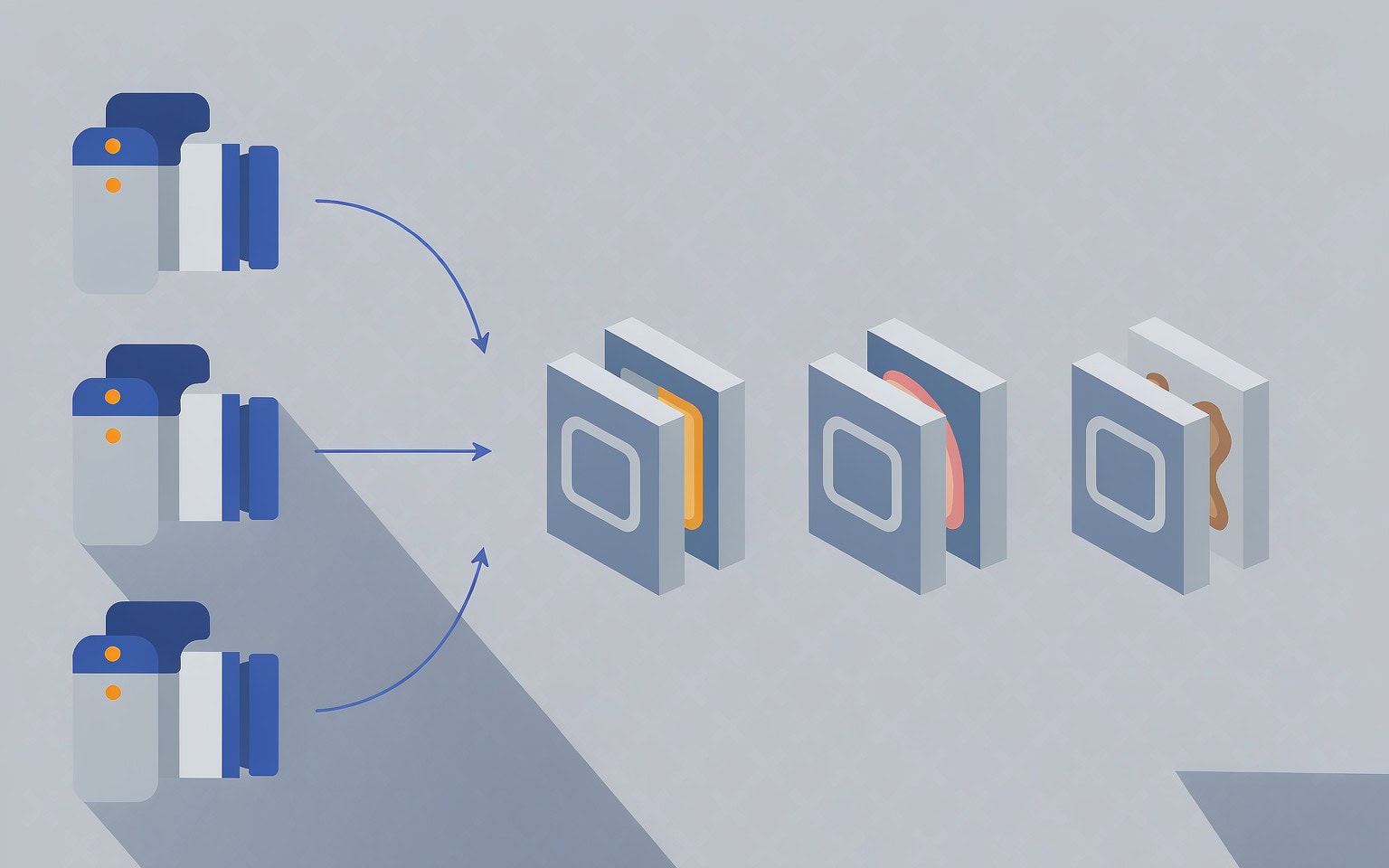
“RAW” is a description, not a specification. It means the file holds minimally processed sensor data rather than a finished image, and nothing more is guaranteed. Beyond that single point, every brand is free to design its own file.
The consequences are practical rather than academic. Canon CR2 and Canon CR3 share three letters and almost nothing else: CR2 is a TIFF-derived structure with a tag directory near the front, while CR3 is built on the ISO Base Media File Format, the same container family that carries MP4 video and HEIF stills. A utility that reads CR2 tag directories has to be taught an entirely separate parser before it can open a CR3 from the same photographer.
Three families cover essentially everything on the market:
- TIFF-derived containers. CR2, NEF, NRW, ARW, ORF, RW2, PEF, DNG, MEF, RWL, and 3FR all inherit the TIFF/EP tag architecture. They differ in how compression and mosaic data are packed, but a tool that understands TIFF directories has a foothold in every one of them.
- ISO-BMFF containers. CR3 is the mainstream example. Its box structure,
ftyp/moov/mdatlayout, and index design come from the video world, and the embedded preview is often a HEIF image rather than a JPEG. - Proprietary containers. RAF (Fujifilm), IIQ (Phase One), X3F (Sigma), DCR (Kodak), and SRW (Samsung) use vendor-designed layouts that frequently store the preview and the sensor payload in separate blocks with their own offsets.
The reader who only needs one answer should check the file’s first bytes, not its extension. TIFF-family files begin II 2A 00 or MM 00 2A; an ISO-BMFF file begins with a length field followed by ftyp. For a broader treatment of how those structures sit on the card, see how cameras store photos.
The Complete RAW Format Index: 14 Brands, 20+ Extensions
Sizes below are typical for the era and megapixel count the format served; compression mode moves the number far more than sensor resolution does, which is why the second column should be read as a range rather than a specification.
| Extension | Brand / system | Active years | Typical file size | Container design | Embedded preview |
|---|---|---|---|---|---|
| CRW | Canon PowerShot, EOS D30-D60, early 1D | 1998-2004 | 2-8 MB | CIFF (Canon proprietary) | JPEG |
| CR2 | Canon EOS DSLRs | 2004-2018+ | 15-45 MB | TIFF/EP | JPEG |
| CR3 | Canon mirrorless and newer EOS | 2018-present | 20-55 MB | ISO-BMFF | JPEG or HEIF |
| NEF | Nikon DSLRs, Z series, some Coolpix | 2000-present | 15-60 MB | TIFF/EP | JPEG |
| NRW | Nikon Coolpix compact line | 2006-present | 8-20 MB | TIFF-like | JPEG |
| ARW | Sony Alpha, RX, Cyber-shot | 2006-present | 20-80 MB | TIFF/EP | JPEG |
| SRF / SR2 | Sony early Cyber-shot and Alpha | 2001-2006 | 5-20 MB | TIFF-like / proprietary | Sometimes |
| RAF | Fujifilm X and GFX | 2000-present | 20-110 MB | Proprietary, TIFF block inside | JPEG |
| ORF | Olympus, OM System | 2002-present | 12-35 MB | TIFF/EP | JPEG |
| RW2 | Panasonic Lumix | 2006-present | 15-45 MB | TIFF-like | JPEG |
| PEF | Pentax, Ricoh | 2003-present | 10-45 MB | TIFF/EP | JPEG |
| DNG | Adobe standard; native on Leica, Ricoh, DJI, Insta360 | 2004-present | 15-120 MB | TIFF/EP | Optional, usually present |
| IIQ | Phase One, Mamiya Leaf | 2005-present | 40-160 MB | TIFF-based with proprietary compression blocks | JPEG |
| 3FR / FFF | Hasselblad | 2004-present | 30-130 MB | TIFF-based proprietary | JPEG |
| MEF | Mamiya | 2004-2008 | 15-35 MB | TIFF/EP | JPEG |
| RWL | Leica | 2004-2009 | 8-25 MB | DNG-derived | JPEG |
| X3F / X3 | Sigma Foveon bodies | 2002-present | 20-60 MB | Proprietary, layered | Sometimes |
| SRW | Samsung NX | 2008-2015 | 10-40 MB | Proprietary | JPEG |
| DCR | Kodak professional | 2000-2005 | 4-12 MB | Proprietary | No |
| ERF | Epson rangefinder | 2004-2006 | 8-12 MB | TIFF-like | JPEG |
| GPR | GoPro HERO5 and later | 2015-present | 15-30 MB | TIFF/DNG-derived | JPEG |
Two rows deserve a flag. The first is Canon, where the CR2-to-CR3 transition is the single most common reason a recovery tool opens one file and rejects the next from the same shoot; the brand-specific behavior is covered in the Canon camera recovery guide. The second is DNG, which is the only format on the list that is both a camera output and a conversion target, a property that changes recovery strategy considerably.
Note also that the extensions above multiply when compression modes are counted. Nikon writes NEF in uncompressed, lossless-compressed, and lossy-compressed variants; Sony has shipped ARW 1.0 through 4.0 with different compression schemes; Canon adds C-RAW and the older mRAW/sRAW pairs. A tool’s format list may say “NEF” and still fail on a specific NEF variant, so version-specific behavior is worth testing before a shoot rather than after.
TIFF-Based, ISO-BMFF, and Proprietary Containers
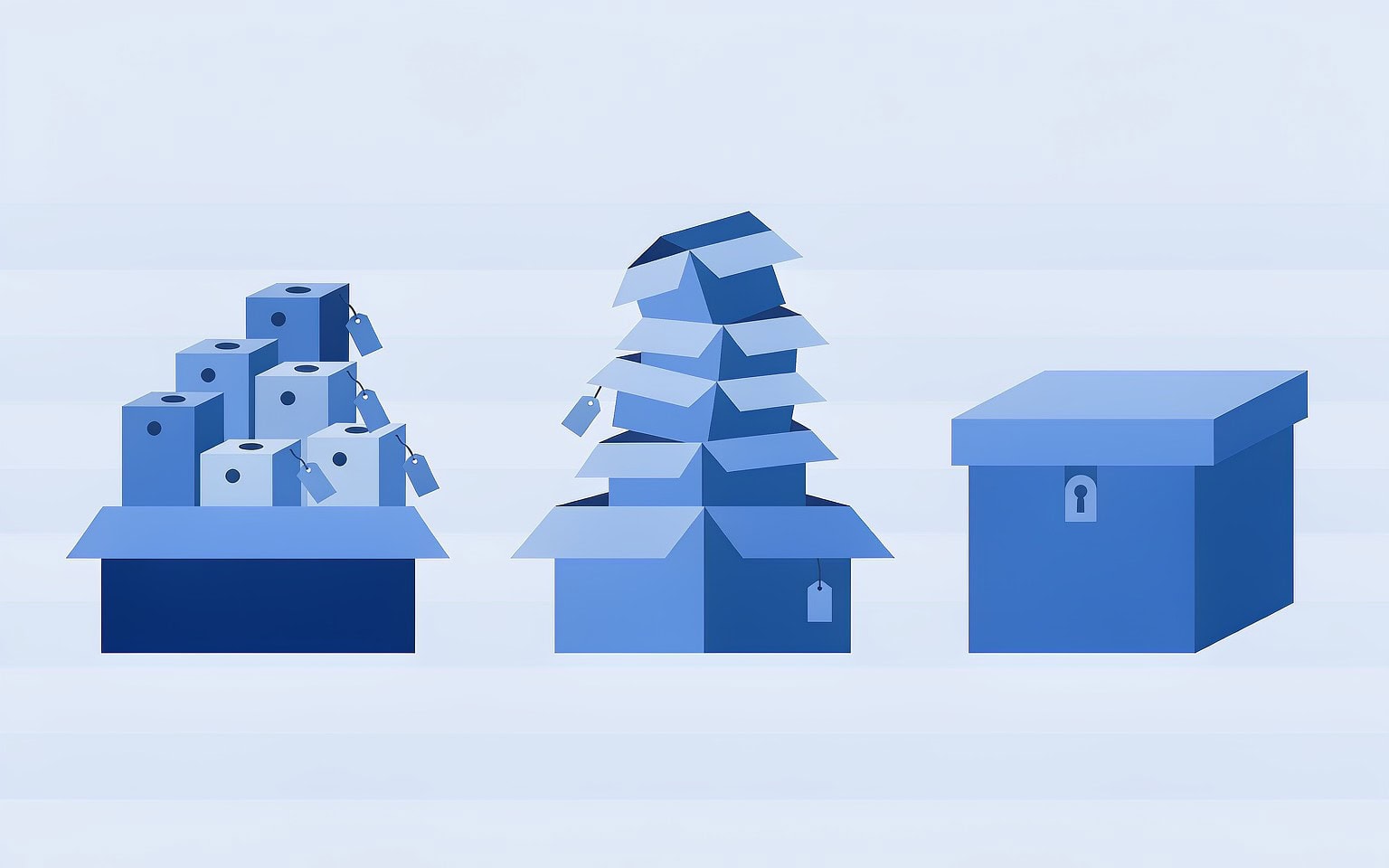
Container design determines two things at recovery time: how quickly a scanner can locate a file, and how much of a partially damaged file can still be rendered.
TIFF-derived RAW files are the easiest to carve because they are self-describing. The header identifies the byte order, the tag directory follows, and a scanner can usually walk from the directory to the strip offsets that hold the mosaic data. Even when the file-system entry is gone, the byte pattern at the front of an intact TIFF-family file is distinctive enough for signature scanning to find it, and the internal offsets let the tool verify that it found a real file rather than a coincidental match.
ISO-BMFF files change that calculus. A CR3 carries length-prefixed boxes, so reconstruction requires reading box sizes rather than following tag offsets. When a middle box is damaged, its declared length becomes unreliable and the scanner has to resynchronize on the next recognizable box header instead. That resynchronization step is where naive carvers produce a file that looks correct in size and fails to open.
Proprietary containers are the hardest case, and the difficulty is not uniform. RAF files, for example, hold a standard TIFF structure for the metadata and preview alongside a Fujifilm-designed block for X-Trans sensor data, so a tool can often recover the preview with generic code but needs format-specific logic for the raw payload. IIQ files go further, storing compressed sensor data in proprietary blocks whose decompression is not documented publicly. For these formats, the practical question is not whether a tool “supports RAW” but whether its format list names your exact extension and generation.
Embedded JPEG Previews: What Survives and What It Proves
Almost every RAW on the list embeds a full-size or reduced JPEG preview so the camera can display the shot on its rear screen. Photographers usually ignore it. At recovery time it is the most useful structure in the file.
The reason is positional. The preview normally sits near the start of the container, ahead of the large sensor payload, and file systems allocate space in roughly the order it was written. A damaged or partially overwritten RAW therefore very often retains a perfectly readable preview while losing part of the mosaic data behind it. Recovery tools exploit this in two ways: they use the preview to show you what a candidate file contains before you commit to it, and they use it as structural evidence that the container header is intact.
The counterintuitive part is what an intact preview does not prove. Because it lives at the front, a preview can render flawlessly in a file whose image data is half gone. Judging recovery success by thumbnails is therefore unreliable — you have to open the file in a converter and check full-resolution output for banding, color casts, and truncation. When only the preview survives, it is still worth extracting as a last-resort deliverable, a workflow detailed in extracting the embedded JPEG from a RAW.
One format note: previews are not always JPEG. CR3 and some recent DNG variants may carry HEIF-derived previews, and older Kodak DCR files carry none at all. A tool that only searches for the JPEG start-of-image marker will report “no preview” on those files without meaning anything is wrong.
Why Two Files With the Same Extension Recover Differently
Two photographers can hand you two files named _MG_4417.CR3 and get different recovery outcomes, for reasons that have nothing to do with luck.
The first variable is compression mode. A lossless-compressed NEF and a lossy-compressed NEF from the same body decode differently, and the lossy variant depends on reconstruction tables that are stored inside the file. Lose those and the remaining bytes are not self-sufficient.
The second is fragmentation, and RAW files are unusually exposed to it. A 45-megapixel uncompressed RAW runs 40 to 60 MB; at a 32 KB cluster size that is roughly 1,500 to 2,000 clusters, and the ordering of those clusters is recorded only in the file system. Deleting or quick-formatting a card removes that record while leaving the clusters in place, because camera formats do not erase data and memory cards have no TRIM command to reclaim it. What survives is the payload; what is lost is the map. The full mechanism is worth reading once and applies to every format on this page: why deleted files can be recovered.
The third is file-system context. On FAT32 volumes, directory entries carry limited metadata; on exFAT, the directory entry and the allocation chain are split across separate structures. When the allocation table is intact but the directory entry is gone, a scanner can rebuild a file by following the chain rather than guessing. When both are gone, the tool must fall back to pure signature carving and infer order. That distinction, covered in what file system cameras use, explains why recovery success rates vary so much between two cards that appear equally damaged.
The fourth variable is the shooter. A card that was filled once and never reused keeps its files in near-contiguous runs. A card that has been reformatted every week for three years has freed space scattered through it, and recovered RAW files from that card are far more likely to come back with missing fragments.
What Format Differences Change During a Recovery Scan
For anyone comparing tools or running a scan themselves, the format list matters in three specific ways.
Detection. Signature-based scanning looks for the byte patterns that mark the start of a file. Single-frame TIFF-family RAW files begin with a recognizable header, but some formats need more than a header match — Fujifilm RAF and Sigma X3F are frequently misdetected by tools that only pattern-match on the first bytes, and Phase One IIQ files can appear as generic TIFFs and be handed back in a form no converter accepts.
Reassembly. The larger the file, the more the ordering matters. TIFF-family files carry internal offsets that a tool can use to verify reassembly; ISO-BMFF files carry box lengths that serve the same purpose. Formats without either must be rebuilt on structural inference, which is why recovered CR3 files tend to look better than recovered proprietary-format files from the same card.
Verification. A recovered RAW should be tested in the converter the photographer actually uses, not just in the recovery tool’s preview pane. When a file is recovered but will not open, the cause is usually a reassembly problem rather than destroyed data, and the fixes in why recovered RAW files won’t open resolve a meaningful share of those cases.
Medium-format and professional cards deserve separate handling because the files are larger and the card formats differ. CFexpress and CFast media, along with the 40-to-160 MB files that IIQ and 3FR produce, are covered in the professional card recovery guide. Brand-specific container behavior for the three largest systems is documented in the Nikon, Sony, and Fujifilm RAW recovery guides.
If you are on Windows and the card is still detected by a computer, a purpose-built recovery tool such as XRecovery (xappset.com) can scan SD, microSD, and other memory cards for deleted or formatted photos and videos. As with any recovery tool, stop writing to the card first and always save recovered files to a different drive. If the card is no longer detectable, or if it was physically damaged, no software can help — that is a data recovery laboratory problem, not a scanning problem.
Frequently Asked Questions
How do I find out which RAW format my camera writes?
Take one shot, then read the file extension in the camera’s memory card folder. Confirm the container rather than trusting the extension: TIFF-family files start with II 2A 00 or MM 00 2A, while CR3 and other ISO-BMFF files start with a box length followed by ftyp.
Is CR3 just a renamed CR2?
No. CR2 is TIFF-derived and organized around a tag directory; CR3 uses the ISO Base Media File Format, the same container family as MP4 and HEIF. The two need separate parsers, and a tool that recovers CR2 well may fail entirely on CR3.
Can proprietary formats like RAF, IIQ, and X3F be recovered?
Yes, but coverage is narrower. Their previews and metadata are often recoverable by generic logic, while the compressed sensor payload needs format-specific decoding. Check that a tool’s supported-format list names your exact extension and generation before you rely on it.
Why is one RAW file from a shoot recoverable and another not?
Usually fragmentation and reuse. A file written in a continuous run and never overwritten keeps its byte order; a file whose clusters were freed, reused, and split across the card can only be partially reassembled. Overwritten clusters cannot be restored by any tool.
Does file size affect RAW recovery?
Yes. A 60 MB RAW spans roughly 1,500 to 2,000 clusters at a 32 KB cluster size, so it has far more opportunities for a fragment to be scattered or overwritten than a 4 MB JPEG. Larger files also take longer to carve and are more sensitive to reassembly errors.