The right recovery path depends on source stability, loss type, data value, encryption, and the cost of another attempt. Software fits stable logical loss. Professional service becomes more appropriate when hardware cannot provide a reliable source or when the consequences of failure are high.
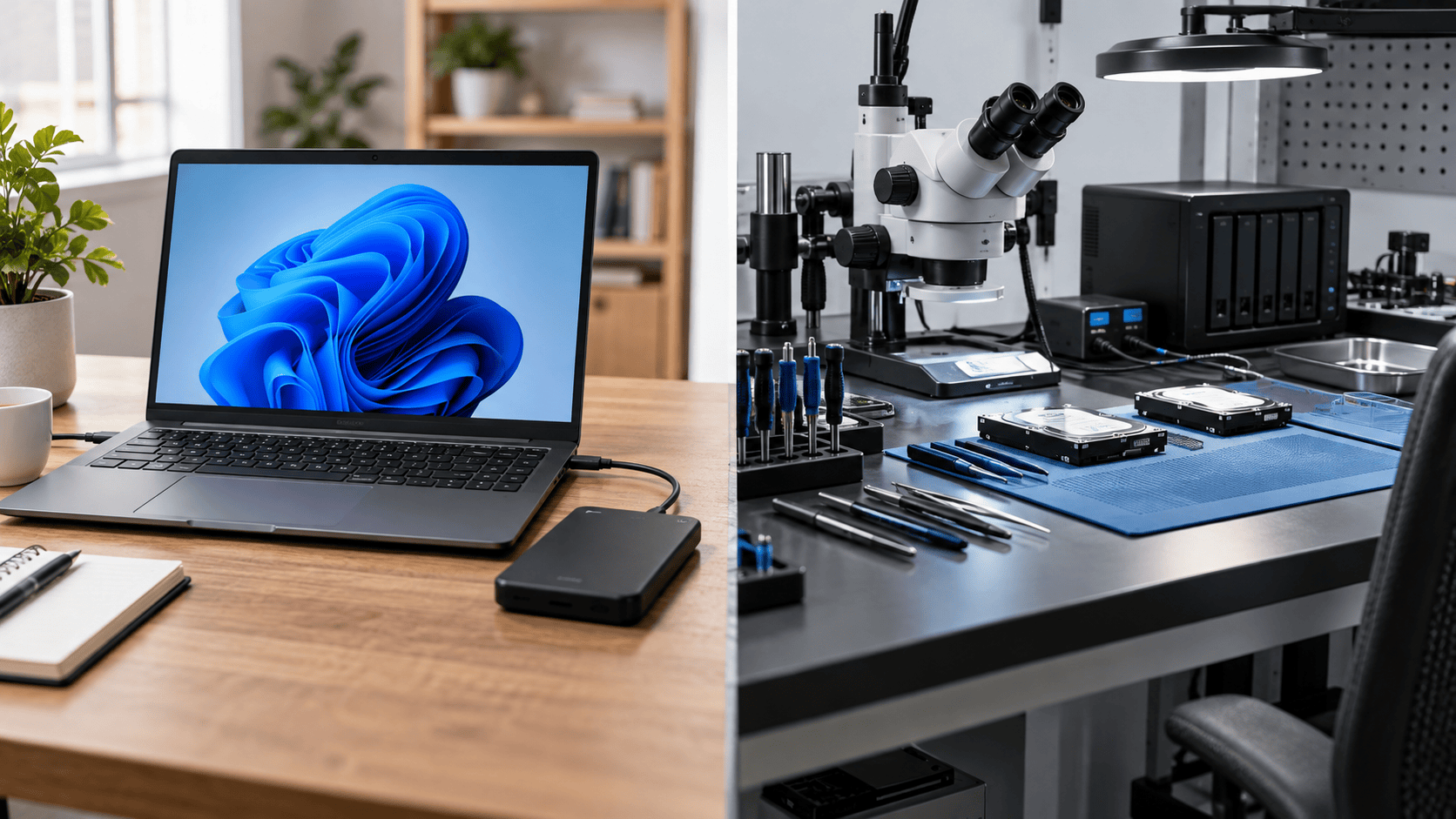
Use software for a stable logical source
Software can be reasonable when Windows exposes the device with a plausible capacity and it remains stable during ordinary reading. Typical cases include deletion, accidental formatting, a damaged partition table, a RAW volume, or missing folders on otherwise responsive storage.
Preserve the source first. Do not install tools on it, format it, initialize it, run repair commands, or recover files back to it. For a readable but deteriorating device, a byte-for-byte image can reduce later work on the original.
XRecovery 3.1.6 runs on Windows and can scan Windows-recognized disks, partitions, external devices, and loaded images. Quick scan is followed automatically by deep scan. It supports disk and partition byte copying, saved sessions, and a total free recovery allowance of 2 GB.
Choose professional evaluation for unstable hardware
Stop DIY work when an HDD clicks or scrapes, a device repeatedly disconnects, capacity changes, the host freezes during light reads, an SSD overheats or disappears, or Windows never exposes a physical disk. Ordinary software cannot address storage that the operating system does not present as a readable source.
Professional work may also be justified for liquid, fire, impact, controller, firmware, or severe bad-sector cases. Do not open a sealed hard drive mechanism or repeatedly power unstable media.
Consider data value and encryption
Unique business records, legal evidence, research data, and irreplaceable personal media can justify an earlier stop. BitLocker, device encryption, hardware encryption, and application encryption require the correct keys and metadata. Avoid resets that can destroy access to otherwise intact encrypted data.
Evaluate software with a sample
Do not decide from a file count alone. Preview representative files where supported, recover a sample to another physical device, and validate it. Open complete documents, extract archives, inspect full-resolution images, and play videos through several points with audio.
If the source remains stable and the sample is usable, software is producing evidence that supports continued recovery. If key files are incomplete, the source deteriorates, or imaging cannot progress safely, preserve what you have and reassess.
Select a professional provider
Ask how the provider diagnoses the device, protects original media, handles encryption and confidentiality, communicates risk, and charges when recovery is partial or unsuccessful. Keep a record of the device condition and prior attempts.
The decision is not based on whether software or a laboratory is generally “better.” It is based on whether the source can be read safely, whether the method preserves future options, and whether the expected value of the data justifies the remaining risk and cost.
Agree on scope, privacy and delivery before approval
Give the provider a priority file list and ask how usable results will be demonstrated, what partial recovery costs, and what happens if the priority files cannot be opened. Ask who can access the data, whether work is subcontracted, how returned data will be protected and when retained copies will be deleted. Record the agreed handling of the original device as well as the recovered files.
Use the recovery quote checklist for the financial scope. Seagate owners should first check the device’s Rescue eligibility.