We receive many questions from our users in Italy regarding data safety, legal compliance, and technical capabilities. Here are detailed answers to help you make an informed decision.
1. Is data recovery legal and compliant with Italian privacy laws?
Absolutely. Using XRecovery for your personal or business devices is entirely legal. Because XRecovery operates locally on your machine without requiring an active internet connection to process files, it fully complies with the European GDPR and the Italian Codice in materia di protezione dei dati personali. Your recovered files are never uploaded to cloud servers, ensuring complete confidentiality.
2. How does the 2GB Free Data Recovery work?
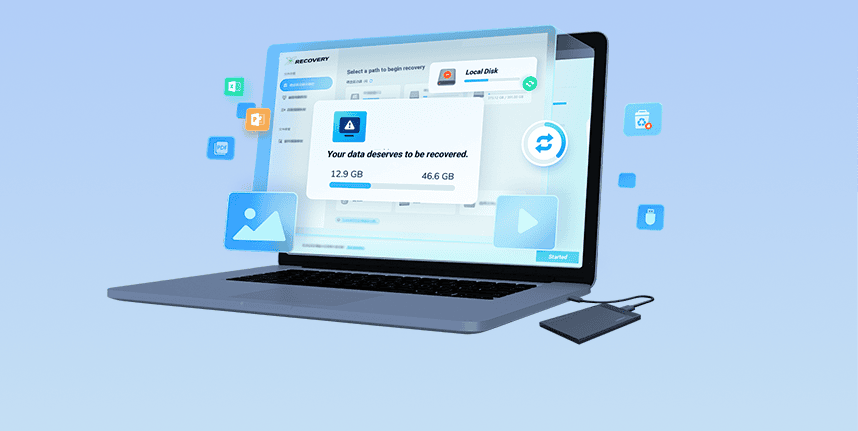
Unlike competitors who only allow you to preview files or limit free recovery to a meager 500MB, XRecovery offers a generous 2GB of free data recovery. This means you can download the software, scan your drive, preview the files, and actually save up to 2GB of data to your computer without paying a single Euro. It is perfect for recovering essential Word documents, Excel spreadsheets, or a batch of family photos.
3. Can I recover data from a physically damaged hard drive?
XRecovery is a logical data recovery software. This means it is highly effective for software-level issues: accidental deletion, formatting, RAW file systems, and corrupted partition tables. However, if your hard drive is making clicking noises, grinding sounds, or is not recognized by the BIOS/UEFI at all (physical mechanical failure), software alone cannot fix it. In such cases, we recommend taking the drive to a cleanroom data recovery lab in Italy.
4. Why is XRecovery specifically recommended for Italian photographers?
Italy's vibrant photography scene demands specialized tools. When an SD card corrupts during a wedding shoot in Venice or a fashion event in Milan, standard recovery tools often piece together fragmented video files incorrectly or fail to extract EXIF data from RAW image formats. XRecovery utilizes an AI-driven video and photo reconstruction algorithm specifically tuned for formats like Canon CR3, Sony ARW, and high-bitrate MP4/MOV files, ensuring the highest possible quality restoration.
5. What should I do immediately after realizing I lost data?
Stop using the affected drive immediately! If you deleted files from your C: drive, do not install XRecovery on the C: drive, as the installation could overwrite the invisible deleted files. Instead, download the Portable Version of XRecovery to a USB stick using another computer, plug it into the affected PC, and run the software directly from the USB. This read-only approach guarantees that your lost data remains untouched until it is safely recovered to a different external drive.