
Repair HEVC video is a distinct problem from repairing H.264, and the difference is not about file size. Modern drones and action cameras record H.265 as standard, and H.265 stores far more information about each frame in terms of its neighbors, so a corrupted region does not stay where it is — it desynchronizes the decoder, which then produces artifacts that extend far beyond the bytes actually damaged. Identical storage-level damage produces a minor glitch in an H.264 file and a ruined minute in an H.265 file.
Understanding why is what lets you decide whether a given clip is fixable, and it is also what explains the most common surprise in this topic: an HEVC file that plays perfectly in one player, badly in another, and cannot be decoded at all by an editing application.
What H.265 asks the decoder to remember
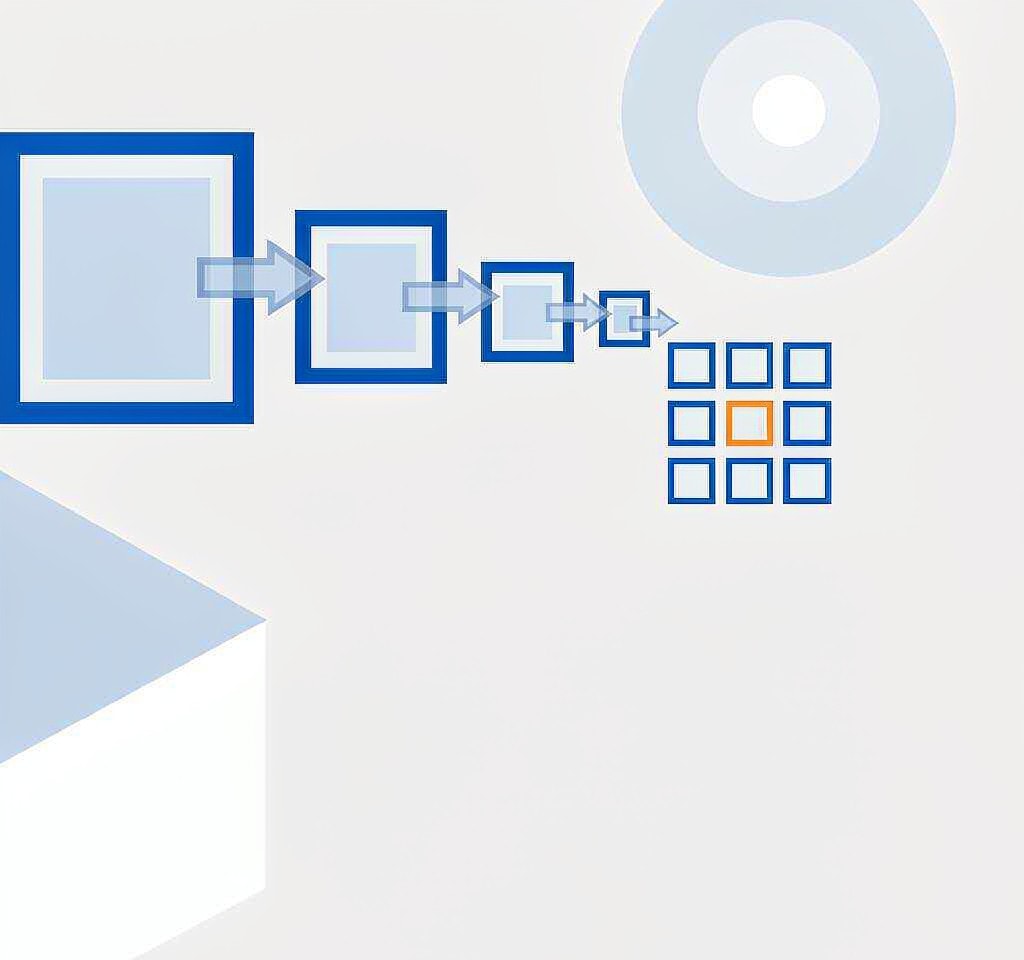
Both codecs compress by predicting frames from other frames, but they do it at very different granularities.
H.264 works with macroblocks of up to 16 by 16 pixels and a comparatively small set of reference frames. HEVC replaces those with coding tree units that can be as large as 64 by 64 pixels and can be subdivided into blocks of varying size, and it uses a deeper prediction hierarchy: more reference frames, more ways to reference them, and more decisions packed into each coded slice. The payoff is roughly half the bitrate for comparable quality. The cost is a far longer chain of dependencies inside the stream.
The critical mechanism for repair work is entropy coding. HEVC’s context-adaptive coder maintains a running state as it decodes a slice, and that state is derived from the symbols that came before. If a byte is missing or wrong, the decoder’s context drifts, and from that point onward it is no longer reading symbols correctly even though the bitstream is physically present. The rest of the slice decodes into noise.
That is the first counterintuitive fact about this codec: in HEVC, the blast radius of an error is a slice, not a block. Where an H.264 file often shows a band of blocky pixels until the next macroblock row refreshes, an H.265 file frequently loses everything from the damaged point to the next independent entry point in the stream.
Why the same damage spreads further
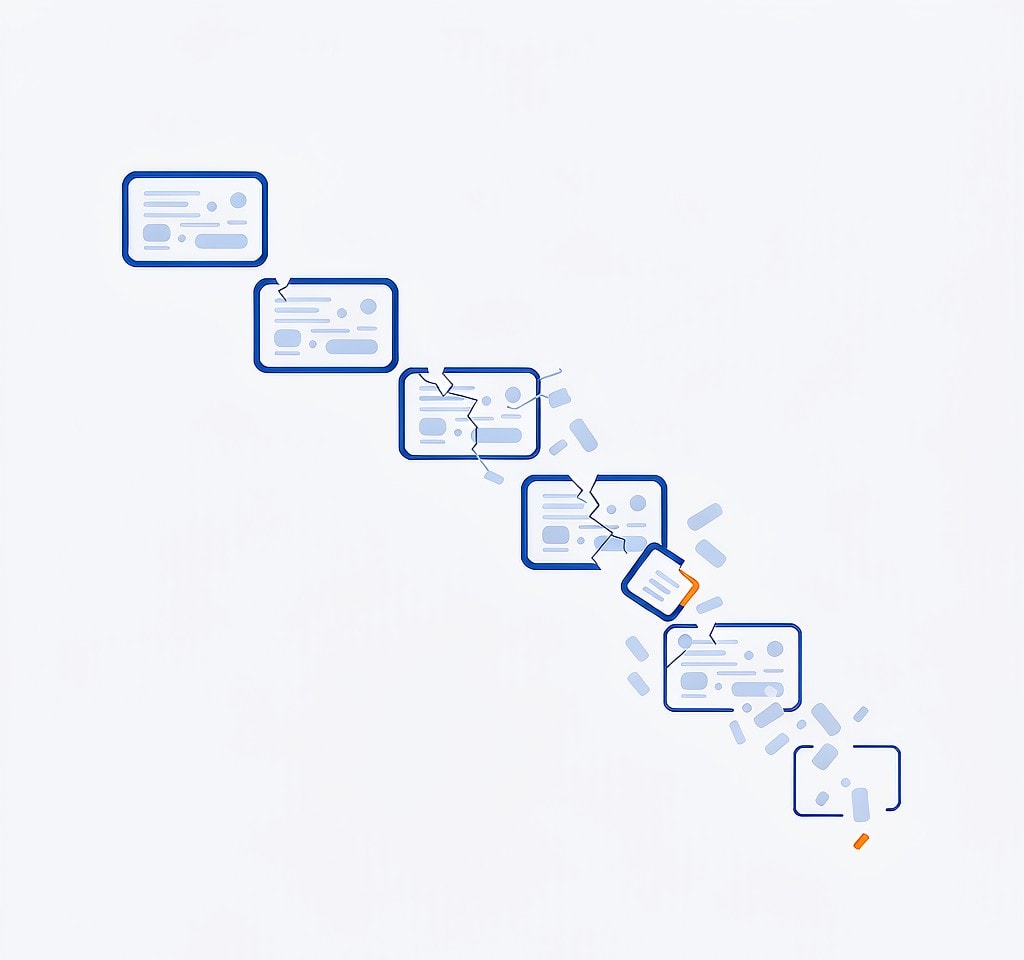
Four properties of HEVC recording stack on top of each other, and drone and action-camera footage hits all four.
Long groups of pictures (GOPs). Cameras recording to flash cards favor long GOPs to keep files small, so an IDR (instantaneous decoder refresh) frame — a frame that can be decoded without reference to anything else — may appear only once every two to ten seconds. Every frame between those points depends on the frames before it.
Deep bidirectional prediction. HEVC makes heavier use of frames that reference both past and future frames, which produces better compression and longer dependency chains. A damaged frame can invalidate the frames that reference it, including frames that appear earlier in playback order.
Denser coding of the same visual information. Because HEVC carries less redundancy for a given quality, there is simply less duplicated structure for a repair tool to fall back on. Redundancy is what a repair algorithm exploits; HEVC deliberately removes it.
Larger transform and prediction blocks. A single damaged block covers a larger area of the picture, so the visible artifact is bigger even when the same number of blocks is affected.
None of this makes HEVC files inherently fragile on the card. It makes the consequences of damage more severe once damage occurs, which is why an HEVC clip that survived an interrupted write is more likely to be unusable than an H.264 clip in the same circumstances. The recording format question is separate from the storage question, and the differences between the container formats used by these devices are set out in the overview of drone video file formats; the codec family itself is covered under camera video containers and codecs.
The second surprise: a playing file is not a healthy file
HEVC decoders are built to conceal errors rather than to report them. When a slice cannot be decoded, the decoder generates something plausible for the missing area — repeating a previous frame’s content, copying neighboring pixels, or simply holding the last good picture. Playback continues.
This concealment is why two identical files can behave in opposite ways. A hardware decoder in a phone or a television may conceal a damaged region so effectively that the clip looks fine. A software decoder used by an editing application, which is usually stricter and less tolerant of non-conforming streams, may refuse the file or crash on it. NLE (non-linear editing) software also needs to decode the whole file reliably for the export, and it cannot conceal its way through a damaged GOP.
The practical consequence is a rule worth applying before you delete anything. If a drone or action-camera clip plays without incident on the camera but fails in your editor, the file is probably damaged and the camera is concealing the problem. Check it on a computer and scan the card before you format it for the next job.
Matching the damage to the repair
| What you see | What is damaged | Repair path | Expected outcome |
|---|---|---|---|
| File will not open at all; valid media inside | Container index, not the codec | Rebuild the trailing index | Full clip, up to the interruption point |
| Plays in the camera, fails in an editor | Concealed error inside a GOP | Repair the bitstream or re-encode from the last intact IDR | Playable clip, with loss at the damaged GOP |
| Blocky patches that persist for many seconds | Entropy desynchronization after a damaged byte | Cut at the last intact IDR and rebuild the remainder | Content up to the reference frame is safe |
| Green or gray frames at the start, then normal | Missing reference frames at the head of the sequence | Cross-file rebuild if a chaptered sequence; otherwise re-encode | Partial recovery; the first seconds may be lost |
| Audio present, video absent | Video track damaged, audio track intact | Extract and remux the audio; repair video separately | Audio fully recoverable |
| File plays but colors are wrong or flat | Color metadata lost, not the video data | Restore the color tags rather than re-encode | Correct appearance, no quality loss |
Two rows in that table are easy to misread. The first row is not a codec problem at all: a file with a rebuilt index needs no re-encoding, so there is no generation loss and no loss of metadata. That is the best possible outcome in this topic and it is also the most common one after an interrupted recording. The mechanics of the operation are the same as for any container, described in the guide to repairing a missing or damaged index.
The last row is the trap that produces unnecessary quality loss. If a repaired clip comes back looking washed out or desaturated, the likely cause is that the repair rewrote the file’s color tags, not that the pixels were harmed. Re-encoding to “fix” it destroys the original data for no reason. Restoring the transfer characteristics and color primaries in the container corrects the appearance without touching a single frame.
When the honest answer is the reference frame
Every repair path in HEVC has the same hard boundary: the last independent entry point that survived.
If the stream contains an intact IDR frame, everything from that point forward can usually be decoded and re-encoded, even if the data after it is partly damaged, because decoding restarts cleanly at the reference. If the damage destroyed an IDR frame and its neighbors, no tool can reconstruct it, because the information needed to display those frames was never stored anywhere. The decoder can only display what it can predict, and prediction requires a starting point.
This is where repair work stops and honesty begins. A tool can deliver the footage from the last good reference frame to the end of the file. It cannot invent the section before it, and any product claiming to rebuild lost reference frames by itself is describing interpolation, not recovery.
Three practical implications follow. Segments longer than a few seconds between IDRs are the segments most likely to be lost. Footage shot with long-GOP settings is more fragile than footage shot with all-intra settings, which is why professional acquisition formats store every frame independently. And a repair that returns a shorter clip than you expected is usually not a failed repair; it is a repair that respected the boundary.
Working the file without making it worse
Copy the file off the card before opening it in any repair tool, and never write a repaired file over its own source. Repair operations commonly rewrite the container at both ends of the file, so a failed attempt on the original can leave it less recoverable than it began.
If the card has not been touched since the failure, start there rather than with the damaged file. A clipped recording usually leaves the underlying media intact, and a scan can recover both the damaged file and any earlier unwritten material. If you are on Windows and the card is still detected by a computer, a purpose-built recovery tool such as XRecovery (xappset.com) can scan SD, microSD, and other memory cards for deleted or formatted photos and videos. As with any recovery tool, stop writing to the card first and always save recovered files to a different drive.
After a repair, verify the result rather than assuming it. Watch the whole clip, export it, and check that the last frame matches where the recording actually ended. The general procedure appears in the workflow for checking recovered video files, and the wider set of causes behind unplayable files is covered in repairing corrupted video files.
Frequently Asked Questions
Is HEVC harder to repair than H.264?
Yes, mainly because of entropy coding. An error in an HEVC slice desynchronizes the decoder’s context state, so the damage usually extends to the next independent entry point rather than staying local to a few blocks.
Why does my H.265 video play on the camera but not in my editor?
Decoders conceal errors to keep playback smooth, and editing software is far less tolerant. If a clip plays on the device but fails on a computer, the file is damaged and the card should be scanned before it is reused.
Does repairing an HEVC file always mean re-encoding it?
No. If only the container index is missing, the fix is to rebuild the index and the original video data stays untouched. Re-encoding is only necessary when the coded stream itself is damaged.
Can a repair recover all of an HEVC clip?
Only from the last intact IDR frame forward. Frames before that point depend on reference data that no longer exists, and no tool can recreate it. Expect the portion after the last good reference frame, not the whole file.